Your company runs Tidio on the website. Lyro answers the easy questions, the support team picks up the rest in the Tidio inbox, and now product wants the same chat inside the Flutter app. You search pub.dev for a Tidio Flutter SDK and find nothing official.
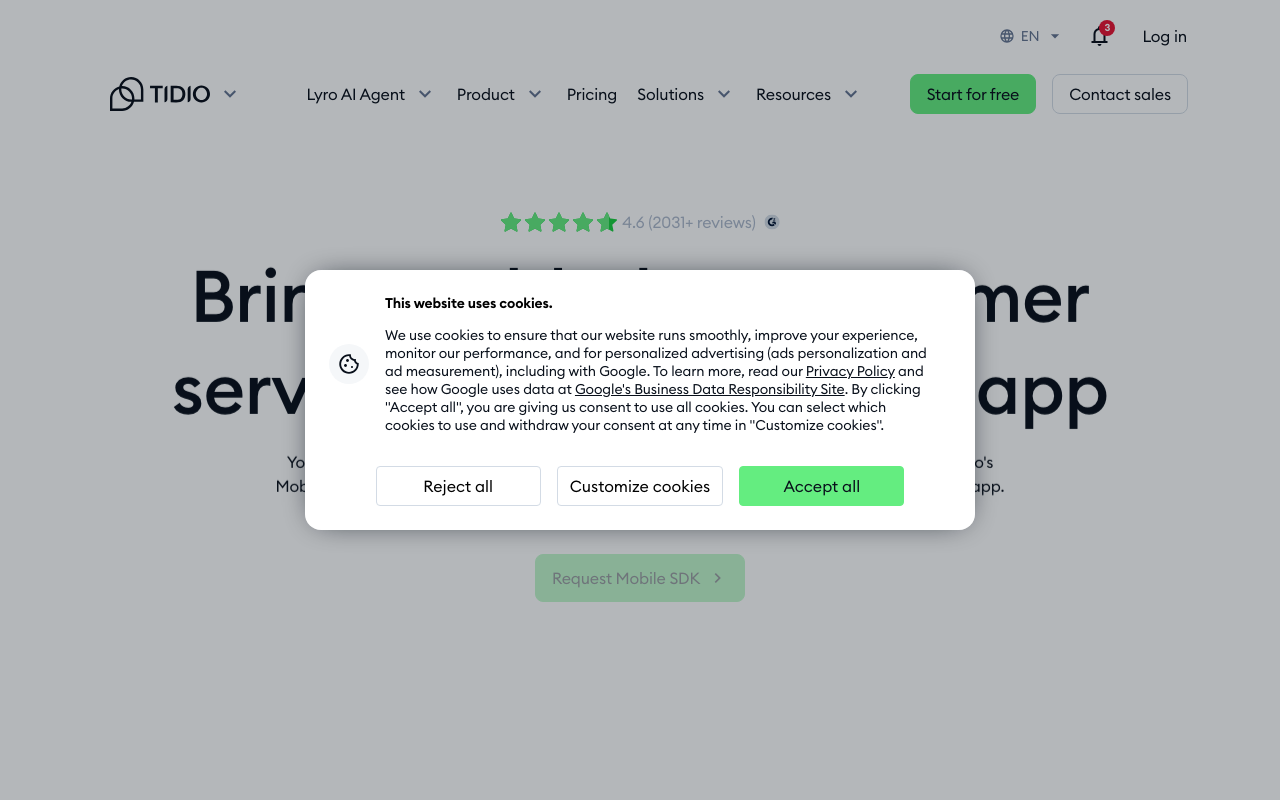
Tidio does have a mobile SDK. Its mobile SDK page says it embeds live chat and the Lyro AI Agent in iOS or Android apps "with native implementations" and can trigger Flows. It does not mention Flutter, React Native or FlutterFlow, the install steps are not in the public developer docs, and you get the SDK through a "Request Mobile SDK" form.
So there are three real paths. Here is each one with code, judged on install effort, FlutterFlow support, rich messages and voice.
Path 1: wrap Tidio's web widget in a WebView
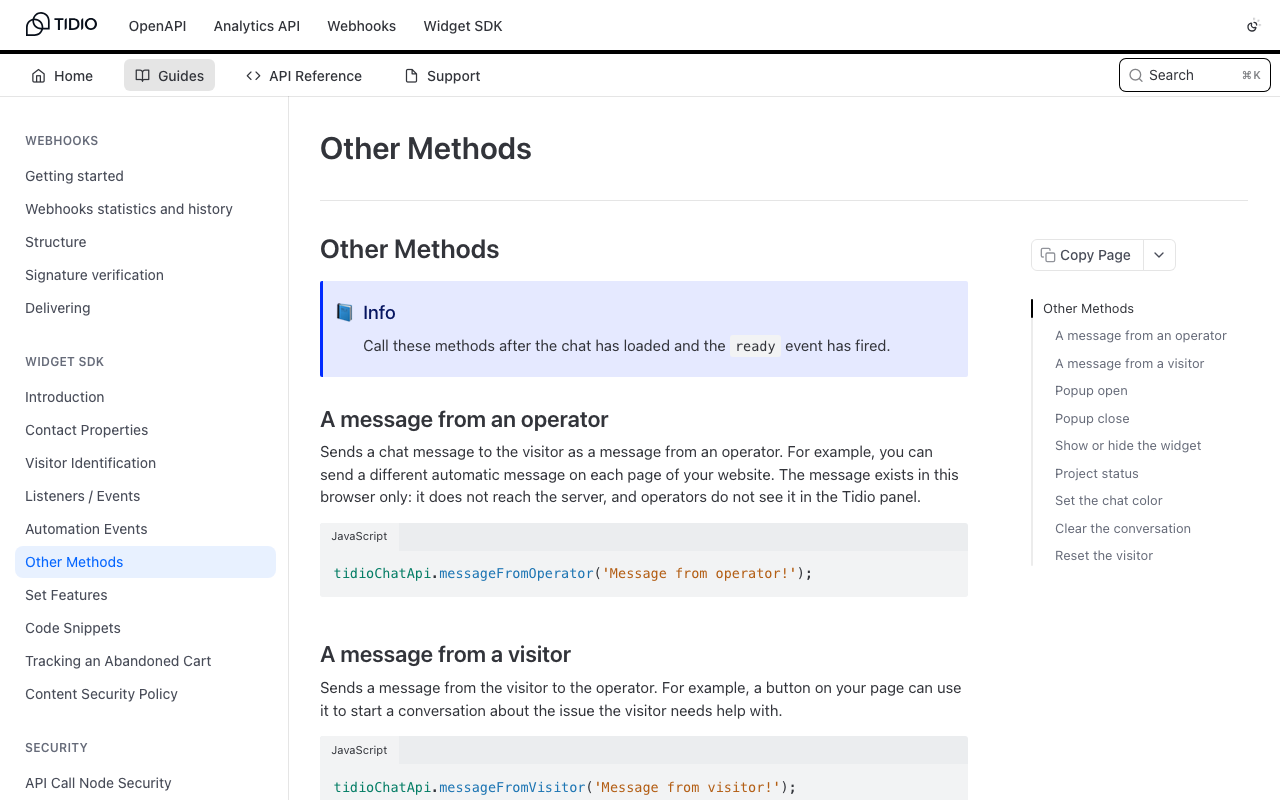
Tidio's web widget is one script tag, //code.tidio.co/PUBLIC_KEY.js, documented in the widget code snippets. You can load it inside a small HTML page with webview_flutter, identify the user with document.tidioIdentify and open the chat once the ready event fires.
flutter pub add webview_flutter
import 'package:flutter/material.dart';
import 'package:webview_flutter/webview_flutter.dart';

class TidioSupportScreen extends StatefulWidget {
  const TidioSupportScreen({super.key, required this.userId, required this.email});
  final String userId;
  final String email;

  @override
  State<TidioSupportScreen> createState() => _TidioSupportScreenState();
}

class _TidioSupportScreenState extends State<TidioSupportScreen> {
  late final WebViewController _controller;

  static const _publicKey = 'YOUR_TIDIO_PUBLIC_KEY';

  String get _html => '''
<!DOCTYPE html>
<html><head><meta name="viewport" content="width=device-width, initial-scale=1"></head>
<body>
<script>
  document.tidioIdentify = {
    distinct_id: "${widget.userId}",
    email: "${widget.email}"
  };
  function onTidioReady() {
    tidioChatApi.open();
    tidioChatApi.on("close", function () { AppBridge.postMessage("close"); });
  }
  if (window.tidioChatApi) {
    window.tidioChatApi.on("ready", onTidioReady);
  } else {
    document.addEventListener("tidioChat-ready", onTidioReady);
  }
</script>
<script src="https://code.tidio.co/$_publicKey.js" async></script>
</body></html>
''';

  @override
  void initState() {
    super.initState();
    _controller = WebViewController()
      ..setJavaScriptMode(JavaScriptMode.unrestricted)
      ..addJavaScriptChannel('AppBridge', onMessageReceived: (msg) {
        if (msg.message == 'close' && mounted) Navigator.of(context).pop();
      })
      ..loadHtmlString(_html, baseUrl: 'https://www.example.com');
  }

  @override
  Widget build(BuildContext context) =>
      Scaffold(body: SafeArea(child: WebViewWidget(controller: _controller)));
}
Every tidioChatApi call above (open, on("ready"), on("close")) and document.tidioIdentify come from Tidio's widget methods, events and visitor identification pages. Escape the user values before you interpolate them in production.
This is the fastest route to the same Lyro and the same inbox. The cost is a web page in a native app: no native theming, and file pickers and push notifications need extra WebView work on each platform.
Path 2: platform channels around Tidio's native SDK
If your plan gets you the native SDK, you can call it from Dart through a MethodChannel. Tidio does not publish the native class names, so the native side below marks where the SDK call goes. Use the entry points from the documentation Tidio sends you with the SDK.
import 'package:flutter/services.dart';

class TidioNative {
  static const _channel = MethodChannel('app/tidio');

  static Future<void> openChat({required String userId, required String email}) =>
      _channel.invokeMethod('openChat', {'userId': userId, 'email': email});
}
// android/app/src/main/kotlin/.../MainActivity.kt
class MainActivity : FlutterActivity() {
    override fun configureFlutterEngine(flutterEngine: FlutterEngine) {
        super.configureFlutterEngine(flutterEngine)
        MethodChannel(flutterEngine.dartExecutor.binaryMessenger, "app/tidio")
            .setMethodCallHandler { call, result ->
                when (call.method) {
                    "openChat" -> {
                        val userId = call.argument<String>("userId")
                        // Identify the visitor and present the chat with Tidio's Android SDK here.
                        result.success(null)
                    }
                    else -> result.notImplemented()
                }
            }
    }
}
// ios/Runner/AppDelegate.swift
let controller = window?.rootViewController as! FlutterViewController
let channel = FlutterMethodChannel(name: "app/tidio",
                                   binaryMessenger: controller.binaryMessenger)
channel.setMethodCallHandler { call, result in
    guard call.method == "openChat" else { return result(FlutterMethodNotImplemented) }
    // Identify the visitor and present the chat with Tidio's iOS SDK here.
    result(nil)
}
You get a native chat screen with Lyro, Flows and the shared inbox, and Tidio's page lists push notifications. You also take on two native integrations, two dependency setups and a channel to keep in sync with every SDK release. Tidio's page estimates integration at "15-30 minutes"; budget more, because that figure is for one native platform, without the Flutter bridge.
- my_app/
- lib/
- support/
- tidio_native.dartMethodChannel wrapper
- android/
- app/src/main/kotlin/
- MainActivity.ktchannel handler + Tidio Android SDK
- ios/
- Runner/
- AppDelegate.swiftchannel handler + Tidio iOS SDK
Path 3: a native Dart chat with widget_chat
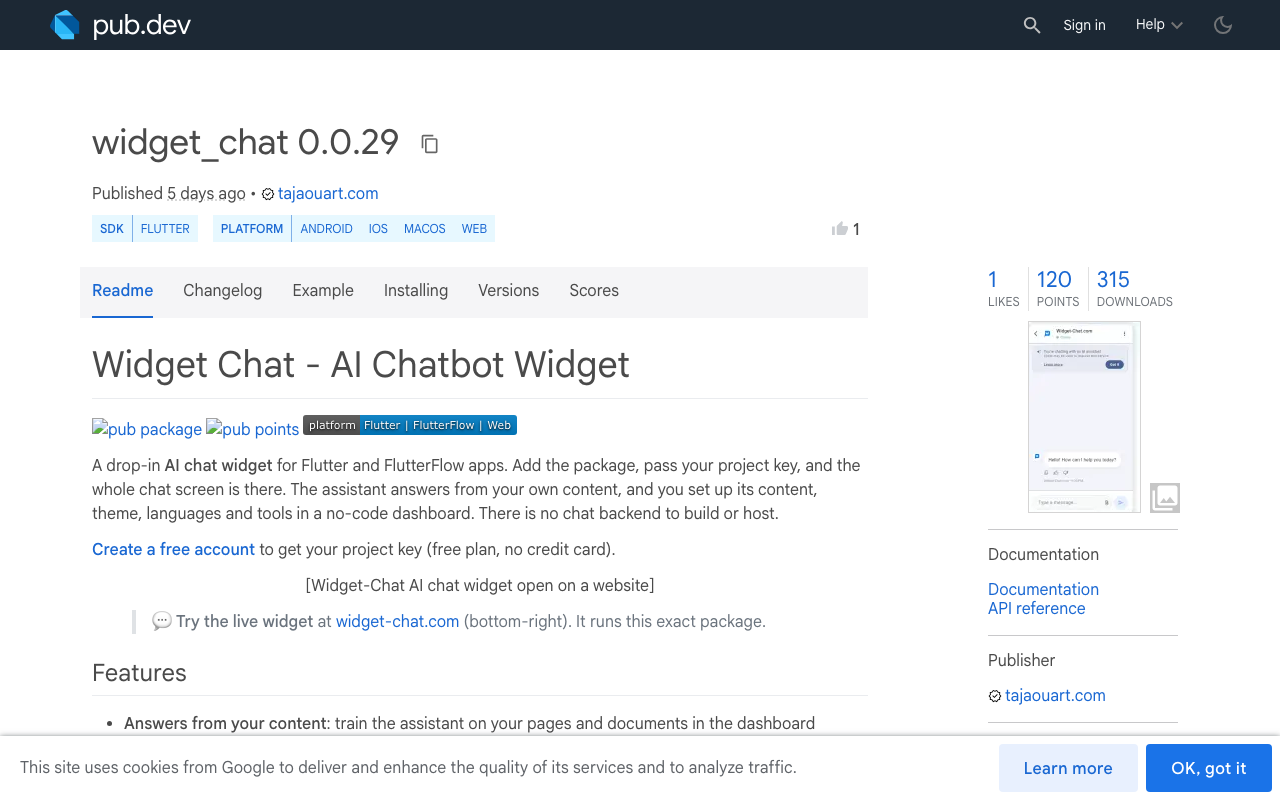
The third path drops Tidio from the app and uses a chat that ships as a Flutter package. widget_chat gives you the whole chat screen as a widget. The assistant answers from your own content, configured in a no-code dashboard, and there is no chat backend to host.
flutter pub add widget_chat
import 'package:widget_chat/widget_chat.dart';

class SupportScreen extends StatelessWidget {
  const SupportScreen({super.key, required this.userId});
  final String userId;

  @override
  Widget build(BuildContext context) => Scaffold(
        body: ChatWidget(
          configuration: BotConfiguration(
            projectSecretKey: 'your-project-secret-key',
            userID: userId,
          ),
        ),
      );
}
Because it is Dart, it renders with the rest of your widget tree: light, dark or system theme, UI in 46 locales and replies in 100+ languages, markdown, image cards, carousels, product lists and button groups, image attachments from camera or gallery, and paginated history. Since version 0.0.23 the same package has live voice: the user taps the mic and talks, the assistant answers out loud, and they can interrupt it mid-sentence. Add NSMicrophoneUsageDescription on iOS and RECORD_AUDIO on Android for that.
For FlutterFlow, add widget_chat as a custom pub dependency and return the ChatWidget from a custom widget (custom code needs a paid FlutterFlow plan). The FlutterFlow guide walks through it.
How the three paths compare
| Criterion | WebView + Tidio widget | Channels + Tidio native SDK | widget_chat |
|---|---|---|---|
| Install effort | One package, one HTML page | SDK on request, two native integrations plus a channel | One package, one widget |
| FlutterFlow | Custom widget wrapping a WebView | Not practical: needs edits in the native Runner and MainActivity | Custom widget, documented guide |
| Rich messages | Whatever the web widget renders | Whatever the native SDK renders | Cards, carousels, product lists, buttons, swatches |
| Voice | Not described in Tidio's public docs | Not described in Tidio's public docs | Live speech-to-speech with barge-in |
| Shared inbox with the website | Yes, same Tidio project | Yes, same Tidio project | No, a separate assistant and dashboard |
Bridging Tidio into Flutter
- Web page inside the app, or two native SDKs behind a MethodChannel
- Native SDK obtained through a request form
- FlutterFlow needs a WebView custom widget at best
- Theme and keyboard handled outside Dart
widget_chat in Dart
- flutter pub add widget_chat
- One ChatWidget in the tree
- FlutterFlow custom widget with a guide
- Rich messages and live voice in the same package
Where Tidio is the better choice
If your support team already works the Tidio inbox every day, Tidio wins on one thing that matters a lot: one queue. A customer who chats on the website and later in the app lands in the same place, with the same Lyro answers and the same Flows, and your agents learn nothing new. If that shared live-agent inbox is the requirement, take path 2 when you can get the SDK, or path 1 when you cannot, and accept the bridging work.
Pick widget_chat when the goal is an AI assistant that feels native in the Flutter or FlutterFlow app, with rich product cards or voice, and you do not need app conversations in the Tidio inbox.
- List the requirementDecide if app chats must land in the Tidio inbox.
- Try the WebViewBuild path 1 in an afternoon to test Lyro in the app.
- Request the SDKAsk Tidio for the native SDK if the WebView feels too web-like.
- Prototype widget_chatDrop ChatWidget into a test screen and compare on a real phone.
Add Widget-Chat to your Flutter app
If the in-app assistant matters more than a shared inbox, this is the whole integration:
ChatWidget(
  configuration: BotConfiguration(
    projectSecretKey: 'your-project-secret-key',
    userID: 'user-123',
  ),
)
Create a project, add your help content, and paste the key. The free plan needs no credit card: sign up for Widget-Chat.