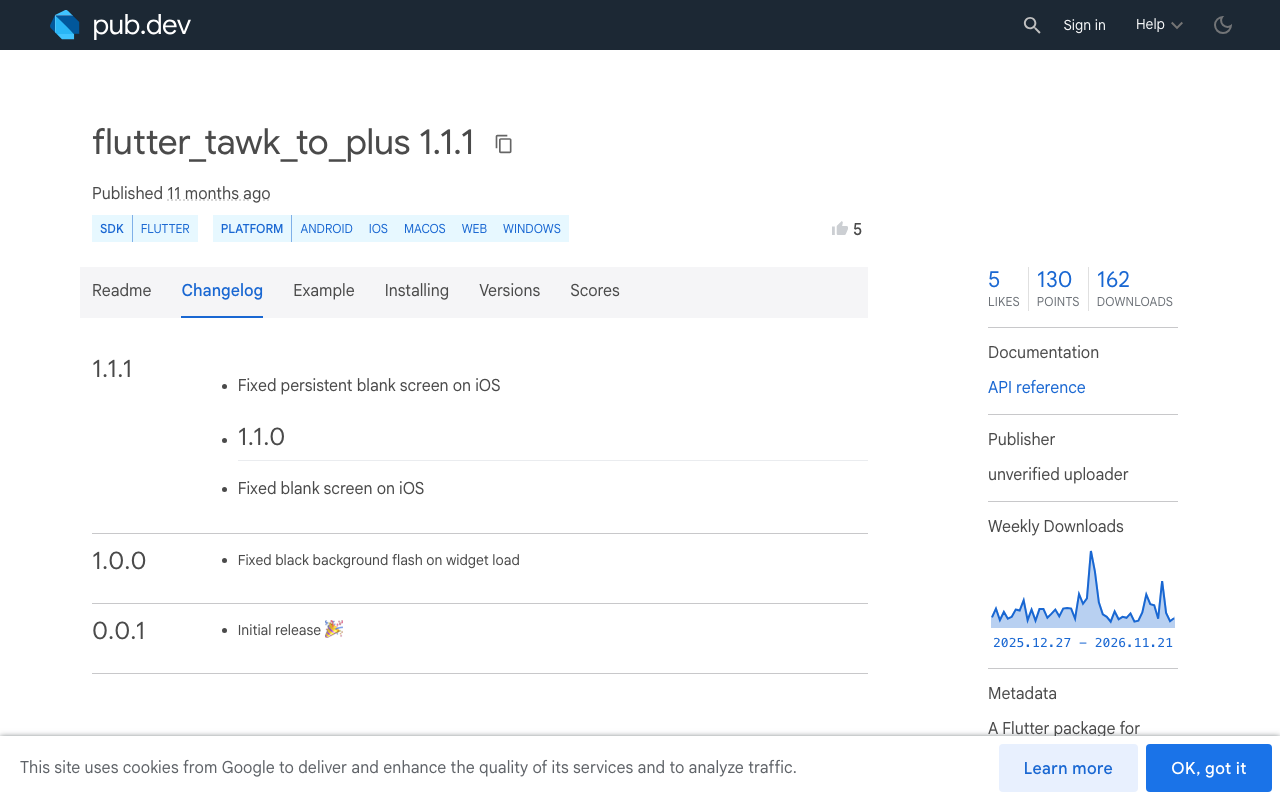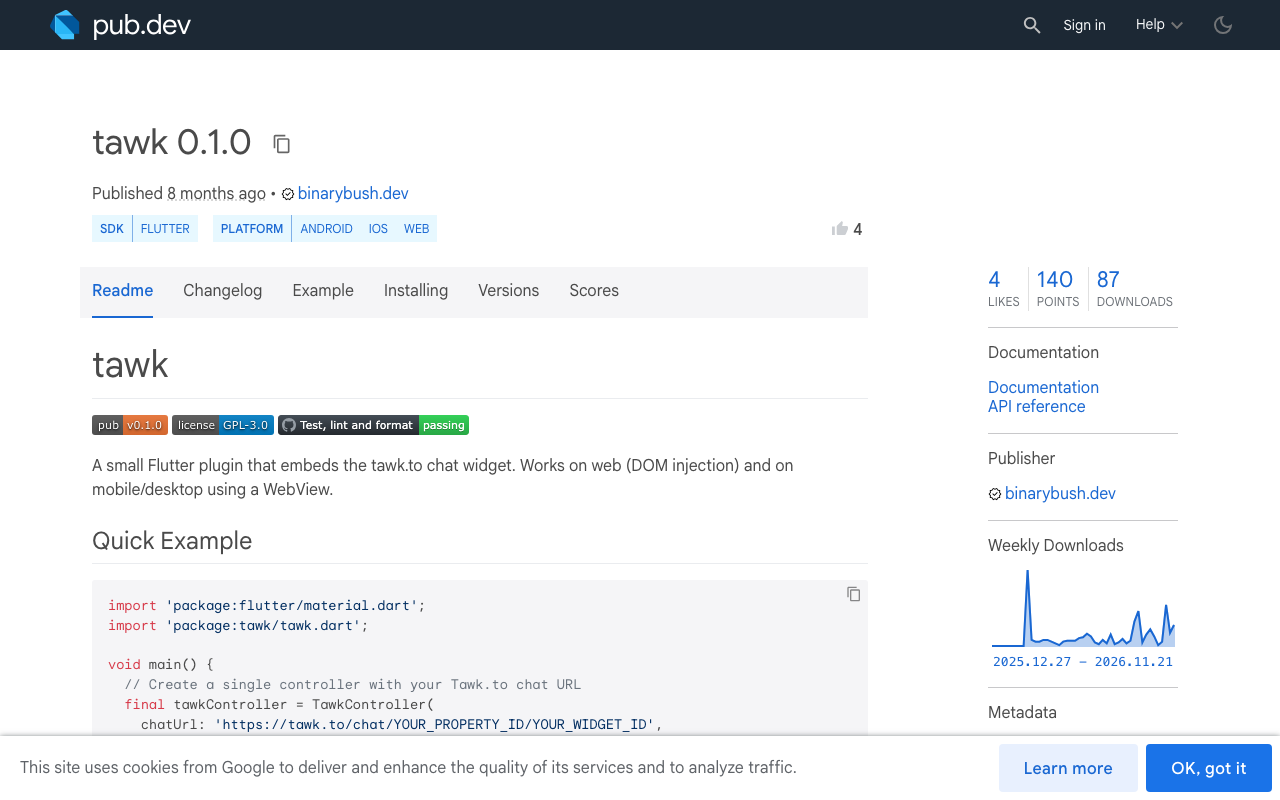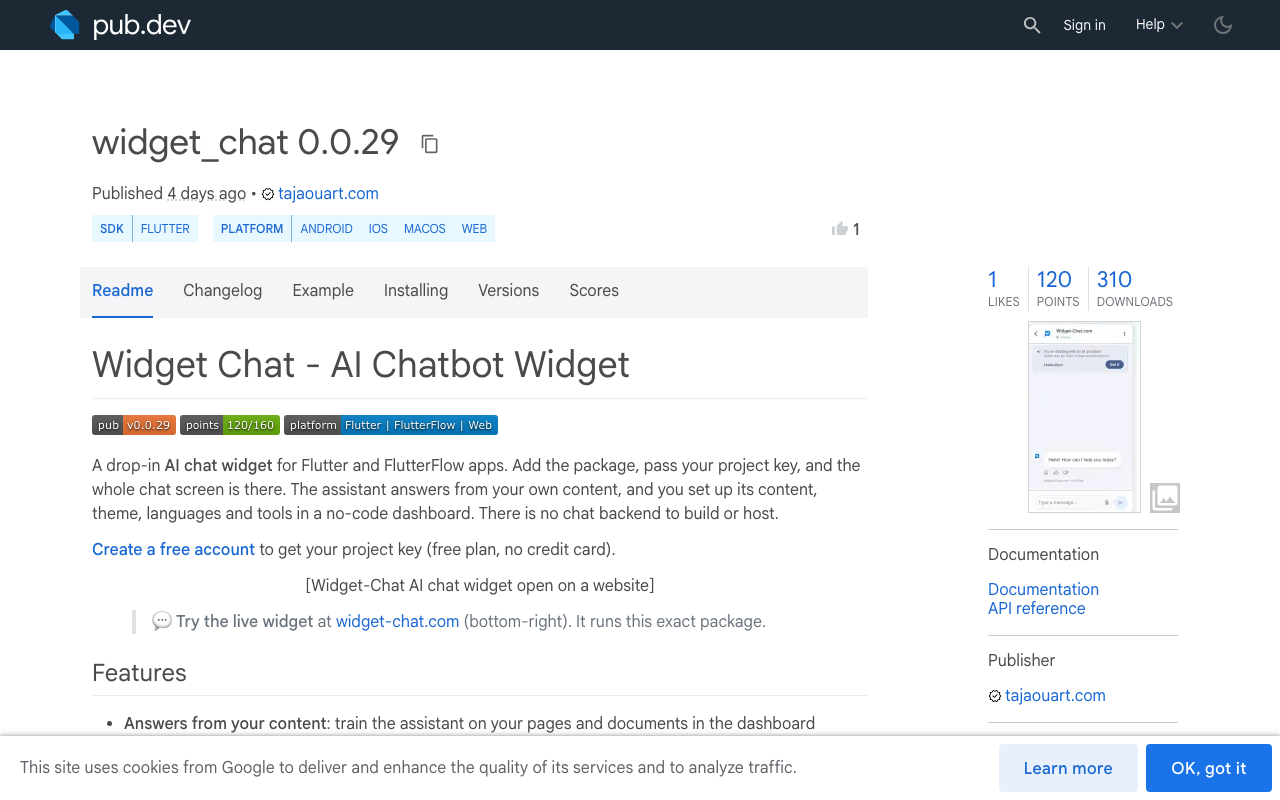
Tawk.to is free and popular, so a lot of Flutter apps get their support chat by loading it in a WebView. There is no official Tawk.to Flutter SDK. You choose between community wrappers on pub.dev, and each one documents its own trade-offs. This post compares three current ones (tawk, flutter_tawk_to_plus and flutter_tawk_to_chat) with widget_chat, a native Flutter widget that answers from your own content with AI. Every claim about the wrappers comes from their own pub.dev pages and changelogs.
How Tawk.to gets into a Flutter app
All three wrappers do the same basic thing. They take your Tawk.to direct chat link (https://tawk.to/chat/PROPERTY_ID/WIDGET_ID) and load the hosted chat page in a WebView. flutter_tawk_to_plus and flutter_tawk_to_chat both depend on flutter_inappwebview. tawk uses a WebView on mobile and desktop, and injects the script into the DOM on web.
The difference is in the first hop. A WebView chat is a web page inside your app, so its fonts, keyboard handling and back behaviour come from the browser engine. widget_chat renders every bubble, card and input field as a Flutter widget.
The three wrappers, from their own pub.dev notes
flutter_tawk_to_chat
This is a fork of the older flutter_tawk package, at version 0.4.0+1. Usage is a single widget:
import 'package:flutter_tawk_to_chat/flutter_tawk_to_chat.dart';

Tawk(
  directChatLink: 'https://tawk.to/chat/PROPERTY_ID/WIDGET_ID',
  visitor: TawkVisitor(
    name: 'Ada Lovelace',
    email: 'ada@example.com',
  ),
  onLoad: () => debugPrint('Tawk loaded'),
  placeholder: const Center(child: CircularProgressIndicator()),
)
Its changelog explains why it moved to flutter_inappwebview in 0.2.0: JavaScript could not run in the iOS WebView. The package lists Android, iOS, macOS and Windows on pub.dev. Web is not listed, so a Flutter web build needs another approach.
flutter_tawk_to_plus
Version 1.1.1 swaps the widget for a service. You call TawkService().initialize(...) with the direct chat link and a TawkVisitor, then place TawkService().getWebViewWidget(placeholder: ...) in your screen. It adds an onAgentMessage callback, and its example turns agent messages into local notifications with flutter_local_notifications.
The changelog is short and telling:
| Version | Changelog entry |
|---|---|
| 1.0.0 | Fixed black background flash on widget load |
| 1.1.0 | Fixed blank screen on iOS |
| 1.1.1 | Fixed persistent blank screen on iOS |
If you searched for "tawk.to webview flutter blank screen", this is the history you are running into. The blank screen took two releases to fix. Pin 1.1.1 or later if you use this package.
tawk
tawk 0.1.0 (GPL-3.0) uses a controller and wants to sit at the app root:
import 'package:tawk/tawk.dart';

final tawkController = TawkController(
  chatUrl: 'https://tawk.to/chat/PROPERTY_ID/WIDGET_ID',
);

MaterialApp(
  builder: (context, child) => TawkChat(
    controller: tawkController,
    child: child ?? const SizedBox.shrink(),
  ),
  home: const HomePage(),
);

// Anywhere below it:
TawkController.of(context).open(context);
It is the only one of the three that documents web support. Its troubleshooting section covers Android back navigation and asks you to opt in to predictive back in the manifest:
<application
    android:enableOnBackInvokedCallback="true"
    ... >
Without that, the system back gesture and the chat overlay disagree about who handles back. Check the GPL-3.0 licence against how you ship your app before you adopt it.
Identity: where the secret lives
Tawk.to has a Secure Mode that verifies visitors with a hash. flutter_tawk_to_chat takes a ready-made hash on TawkVisitor. flutter_tawk_to_plus takes a secret and builds the hash in the app, and its example hardcodes that secret in Dart. A key compiled into an app binary can be extracted. Compute the hash on your own server and send only the result to the app:
// Server side (your backend, never the app)
import 'dart:convert';
import 'package:crypto/crypto.dart';

String tawkVisitorHash(String email, String tawkApiKey) {
  final hmac = Hmac(sha256, utf8.encode(tawkApiKey));
  return hmac.convert(utf8.encode(email)).toString();
}
The app then fetches it from something like https://api.example.com/support/tawk-hash after login and passes it as hash. widget_chat follows the same rule: it supports HMAC-signed user identity, and the signing secret stays on your server.
What about AI answers?
Out of the box, the wrappers give you a human-agent live chat. Tawk.to sells an AI add-on, AI Assist (formerly named Apollo), that answers from content you put into Tawk.to. It is configured in Tawk.to's dashboard, and the reply still appears inside the hosted WebView page. So the WebView problems above still apply.
widget_chat starts from AI. The assistant answers from your own content (docs, FAQs, product data), set up in a no-code dashboard, and the model provider key never ships in the app. Because the UI is native, answers can be more than text.
Tawk.to in a WebView
- Hosted web page inside the app
- Human-agent chat first, AI as a paid add-on
- iOS blank screen fixed twice in one wrapper's changelog
- Android back needs a manifest opt-in in one wrapper
- Web support depends on which fork you pick
- Look follows the Tawk.to widget settings, not your Flutter theme
widget_chat (native)
- Flutter widgets, no WebView
- AI answers from your own content
- Markdown, image cards, carousels, product lists, button groups
- Image attachments from camera or gallery
- Live voice mode with barge-in and captions
- Light, dark and system themes; iOS, Android, web and desktop
Side by side
| Criterion | tawk | flutter_tawk_to_plus | flutter_tawk_to_chat | widget_chat |
|---|---|---|---|---|
| Rendering | WebView, DOM on web | WebView (inappwebview) | WebView (inappwebview) | Native Flutter widgets |
| Latest version | 0.1.0 | 1.1.1 | 0.4.0+1 | 0.0.29 |
| Web | Documented | Check pub.dev analysis | Not listed | Yes |
| AI answers | Tawk.to add-on | Tawk.to add-on | Tawk.to add-on | Built in, from your content |
| Human agents | Yes | Yes | Yes | No live-agent inbox in the listed features |
| Identity | Chat URL only | secret in the app |
hash passed in |
HMAC-signed, signed server-side |
| Rich content | Tawk.to's own | Tawk.to's own | Tawk.to's own | Product cards, carousels, swatches, video on a card |
| Voice | Not documented | Not documented | Not documented | Yes, speech to speech |
| Licence | GPL-3.0 | MIT | MIT | Proprietary |
When Tawk.to is the better choice
Be honest about the job. If your team wants free live chat with human agents answering every message, and you have no need for AI answers, Tawk.to is the better fit. Its core chat is free, agents reply from the Tawk.to dashboard and mobile apps, and flutter_tawk_to_chat gets you there in about ten lines. Pin a recent version, test on a real iPhone, and add the Android back opt-in if you use tawk.
Pick widget_chat when you want most questions answered instantly by an AI assistant trained on your own content, with a chat that looks like the rest of your Flutter app, shows products as tappable cards, accepts photos, and can talk out loud.
Migrating a screen from Tawk.to to widget_chat
- Create a projectSign up free and copy your project key from the dashboard.
- Add your contentPoint the assistant at your docs, FAQ pages and product data.
- Install the packageRun flutter pub add widget_chat.
- Swap the widgetReplace the Tawk or TawkChat widget with ChatWidget.
- Remove the WebView setupDrop the Tawk.to direct chat link and any hardcoded secret from the app.
- Test on devicesCheck iOS, Android and web; add NSMicrophoneUsageDescription and RECORD_AUDIO if you enable voice.
- lib/
- main.dart
- support/
- support_screen.dartwas Tawk(...), now ChatWidget
- identity.dartfetches the signed user id from your backend
- pubspec.yamlwidget_chat replaces the tawk wrapper
Add the native widget
widget_chat ships the finished chat screen: AI answers from your content, rich product cards, image attachments, HMAC identity, themes and voice, with no chat backend to build. Install it and drop in the widget:
flutter pub add widget_chat
import 'package:widget_chat/widget_chat.dart';

ChatWidget(
  configuration: BotConfiguration(
    projectSecretKey: 'your-project-secret-key',
    userID: 'user-123',
  ),
)
FlutterFlow users can add it as a custom pub dependency in a custom widget (guide). The free plan needs no credit card: create your project.