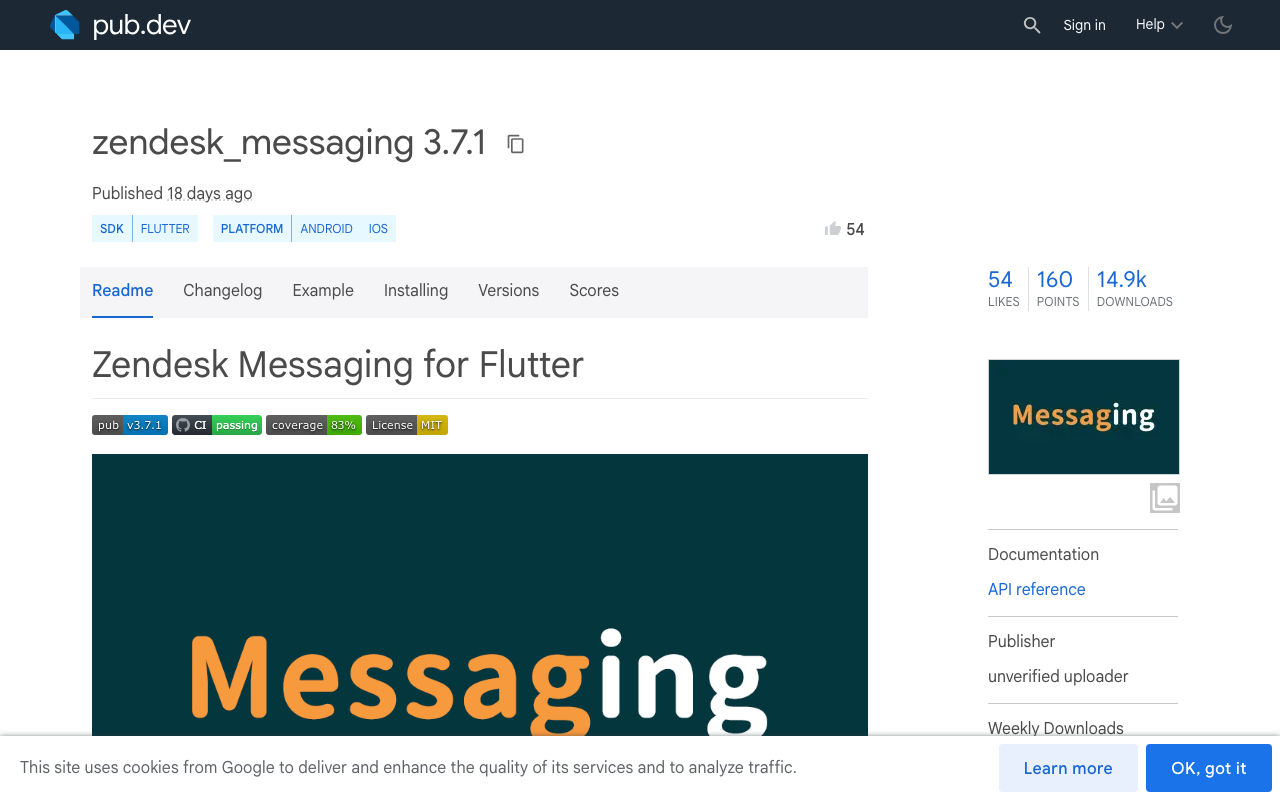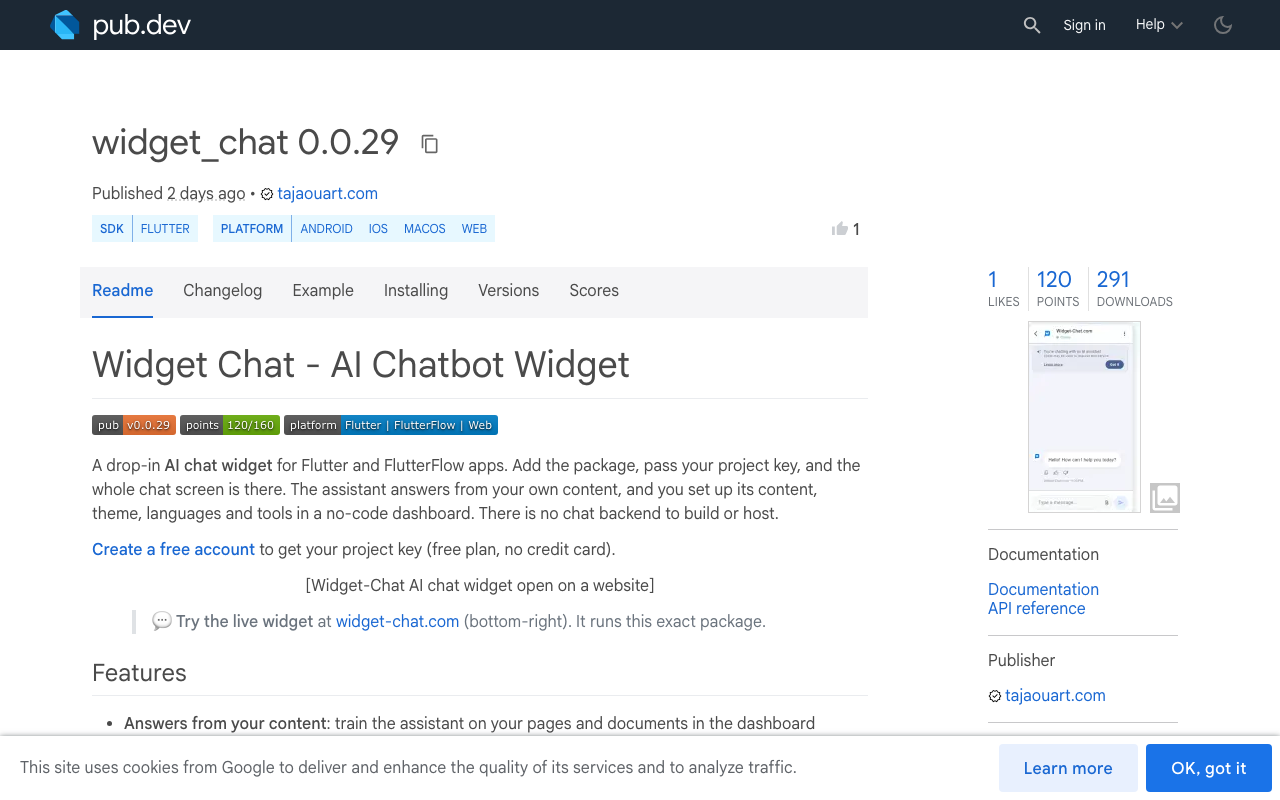
If you search for a Zendesk Flutter SDK, you land on zendesk_messaging, a community plugin on pub.dev that wraps the native Zendesk Messaging SDKs. It is a good plugin for what it does: it puts a helpdesk conversation inside your app. The question for a small team is whether a helpdesk is what you need, or whether you want an AI assistant that answers from your own content with nobody staffing an inbox.
This post compares zendesk_messaging (3.7.1 at the time of writing) with the widget_chat package, criterion by criterion, using what the plugin's pub.dev README says. Short version: Zendesk is the better choice when you need human agents and ticketing. Widget-Chat is the lighter choice when you want a Flutter AI support chatbot and no helpdesk to run.
What each one is
zendesk_messaging is a bridge. The README lists the native SDKs it wraps (plugin 3.5.0 to 3.7.1 ships Android SDK 2.40.0 and iOS SDK 2.39.0), and its pub.dev platform tags are Android and iOS. You need a Zendesk account with a Messaging channel, and the conversation UI is the native Zendesk screen.
widget_chat is a Dart widget. You pass a project key, and the assistant, its content, theme and languages are configured in a no-code dashboard. There is no chat backend to build or host.
zendesk_messaging
- Wraps the native Android and iOS Zendesk SDKs
- Needs a Zendesk account and a Messaging channel key
- Push: FCM on Android, an APNs certificate uploaded in Admin Center for iOS
- Signed-in users: a JWT from your backend
- The user gets a helpdesk conversation
widget_chat
- One Dart widget, no native bridge to configure
- Needs a project key from the dashboard
- Runs on iOS, Android, web and desktop through Flutter
- Verified users: HMAC-signed identity
- The user gets an AI answering from your content
Criterion 1: setup steps
Here is the Zendesk Messaging Flutter setup as the README describes it, including push and authenticated users.
- Add the packagePut zendesk_messaging in pubspec.yaml (the README asks for Dart 3.6.0 and Flutter 3.27.0 or later).
- Android repositoryAdd the Zendesk Maven repository to the project-level android/build.gradle.
- iOS targetSet the iOS deployment target to 14.0, then run pod install (Swift Package Manager is also supported).
- Channel keyCopy the Channel ID from Admin Center, under the Messaging channel's Installation tab.
- Android pushSet up Firebase Cloud Messaging, add firebase_messaging, and add the FCM key in Admin Center.
- iOS pushCreate an APNs certificate, export it as a .p12 file, upload it in Admin Center, and add the Push Notifications capability in Xcode.
- JWT loginHave your backend issue a JWT for the signed-in user and pass it to loginUser.
In Dart, the core of it looks like this. The JWT endpoint is your own server:
import 'dart:convert';
import 'package:http/http.dart' as http;
import 'package:zendesk_messaging/zendesk_messaging.dart';

Future<void> openZendeskSupport(String sessionToken) async {
  await ZendeskMessaging.initialize(
    androidChannelKey: '<YOUR_ANDROID_CHANNEL_KEY>',
    iosChannelKey: '<YOUR_IOS_CHANNEL_KEY>',
  );

  // Your backend signs the JWT. Never sign it in the app.
  final res = await http.get(
    Uri.parse('https://api.example.com/support/zendesk-jwt'),
    headers: {'Authorization': 'Bearer $sessionToken'},
  );
  final jwt = jsonDecode(res.body)['jwt'] as String;

  try {
    await ZendeskMessaging.loginUser(jwt: jwt);
  } catch (e) {
    // Decide whether to continue as an anonymous visitor.
  }

  await ZendeskMessaging.show();
}
The Widget-Chat side is shorter because there is no native bridge and no helpdesk to connect:
flutter pub add widget_chat
import 'package:widget_chat/widget_chat.dart';

ChatWidget(
  configuration: BotConfiguration(
    projectSecretKey: 'your-project-secret-key',
    userID: 'user-123',
  ),
)
You create a project in the dashboard, add your content, copy the project key, and place the widget. Verified users are handled with HMAC-signed user identity instead of a JWT login call. If you turn on live voice, the host app must declare the microphone permission (NSMicrophoneUsageDescription on iOS, RECORD_AUDIO on Android).
Criterion 2: platform coverage
The plugin's pub.dev page tags Android and iOS, with minimums of iOS 14.0 and Android API 21 in its requirements table. That follows from the design: it wraps two native SDKs, so it goes where they go.
widget_chat is tagged for Android, iOS, macOS and web on pub.dev. If your Flutter app also ships as a web build or a desktop app, the same widget and the same project key work there. For a FlutterFlow app, it is added as a custom pub dependency inside a custom widget (which needs a paid FlutterFlow plan).
Criterion 3: what the user sees
With zendesk_messaging, the user is in a helpdesk conversation. The plugin exposes the things a support team needs: showConversationList(), startNewConversation(), unread counts through an event stream, and conversation tags and fields (setConversationTags, setConversationFields) so agents get context such as the app version.
With widget_chat, the user talks to an AI assistant that answers from your own content. Replies can be rich messages: markdown, image cards, carousels, product lists, button groups and colour swatch pickers. The user can attach an image from the camera or gallery, and on Flutter they can tap the mic for a live voice call with barge-in and live captions (voice is plan-gated by a monthly minute pool). The UI ships in 46 locales and replies come in 100+ languages.
The criteria in one table
| Criterion | zendesk_messaging | widget_chat |
|---|---|---|
| What it is | Community plugin wrapping native Zendesk SDKs | Dart package with the full chat screen |
| Platforms on pub.dev | Android, iOS | Android, iOS, macOS, web |
| Account needed | Zendesk with a Messaging channel | Widget-Chat project (free plan available) |
| Native config | Maven repo, iOS 14.0 target, pod install | None for text chat, mic permission for voice |
| Push notifications | Yes: FCM and an APNs .p12 in Admin Center | Not a listed feature |
| User identity | JWT from your backend via loginUser |
HMAC-signed user identity |
| Human agents and tickets | Yes, this is the point of it | No |
| Multi-conversation | Yes, conversation list and new conversations | One assistant chat with paginated history |
| AI answers from your content | Depends on your Zendesk setup | Yes, built in |
| Rich product cards and carousels | Not covered in the plugin README | Yes |
| Live voice | Not covered in the plugin README | Yes, in the Flutter package and web widget |
Where Zendesk is the better choice
Pick zendesk_messaging if any of these is true:
- You have, or plan to have, human agents answering users. Widget-Chat is an AI assistant, it is not an agent inbox.
- You need ticketing: assignment, tags, custom fields, a history your support team works from.
- Your users need several parallel conversations and push notifications when an agent replies hours later.
- Your company already runs on Zendesk and the app is one more channel.
In those cases an AI widget does not replace the helpdesk, and you should not try to make it.
Where widget_chat fits better
- You are a small team with no one to staff a queue, and most questions are answered by your docs, FAQ or catalogue.
- You ship to Flutter web or desktop as well as mobile.
- You want the assistant to show products, run your own HTTP tools, or trigger actions in the host app through callbacks.
- You want voice in the same widget.
If you are weighing other helpdesk SDKs too, the same comparison exists for Intercom in Flutter apps and for Crisp and the crisp_chat plugin.
Try the AI route in your Flutter app
The widget_chat package ships the finished chat screen: history with pagination, light, dark and system themes, rich messages and voice. Add it, pass your key, and you have Flutter in-app support chat running:
ChatWidget(
  configuration: BotConfiguration(
    projectSecretKey: 'your-project-secret-key',
    userID: 'user-123',
  ),
)
- flutter pub add widget_chat
- Create a project and add your content in the dashboard
- Paste the project key into BotConfiguration
- Run on iOS, Android, web or desktop
The free plan needs no credit card: create your Widget-Chat account and get a project key. The package is on pub.dev.