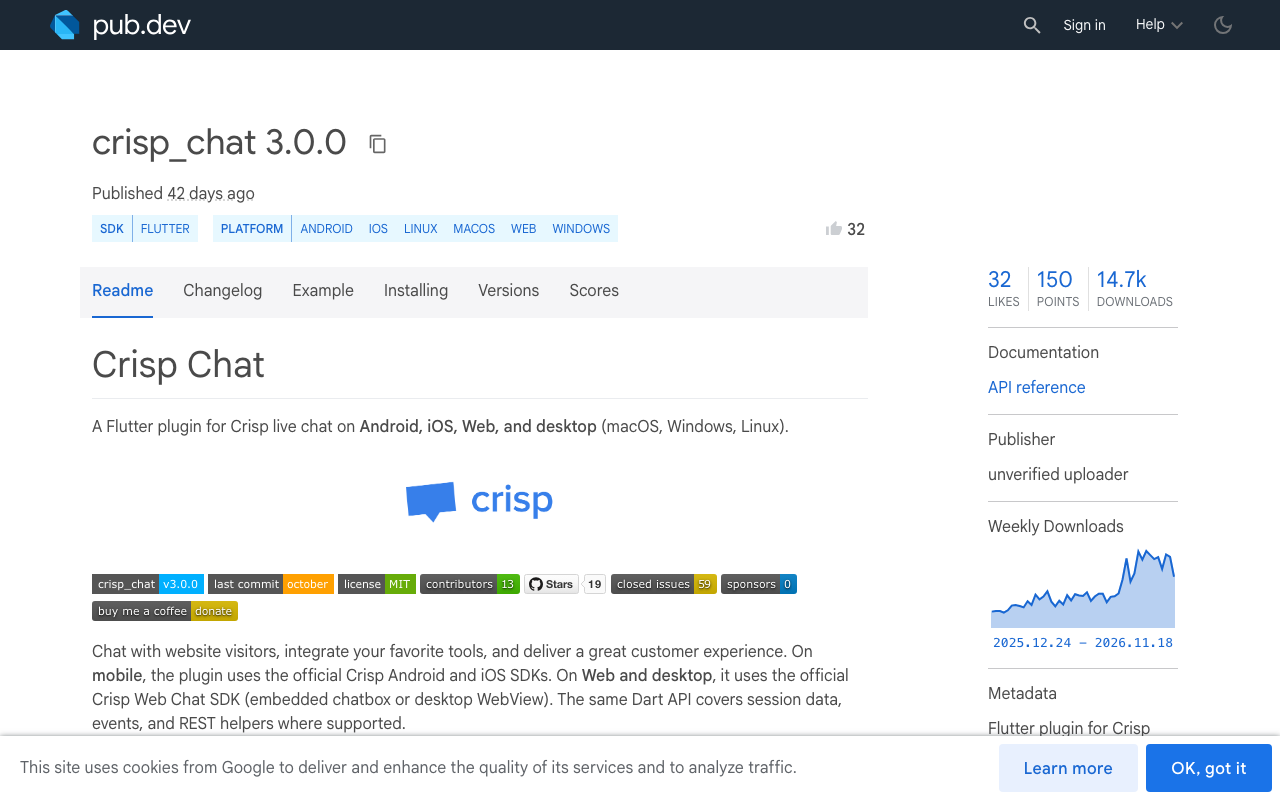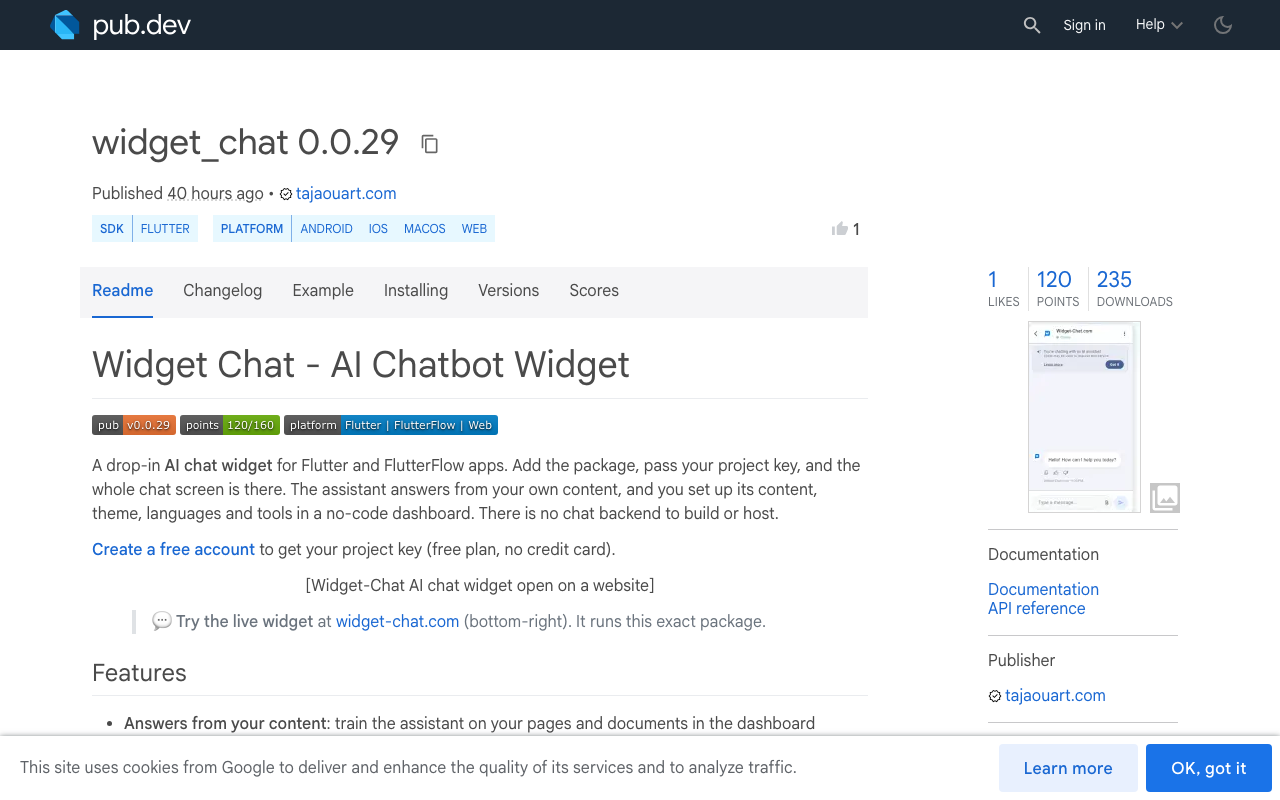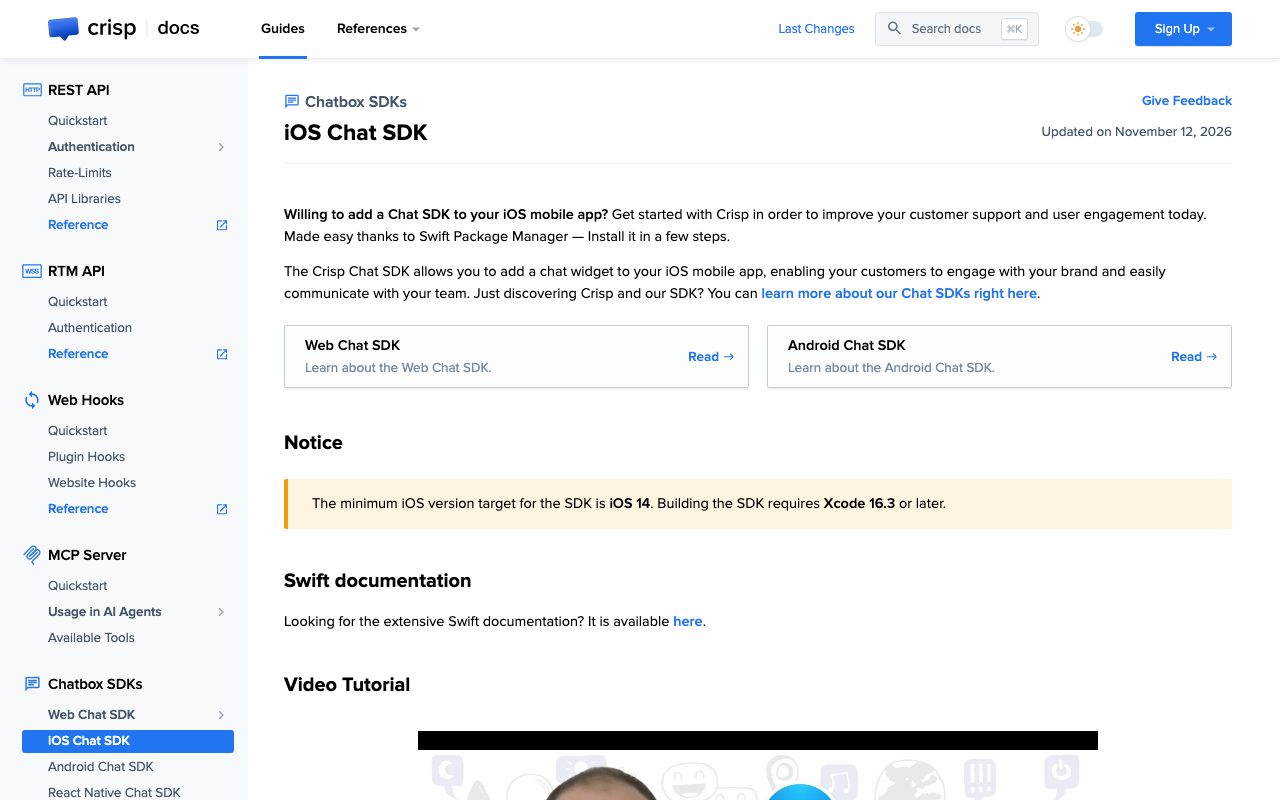
Crisp has official chat SDKs for web, iOS, Android and React Native. Its docs list no Flutter SDK. Crisp chat in Flutter goes through crisp_chat, a community plugin on pub.dev. If you are looking for a Crisp alternative for Flutter, the question is what you want the chat to do: put users in touch with your support team, or let an AI answer from your own content inside the app.
This comparison uses public docs only: the pub.dev pages of both packages and Crisp's developer documentation. It gives no Crisp pricing, and it says where Crisp is the better pick.
How each package is built
The crisp_chat Flutter package (version 3.0.0 at the time of writing, MIT licence, unverified uploader on pub.dev) describes itself this way: on mobile it uses the official Crisp Android and iOS SDKs, on web and desktop it uses the Crisp Web Chat SDK, embedded in the page or in a desktop WebView. Your Dart code calls a method, and the native Crisp screen opens on top of your app.
widget_chat (version 0.0.29, verified publisher) is a Flutter widget. The chat screen is drawn by Flutter itself, so the same widget tree runs on iOS, Android, web and desktop, and you place it like any other widget.
This has a practical effect. A native screen opened by a plugin sits outside your widget tree, so your theme, navigation and layout do not apply to it. A widget can live in a tab, a bottom sheet or a full page.
Setup: crisp_chat
These steps come from the crisp_chat README and Crisp's iOS SDK guide.
- Add the packageRun flutter pub add crisp_chat, which adds crisp_chat: ^3.0.0 to pubspec.yaml.
- AndroidAdd the INTERNET permission, compile against SDK 35 or higher and set minSdkVersion to 23.
- iOSSet the deployment target to iOS 14.0 or later and build with Xcode 16.3 or later.
- Info.plistAdd NSCameraUsageDescription and NSMicrophoneUsageDescription, both are required.
- Open the chatBuild a CrispConfig with your website ID and call FlutterCrispChat.openCrispChat.
The Info.plist step is easy to miss. The README states that the Crisp iOS SDK 3.x will not start the chat unless both keys are present:
<key>NSCameraUsageDescription</key>
<string>Used to send photos to our support team.</string>
<key>NSMicrophoneUsageDescription</key>
<string>Used for audio messages and calls with support.</string>
Then the Dart side:
import 'package:crisp_chat/crisp_chat.dart';

final config = CrispConfig(
  websiteID: 'YOUR_WEBSITE_ID',
  user: User(
    email: 'jane@example.com',
    nickName: 'Jane',
  ),
);

await FlutterCrispChat.openCrispChat(config: config);

// On logout, so the next user does not see this conversation
await FlutterCrispChat.resetCrispChatSession();
The plugin covers a lot of Crisp: session segments and data, unread message count, helpdesk articles, push notifications through Firebase, and an event stream (chatOpened, messageReceived and others). The README is open about limits too: push notifications do not apply on web and desktop, and native video on Android is listed as not supported yet.
Setup: widget_chat
flutter pub add widget_chat
import 'package:widget_chat/widget_chat.dart';

class SupportPage extends StatelessWidget {
  const SupportPage({super.key});

  @override
  Widget build(BuildContext context) {
    return Scaffold(
      body: ChatWidget(
        configuration: BotConfiguration(
          projectSecretKey: 'your-project-secret-key',
          userID: 'user-123',
        ),
      ),
    );
  }
}
That is the whole text chat integration. The assistant's content, theme, languages and tools are set in the Widget-Chat dashboard, so there is no chat backend to build or host. The one platform step is for voice: if you turn on live voice, the host app declares the microphone permission (NSMicrophoneUsageDescription on iOS, RECORD_AUDIO on Android).
In FlutterFlow, widget_chat goes in as a custom pub dependency inside a custom widget, which needs a paid FlutterFlow plan. The FlutterFlow guide walks through it.
crisp_chat setup
- pubspec dependency
- Android: compile SDK 35+, minSdk 23, INTERNET permission
- iOS: deployment target 14.0, Xcode 16.3+
- Two Info.plist keys required or the chat will not start
- Chat opens as a separate native screen
widget_chat setup
- pubspec dependency
- One widget with a project key and a user ID
- Mic permission only if you enable voice
- Chat sits in your own widget tree
- Content and theme set in a dashboard
Crisp vs Widget-Chat, criterion by criterion
| Criterion | Crisp with crisp_chat |
Widget-Chat with widget_chat |
|---|---|---|
| Who maintains the Flutter package | Community plugin around Crisp's official native SDKs | Published by the vendor |
| Who answers | Your team in a shared inbox, with Crisp's AI agent (Hugo) available | An AI assistant answering from your own content |
| Rendering | Native Crisp screen on mobile, Web Chat SDK or WebView on web and desktop | Flutter widget on iOS, Android, web and desktop |
| Rich messages | Crisp's API has picker, field and carousel message types | Image cards, carousels, product lists, button groups, colour swatch pickers, video on a card |
| Voice | Audio and video calls with agents in the iOS SDK | Live speech-to-speech call with the AI, with barge-in and captions |
| Localisation | Chatbox language follows the visitor's language, can be forced | UI in 46 locales, replies in 100+ languages |
| Identity verification | HMAC signature on the user's email | HMAC-signed user identity |
A few of these rows need more detail.
Who answers
This is the main difference between the two. Crisp is a helpdesk: a shared inbox where your agents reply, with an AI agent that Crisp's docs describe as able to handle conversations, answer questions and perform actions. The chatbox in your app is one channel into that inbox.
Widget-Chat starts from the other end. The assistant answers from the content you give it, in the app, with no agent on shift. It can call your own systems through custom HTTP tools and trigger action callbacks in the host app, for example opening an order screen from a chat button. For a Flutter AI chatbot package, that covers most in-app support chat: questions about your product, at any hour.
Rich messages
Crisp's REST API documents picker, field and carousel message types, sent by agents or bots from the Crisp side. Note that the event stream in crisp_chat does not map that rich content to Dart: the README says carousel targets and picker choices are not mapped in this version, so your Flutter code cannot read them from the event stream.
Widget-Chat renders its rich messages in the Flutter widget: image cards, carousels, product lists, button groups, colour swatch pickers, tap-to-zoom images and a video clip on a card. A tap on a button or product can call back into your app.
Voice
The word "voice" means two different things here. Crisp's iOS SDK includes audio and video calls, which connect a user to a human agent. Widget-Chat's live voice is a real-time call with the AI: the user taps the mic, speaks, and the assistant replies out loud. The user can interrupt it mid-sentence, captions show during the call, and product cards can appear on screen while it talks. It ships in widget_chat 0.0.23 and later, works on iOS, Android and web, and draws on a monthly voice-minute pool that depends on your plan.
Identity verification
Both use the same idea: your server signs the user's identity with a secret using HMAC, and the chat service checks the signature so nobody can impersonate another user. In crisp_chat the signature is a field on the User object. Compute it on your server, never in the app.
When Crisp is the better choice
Pick Crisp if your support is run by people. A shared inbox for the whole team, live agents, conversations coming in from several channels into one place, a helpdesk with articles, push notifications when an agent replies: that is what Crisp is built for, and crisp_chat exposes much of it to Flutter. Widget-Chat does not try to be an omnichannel helpdesk.
Pick Widget-Chat if you want the AI to do the answering inside a Flutter or FlutterFlow app, with rich messages and voice, and you would rather add one widget than manage native SDK requirements through a community plugin.
For the rest of the comparison cluster, see Widget-Chat vs Intercom for Flutter apps and the Chatbase alternative for Flutter.
Try widget_chat in your Flutter app
The widget_chat package ships the finished chat screen: AI answers from your content, rich messages, chat history, light and dark themes, and live voice.
ChatWidget(
  configuration: BotConfiguration(
    projectSecretKey: 'your-project-secret-key',
    userID: 'user-123',
  ),
)
- Run flutter pub add widget_chat
- Create a project and add your content in the dashboard
- Paste your project key into BotConfiguration
- Add the mic permission if you enable voice
There is a free plan with no credit card. Create your account and you can have the widget answering in your app today.