In stream_chat_flutter 10.5.0, Stream deprecated the AI widgets that shipped inside the main chat SDK and moved them to a separate package, stream_chat_flutter_ai. If you built an in-app assistant on the old widgets, you now have to decide whether to migrate, or whether a different tool fits better.
This post compares the two options criterion by criterion. Everything said about Stream comes from Stream's public docs and its pub.dev page. Everything said about Widget-Chat comes from what the widget_chat package ships today.
The short version: stream_chat_flutter_ai gives you UI building blocks, and you bring the agent, the transport and the model provider. widget_chat gives you the finished chat screen, and the backend is already hosted.
What changed in stream_chat_flutter 10.5.0
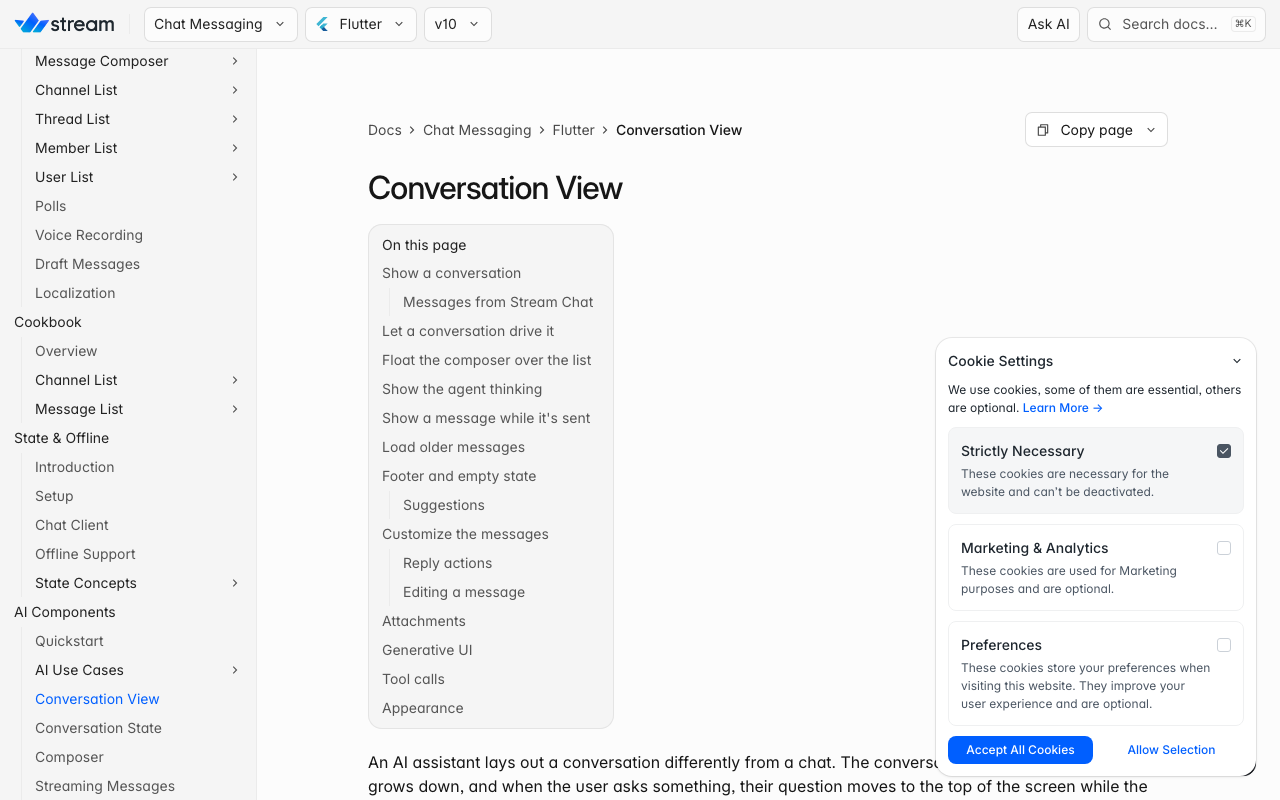
Stream's streaming-messages docs list the widgets deprecated in stream_chat_flutter 10.5.0 that now live in stream_chat_flutter_ai: StreamingMessageView, AITypingIndicatorView, AnimatedDots, the Typewriter family and TypewriterWidgetBuilder.
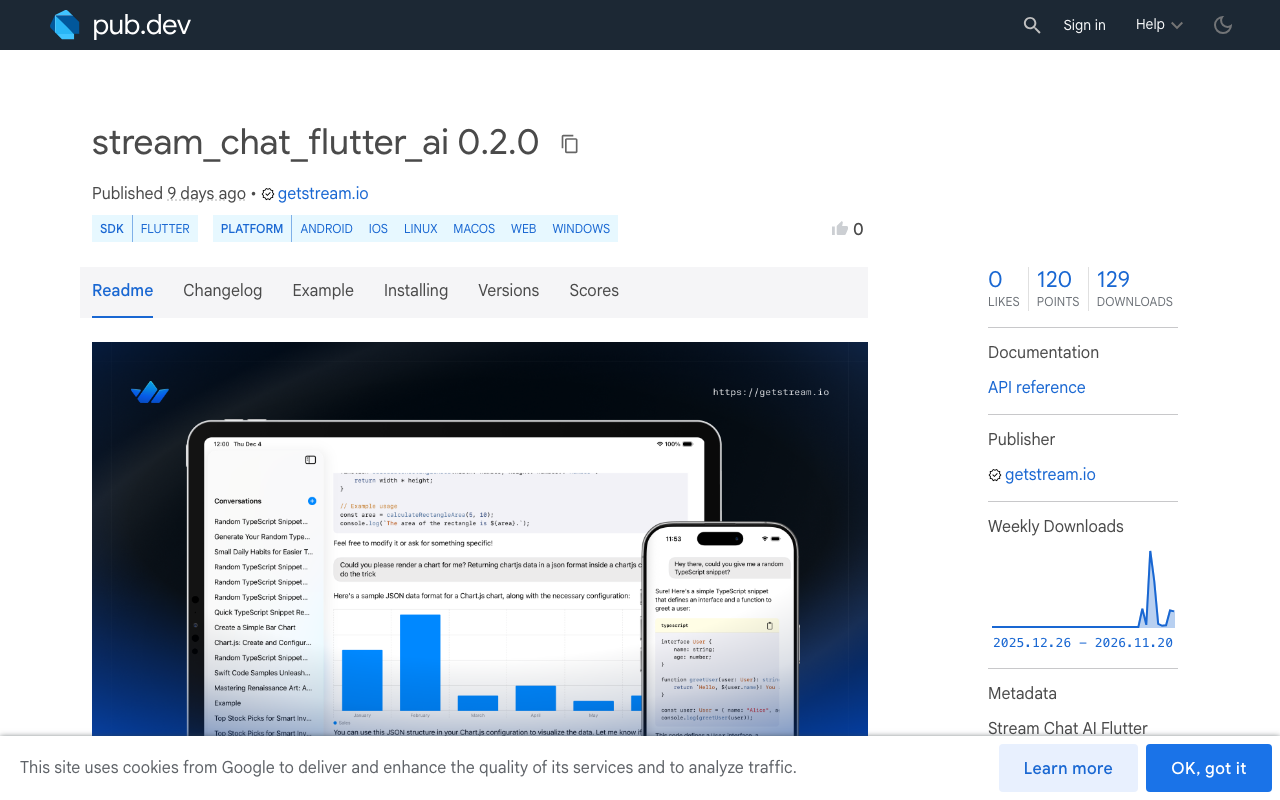
The new package also adds widgets that were never in the main SDK. The main one is AIConversationView, a layout where the reply builds below the user's question. Stream's docs say it is available from stream_chat_flutter_ai 0.2.0. There is also a ChatComposer with attachments, speech input, and a send button that becomes a stop button while a reply streams.
One detail matters for planning: stream_chat_flutter_ai does not depend on stream_chat, stream_chat_flutter or any other Stream Chat package. If you keep using Stream Chat channels, you add both packages.
The migration path
Stream's integration guide pins stream_chat_flutter: ^10.6.0 next to stream_chat_flutter_ai: ^0.2.0. The current docs list Dart 3.12 and Flutter 3.44 or later, iOS 15+ and Android minSdk 24+.
# pubspec.yaml
dependencies:
  stream_chat_flutter: ^10.6.0
  stream_chat_flutter_ai: ^0.2.0
stream_chat_flutter still exports the older, deprecated versions of some AI widgets, so with both imports in a file the names clash. The docs say to hide them on the old import so the new package's versions win:
import 'package:stream_chat_flutter/stream_chat_flutter.dart'
    hide StreamingMessageView, AITypingIndicatorView;
import 'package:stream_chat_flutter_ai/stream_chat_flutter_ai.dart';
- Bump the SDKMove stream_chat_flutter to the version the integration guide pins.
- Add the AI packageAdd stream_chat_flutter_ai 0.2.0 or later next to it.
- Check toolchainConfirm Dart 3.12 and Flutter 3.44 or later, iOS 15, Android minSdk 24.
- Hide old namesAdd a hide clause on the stream_chat_flutter import for each AI widget you use.
- Adapt messagesWrap Stream Chat messages for the AI views, as the docs show, since the AI package has no Stream Chat types.
- Retest streamingCheck the typing indicator and streaming text against your backend's events.
What each option makes you build
This is the core difference. Stream's docs describe AIConversation as the object that holds a conversation's state and drives the views, while "a transport connects it to your agent". They compare it to useChat from Vercel's AI SDK. With Stream Chat, your backend writes the agent's reply into the channel: it posts an empty placeholder message marked ai_generated: true, updates it while the model streams, stores the final text, and sends ai_indicator.* events so the UI can show what the agent is doing. Stream links a Node.js sample backend (ai-sdk-sample) for this.
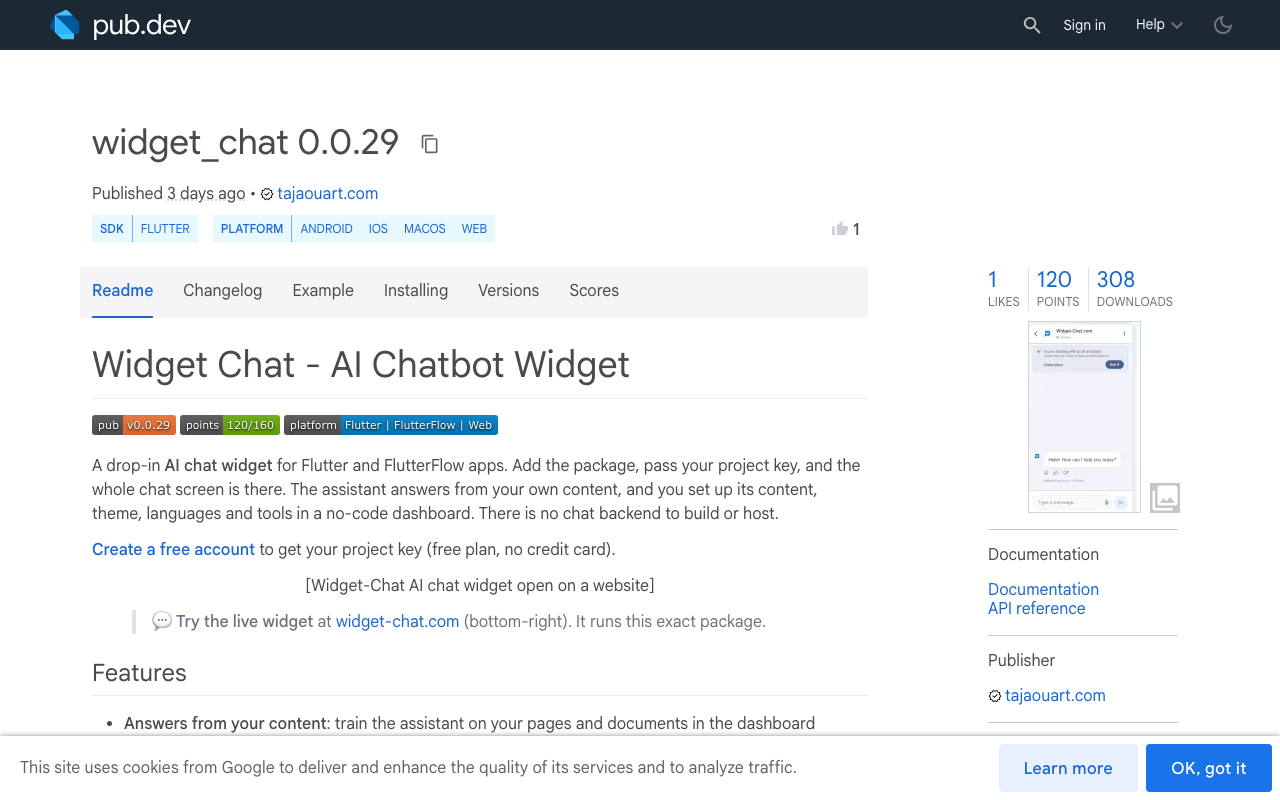
With widget_chat, there is no agent server to write. The assistant, its content, theme, languages and tools are set up in a no-code dashboard, and the model provider key stays server-side, never in the app binary.
stream_chat_flutter_ai
- UI widgets: AIConversationView, streaming text, typing indicator, composer
- You write or host the agent backend
- You write the transport between AIConversation and that agent
- You choose and pay a model provider and keep its key on your server
- Reasoning and tool calls arrive as custom attachments you render
widget_chat
- One ChatWidget gives the whole chat screen
- No chat backend to build or host
- Answers come from your own content, configured in a dashboard
- Provider key stays server-side
- Rich messages, image attachments, history and themes built in
Criterion-by-criterion comparison
| Criterion | stream_chat_flutter_ai | widget_chat |
|---|---|---|
| Backend | Yours: an agent plus a transport (Stream links a Node.js sample) | Hosted, nothing to deploy |
| Model provider key | On your own server | Server-side, managed for you |
| Web support | pub.dev's platform analysis currently lists no Web support (the attachment sheet pulls in photo_manager, which declares Android, iOS, macOS) |
iOS, Android, web and desktop through Flutter |
| Rich product cards | Not a built-in widget; tool output arrives as custom attachments you render | Image cards, carousels, product lists, button groups, colour swatch pickers |
| Voice | Speech input (dictation) in ChatComposer |
Live speech-to-speech calls with barge-in and captions (0.0.23+) |
| Languages | Depends on your model and your own localisation | UI in 46 locales, replies in 100+ languages |
| User-to-user chat | Yes, through Stream Chat | No, it is an AI assistant |
| Setup steps | SDK bump, two packages, hide clause, backend, transport, message adapter | Add package, paste project key, configure in dashboard |
A few notes on the table. The Web row is what pub.dev reports at the time of writing; the speech plugin itself supports web, so the gap comes from the attachment dependency, and it may change in a later release. The voice row compares two different things: Stream's composer turns speech into text for a typed prompt, while Widget-Chat runs a real-time voice call where the assistant replies out loud and can show product cards on screen while it speaks.
When Stream is the better fit
Pick stream_chat_flutter_ai if either of these is true.
You already run Stream Chat for user-to-user messaging. Your users, channels, moderation and push setup are already there, and an AI agent can be another member of a channel. Adding a second chat vendor just for the assistant would split your inbox and your data.
You want full control of your own agent. If the agent is your product (custom tool calling, your own retrieval pipeline, a specific model you fine-tuned), Stream's split is a good design: the UI stays separate from the agent, and AIConversation works with any transport you write. Widget-Chat is configured in a dashboard and does not let you swap in your own agent loop.
When widget_chat is the better fit
Pick widget_chat if you need an in-app AI support assistant and do not want to own a backend for it. Typical cases: a support tab inside a shopping app that should show product lists and carousels, a Flutter web build that has to ship on the same code, a FlutterFlow project where writing a server is not an option, or a team that wants a voice assistant without wiring speech and audio streaming itself.
It also handles custom HTTP tools and action callbacks into your app, image attachments from camera or gallery, chat history with pagination, light, dark and system themes, and HMAC-signed user identity, so the assistant knows which logged-in user it is talking to.
Add widget_chat to your Flutter app
Install the package:
flutter pub add widget_chat
Then drop the widget where your support screen lives:
import 'package:flutter/material.dart';
import 'package:widget_chat/widget_chat.dart';

class SupportScreen extends StatelessWidget {
  const SupportScreen({super.key, required this.userId});

  final String userId;

  @override
  Widget build(BuildContext context) {
    return Scaffold(
      appBar: AppBar(title: const Text('Help')),
      body: ChatWidget(
        configuration: BotConfiguration(
          projectSecretKey: 'your-project-secret-key',
          userID: userId,
        ),
      ),
    );
  }
}
If you turn on voice, declare the microphone permission in the host app (NSMicrophoneUsageDescription on iOS, RECORD_AUDIO on Android).
- You already run Stream Chat or need your own agent: migrate to stream_chat_flutter_ai
- You want an AI support screen with no backend: use widget_chat
- You need Flutter web today: check pub.dev platform support before committing
- You need spoken replies: widget_chat live voice ships in 0.0.23+
Create a project, add your content, and paste the key into BotConfiguration. The free plan needs no credit card: sign up for Widget-Chat.