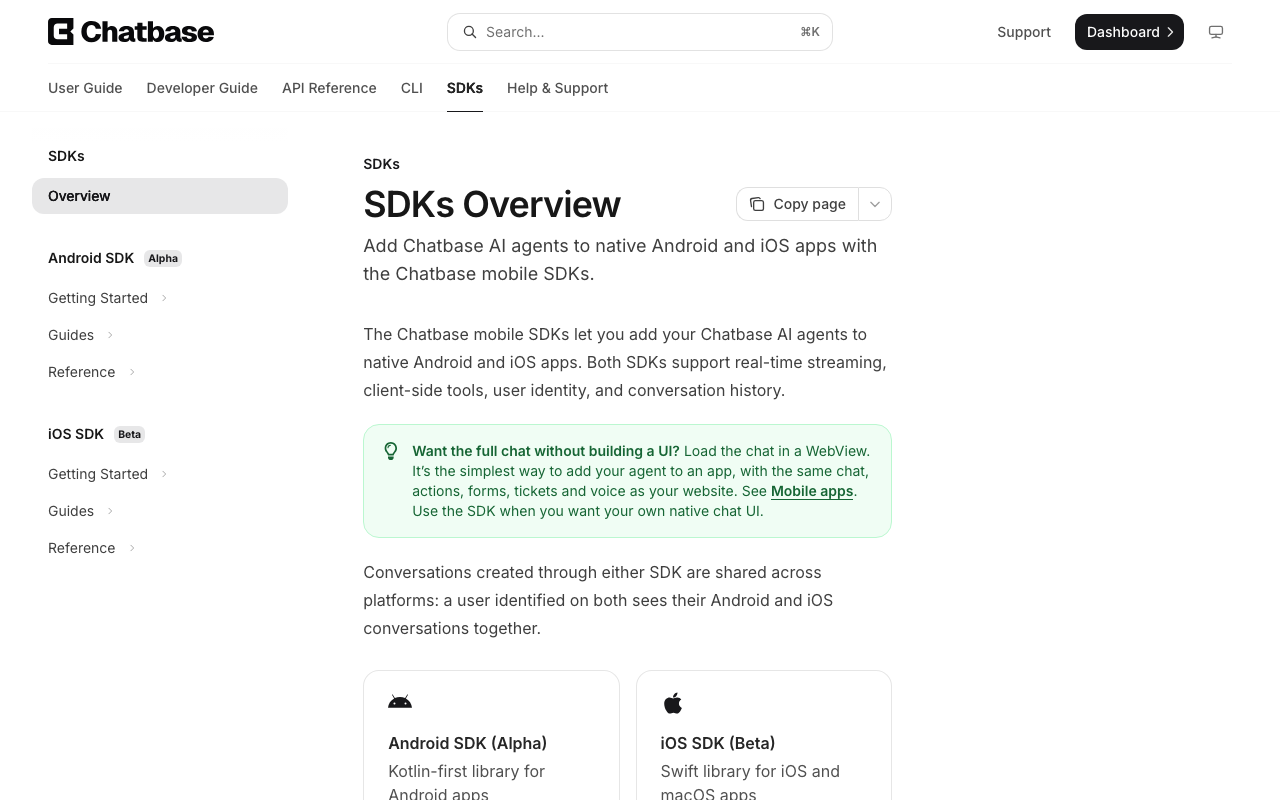
Your Chatbase agent already answers questions on your website, and now the same bot has to live inside your Flutter app. Search pub.dev for a Chatbase Flutter package and you will not find an official one. Chatbase's docs list two mobile SDKs, Android (Kotlin, marked Alpha) and iOS (Swift, marked Beta), and both are for teams that build their own native chat UI. For everything else, including Flutter, the documented route is a WebView that loads the chat page.
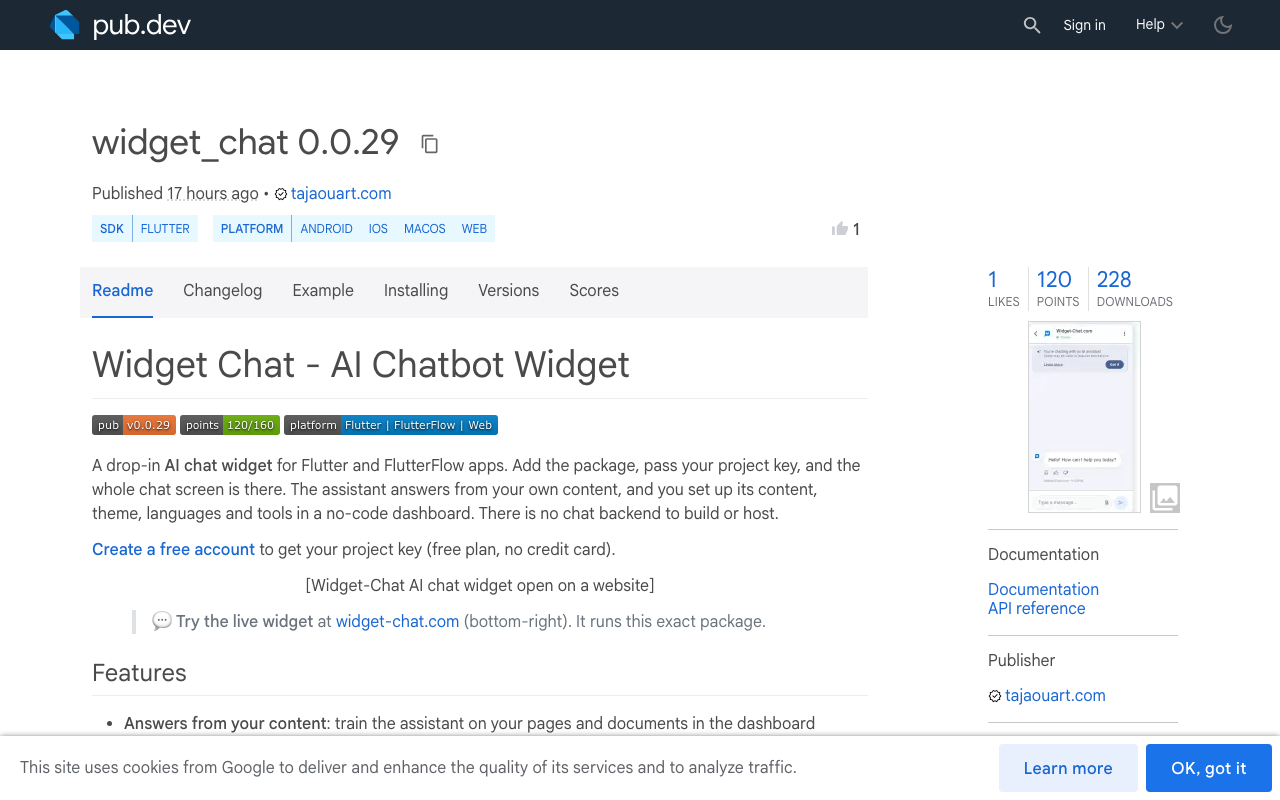
That route works, and this post shows it with real code. Then it goes criterion by criterion through what a WebView costs you inside an app, next to a native AI chatbot Flutter package such as widget_chat, which is what Widget-Chat ships.
Chatbase mobile app integration: the documented route
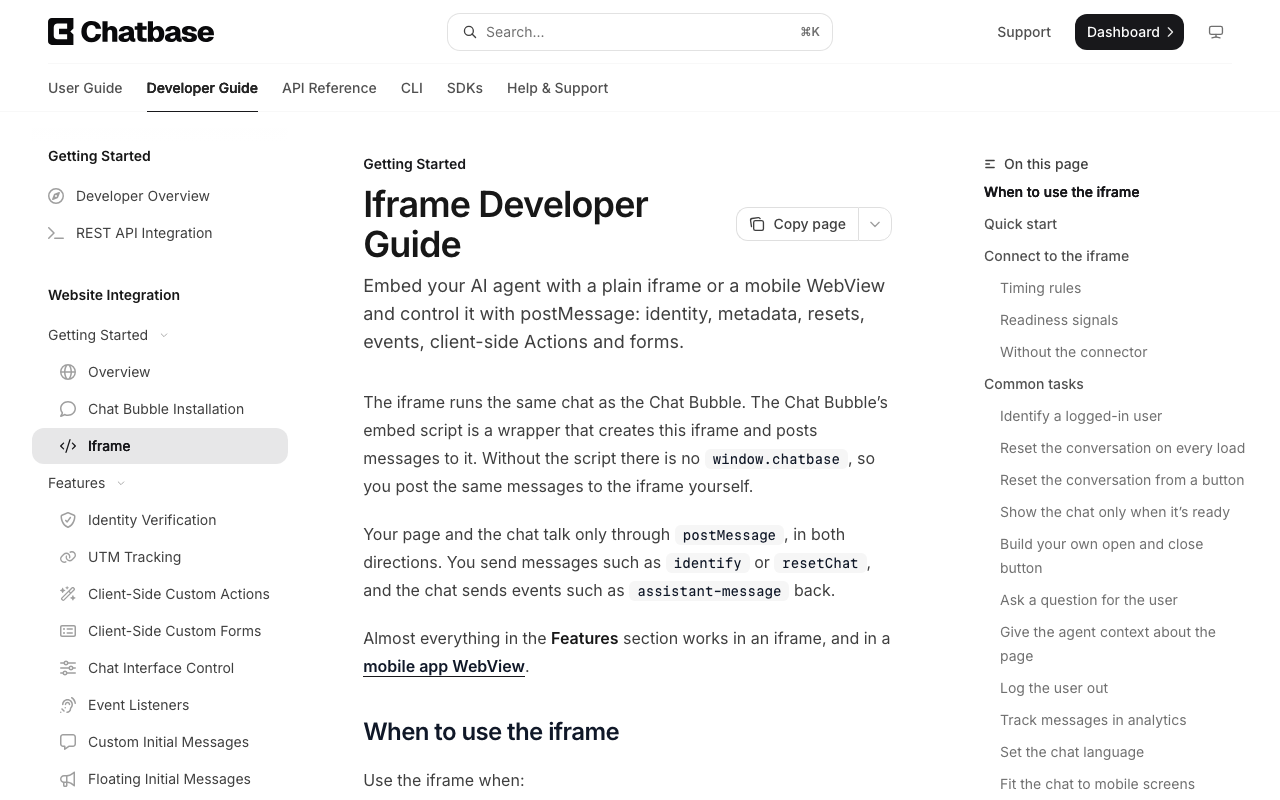
The Chatbase iframe guide has a "Mobile apps" section. The WebView loads the chat URL directly, with no HTML of your own:
https://www.chatbase.co/chatbot-iframe/YOUR_AGENT_ID
The page talks to its host only through postMessage. Your app injects a small bridge script that forwards chat events to Dart and sends identify when the chat posts iframeReady. Chatbase's own Flutter sample uses flutter_inappwebview, because that plugin can inject a script at document start. Many apps already ship webview_flutter, so here is the same bridge on the official plugin.
Embed Chatbase in a Flutter app with webview_flutter
- Add packagesflutter pub add webview_flutter webview_flutter_android webview_flutter_wkwebview url_launcher permission_handler
- Declare permissionsRECORD_AUDIO on Android and NSMicrophoneUsageDescription on iOS, only needed for voice or dictation.
- Inject the bridgeForward every chat event to a JavaScriptChannel and send identify on iframeReady.
- Grant web permissionsAnswer the WebView's microphone request in onPermissionRequest.
- Open links outsideSend any URL that is not the chat host to the system browser.
Platform setup
<!-- android/app/src/main/AndroidManifest.xml -->
<uses-permission android:name="android.permission.INTERNET" />
<uses-permission android:name="android.permission.RECORD_AUDIO" />
<!-- ios/Runner/Info.plist -->
<key>NSMicrophoneUsageDescription</key>
<string>Talk to our support assistant.</string>
The screen
import 'dart:convert';
import 'dart:io';

import 'package:flutter/material.dart';
import 'package:permission_handler/permission_handler.dart';
import 'package:url_launcher/url_launcher.dart';
import 'package:webview_flutter/webview_flutter.dart';
import 'package:webview_flutter_android/webview_flutter_android.dart';
import 'package:webview_flutter_wkwebview/webview_flutter_wkwebview.dart';

const agentUrl = 'https://www.chatbase.co/chatbot-iframe/YOUR_AGENT_ID';

class ChatbaseScreen extends StatefulWidget {
  const ChatbaseScreen({super.key, this.token});

  /// JWT signed by YOUR server. Never sign it in the app.
  final String? token;

  @override
  State<ChatbaseScreen> createState() => _ChatbaseScreenState();
}

class _ChatbaseScreenState extends State<ChatbaseScreen> {
  late final WebViewController _controller;

  String get _bridge => '''
    if (!window.__cbBridge) {
      window.__cbBridge = true;
      const TOKEN = ${jsonEncode(widget.token)};
      window.addEventListener('message', (e) => {
        if (e.source !== window || !e.data?.type) return;
        if (e.data.type === 'iframeReady') {
          window.postMessage({ type: 'identify', params: { token: TOKEN, publicAttributes: {} } }, location.origin);
          window.postMessage({ windowInnerWidth: window.innerWidth }, location.origin);
        }
        ChatbaseFlutter.postMessage(JSON.stringify(e.data));
      });
    }
  ''';

  @override
  void initState() {
    super.initState();

    late final PlatformWebViewControllerCreationParams params;
    if (WebViewPlatform.instance is WebKitWebViewPlatform) {
      params = WebKitWebViewControllerCreationParams(
        allowsInlineMediaPlayback: true,
        mediaTypesRequiringUserAction: const <PlaybackMediaTypes>{},
      );
    } else {
      params = const PlatformWebViewControllerCreationParams();
    }

    _controller = WebViewController.fromPlatformCreationParams(
      params,
      // The page asks for the mic (voice, dictation). Without this it is denied.
      onPermissionRequest: (request) => request.grant(),
    )
      ..setJavaScriptMode(JavaScriptMode.unrestricted)
      ..addJavaScriptChannel('ChatbaseFlutter', onMessageReceived: _onEvent)
      ..setNavigationDelegate(
        NavigationDelegate(
          onPageStarted: (_) => _controller.runJavaScript(_bridge),
          onNavigationRequest: (request) {
            final uri = Uri.parse(request.url);
            if (uri.host == Uri.parse(agentUrl).host) {
              return NavigationDecision.navigate;
            }
            launchUrl(uri, mode: LaunchMode.externalApplication);
            return NavigationDecision.prevent;
          },
        ),
      );

    final platform = _controller.platform;
    if (platform is AndroidWebViewController) {
      platform.setMediaPlaybackRequiresUserGesture(false);
    }

    _open();
  }

  Future<void> _open() async {
    // Android: granting the web request is not enough, the app itself
    // needs the OS permission first. Skip this if you do not use voice.
    if (Platform.isAndroid) await Permission.microphone.request();
    await _controller.loadRequest(Uri.parse(agentUrl));
  }

  void send(Map<String, dynamic> message) {
    _controller.runJavaScript(
      'window.postMessage(${jsonEncode(message)}, location.origin)',
    );
  }

  void _onEvent(JavaScriptMessage message) {
    final event = jsonDecode(message.message) as Map<String, dynamic>;
    switch (event['type']) {
      case 'close':
        Navigator.of(context).maybePop();
      case 'CHATBOT_TOOL_CALL':
        _runTool(event['toolName'] as String, event['args']);
    }
  }

  void _runTool(String toolName, dynamic args) {
    if (toolName == 'open_orders') {
      Navigator.of(context).pushNamed('/orders');
    }
    send({
      'type': 'CHATBOT_TOOL_RESULT',
      'toolName': toolName,
      'result': {'status': 'success', 'data': {}},
    });
  }

  @override
  Widget build(BuildContext context) {
    return Scaffold(
      appBar: AppBar(title: const Text('Support')),
      body: SafeArea(child: WebViewWidget(controller: _controller)),
    );
  }
}
One more setting to know: the WebView opens the iframe link directly, so the dashboard option "Block direct access to the iframe link" must stay off, or the WebView shows an error instead of the chat.
What the Chatbase WebView costs you in a Flutter app
The code above is about 100 lines and it runs. The cost shows up in the parts of a chat screen that a browser tab handles for free and an app does not.
Keyboard insets
Two layers react to the keyboard: Scaffold resizes its body, and the web page lays itself out against its own viewport. On iOS, WKWebView also scrolls a focused input into view by itself. The Chatbase guide does not cover keyboard behaviour in a WebView, so you own the testing on both platforms, and resizeToAvoidBottomInset is the first thing to toggle if the composer hides behind the keyboard or jumps.
Image attachments and the camera
Chatbase's docs say the Chat Bubble accepts PNG, JPG and PDF when attachments are turned on. A web chat picks files through an HTML file input. On Android, webview_flutter does nothing with that input until you call AndroidWebViewController.setOnShowFileSelector and return file URIs yourself, usually by wiring image_picker or file_picker. Taking a photo from the camera means your own capture code and the camera permission on top.
Callbacks into the app
Chatbase does support them: client-side Custom Actions arrive as CHATBOT_TOOL_CALL messages and you answer with CHATBOT_TOOL_RESULT. In a WebView that means JSON strings through a JavaScript channel, parsed by hand, as in _runTool above. The docs also note that results are matched by tool name, so two simultaneous calls to the same tool can receive each other's result, and a call fails after 60 seconds.
Microphone plumbing
Voice needs three things to line up: the manifest or Info.plist entry, the OS runtime permission, and the WebView's own permission request answered in onPermissionRequest. Miss one and the mic fails inside the page, where your Dart code sees nothing but a voice-error event.
Theming
The look of the chat is set in the Chatbase dashboard. The runtime options the iframe guide lists are text and behaviour fields (display name, placeholder, footer, suggested messages), and the guide lists no message to switch between light and dark. The page does not read your Flutter ThemeData.
Signed identity
JWT identity works in the WebView and is verified on Chatbase's server. You pass the token when the chat opens, inside the 500 ms window, and the docs state there is no event that confirms identification: you check a conversation in the dashboard.
Chatbase WebView next to a native Flutter widget
| Criterion | Chatbase in a WebView | widget_chat package |
|---|---|---|
| Integration | WebView plus a bridge script you maintain | One Flutter widget |
| Rendering | Web page in a platform view | Flutter widgets |
| Keyboard | Scaffold and web viewport both react, you test and tune | Laid out by Flutter like any screen |
| Image attachments | File selector callback to write on Android | Camera or gallery built in |
| Callbacks into the app | postMessage JSON through a JS channel | Dart callback, onRichContentCallback(callbackId, payload) |
| Theme | Set in the Chatbase dashboard | Light, dark and system modes |
| Signed identity | JWT sent by the bridge, 500 ms window | HMAC-signed user identity |
| Voice | Supported, three permission layers | Mic button in the same widget, host app declares the mic permission |
| Channels beyond the app | Website, WhatsApp, Messenger, Instagram, email, Slack | Flutter, FlutterFlow, iOS and Android SDKs, web embed |
Chatbase WebView in Flutter
- About 100 lines of Dart and JavaScript bridge
- Events arrive as JSON strings
- File picker and mic permissions wired by hand
- Web page look, styled in the Chatbase dashboard
Native widget_chat
- One ChatWidget in the widget tree
- Typed Dart callback for buttons and cards
- Camera and gallery attachments included
- Light, dark and system themes
When Chatbase is the better pick
Say it plainly: if your team is website-first and the bot's main job is a web bubble, Chatbase is the better choice. Its docs cover channels Widget-Chat does not have (WhatsApp, Messenger, Instagram, email, Slack), plus tickets and Stripe Actions. If the in-app chat is a secondary help screen and you already run a Chatbase agent, the WebView above keeps one agent, one dashboard and one conversation history, and that is a fair trade.
If you have native iOS and Android apps and want to build your own chat UI, Chatbase's Swift and Kotlin SDKs exist for that, with the Alpha and Beta labels their docs give them.
A Chatbase alternative for Flutter makes sense when the chat is a core screen of the app: users attach photos, the bot opens screens and paywalls, and the UI has to feel like the rest of your Flutter code.
The native route: widget_chat
Widget-Chat is a drop-in AI chat widget for Flutter and FlutterFlow. You train the assistant on your own content in a no-code dashboard, add the package, and the whole chat screen is there. There is no chat backend to build or host.
flutter pub add widget_chat
import 'package:widget_chat/widget_chat.dart';

ChatWidget(
  configuration: BotConfiguration(
    projectSecretKey: 'your-project-secret-key',
    userID: 'user-123',
  ),
  onRichContentCallback: (callbackId, payload) {
    switch (callbackId) {
      case 'open_orders':
        Navigator.of(context).pushNamed('/orders');
    }
  },
)
The button the assistant shows lands in your Dart code with no bridge script. Image attachments from camera or gallery, chat history, 46 UI locales and replies in 100+ languages come with the widget. Live voice is in the same package: declare NSMicrophoneUsageDescription and RECORD_AUDIO in the host app. FlutterFlow users add widget_chat as a custom pub dependency in a custom widget.
- Chatbase has native SDKs (Android Alpha, iOS Beta) and no Flutter package
- The documented Flutter route is a WebView with a postMessage bridge
- The WebView works, and you own keyboard, file picker, mic and bridge code
- Website-first team with a web bubble: stay on Chatbase
- Chat as a core app screen: use a native Flutter widget
The free plan needs no credit card. Create a project and get your key at app.widget-chat.com.