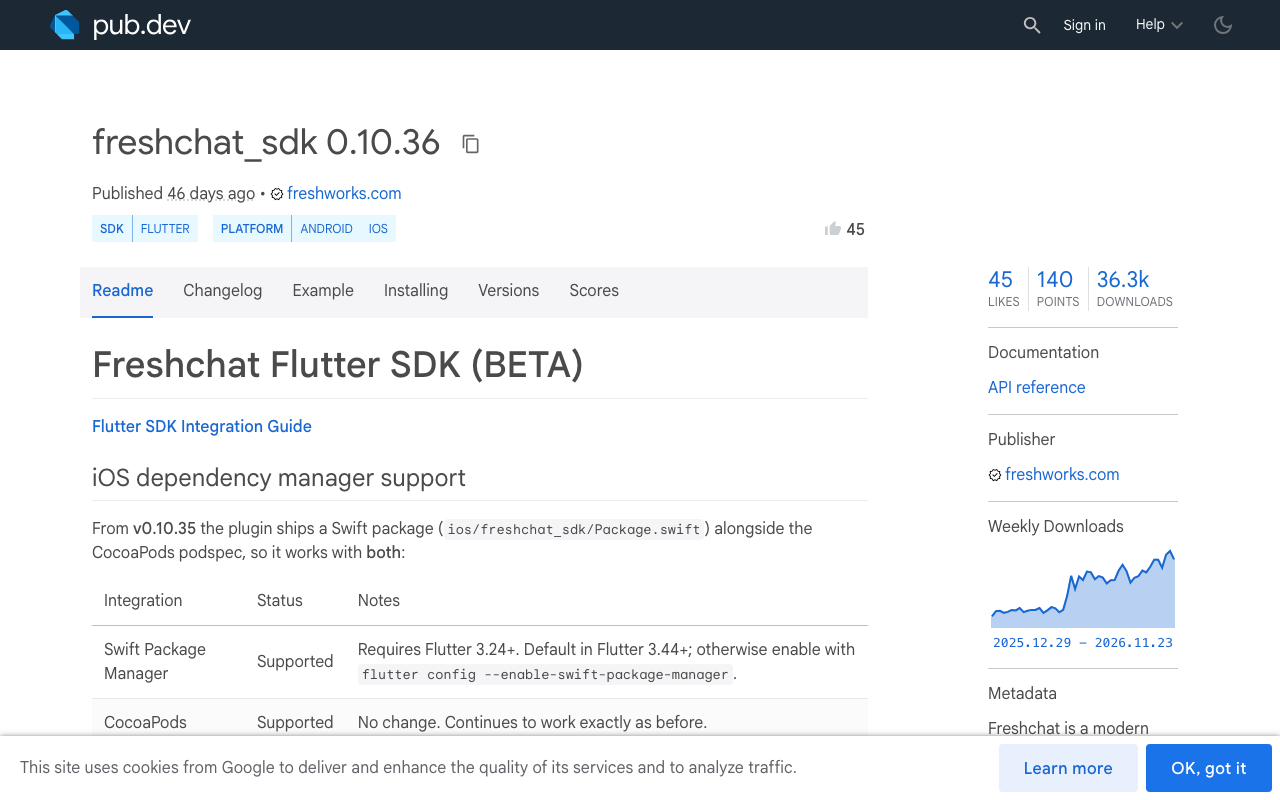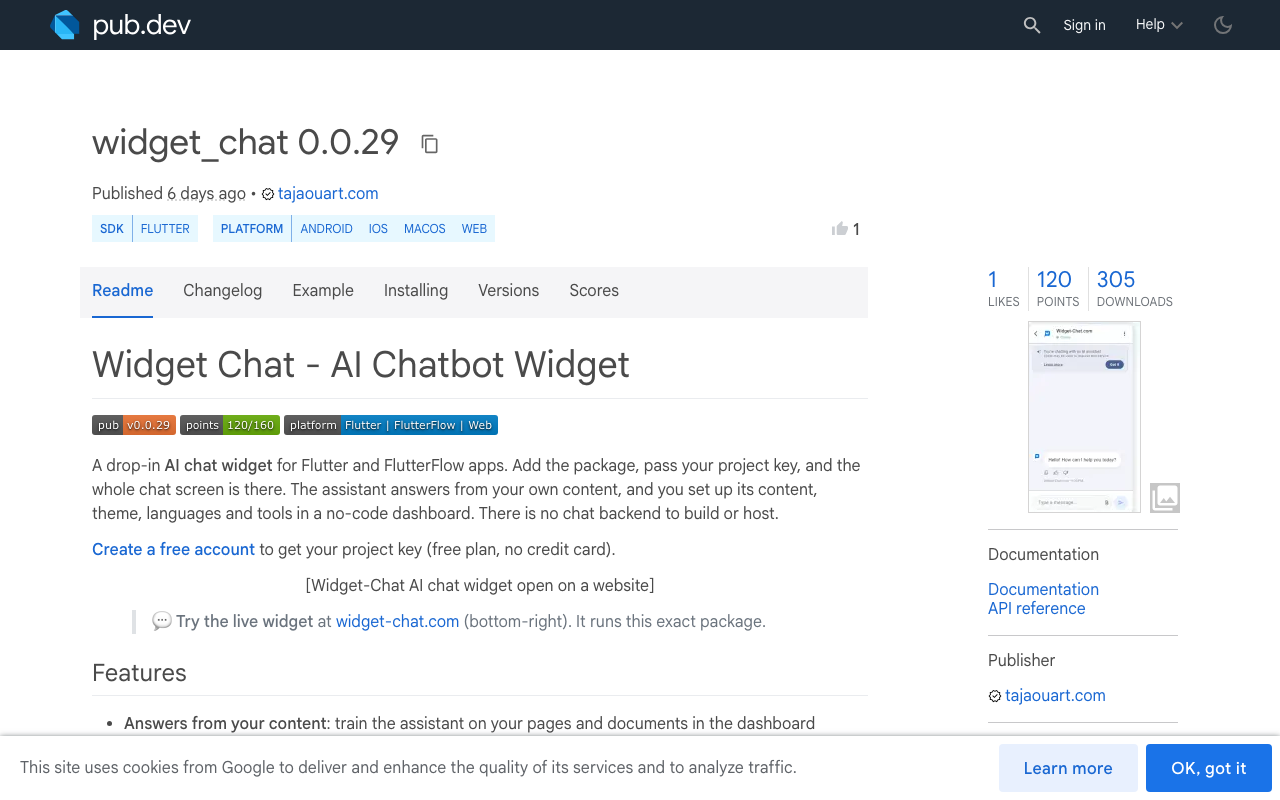
If your support team already runs Freshchat, adding it to a Flutter app looks simple: there is an official package on pub.dev. If what you want is an AI assistant that answers from your own content inside a chat screen you control, the comparison gets more interesting. This post puts the beta freshchat_sdk package next to the widget_chat package's ChatWidget and judges them on six criteria only: setup steps, control over the chat UI and theme, AI answers from your own content, rich messages, live voice, and FlutterFlow support.
Everything said about Freshchat comes from its public pub.dev listing, API reference and changelog. No prices are quoted for either side.
The two packages in one table
| Criterion | freshchat_sdk (Freshchat) |
widget_chat (Widget-Chat) |
|---|---|---|
| Status on pub.dev | Labelled "Freshchat Flutter SDK (BETA)", version 0.10.36 | Published package |
| Platforms listed | Android and iOS | iOS, Android, web and desktop through Flutter |
| How the chat appears | Freshchat.showConversations() opens Freshchat's own native screens |
ChatWidget is a Flutter widget you place in your own widget tree |
| Theming | themeName and stringsBundle passed to Freshchat.init, backed by native theme files |
Light, dark and system themes, set in the dashboard |
| AI answers | Bots and AI agents built in Freshworks, rendered by the SDK | Assistant answers from your own content, configured in a no-code dashboard |
| Live voice | Not documented in the Flutter SDK reference | Mic button in the composer, or VoiceCallView |
| FlutterFlow | No FlutterFlow guide; would be a custom action you write | Custom pub dependency plus a custom widget (paid FlutterFlow plan) |
Setting up freshchat_sdk
The Freshchat package targets iOS 13.0 and later, and its changelog raised the Android minSdk to 23 in version 0.10.32. On iOS it now supports both dependency managers: the CocoaPods path uses the FreshchatSDK pod and, per the README, "continues to work exactly as before", while Swift Package Manager needs Flutter 3.24 or later. On a CocoaPods project you still run pod install the usual way after adding the package.
flutter pub add freshchat_sdk
cd ios && pod install && cd ..
You then initialise with the App ID, App Key and Domain from the Freshchat admin's Mobile SDK settings, identify the user, and open the conversation screen:
import 'dart:async';
import 'package:freshchat_sdk/freshchat_sdk.dart';

StreamSubscription? _restoreSub;

Future<void> startFreshchat(String userId, String? savedRestoreId) async {
  Freshchat.init(
    'YOUR_APP_ID',
    'YOUR_APP_KEY',
    'YOUR_DOMAIN',
    cameraCaptureEnabled: true,
    gallerySelectionEnabled: true,
  );

  // Restores the same conversation history on a new device or reinstall.
  Freshchat.identifyUser(externalId: userId, restoreId: savedRestoreId);

  _restoreSub = Freshchat.onRestoreIdGenerated.listen((_) async {
    final user = await Freshchat.getUser;
    final restoreId = user.getRestoreId();
    // Persist restoreId on your backend against userId.
  });
}

void openSupport() => Freshchat.showConversations();
The restore flow is the part teams most often get wrong. Freshchat generates the restore ID the first time the user is identified, and your app has to store it on your own backend and pass it back on the next login. Skip that and a reinstall starts the user on an empty conversation. The SDK also offers a JWT path (setUserWithIdToken, restoreUserWithIdToken, the onJwtRefresh stream) if your account uses identity verification.
Setting up widget_chat
flutter pub add widget_chat
There is no separate restore step. You pass the project key and your own user ID, and history comes back with pagination. If you need to prove who the user is, Widget-Chat supports HMAC-signed user identity.
import 'package:flutter/material.dart';
import 'package:widget_chat/widget_chat.dart';

class SupportScreen extends StatelessWidget {
  const SupportScreen({super.key, required this.userId});
  final String userId;

  @override
  Widget build(BuildContext context) {
    return Scaffold(
      appBar: AppBar(title: const Text('Help')),
      body: ChatWidget(
        configuration: BotConfiguration(
          projectSecretKey: 'your-project-secret-key',
          userID: userId,
        ),
      ),
    );
  }
}
- Create a projectSign up and add your help content, theme and languages in the dashboard.
- Add the packageRun flutter pub add widget_chat.
- Drop in ChatWidgetPass the project secret key and your user ID.
- ShipThe same widget runs on iOS, Android, web and desktop.
Control over the chat UI and theme
This is the biggest structural difference. Freshchat.showConversations() returns void and hands control to Freshchat's native channel list screen. You style it through the themeName and stringsBundle init options, which point at native theme and strings resources (the changelog mentions iOS theme customisation files and Android custom styles). It is a separate screen pushed on top of your app.
ChatWidget is an ordinary Flutter widget. It can fill a tab, sit inside a bottom sheet, or share a screen with your own header, because it lives in your widget tree. The theme (light, dark or system) and the UI language (46 locales) are set in the dashboard, so changing them does not need a release.
freshchat_sdk
- Opens Freshchat's native screens over your app
- Styling through native theme and strings files
- Restore ID to store and pass back yourself
- Android and iOS only
widget_chat ChatWidget
- A widget placed anywhere in your Flutter tree
- Theme and languages changed from the dashboard
- History by user ID, optional HMAC identity
- iOS, Android, web and desktop
AI answers from your own content
Freshchat's AI lives in the Freshworks platform. The SDK changelog covers bot flows, bot quick actions, setBotVariables, and conversations handled by "an AI agent or bot", all built on the Freshworks side and rendered in the app. Which knowledge sources that AI agent can read is a Freshworks account setting, documented in Freshworks' own support articles, so check those against your plan.
With widget_chat, the assistant answers from the content you add in the Widget-Chat dashboard, with replies in 100+ languages. There is no chat backend to build or host, and the model provider key stays on the server, never in the app. Custom HTTP tools can fetch live data such as an order status, and action callbacks let the assistant trigger something in your app.
Rich messages
Widget-Chat renders markdown, image cards, carousels, product lists, button groups, colour swatch pickers, tap-to-zoom images and a video clip on a card or image. A shopping assistant can answer "show me waterproof jackets" with a product carousel instead of a paragraph. Users can also attach images from the camera or gallery.
Freshchat's SDK renders the message types its bot builder produces, including the quick actions named in the changelog. The pub.dev docs do not list a product carousel component, so if that matters, confirm it in Freshchat's bot builder docs before you commit.
Live voice
The freshchat_sdk API reference documents no voice call method. widget_chat (0.0.23 and later) adds a mic button to the composer, or you can use VoiceCallView as a voice-only screen. The assistant replies out loud, the user can interrupt it mid-sentence, captions run live, and it can show product cards while it speaks. Your app must declare NSMicrophoneUsageDescription on iOS and RECORD_AUDIO on Android. Voice minutes come from a monthly pool on your plan and are configured per project in the dashboard's Voice section.
FlutterFlow support
There is no FlutterFlow guide for Freshchat. You would wrap freshchat_sdk in custom actions yourself, and since the package lists only Android and iOS, FlutterFlow's browser-based Run Mode cannot test it. You need a device build.
widget_chat is added in FlutterFlow as a custom pub dependency and placed in a custom widget, which needs a paid FlutterFlow plan. The step-by-step version is in the FlutterFlow guide.
When Freshchat is the better choice
Stay on Freshchat if your support runs on humans in a shared inbox. If you already use Freshdesk or Freshchat, with agents, routing, team assignment and reporting built around them, the Flutter SDK puts your app users into the same inbox as every other channel. widget_chat is built around an AI assistant inside the app. It does not replace a Freshworks helpdesk with human agent seats and ticket workflows. Freshchat's FAQ screens (Freshchat.showFAQ) are also a good fit if your help center already lives in Freshworks.
Pick widget_chat when the main job is AI answers from your own content in a chat screen that looks like part of your app, with rich product messages, voice, web and desktop from the same code, and FlutterFlow.
- Your team answers chats in a Freshworks inbox: freshchat_sdk
- You want the chat inside your own Flutter layout: widget_chat
- You need product cards, carousels or voice: widget_chat
- You ship to web or desktop from Flutter: widget_chat
Try widget_chat in your Flutter app
The package ships the finished chat screen: AI answers from your content, rich messages, history, themes and voice. You don't need a backend. Add it and drop in the widget:
ChatWidget(
  configuration: BotConfiguration(
    projectSecretKey: 'your-project-secret-key',
    userID: 'user-123',
  ),
)
The free plan needs no credit card. Create your project here, copy the project key, and you have an AI support chat running in your app in a few minutes.