

Stream AI Tokens Live From a FlutterFlow Custom Action
You wrote a custom action, pointed it at a streaming chat endpoint, and the server is definitely streaming — you can watch data: frames arrive in curl. But in the app the bubble sits empty for four seconds and then the entire answer snaps in at once.
The endpoint is not the problem. The shape of your custom action is.
The root cause: a custom action returns exactly once
FlutterFlow custom actions always return a Future. That is not a style choice, it is the contract — the docs are explicit that a custom action returning a String has the signature Future<String> myAction() async.
A Future<String> is a box that completes one time, with one value. Your action flow awaits it, receives one String, assigns it to an Action Output or an App State field, and FlutterFlow rebuilds once. That is the whole story of flutterflow chat message updates only at end.
Server-Sent Events on the server cannot change this. SSE governs how bytes arrive at the socket. Future<String> governs how many times your UI is told something changed — and that number is one.
It usually gets compounded, because inside the action most people write this:
// The second one-shot, stacked on top of the first
final response = await http.post(uri, body: jsonEncode(payload));
return response.body;
http.post buffers the entire response body before its Future completes. So even the byte-level streaming is gone before you ever get a chance to render it.
Three things have to change together. Fix one or two and you still get nothing.
Part 1 — read a byte stream, not a body
Swap http.post for Client.send(), which hands you a StreamedResponse whose .stream you decode yourself as it arrives:
final streamed = await client.send(request);
final lines = streamed.stream
    .transform(utf8.decoder)          // chunk-safe UTF-8
    .transform(const LineSplitter()); // one SSE field per line
Both transforms matter and both fix a real bug:
utf8.decoderis a streaming decoder. A multi-byte character — an emoji,é, a CJK glyph — can straddle a TCP chunk boundary. The streaming decoder holds the partial sequence until the rest arrives instead of emitting a replacement character.utf8.decode(chunk)per chunk does not.LineSplitterexists because several SSE events routinely land in one TCP packet, and one event can be split across two. Splitting on newlines is what reassembles raw chunks back into protocol frames.
Part 2 — write into App State from inside the listen loop
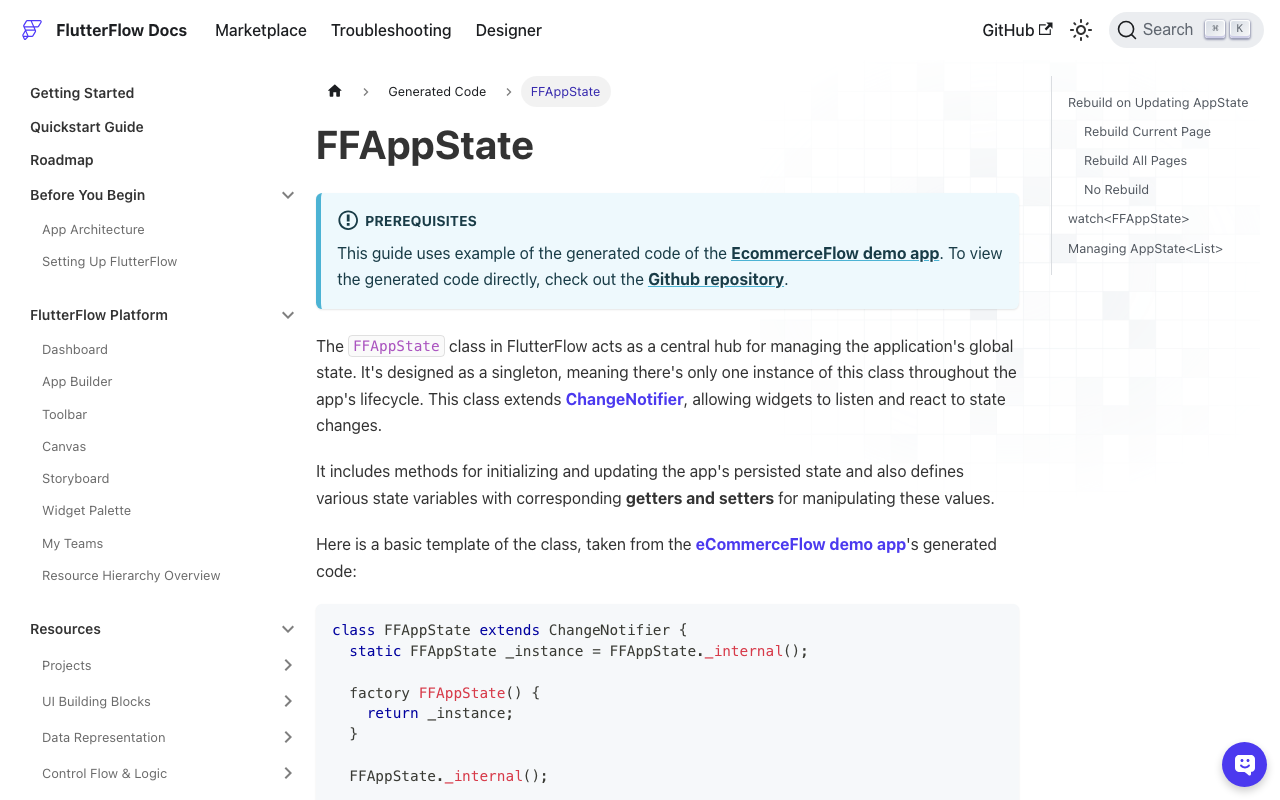
FFAppState is a singleton ChangeNotifier. The generated code is small enough to hold in your head:
class FFAppState extends ChangeNotifier {
  void update(VoidCallback callback) {
    callback();
    notifyListeners();
  }

  String _streamingReply = '';
  String get streamingReply => _streamingReply;
  set streamingReply(String value) {
    _streamingReply = value;
  }
}
Notice the setter does not notify. This is the single most common cause of flutterflow streaming api not updating ui: the value in App State is genuinely correct and genuinely updating, and no widget ever hears about it. FFAppState().streamingReply = token; mutates in silence. Only FFAppState().update(() { ... }) calls notifyListeners().
Part 3 — rebuild scope, and why per-token is what kills your frame rate
When you add an Update App State action in the editor, the Update Type dropdown generates three different things:
| Update Type | Generated call |
|---|---|
| Rebuild All Pages | FFAppState().update(() {}) → notifyListeners() |
| Rebuild Current Page | setState(() {}) |
| No Rebuild | setter only |
Every page whose scaffold subscribes with context.watch<FFAppState>() rebuilds on every notifyListeners(). At a typical 30–50 tokens per second, calling update() once per token means 30–50 full-page rebuilds per second against a 16.6 ms frame budget. That is the jank, and it gets dramatically worse on a page with a long ListView of prior messages.
Here is the part nobody says out loud: from custom code you do not get a per-widget scope. There is no Rebuild This Bubble. You have exactly two levers — silent setter, or notify the world. So the thing to control is not scope, it is frequency. Buffer tokens into a plain Dart string with no notification, and flush to App State on a timer at ~80 ms. That is ~12 UI updates per second, which the eye reads as smooth typing, at a quarter of the rebuild cost.
The complete custom action
Add http: ^1.6.0 under Pubspec Dependencies, create App State fields streamingReply (String) and isStreaming (bool), and leave the action's return type empty.
// Custom Action: streamChatReply
// Pubspec Dependencies: http: ^1.6.0
import 'dart:async';
import 'dart:convert';
import 'package:http/http.dart' as http;

Future streamChatReply(
  String message,
  String conversationId,
  String apiKey,
) async {
  final client = http.Client();

  FFAppState().update(() {
    FFAppState().streamingReply = '';
    FFAppState().isStreaming = true;
  });

  var buffer = '';
  var dirty = false;

  // Coalesce: accumulate silently, notify ~12x/sec instead of ~40x/sec.
  final flush = Timer.periodic(const Duration(milliseconds: 80), (_) {
    if (!dirty) return;
    dirty = false;
    FFAppState().update(() => FFAppState().streamingReply = buffer);
  });

  try {
    final request = http.Request(
      'POST',
      Uri.parse('https://api.widgetchat.app/v1/chat/stream'),
    )
      ..headers.addAll({
        'Content-Type': 'application/json',
        'Accept': 'text/event-stream',
        'Authorization': 'Bearer $apiKey',
      })
      ..body = jsonEncode({
        'message': message,
        'conversation_id': conversationId,
      });

    final streamed = await client.send(request); // NOT http.post

    if (streamed.statusCode != 200) {
      final body = await streamed.stream.bytesToString();
      throw Exception('chat/stream ${streamed.statusCode}: $body');
    }

    final lines = streamed.stream
        .transform(utf8.decoder)
        .transform(const LineSplitter());

    await for (final line in lines) {
      if (line.isEmpty) continue;        // event separator
      if (line.startsWith(':')) continue; // keep-alive comment
      if (!line.startsWith('data:')) continue; // event:, id:, retry:

      final payload = line.substring(5).trimLeft();
      if (payload == '[DONE]') break;

      final token = _sseToken(payload);
      if (token == null || token.isEmpty) continue;

      buffer += token;
      dirty = true; // no notify here — the timer owns the UI
    }
  } finally {
    flush.cancel();
    client.close();
    FFAppState().update(() {
      FFAppState().streamingReply = buffer; // guarantee the last tokens land
      FFAppState().isStreaming = false;
    });
  }
}

String? _sseToken(String payload) {
  if (!payload.startsWith('{')) return payload; // bare text delta
  try {
    final map = jsonDecode(payload) as Map<String, dynamic>;
    for (final key in const ['delta', 'token', 'text', 'content']) {
      final value = map[key];
      if (value is String) return value;
    }
  } catch (_) {
    return payload;
  }
  return null;
}
Then bind the assistant bubble's Text widget to App State → streamingReply, and drive your typing indicator off isStreaming. The finally block is not optional — it is what stops a thrown exception from leaving isStreaming stuck true forever with a spinner that never dies.
Four things that will bite you next
Do not mark the buffer field as Persisted. A persisted App State field writes to SharedPreferences (or flutter_secure_storage when Secure Persisted Fields is on) inside its setter. That is a disk write per flush for a value that is meaningless after the request ends. Keep streamingReply non-persisted; persist the finished message instead.
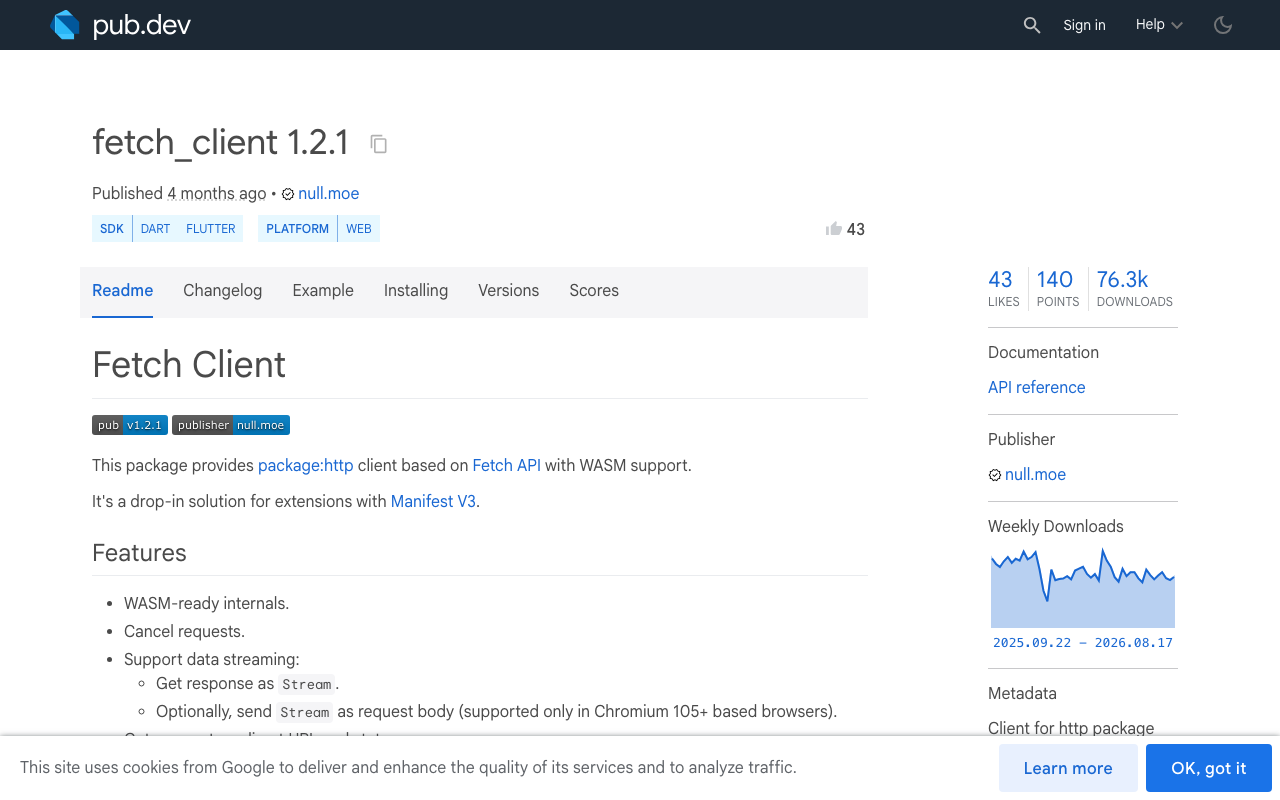
Flutter Web silently degrades to one-shot. The default BrowserClient cannot stream responses — it resolves only once the full body has arrived. Your action compiles, runs, and behaves exactly like the bug you just fixed. On web, swap in fetch_client (1.2.1), which exposes the response as a real Stream.
Close the client on navigation. If the user backs out mid-answer, nothing cancels the subscription. Keep the http.Client in a top-level variable and call close() from a small cancelChatStream action wired to the page's dispose.
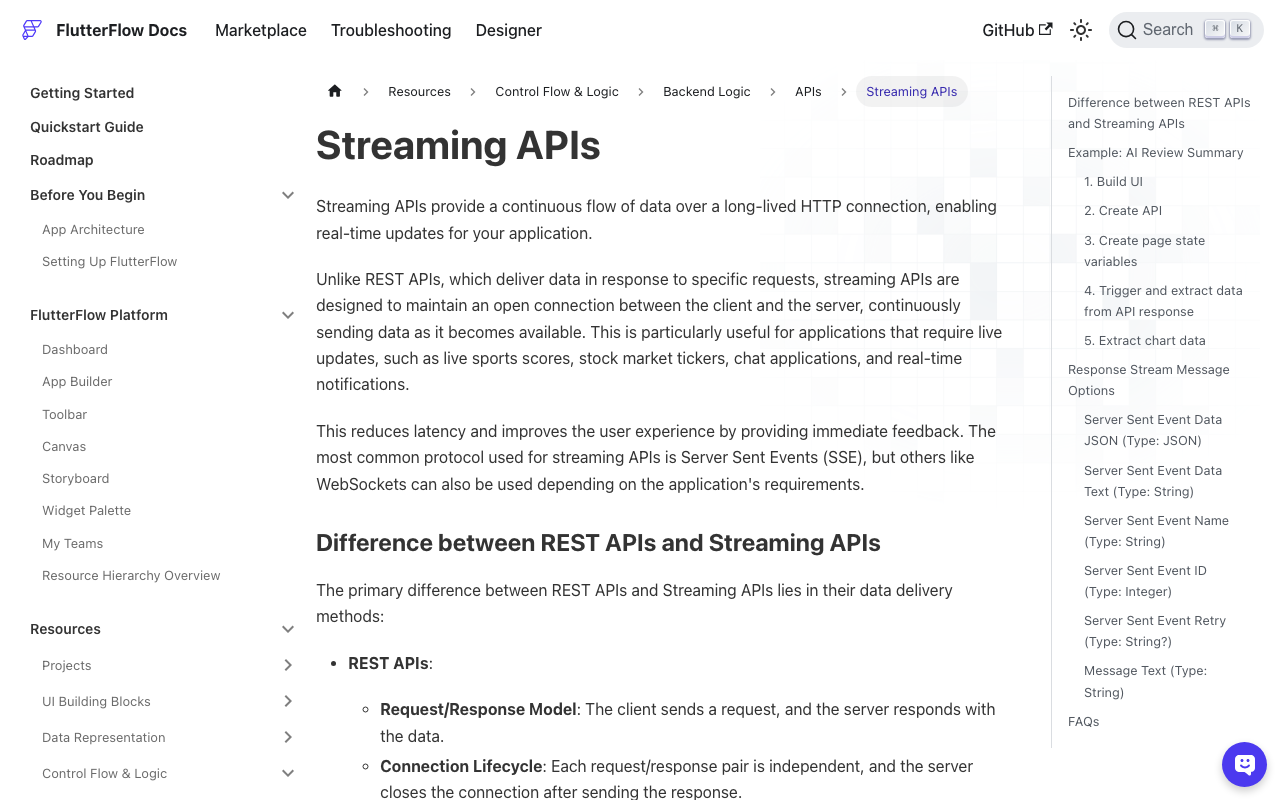
You may not need custom code at all. FlutterFlow ships a native Streaming API mode: enable Process Streaming Response in the API call's Advanced Settings, then handle onMessage, onError and onClose as normal action flows, pulling Server Sent Event Data JSON out of OnMessageInput. It is the faster path when your SSE payload is well-formed JSON. Reach for the custom action when you need custom framing, cancellation, retries, or the coalescing above — the visual path fires onMessage per event with no throttle of your own.
If you want a per-bubble rebuild scope
Once you care about a long chat history, take the live text out of global state entirely. Declare a notifier at the top of the action file and have the action write to it instead of App State:
final ValueNotifier<String> liveReply = ValueNotifier<String>('');
Then a Custom Widget that rebuilds only the bubble:
import '/custom_code/actions/index.dart';

class StreamingBubble extends StatelessWidget {
  const StreamingBubble({super.key, this.width, this.height});
  final double? width;
  final double? height;

  @override
  Widget build(BuildContext context) => ValueListenableBuilder<String>(
        valueListenable: liveReply,
        builder: (context, text, _) => Text(text),
      );
}
Now token updates touch one Text. Write to App State only once, when the stream closes — that is the value your history and analytics actually care about.
Once tokens are actually arriving
Two things break next, in this order: the bubble flickers as partial Markdown renders and re-lays-out mid-token (an unclosed ** or a half-written code fence), and the streamed reply vanishes on navigation because nothing persisted it. Both are their own problems with their own fixes — worth reading up on partial-Markdown rendering and on writing the completed message to Firestore before you ship. See the WidgetChat blog for both.
The endpoint used above, POST https://api.widgetchat.app/v1/chat/stream, is WidgetChat's real token-by-token SSE endpoint — it answers from your own content, needs no proprietary SDK, and works from any Dart HTTP client, which is exactly why it drops into a FlutterFlow custom action like this.
Try WidgetChat free and have a streaming AI support bot answering inside your Flutter or FlutterFlow app today.

Comments
Comments are coming soon. We'd love to hear your thoughts!