

FlutterFlow Chatbot Forgets Chats? Save History in Firestore
You ship the chat page, test a few questions, close the app — and when the user reopens it, everything is gone. Blank ListView, and worse: the bot greets them with “Hi! How can I help?” as if the last ten messages never happened. If your FlutterFlow chatbot loses the conversation on restart, nothing is broken — the chat is just stored in the wrong place.
Most tutorials stop at an in-memory message list that dies with the widget tree. This post shows the production pattern instead: a chat_sessions collection with a messages subcollection in Firestore, a ListView that rehydrates on page load, and a stored conversationId per user so the AI resumes with full context instead of starting a stranger's conversation.
Why the chat wipes: page state dies with the widget tree
The typical demo build binds the ListView to a page state (or component state) variable — a list of custom ChatMessage data types. It works right up until it doesn't: page state lives in RAM, attached to the widget tree. Navigate away, hot-restart, or kill the app, and the list re-initializes to empty.
You're actually losing two different things:
- The transcript — the bubbles the user sees in the ListView.
- The AI's memory — with FlutterFlow AI Agents, context is keyed by the Conversation ID you pass into the Send Message action. Lose that ID and the agent opens a brand-new thread, even if you somehow repaint the old bubbles.
A persisted App State variable (FlutterFlow's “Persisted” toggle, backed by shared preferences) survives a restart, but it's device-local: reinstall the app or sign in on a second device and it's gone — and stuffing a whole transcript into one is not a real database. Firestore fixes both losses at once.
The schema: chat_sessions with a messages subcollection
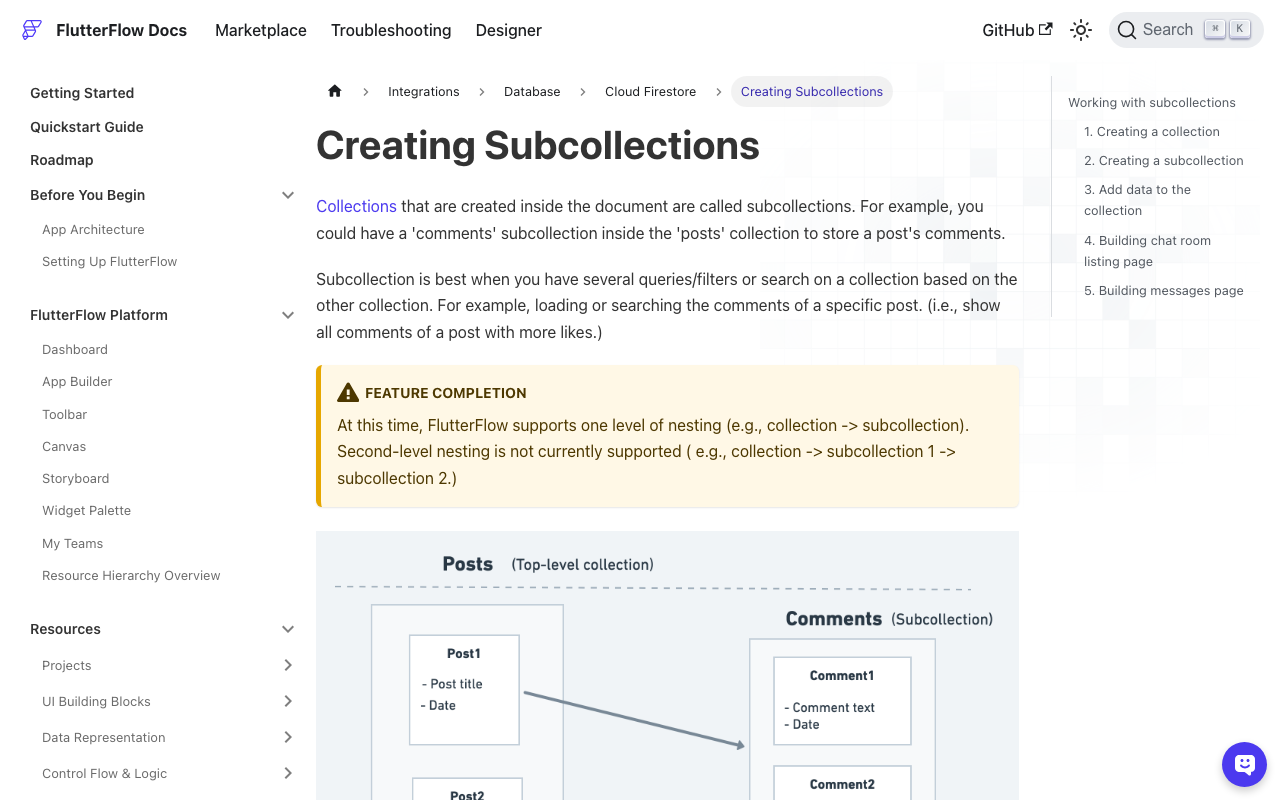
Create two collections in FlutterFlow's Firestore panel. First chat_sessions, one document per conversation:
user— Doc Reference tousers, so each person only ever loads their own chatconversation_id— String, the ID your AI backend uses to resume contextstatus— String (open/closed)created_at,last_message_at— Timestamps
Then add a messages collection and select chat_sessions as its parent, making it a subcollection:
role— String (userorassistant)content— Stringtimestamp— Timestamp
Why a subcollection instead of a list field on the session document? Firestore documents cap at 1 MiB, list fields can't be ordered or paginated by a query, and every append rewrites the entire document. A subcollection gives you ordered queries, pagination, and real-time updates for free — this is the right place to persist chat messages in FlutterFlow.
Step 1: get-or-create the session on page load
On the chat page's On Page Load action chain, run a custom action that finds the user's open session or creates one:
import 'package:cloud_firestore/cloud_firestore.dart';

Future<String> getOrCreateChatSession(DocumentReference userRef) async {
  final sessions = FirebaseFirestore.instance.collection('chat_sessions');

  final existing = await sessions
      .where('user', isEqualTo: userRef)
      .where('status', isEqualTo: 'open')
      .limit(1)
      .get();

  if (existing.docs.isNotEmpty) {
    return existing.docs.first.id;
  }

  final doc = await sessions.add({
    'user': userRef,
    'status': 'open',
    'conversation_id': '', // filled in after the first AI exchange
    'created_at': FieldValue.serverTimestamp(),
    'last_message_at': FieldValue.serverTimestamp(),
  });
  return doc.id;
}
Store the returned ID in page state as sessionId — every later step hangs off it. (Pass Authenticated User → User Reference in as userRef.)
Step 2: rehydrate the ListView from Firestore
Now delete the page-state binding on your ListView and replace it with a Backend Query: Query Type Query Collection, collection messages (the subcollection), parent set to your chat_sessions document, ordered by timestamp ascending. Leave “Single Time Query” off and FlutterFlow keeps the query live: old messages appear the instant the page builds, and new ones show up as documents are written. This is the moment you actually save chat history in Firestore for your FlutterFlow app instead of faking it in memory.
Two finishing touches:
- Bubble alignment: condition your row on
role == 'user'to pick the left or right bubble style. - Scroll position: a rehydrated ListView loads at the top, showing last week's first message. Pair this with our auto-scroll fix so users land on the newest message and streaming replies stay in view.
Step 3: write both sides of every exchange
Persist each message the moment it exists — the user's on send, the assistant's when the reply completes (for streaming bots, write once when the stream finishes, not per token):
import 'package:cloud_firestore/cloud_firestore.dart';

Future<void> saveChatMessage(
    String sessionId, String role, String content) async {
  final session =
      FirebaseFirestore.instance.collection('chat_sessions').doc(sessionId);

  await session.collection('messages').add({
    'role': role, // 'user' or 'assistant'
    'content': content,
    'timestamp': FieldValue.serverTimestamp(),
  });

  await session.update({'last_message_at': FieldValue.serverTimestamp()});
}
Because the ListView is backend-driven, you never touch UI state here — the write is the UI update.
Step 4: store the conversationId so the AI actually remembers
The transcript is only pixels. What makes a FlutterFlow AI agent remember the conversation is the Conversation ID on the Send Message action: pass the same ID every time and the agent keeps referencing the thread; pass a new one — or an empty page-state variable after a restart — and it answers like a stranger. We covered the in-session version of this bug in FlutterFlow AI Agent Same Response? Fix conversationId; persistence is the cross-restart half of the same fix.
The pattern:
- On page load, read
conversation_idfrom the session document you fetched in Step 1. - If it's non-empty, pass it into every Send Message call.
- If it's empty (first-ever message), send with your newly minted ID, then write it back:
await FirebaseFirestore.instance
    .collection('chat_sessions')
    .doc(sessionId)
    .update({'conversation_id': conversationId});
Because the ID lives in Firestore keyed to the user — not in shared preferences on one phone — the same conversation resumes after a reinstall and on the user's other devices. For a “Start over” button, set the session's status to closed (and run FlutterFlow's Clear Chat History action if you're on AI Agents): the next page load creates a fresh session with a fresh ID.
Three pitfalls that bite later
- Security rules. Lock
chat_sessionsso a user can only read and write documents whoseuserfield matches their own reference — a support transcript is personal data. - Composite indexes. The Step 1 query uses only equality filters, so it needs no extra index. The moment you add an
orderByon another field (say, newest session first), the first run fails with an index-creation link in the logs — click it once and you're done. - Unbounded rehydration. Long-running support threads grow. Limit the backend query (for example, the last 100 messages); the full chat history is still in Firestore when you need it for handoff or audit.
Or skip the session plumbing entirely
Everything above is the honest DIY version: two collections, three custom actions, rules, indexes. It's also exactly the category of glue code an embedded chat product should own. WidgetChat drops an AI support chatbot into your Flutter or FlutterFlow app that answers from your own content and streams replies token-by-token over SSE (POST https://api.widgetchat.app/v1/chat/stream) through a plain custom action — no proprietary SDK — so the Firestore pattern in this post wires straight into it. And with live voice chat now built into the same widget and the same conversation, the thread your users resume tomorrow can be one they spoke today. Try WidgetChat free and ship a chatbot that remembers its users.

Comments
Comments are coming soon. We'd love to hear your thoughts!