

FlutterFlow: A Working 'Stop Generating' Button for AI Chat
Every streaming-chat tutorial shows you how to start the tokens flowing. Almost none show you how to stop them. So you ship a WidgetChat-powered support bot into your FlutterFlow app, a user asks a question, the assistant starts writing a 400-word answer… and there is no way to say “stop, that's wrong.” The tokens keep coming, the HTTP request stays open, and if you patched it naively you get the classic “one message behind” bug: you tap Stop, but the next reply is still contaminated by tokens from the last one.
This post fixes that properly. You'll build a real flutterflow stop generating button chatbot using WidgetChat's streaming endpoint, POST https://api.widgetchat.app/v1/chat/stream, and the exact custom-action pattern that makes cancellation instant and clean.
Why closing the stream is harder than opening it
When you consume Server-Sent Events in Dart, you do two things: you open an http.Client, and you listen() to the response stream, which hands you a StreamSubscription. Most tutorials store neither. They fire the request inside a Future, pipe tokens into a text field, and move on.
The problem is that a “stop” flag isn't enough. If you only flip a boolean and keep the subscription alive, the socket keeps delivering buffered tokens — your callback just ignores them. The request is still open on the server (an orphaned request burning your quota), and because the old subscription is still wired to your UI state, its late-arriving tokens can bleed into the next message. That's the one-message-behind bug.
To stop AI response flutter chatbot streams correctly you need to hold two things and tear both down:
- The
StreamSubscription— callcancel()so no more token callbacks fire. - The
http.Client— callclose()so the underlying connection is torn down and the server stops generating.
Step 1: A stream manager you can reach from two actions
FlutterFlow custom actions are stateless functions. To start a stream in one action and stop it from a different action (your Stop button), you need a small object that outlives both calls. Put it in a top-level singleton.
Create a custom action file (or a shared “custom code” file) and add this manager:
import 'dart:async';
import 'dart:convert';
import 'package:http/http.dart' as http;

/// Lives for the app session so Start and Stop actions share it.
class ChatStreamManager {
  ChatStreamManager._();
  static final ChatStreamManager instance = ChatStreamManager._();

  http.Client? _client;
  StreamSubscription<String>? _sub;

  bool get isStreaming => _sub != null;

  /// Stops tokens instantly and tears the connection down.
  Future<void> stop() async {
    // Cancel the subscription FIRST so no late token callback fires.
    await _sub?.cancel();
    _sub = null;
    // Then close the client so the HTTP request is not orphaned.
    _client?.close();
    _client = null;
  }
}
Order matters. Cancel the subscription before closing the client, so a token that's already in flight can't sneak through into your UI while you're tearing down.
Step 2: The Start custom action (open the SSE stream)
This action opens POST /v1/chat/stream, decodes the SSE data: lines token by token, and appends each token via a callback you pass in from FlutterFlow (typically an Action-Flow callback that updates an App State variable).
Future<void> startChatStream(
  String message,
  String apiKey,
  Future Function(String token) onToken,
  Future Function() onDone,
) async {
  final mgr = ChatStreamManager.instance;

  // If a previous stream is still open, stop it cleanly first.
  await mgr.stop();

  final client = http.Client();
  mgr._client = client;

  final request = http.Request(
    'POST',
    Uri.parse('https://api.widgetchat.app/v1/chat/stream'),
  )
    ..headers['Authorization'] = 'Bearer $apiKey'
    ..headers['Content-Type'] = 'application/json'
    ..headers['Accept'] = 'text/event-stream'
    ..body = jsonEncode({'message': message, 'stream': true});

  final response = await client.send(request);

  // Split the byte stream into SSE lines and listen.
  mgr._sub = response.stream
      .transform(utf8.decoder)
      .transform(const LineSplitter())
      .listen(
    (line) async {
      if (!line.startsWith('data:')) return;
      final data = line.substring(5).trim();
      if (data.isEmpty) return;
      if (data == '[DONE]') {
        await mgr.stop();
        await onDone();
        return;
      }
      // WidgetChat streams token-by-token `data:` events.
      // Emit the raw token; if your payload is JSON, decode it here.
      await onToken(data);
    },
    onError: (e) async {
      await mgr.stop();
      await onDone();
    },
    onDone: () async {
      await mgr.stop();
      await onDone();
    },
    cancelOnError: true,
  );
}
A few things worth calling out:
client.send()(notclient.post()) is what gives you an incrementalStreamedResponseinstead of buffering the whole body.transform(utf8.decoder).transform(const LineSplitter())turns raw bytes into clean SSE lines so you can look for thedata:prefix.- We store the subscription in the shared manager before any token arrives, so the Stop button can always reach it.
Step 3: The Stop custom action
This is the whole point of the post, and it's tiny — because all the real work lives in stop():
Future<void> stopChatStream() async {
  await ChatStreamManager.instance.stop();
}
That's your flutter streamsubscription cancel mid response in action: cancel() detaches the listener so no further token callbacks run, and close() drops the connection so WidgetChat stops generating server-side. Tokens stop instantly, and there's no orphaned request left behind.
Step 4: Wire it up in FlutterFlow
- Add both custom actions (
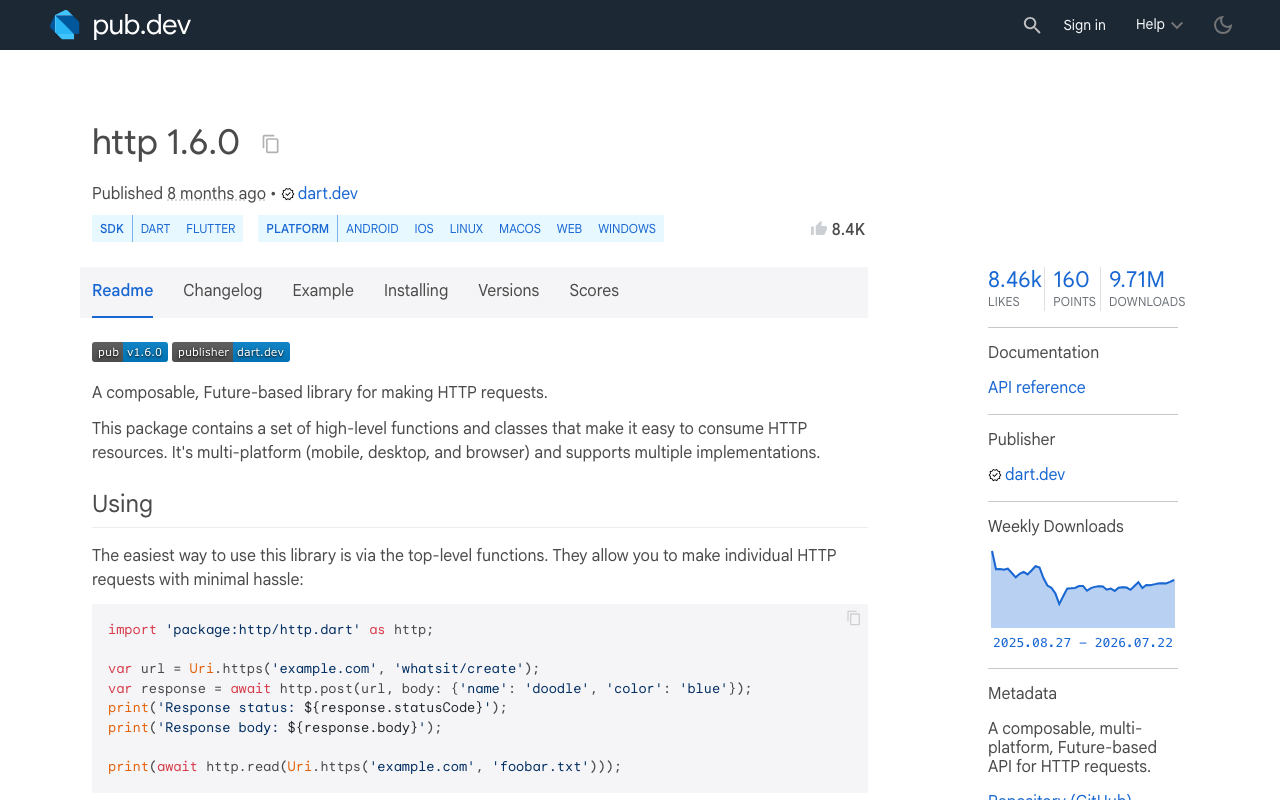
startChatStream,stopChatStream) and make surehttpis in your pubspec dependencies (FlutterFlow → Custom Code → add dependencyhttp: ^1.6.0). - On your Send button, call
startChatStream, passing the user's message, your WidgetChat API key, and callbacks that append tokens to an App State string and toggle anisStreamingboolean. - Bind a Stop Generating button's visibility to that
isStreamingflag, and callstopChatStreamon tap. Same button slot as Send — swap the icon while streaming.
Because startChatStream calls stop() on entry, a user who fires a second question before the first finishes can't double-stream or trigger the one-message-behind bug — the old subscription and client are always disposed first.
Don't forget dispose
If the user navigates away mid-stream, cancel there too. In a custom widget's dispose(), or a page unload action, call ChatStreamManager.instance.stop(). A StreamSubscription that outlives its page is a memory leak with a live socket attached.
The modern alternative: AbortableRequest
As of http 1.5.0+, the package added a first-class abort API. Instead of closing the whole client, you pass an abortTrigger future and complete it to cancel just that request:
final aborter = Completer<void>();
final request = http.AbortableRequest(
  'POST',
  Uri.parse('https://api.widgetchat.app/v1/chat/stream'),
  abortTrigger: aborter.future,
);
// ...later, on Stop:
aborter.complete(); // stream completes with RequestAbortedException
When the trigger completes, an in-flight streamed response surfaces a RequestAbortedException you catch and treat as “stopped.” It's cleaner if you're reusing one client for many requests. But the cancel() + close() pattern above works on every http version FlutterFlow ships and is the most portable flutterflow abort http streaming request approach — so it's the one to reach for first. Either way, the rule is the same: hold the subscription, and actually tear it down.
The takeaway
Starting an SSE stream is one line. Stopping it correctly means holding the http.Client and the StreamSubscription, then cancelling the subscription and closing the client together. Do that, and your flutter cancel SSE stream button stops tokens the instant a user taps it — no orphaned requests, no wasted quota, no message-behind bug.
WidgetChat gives you the streaming POST /v1/chat/stream endpoint that makes this possible, no proprietary SDK required. Try WidgetChat free and drop a real streaming AI support chat — Stop button and all — into your Flutter or FlutterFlow app today.

Comments
Comments are coming soon. We'd love to hear your thoughts!