

Fix a FlutterFlow Chatbot Stuck One Message Behind
You type "hello," the bot shows nothing. You type "what are your hours?" and now the greeting appears. Every reply lands one turn late, and the first message is always blank. You've checked your prompt, your JSON path, your API key — all fine. The bug isn't in any of them.
It's your action chain. Specifically, an action marked Non-Blocking somewhere between the AI call and the step that appends the reply to the chat. That single toggle is why your FlutterFlow chatbot is one message behind.
The symptom: replies land one turn late
The classic chat action chain looks like this:
- Add the user's message to the messages list.
- Call your AI backend (the API Call or a custom action).
- Add the AI's reply to the messages list.
When it misbehaves, step 3 renders whatever the response variable held before this turn. On the very first message that's empty (blank bubble). On every message after that, it's the previous turn's answer. The data is correct — it's just always one step stale. This is the tell-tale signature of a FlutterFlow non-blocking API call sitting in the chain.
Why it happens: Non-Blocking strips the await
FlutterFlow compiles your action flow into Dart. A blocking action is generated with await, so the next line waits for it. A non-blocking action is generated without await — FlutterFlow literally removes it so the flow keeps moving while the call runs in the background.
That's the whole bug. Here's the difference in the generated code:
// BLOCKING — await is present, step 3 waits for the body
_model.aiReply = await ChatBackendCall.call(
  message: _model.userInput,
);
addToMessages(_model.aiReply); // runs AFTER the reply arrives

// NON-BLOCKING — FlutterFlow strips the await
ChatBackendCall.call(
  message: _model.userInput,
);
addToMessages(_model.aiReply); // runs NOW, before the reply exists
In the non-blocking version, addToMessages executes immediately. _model.aiReply still holds whatever it held before this turn — empty on message one, last turn's answer after that. That is the FlutterFlow blocking vs non-blocking action distinction doing exactly what it's documented to do; it just isn't what you want for a chat reply.
Worth knowing: even a blocking API call can hand an empty result to the next action. FlutterFlow's community has documented cases where the call reports Succeeded with status 200, but the response body hasn't finished loading into the model when the next action reads it. So "FlutterFlow API call empty result next action" has two root causes — the stripped await, and reading a shared field a beat too early. The fix below closes both.
Fix 1: Keep the AI API call Blocking
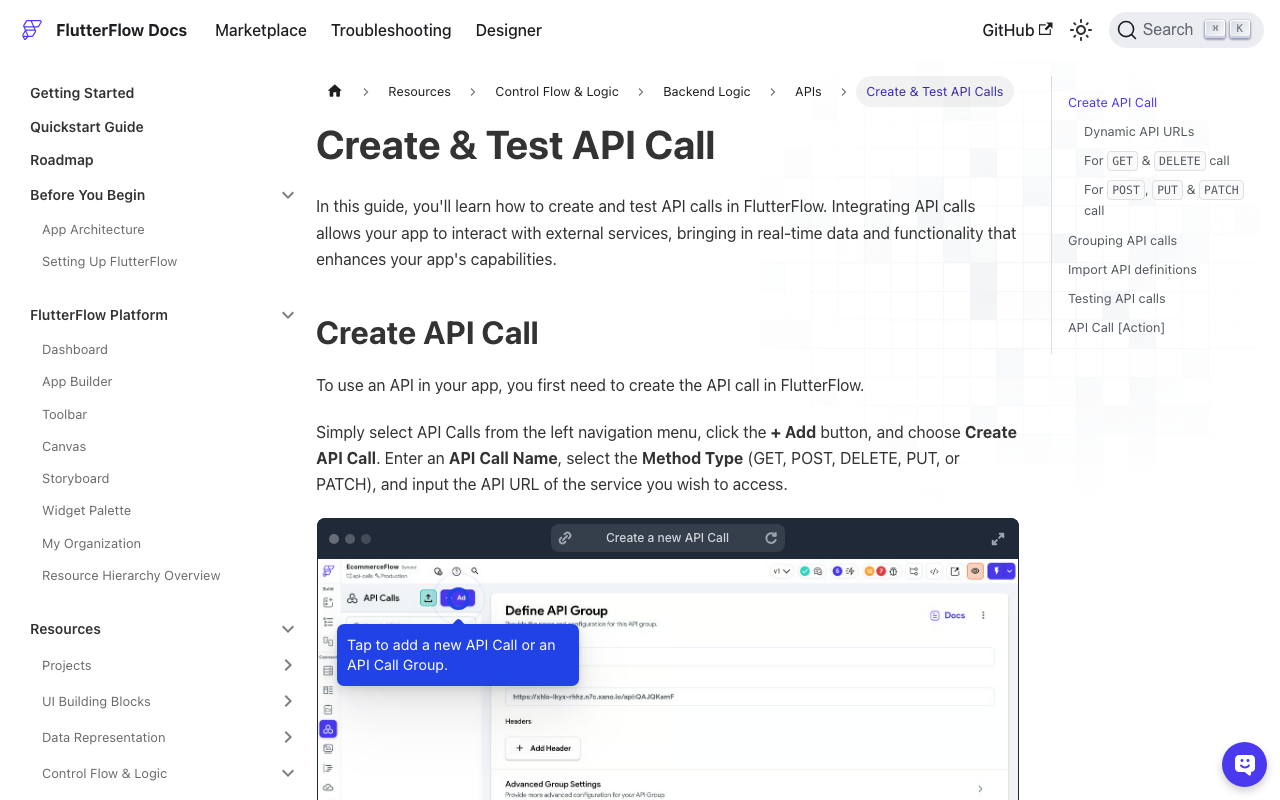
If you're using FlutterFlow's built-in API Call action:
- Open the action in the Action Flow editor.
- Find the Blocking / Non-Blocking toggle (in newer builds it's a checkbox on the action).
- Set the AI call — and every action between it and the append step — to Blocking.
Non-blocking is the right choice for fire-and-forget work: logging an analytics event, sending a push notification, kicking off a background job whose result you don't read. It is the wrong choice for anything whose output the very next action consumes. A chat reply is the textbook case of "I need the result before I continue," so it must stay blocking.
Fix 2: Restore await in your custom action
If you call the LLM from a custom action, the same rule lives in your Dart. The action must be async, return a Future<String>, and await the HTTP call before returning. Here's a correct, minimal version:
import 'package:http/http.dart' as http;
import 'dart:convert';

Future<String> getAiReply(String userMessage) async {
  final response = await http.post(
    Uri.parse('https://your-backend.example.com/chat'),
    headers: {'Content-Type': 'application/json'},
    body: jsonEncode({'message': userMessage}),
  );

  if (response.statusCode == 200) {
    final data = jsonDecode(response.body);
    return (data['reply'] as String?) ?? '';
  }
  return 'Sorry — I hit an error. Please try again.';
}
The two failure modes to watch for:
- Missing
awaitonhttp.post. The function returns before the network round-trip finishes, and your chat bubble showsInstance of '_Future<String>'or an empty string. - Marking the custom action Non-Blocking in the Action Flow. Even with a perfect
awaitinside the function, a non-blocking node means FlutterFlow drops theawaiton the call to your action. Keep the node Blocking so the returnedFuture<String>is unwrapped before the next step runs.
Fix 3 (defensive): bind the bubble to the Action Output, not shared page state
Blocking fixes the ordering, but there's a sturdier pattern that removes the whole class of "stale read" bugs — including the load-lag case where a 200 arrives before the body does.
Every FlutterFlow API Call action produces an Action Output Variable (named something like apiResultChat; you can rename it to something meaningful). It holds this call's response. Instead of writing the response into a shared page-state field in one action and reading that field in a later action, reference the Action Output Variable directly in the append step, in the same chain:
- On the API Call action, set a clear Action Output Variable Name, e.g.
aiCallResult. - In the next action (Update App State → add item to your
messageslist), set the reply's value from:aiCallResult→ JSON Body → your path, e.g.$.replyor$.choices[0].message.contentdepending on your backend.
- Optionally wrap it in a conditional on
aiCallResult→ Succeeded so a failed call appends a friendly error instead of a blank bubble.
Because you're reading the value the call just returned — not a page-state field that some other turn may have written — there's no shared variable to go stale. This kills the FlutterFlow chatbot one message behind problem even if someone later flips an unrelated action to non-blocking. A shared _model.lastReply field is exactly the thing that ends up holding last turn's text; the Action Output is scoped to this call, so it can't.
30-second checklist
- AI API call (and everything before the append) set to Blocking? ✅
- Custom action is
async, returnsFuture<String>, andawaits the HTTP call? ✅ - Custom-action node in the Action Flow is Blocking (not just the code)? ✅
- Chat bubble reads the call's Action Output Variable, not a shared page-state field? ✅
- Failure path renders an error string, not an empty bubble? ✅
Hit all five and the FlutterFlow chatbot response lag disappears — replies land on the turn that produced them.
Skip the plumbing: Try WidgetChat free
Getting blocking, await, Action Outputs, and error paths all correct is fiddly — and one accidental non-blocking toggle brings the bug right back. WidgetChat is a drop-in AI support chatbot for Flutter and FlutterFlow apps that handles this ordering for you: the embed streams each reply in order, tied to the request that produced it, so you never wire an action chain by hand or debug a stale bubble again. Try WidgetChat free and add a support bot to your app in minutes.

Comments
Comments are coming soon. We'd love to hear your thoughts!