

Fix FlutterFlow AI Chatbot Streaming Broken on Web
You wired up a token-by-token AI chatbot in FlutterFlow. In the mobile preview it's beautiful — words appear one at a time like ChatGPT. Then you publish to web, open the URL, and the same widget freezes for four seconds and dumps the entire reply at once. No typing effect, no partial tokens, just a wall of text.
You didn't break your code. The http package did. On web, Dart's http client buffers the entire streamed response into memory before handing you a single byte — so flutter web streaming buffers entire response is not a bug in your logic, it's the transport silently degrading. Here's exactly why, and the concrete swap that restores real SSE token streaming in a FlutterFlow web build.
Why the same code streams on mobile but not on web
When you call http.Client().send() or feed a StreamedRequest, the client you get is platform-specific:
- iOS / Android: the request runs on
dart:iosockets. Chunks arrive from the server and are pushed onto yourStreamedResponse.streamas they land. Real streaming. - Web: the default client is
BrowserClient, built onXMLHttpRequest. XHR has no incremental-body API that Dart uses here — the browser collects the whole response, and only when it's complete does Dart emit it as one lump onto the "stream."
That's why flutterflow chatbot streaming not working web is such a common report: your StreamSubscription and your token-parsing await for loop are perfectly correct. They just receive one giant event instead of many small ones.
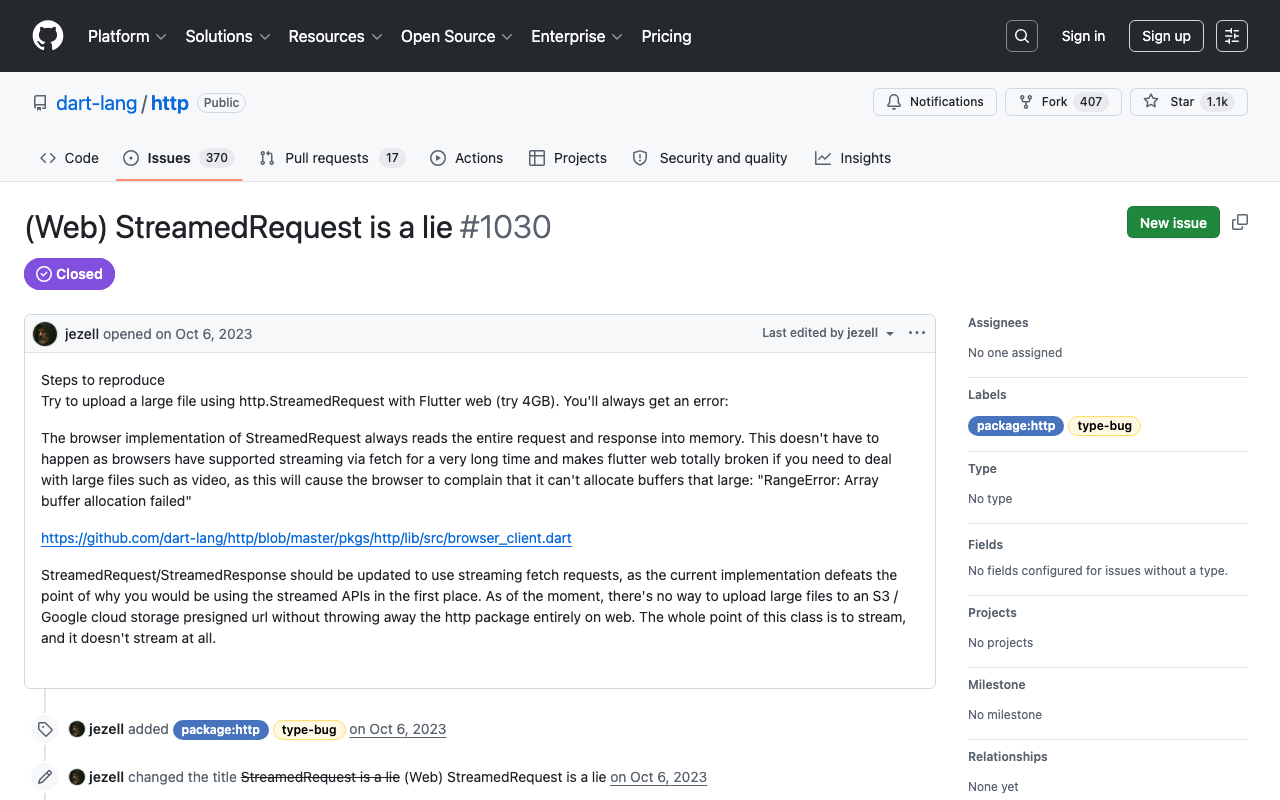
The Dart team is blunt about it. The open issue is literally titled "(Web) StreamedRequest is a lie": the browser implementation reads the entire request and response into memory. A parallel issue, Flutter Web buffering streamed/chunked data, notes that on web "data is buffered until the end of the stream and then processed," unlike Android and iOS which process each chunk as it arrives. And SSE simply doesn't fire incrementally on Chrome web through the default client.
So the root cause of your dart http StreamedRequest web problem is architectural, not a config flag. XHR can't do it. You need the browser's fetch() API and its ReadableStream body reader.
The fix: swap to a fetch()-based client on web
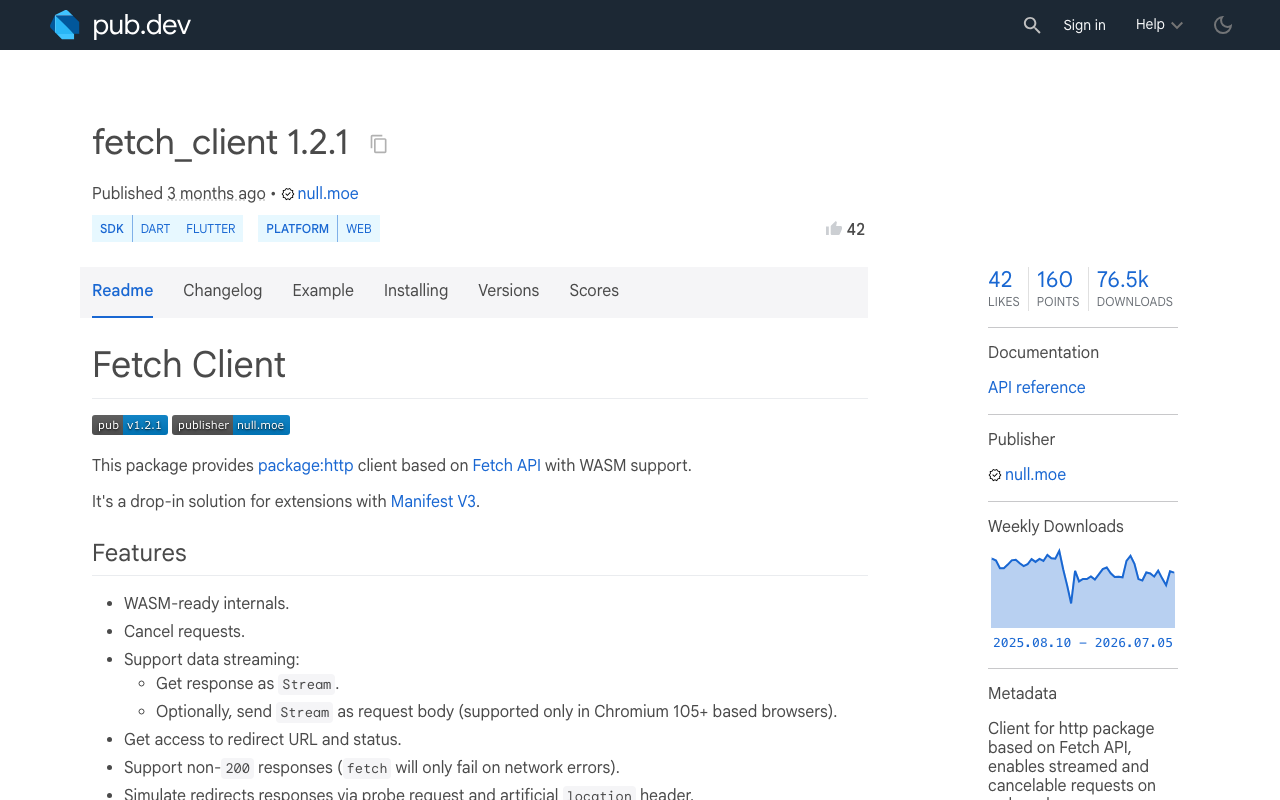
Browsers have supported streaming fetch() response bodies for years. The fetch_client package (v1.2.1 at time of writing) wraps fetch() behind the standard http.Client interface, so your existing send() / StreamedResponse code keeps working — but now response.stream emits chunks the moment they arrive.
It depends on http ^1.5.0 and fetch_api, and it's WASM-compatible. Add it to your FlutterFlow custom action dependencies (or pubspec.yaml if you're editing exported code):
dependencies:
  http: ^1.5.0
  fetch_client: ^1.2.1
Pick the right client per platform
You only want fetch_client on web. On mobile the default dart:io client already streams correctly. Use a conditional import so each platform compiles the client it can actually run:
// client_factory.dart
import 'package:http/http.dart';

// Swaps implementation at compile time based on platform.
import 'client_io.dart'
    if (dart.library.js_interop) 'client_web.dart';

Client createStreamingClient() => makeClient();
// client_io.dart  (mobile / desktop)
import 'package:http/http.dart';
Client makeClient() => Client(); // dart:io streams fine
// client_web.dart  (web)
import 'package:http/http.dart';
import 'package:fetch_client/fetch_client.dart';

// RequestMode.cors is required when hitting your API from a browser origin.
Client makeClient() => FetchClient(mode: RequestMode.cors);
Consume the stream token-by-token
Now the same parsing loop that worked on mobile works on web, because the chunks are real. Here's a complete FlutterFlow custom action that streams an SSE endpoint and calls back with each token — giving you true flutter web token by token streaming:
import 'dart:convert';
import 'package:http/http.dart';
import 'client_factory.dart';

Future<void> streamChatReply(
  String endpoint,
  String prompt,
  Future Function(String token) onToken,
) async {
  final client = createStreamingClient();
  final request = Request('POST', Uri.parse(endpoint))
    ..headers['Content-Type'] = 'application/json'
    ..headers['Accept'] = 'text/event-stream'
    ..body = jsonEncode({'message': prompt, 'stream': true});

  final response = await client.send(request);

  // Decode bytes -> lines as they arrive. On web with fetch_client this
  // now fires repeatedly; with the default BrowserClient it fired once.
  final lines = response.stream
      .transform(utf8.decoder)
      .transform(const LineSplitter());

  await for (final line in lines) {
    if (!line.startsWith('data:')) continue;
    final data = line.substring(5).trim();
    if (data == '[DONE]') break;

    final delta = jsonDecode(data)['choices']?[0]?['delta']?['content'];
    if (delta is String && delta.isNotEmpty) {
      await onToken(delta); // append to your chat bubble state
    }
  }

  client.close();
}
Wire onToken to append into an App State string, and your chat bubble grows one token at a time on web exactly like it does on mobile.
Two gotchas that bite after the swap
CORS. fetch() enforces CORS from a browser origin. Your streaming endpoint must return Access-Control-Allow-Origin for your published FlutterFlow domain, and answer the preflight OPTIONS request. If tokens still don't appear on web, open DevTools → Network before blaming Dart.
Proxy buffering. Some hosts (and misconfigured Nginx) buffer the whole SSE response server-side, re-creating the exact symptom you just fixed on the client. Make sure your server sends Content-Type: text/event-stream, disables response buffering, and flushes after each token. fetch_client can only stream what the network actually delivers in chunks.
The short version
If your fetch_client flutter streaming chatbot works on mobile and dumps the full reply on web, the culprit is http's BrowserClient buffering the response. Keep your streaming logic, but route web requests through FetchClient via a conditional import. That single transport swap is the difference between a frozen four-second pause and a live typing effect in production.
Try WidgetChat free
Don't want to babysit SSE parsing, CORS, and per-platform HTTP clients? WidgetChat drops a production-ready AI support chatbot into your Flutter or FlutterFlow app with streaming that already works on web and mobile out of the box. Add the widget, point it at your knowledge base, publish. Try WidgetChat free.

Comments
Comments are coming soon. We'd love to hear your thoughts!