

FlutterFlow AI Agent Same Response? Fix conversationId
You wired up an AI Agent in FlutterFlow with OpenAI or Anthropic, tested it, and the first reply looked perfect. Then you asked a second question — and got the exact same welcome message back. Ask a third: same greeting. Your agent seems permanently stuck saying "Hi! How can I help you today?" no matter what the user types.
This is one of the most common — and most misdiagnosed — FlutterFlow AI issues. Almost every forum answer tells you "the chatbot forgets context, increase the message limit." That's rarely the real problem. The real culprit is far more specific: your Conversation ID is either empty or regenerated on every send, so the agent starts a brand-new, empty conversation each turn and falls straight back to its system-prompt greeting.
Let's pinpoint it and fix it with the exact code.
Why the agent keeps replying with the greeting
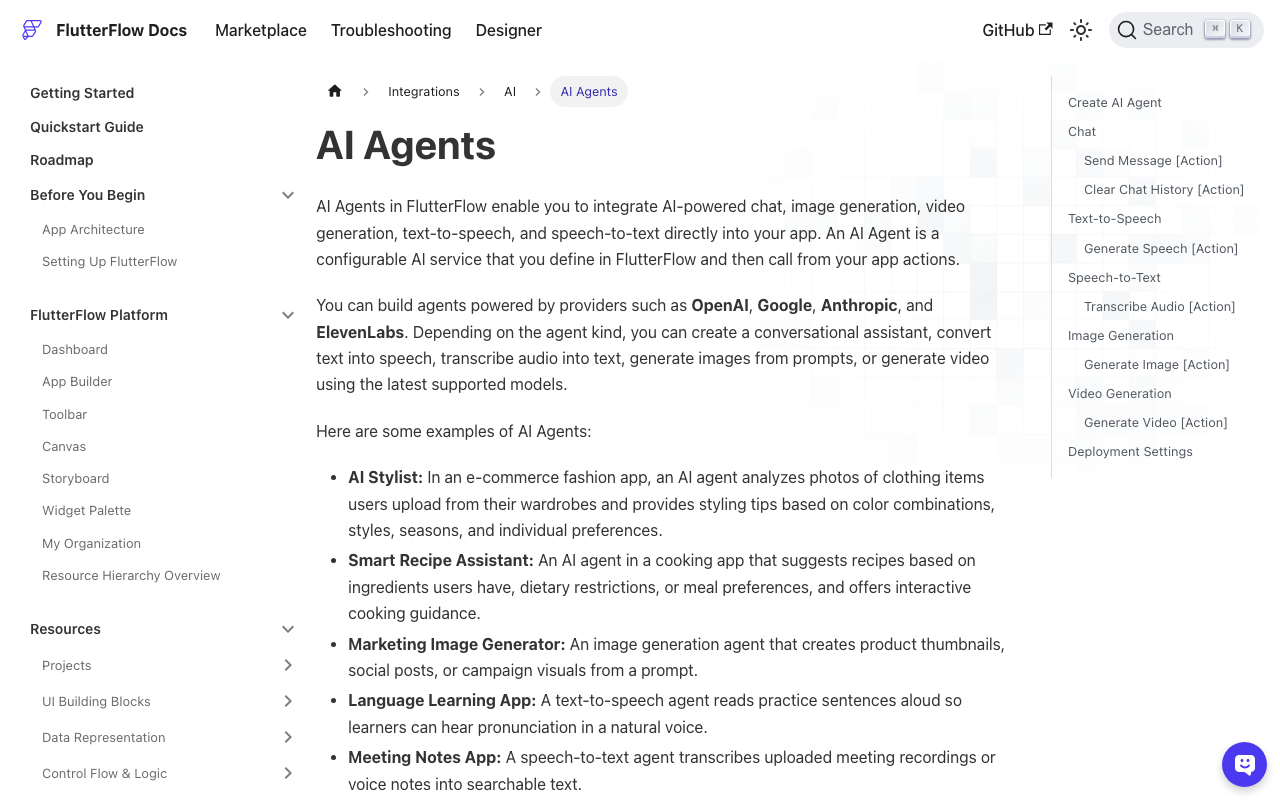
FlutterFlow's AI Agent action (Integrations → AI Agents) takes a parameter called Conversation ID. This string is what ties multiple messages together into a single stateful thread on the backend. The agent uses it to look up prior turns before generating a reply.
Here's the key detail most builders miss: FlutterFlow does not persist the Conversation ID for you. It hands you a slot, and it's your job to (1) create one ID per user session and (2) pass that same ID back on every subsequent call.
There are three ways this goes wrong, and all three produce the identical "stuck greeting" symptom:
- The Conversation ID field is left blank. With no ID, the agent treats every message as message #1 of a fresh conversation. Message #1 has no history, so the model does what your system prompt tells it to on a cold start: it greets the user.
- A new ID is generated inside the send action. If you call a
generateConversationId()custom function orUuid().v4()in the same action flow that sends the message, you mint a fresh ID every tap. Each call is again "turn 1" of a new thread — same cold-start greeting. - The ID is stored in a non-persisted local variable that resets. A Page State variable dies when the page rebuilds; the next message generates or defaults a new one.
If your agent answers correctly once and then loops the greeting, it's almost certainly cause #1 or #2. That's flutterflow conversationId not working in a nutshell — the value simply isn't the same across calls.
Quick diagnosis (30 seconds)
Before touching code, confirm the diagnosis:
- Open your Send Message action flow. Find the AI Agent action node.
- Look at the Conversation ID parameter. Is it empty? Is it bound to a function call, or to a variable you set two nodes earlier in the same flow? Either is the bug.
- Add a temporary Text widget bound to your stored conversation ID. Send three messages. If the displayed ID changes between messages (or is blank), you've found it.
A correct setup shows the same non-empty ID for the entire session.
The fix: one Conversation ID per session, reused every call
The pattern is simple: generate the ID once when the chat session starts, store it somewhere durable, and read from that same store on every send.
We'll use an App State variable for instant in-session access, and mirror it to Firestore so a session survives an app restart and you can reload history later.
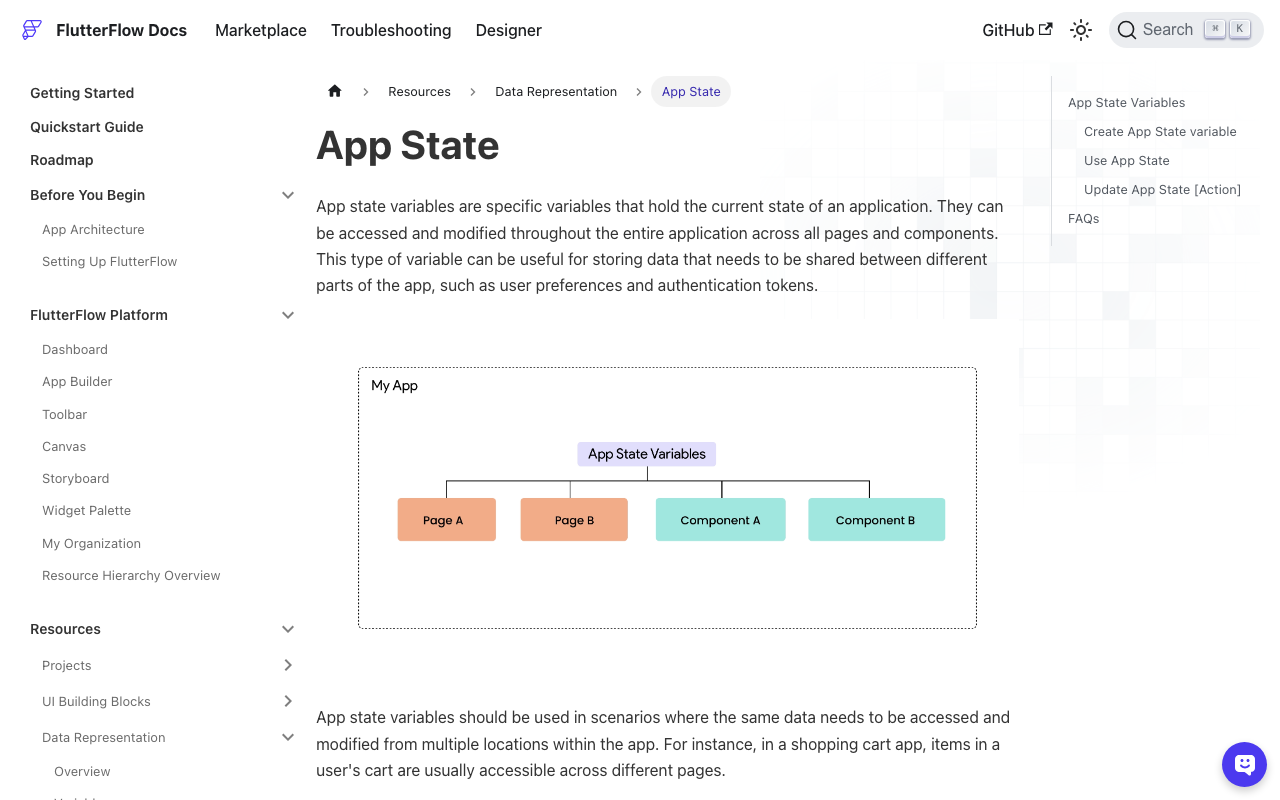
Step 1 — Create a persisted App State variable
In App State, add a variable:
- Name:
activeConversationId - Type:
String - Persisted: ON (this saves it to the device via
shared_preferences, so it survives app restarts)
Step 2 — Generate the ID once with a custom action
Add the uuid package under Custom Code → Settings → Pubspec Dependencies:
uuid: ^4.5.1
Then create a custom action ensureConversationId that returns an existing ID or mints a new one. The critical logic is return the existing value if we already have one — that's what stops regeneration:
// Custom Action: ensureConversationId
// Returns: String  (Action Output)
import 'package:uuid/uuid.dart';
import '/flutter_flow/flutter_flow_util.dart';
import '/app_state.dart';

Future<String> ensureConversationId() async {
  // If a session ID already exists, REUSE it. Do not overwrite.
  final existing = FFAppState().activeConversationId;
  if (existing.isNotEmpty) {
    return existing;
  }

  // First message of a new session: mint one stable ID.
  final newId = const Uuid().v4();
  FFAppState().activeConversationId = newId;
  return newId;
}
Step 3 — Persist the session doc in Firestore
Create a conversations collection so the thread outlives the app process. A minimal document:
conversations/{conversationId}
  - conversationId: String
  - userId: String (DocumentReference to users)
  - createdAt: Timestamp
  - lastMessageAt: Timestamp
When a session starts, upsert this doc. In FlutterFlow you can do it with a Backend Call → Cloud Firestore → Create Document action, or in code:
// Custom Action: startConversationDoc(conversationId, userRef)
import 'package:cloud_firestore/cloud_firestore.dart';

Future<void> startConversationDoc(
  String conversationId,
  DocumentReference userRef,
) async {
  final ref =
      FirebaseFirestore.instance.collection('conversations').doc(conversationId);
  await ref.set({
    'conversationId': conversationId,
    'userId': userRef,
    'createdAt': FieldValue.serverTimestamp(),
    'lastMessageAt': FieldValue.serverTimestamp(),
  }, SetOptions(merge: true)); // merge: never clobber an existing session
}
SetOptions(merge: true) matters: if the doc already exists (returning user), you keep the original createdAt and thread instead of resetting it.
Step 4 — Wire the action flow in the right order
This is where the stuck-greeting bug is actually killed. On your Send button, order the actions so the ID is resolved before the AI Agent call — and never regenerated mid-flow:
- Action 1: Call
ensureConversationId→ store output in a local Action Output variable, e.g.convId. (On repeat sends this returns the same stored ID.) - Action 2 (first send only):
startConversationDoc(convId, currentUserReference). - Action 3: AI Agent action → set Conversation ID =
convId. Set the user prompt to your text field value. - Action 4: Save the user message + agent reply to Firestore and update
lastMessageAt.
Because Step 2's ensureConversationId reads FFAppState().activeConversationId first, every send after the first returns the identical ID. The agent now receives a consistent thread key, loads the prior turns, and answers the actual question instead of greeting again.
Don't forget: reset the ID for a new chat
One persisted ID is great until the user taps "New Chat" and you want a fresh thread. Clear the App State value so the next send mints a new one:
// Custom Action: resetConversation
import '/app_state.dart';

Future<void> resetConversation() async {
  FFAppState().activeConversationId = ''; // next ensureConversationId() mints anew
}
This is the opposite failure mode of the greeting bug — if "New Chat" doesn't clear the ID, users bleed context between unrelated conversations.
Secondary checks if it still repeats
Once the Conversation ID is stable and you still see ai agent not responding flutterflow behavior:
- Message context window. In the AI Agent settings, the Maximum number of messages used for context defaults low. Raise it if long conversations lose earlier turns — but this is a tuning knob, not the greeting fix.
- System prompt. If your system message literally says "Always greet the user," it will greet on every turn regardless. Make greeting conditional on it being the first message.
- Prompt binding. Confirm the AI Agent's user-input parameter is bound to your live TextField value, not a static string.
- Empty response fallback. If your UI shows a canned greeting whenever the agent returns null/empty, a transient API error can masquerade as "stuck greeting." Log the raw response.
The one-line takeaway
flutterflow chatbot repeats welcome message and flutterflow agent stuck greeting almost always mean the same thing: the Conversation ID isn't the same value across calls. Generate it once per session, persist it in App State + Firestore, reuse it on every AI Agent call, and reset it only for a deliberate new chat. That single change turns a canned-greeting loop into a real, context-aware conversation.
Skip the plumbing with WidgetChat
Managing conversation IDs, session docs, message history, and context windows by hand is exactly the kind of glue code that breaks silently. WidgetChat drops a production-ready AI support chatbot into your Flutter or FlutterFlow app with session persistence and multi-turn memory handled for you — no conversationId wiring to forget. Try WidgetChat free and ship a chatbot that actually answers the second question.

Comments
Comments are coming soon. We'd love to hear your thoughts!