

Flutter SSE Chat Stuck on Typing: Retry and Regenerate
Your streaming support chatbot works on office Wi-Fi. Then a user walks into a lift, the reply stops in the middle of a sentence, and the typing indicator spins until they kill the app. Nothing shows up in your logs, because the request returned HTTP 200.
This post covers Flutter SSE stream error handling for that case: how to detect a stream that died without finishing, keep the partial answer on screen, and offer a Retry / Regenerate button.
Why a 200 tells you nothing
A streaming server has to send the status line before it generates the body. Once the first token is flushed, the 200 is committed. Anything that goes wrong after that (an upstream timeout, a dropped connection, a proxy closing an idle socket) cannot change the status code.
So a streaming reply can fail in three ways, and a status check only catches the first:
- Before the stream: a 4xx or 5xx response. Easy.
- Error event in the body: the server sends a well-formed SSE error payload after some text has already arrived.
- Close with no finish marker: the connection ends. On mobile this is often a clean close, so Dart calls
onDone, notonError.
The third one causes the classic "Flutter chatbot stuck loading" bug. Most tutorials treat onDone as success. It only means the bytes stopped. The rule to adopt: a turn is done only when you saw the stream's terminal marker. A close without it is a failure.
A small turn state machine
Give each assistant reply an explicit status and an id:
enum TurnStatus { streaming, done, failed, cancelled }

class ChatTurn {
  ChatTurn(this.id, {this.placeholder = ''});

  final int id;
  final String placeholder; // partial text from the attempt this one replaces
  final StringBuffer text = StringBuffer();
  TurnStatus status = TurnStatus.streaming;

  String get visibleText => text.isEmpty ? placeholder : text.toString();
}
The typing indicator is driven by status == TurnStatus.streaming and nothing else. If every code path ends in one of the other three states, the spinner cannot run forever.
The controller
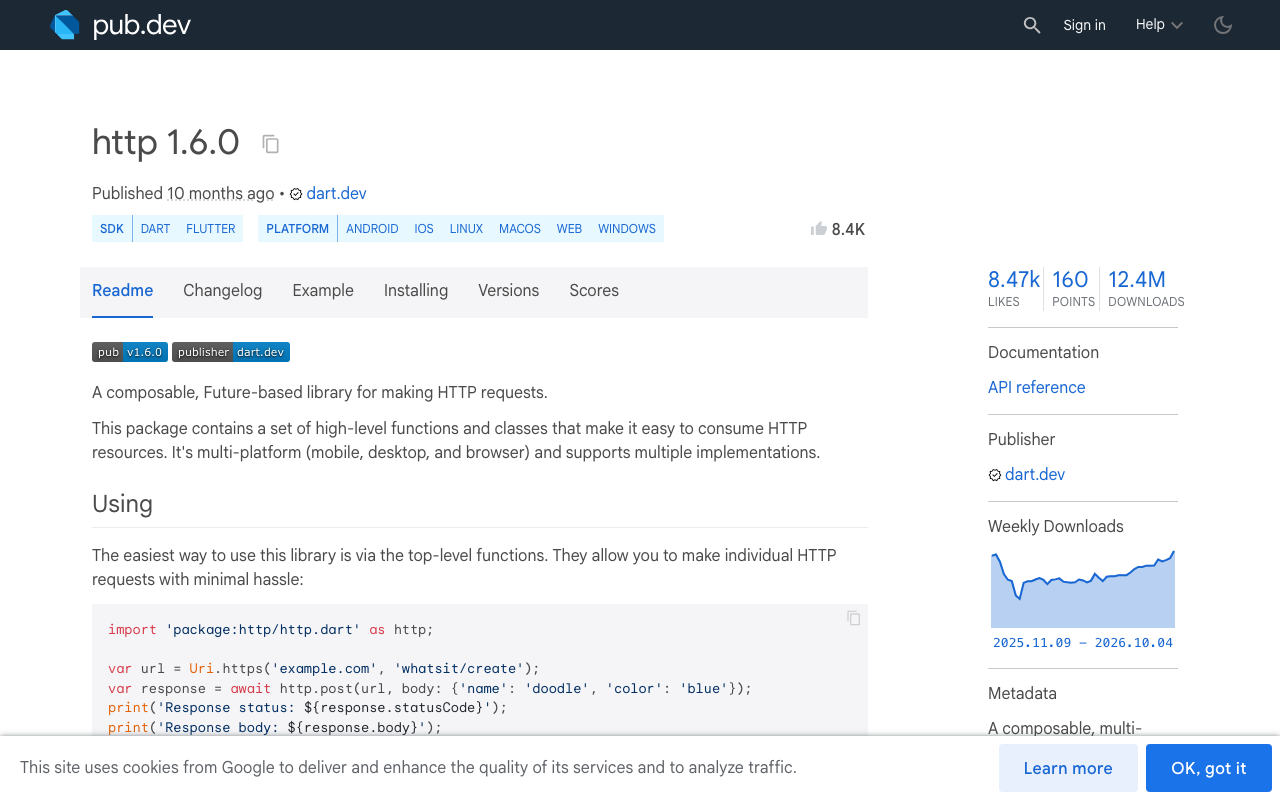
This uses package:http 1.5.0 or later, which added AbortableRequest (the current release is 1.6.0). Completing the abortTrigger future closes the underlying connection, which a plain subscription cancel does not guarantee on every platform.
The endpoint is WidgetChat's streaming endpoint, POST https://api.widgetchat.app/v1/chat/stream, which returns token-by-token data: lines. The request body, the auth header and the payload field names below ([DONE], error, delta) are placeholders for illustration. Log a real stream from your project and match the three checks in _onLine to what you actually receive.
import 'dart:async';
import 'dart:convert';

import 'package:flutter/foundation.dart';
import 'package:http/http.dart' as http;

class ChatController extends ChangeNotifier {
  ChatController(this._client, this._apiKey);

  final http.Client _client;
  final String _apiKey;

  final List<Map<String, String>> history = [];
  ChatTurn? turn;

  int _turnSeq = 0;
  StreamSubscription<String>? _sub;
  Completer<void>? _abort;

  Future<void> send(String userText) {
    history.add({'role': 'user', 'content': userText});
    return _run();
  }

  // History still ends with the user's message, so this resends the same turn.
  Future<void> regenerate() => _run();

  void stop() {
    final t = turn;
    if (t != null) _finish(t, TurnStatus.cancelled);
  }

  bool _isCurrent(ChatTurn t) => identical(t, turn);

  Future<void> _run() async {
    final previous = turn;
    if (previous != null) _finish(previous, TurnStatus.cancelled);

    final t = ChatTurn(++_turnSeq, placeholder: previous?.visibleText ?? '');
    turn = t;
    notifyListeners();

    final abort = Completer<void>();
    _abort = abort;

    final request = http.AbortableRequest(
      'POST',
      Uri.parse('https://api.widgetchat.app/v1/chat/stream'),
      abortTrigger: abort.future,
    )
      ..headers['Content-Type'] = 'application/json'
      ..headers['Accept'] = 'text/event-stream'
      ..headers['Authorization'] = 'Bearer $_apiKey'
      ..body = jsonEncode({'messages': history});

    try {
      final response = await _client.send(request);
      if (!_isCurrent(t) || t.status != TurnStatus.streaming) return;

      if (response.statusCode != 200) {
        _finish(t, TurnStatus.failed);
        return;
      }

      var sawDone = false;
      String? eventName;

      _sub = response.stream
          .transform(utf8.decoder)
          .transform(const LineSplitter())
          .listen(
        (line) {
          if (!_isCurrent(t)) return; // late chunk from a dead turn
          if (line.isEmpty) {
            eventName = null;
            return;
          }
          if (line.startsWith('event:')) {
            eventName = line.substring(6).trim();
            return;
          }
          if (!line.startsWith('data:')) return;

          final data = line.substring(5).trim();
          if (data == '[DONE]') {
            sawDone = true;
            return;
          }
          final payload = jsonDecode(data) as Map<String, dynamic>;
          if (eventName == 'error' || payload['error'] != null) {
            _finish(t, TurnStatus.failed);
            return;
          }
          t.text.write(payload['delta'] as String? ?? '');
          notifyListeners();
        },
        onError: (Object _) => _finish(t, TurnStatus.failed),
        onDone: () =>
            _finish(t, sawDone ? TurnStatus.done : TurnStatus.failed),
        cancelOnError: true,
      );
    } catch (_) {
      _finish(t, TurnStatus.failed);
    }
  }

  void _finish(ChatTurn t, TurnStatus status) {
    if (t.status != TurnStatus.streaming) return; // first terminal state wins
    t.status = status;

    if (status == TurnStatus.done) {
      history.add({'role': 'assistant', 'content': t.text.toString()});
    } else if (_isCurrent(t)) {
      _sub?.cancel();
      if (_abort?.isCompleted == false) _abort!.complete();
    }
    if (_isCurrent(t)) {
      _sub = null;
      _abort = null;
      notifyListeners();
    }
  }

  @override
  void dispose() {
    stop();
    super.dispose();
  }
}
What each piece does
onDone checks sawDone. This is the whole fix for the silent failure. A clean close without the finish marker becomes failed, and the spinner stops.
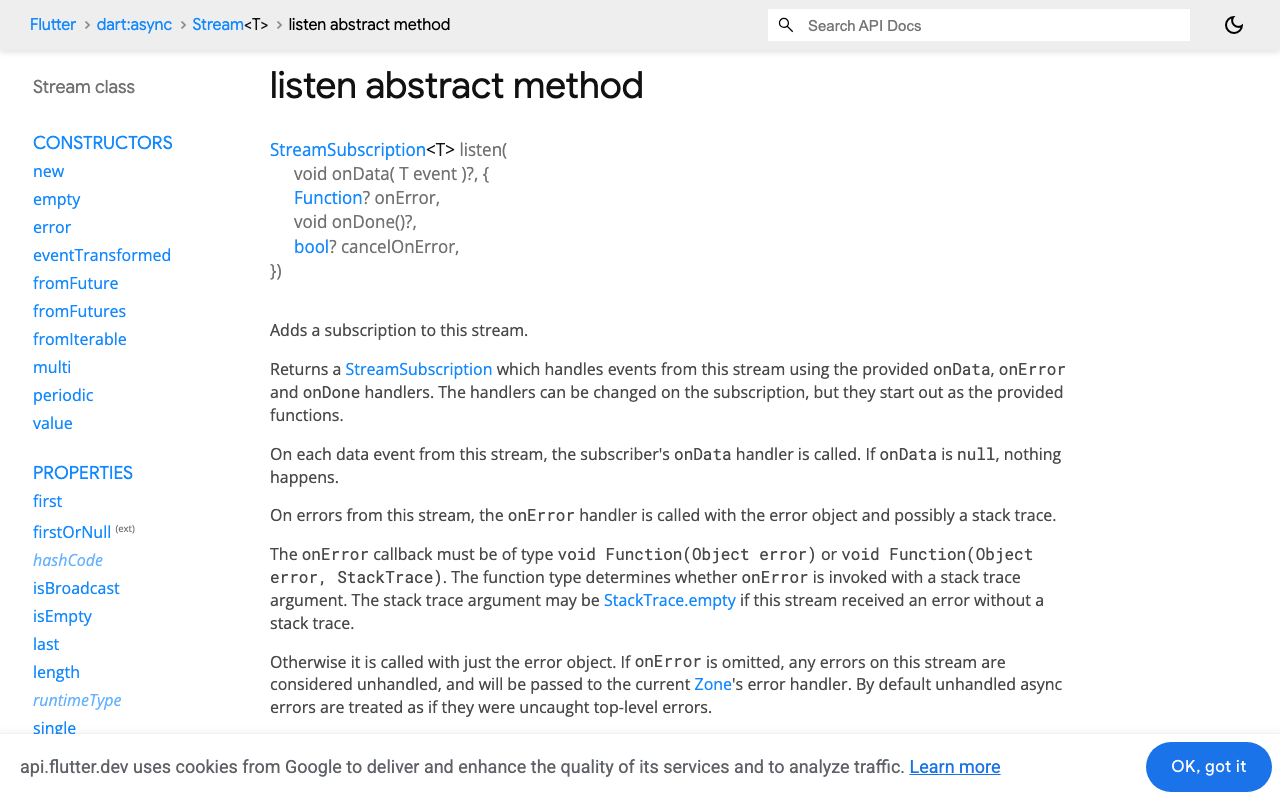
onError handles the noisy failures. A reset connection surfaces as an error on the response stream. cancelOnError: true stops the subscription at the first one. The Dart default is false, which would let later events keep arriving.
_finish is idempotent. Several paths can race to end a turn (an error event followed by a close, a Stop tap during a failure). The first terminal state wins and the rest are ignored. That also covers the RequestAbortedException that package:http throws when you abort before the response arrives: the turn is already cancelled, so the catch does nothing.
The partial answer is never added to history. Only a done turn is appended. A failed turn keeps its text on screen, but the history still ends with the user's message, so Regenerate resends exactly the same conversation.
Why you still need the turn id guard
Dart's docs are clear that a cancelled subscription receives no more events. So why check _isCurrent(t) in the data handler?
Because of the gap before the subscription exists. await _client.send(request) can take seconds on a bad network. If the user taps Regenerate during that wait, the old _run call resumes later with a response that belongs to a dead turn. Without the check after the await, it would start listening and write its tokens into the new message. The guard inside the handler is the same protection for any path where a cancel was missed. It costs one comparison per line.
The Retry / Regenerate button
A Flutter AI chat regenerate response action is now one line, because the controller already holds the history:
Widget buildAssistantBubble(ChatController chat) {
  final t = chat.turn!;
  final interrupted = t.status == TurnStatus.failed ||
      t.status == TurnStatus.cancelled;

  return Column(
    crossAxisAlignment: CrossAxisAlignment.start,
    children: [
      if (t.visibleText.isNotEmpty) Text(t.visibleText),
      if (t.status == TurnStatus.streaming) const TypingDots(),
      if (interrupted)
        TextButton.icon(
          onPressed: chat.regenerate,
          icon: const Icon(Icons.refresh),
          label: Text(t.status == TurnStatus.failed
              ? 'Reply interrupted. Retry'
              : 'Regenerate'),
        ),
    ],
  );
}
TypingDots is whatever indicator widget you already have.
When the user taps Retry, the new turn carries the old partial text as its placeholder. The half answer stays visible under the typing indicator and is replaced when the first new token arrives. The bubble does not flash empty, and if the retry fails before any text arrives, the user still has the partial reply.
Should you retry automatically? Once, if no text has arrived yet, is reasonable. After text is on screen, let the user decide. Silently replacing words they are reading is worse than a button.
Using this in FlutterFlow
The same controller works in FlutterFlow as custom code. Put ChatTurn and ChatController in a custom code file, add http as a dependency, and expose send, stop and regenerate through custom actions or a custom widget that owns the controller. No proprietary SDK is needed, the endpoint is plain HTTP.
What this does not cover
Three related problems need their own handling:
- A stalled socket. If the network goes quiet without closing, you get neither
onDonenoronError, so the turn stays instreaming. That needs an idle-timeout watchdog that calls_finish(t, TurnStatus.failed)when no line arrives for a set time. - Split chunks.
utf8.decoderandLineSplitterrun as stream transformers, so multi-byte characters and lines cut across network chunks are reassembled for you. Decoding each chunk by hand withutf8.decodebreaks on both. This parser also ignores multi-linedata:fields, which token streams rarely use. - Leaving the screen. Call
dispose()on the controller from yourState.dispose()so an in-flight stream is aborted and cannot callnotifyListenerson a dead widget.
Checklist
- The typing indicator depends only on
status == streaming. onDonewithout the finish marker meansfailed.- In-body error events mean
failed, even with a 200. - Every handler checks the turn it was created for.
- Partial text stays visible and stays out of the history you resend.
- Retry and Regenerate call the same function.
Try WidgetChat free
WidgetChat is an AI customer-support chatbot for Flutter and FlutterFlow apps that answers users from your own content. Replies stream token by token over Server-Sent Events from POST https://api.widgetchat.app/v1/chat/stream, and you can integrate it with a plain HTTP client or a FlutterFlow custom action, as shown above. There is a free tier to start.

Comments
Comments are coming soon. We'd love to hear your thoughts!