

Fix FlutterFlow Chatbot SSE Tokens That Glue or Drop
You wired up a streaming AI chatbot in FlutterFlow with a custom action. It calls WidgetChat's POST https://api.widgetchat.app/v1/chat/stream, tokens start flowing, and the reply looks almost right — except words are glued together (Helloworld), chopped in half (Hel … lo), or missing entirely. Refresh, run it again, and the corruption lands in different places.
This is not your prompt, not the model, and not a WidgetChat bug. It's a networking reality that almost every "stream SSE in Flutter" tutorial quietly ignores: the boundaries of the byte chunks your http client hands you have nothing to do with the boundaries of SSE events. If you parse each raw chunk as if it were one complete event, you corrupt the stream.
Let's see exactly why, then fix it with a proper line buffer.
What a WidgetChat SSE stream actually looks like on the wire
Server-Sent Events is a line-based text protocol. WidgetChat streams the answer token-by-token, so the response body is a sequence of data: frames, each terminated by a newline, with a blank line marking the end of an event:
data: Hello

data:  there

data: , how

data:  can I help?
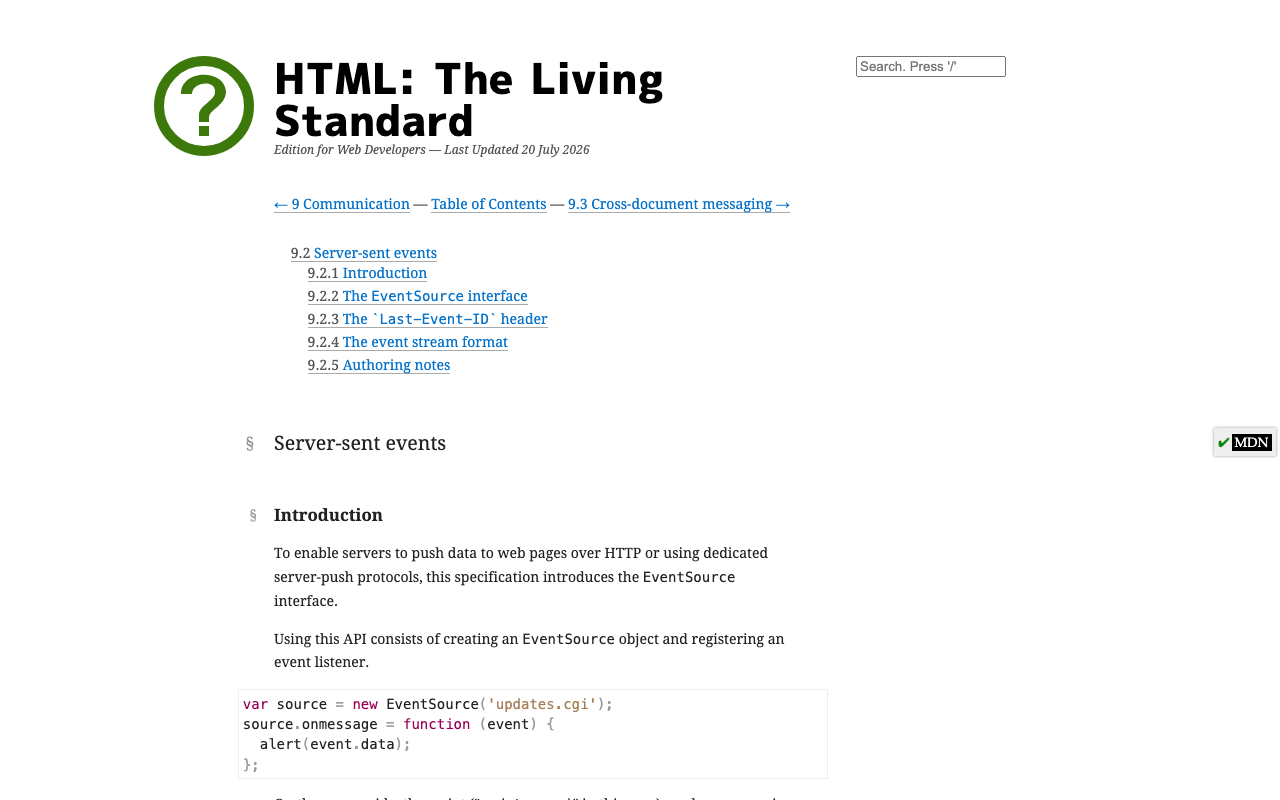
Per the WHATWG SSE spec, consecutive data: lines are concatenated and a blank line (two newlines) dispatches the event. Simple enough to read on paper.
The problem is that this text arrives over TCP, and TCP is a byte stream, not a message stream. The server, your OS, and every proxy in between are free to coalesce and fragment the bytes however they like. So the chunks your Dart Stream<List<int>> actually emits might be:
chunk 1: "data: Hello\n\ndata:  the"
chunk 2: "re\n\ndata: , how\n\ndata:  can I h"
chunk 3: "elp?\n\n"
Two things are happening here, and both are normal:
- Multiple SSE events arrive in one chunk. Chunk 1 contains a whole event plus the start of the next one. (This is the
sse events same tcp packet fluttergotcha.) - One SSE event is split across two chunks.
data: thereis torn between chunk 1 and chunk 2;can I help?is torn between chunk 2 and chunk 3.
The broken parser (the one in most tutorials)
Here's the code that produces garbled output. It treats every network chunk as a self-contained event:
// ❌ BROKEN: assumes one chunk == one complete SSE event
await for (final chunk in response.stream.transform(utf8.decoder)) {
  final text = chunk.trim();
  if (text.startsWith('data:')) {
    yield text.substring(5).trim(); // corrupts on every split boundary
  }
}
Run this against the chunks above and watch it fall apart:
- Chunk 1 →
startsWith('data:')is true, so it emitsHello\n\ndata: theas one "token." The embeddeddata:and newlines get dumped straight into your UI. - Chunk 2 → starts with
re, notdata:, so the entire chunk is dropped. There goesthereand part of the next event — that's yourflutterflow chatbot missing words streaming. - Later chunks glue fragments together because
trim()eats the newlines that were the only thing separating tokens.
Every symptom — merged tokens, jumbled order, missing words — traces back to this one wrong assumption.
The fix: buffer bytes, split on newline, emit only complete lines
The rule is simple: never act on a data: line until you've seen its terminating newline. Accumulate incoming text in a buffer, split it on \n, process every complete line, and hold back the final fragment (everything after the last newline) until more bytes arrive.
import 'dart:convert';
import 'package:http/http.dart' as http;

/// Streams complete token frames from WidgetChat, correct across
/// any chunk boundary the network throws at us.
Stream<String> streamWidgetChatTokens(String message, String apiKey) async* {
  final request = http.Request(
    'POST',
    Uri.parse('https://api.widgetchat.app/v1/chat/stream'),
  )
    ..headers.addAll({
      'Authorization': 'Bearer $apiKey',
      'Content-Type': 'application/json',
      'Accept': 'text/event-stream',
    })
    // Use the request body shape from your WidgetChat dashboard/docs.
    ..body = jsonEncode({'message': message});

  final response = await http.Client().send(request);

  final buffer = StringBuffer();

  // utf8.decoder as a *stream transformer* also buffers partial
  // multi-byte characters across chunks — a UTF-8 emoji can split too.
  await for (final chunk in response.stream.transform(utf8.decoder)) {
    buffer.write(chunk);

    final parts = buffer.toString().split('\n');
    // The last element is whatever came after the final '\n'. It may be a
    // half-line, so put it back in the buffer and wait for more bytes.
    buffer
      ..clear()
      ..write(parts.removeLast());

    for (final raw in parts) {
      final line = raw.trimRight(); // drop trailing '\r' from CRLF servers
      if (line.isEmpty) continue;   // blank line = end of an SSE event
      if (!line.startsWith('data:')) continue;

      final data = line.substring(5).trimLeft();
      // Some streams send a completion sentinel; guard for it defensively.
      if (data == '[DONE]') return;
      yield data; // one complete, correct token frame
    }
  }
}
That's the whole fix. Trace it through the three chunks:
- Buffer holds
data: Hello\n\ndata: the. Split gives['data: Hello', '', 'data: the']. We emitHello, skip the blank line, and stashdata: theback in the buffer. - Buffer becomes
data: there\n\ndata: , how\n\ndata: can I h. Nowdata: thereis complete — emitthere. Stashdata: can I h. - Buffer completes
can I help?and emits it.
No merges, no drops, in the right order — regardless of where TCP drew the lines.
The idiomatic one-liner
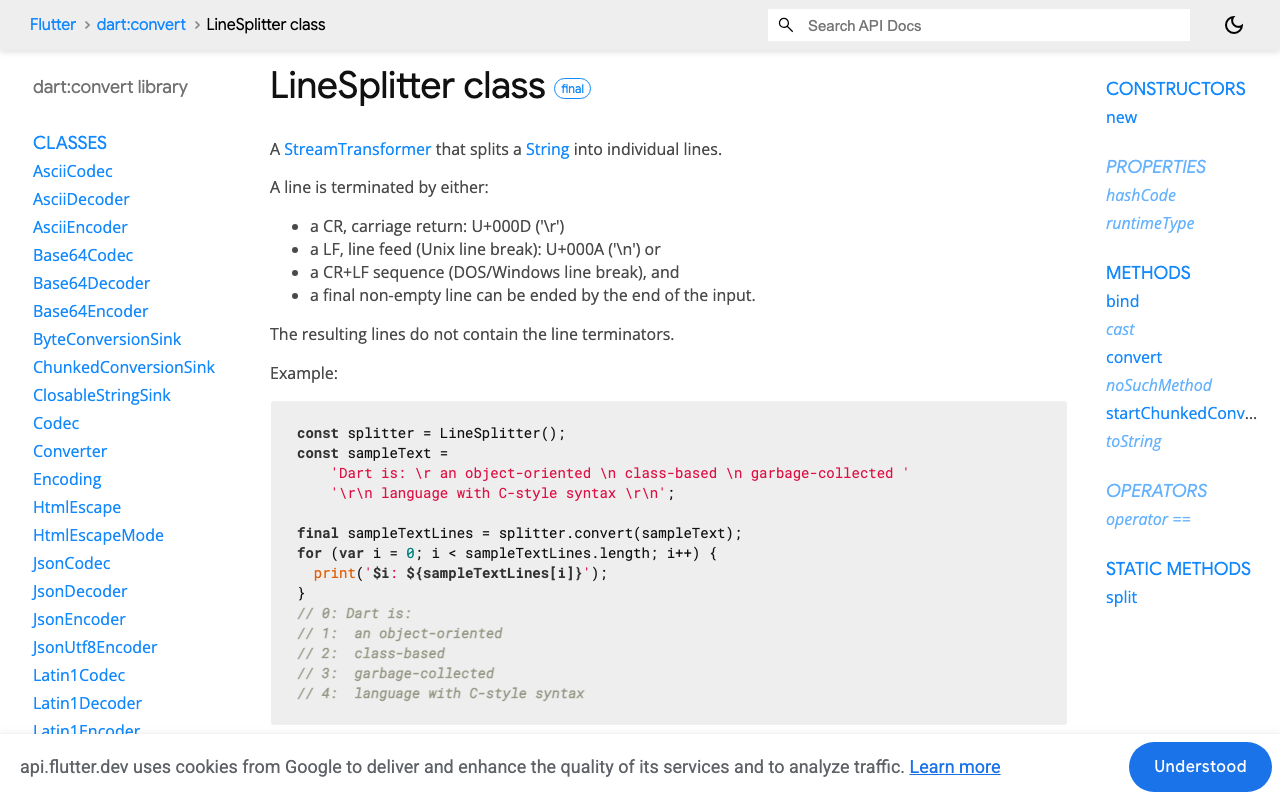
Dart's LineSplitter does exactly this buffering for you. Its docs confirm it splits on \n, \r, and \r\n, and as a chunked transformer it holds an incomplete trailing line until the terminator (or end of stream) arrives:
final lines = response.stream
    .transform(utf8.decoder)   // buffers partial multi-byte chars
    .transform(const LineSplitter()); // buffers partial lines

await for (final line in lines) {
  if (line.isEmpty || !line.startsWith('data:')) continue;
  final data = line.substring(5).trimLeft();
  if (data == '[DONE]') return;
  yield data;
}
Use whichever you prefer — the manual StringBuffer version is worth understanding first, because it makes the invariant ("only emit complete lines") impossible to forget. Both are correct; the naive per-chunk parser is not.
Wiring it into a FlutterFlow custom action
FlutterFlow custom actions return a Future, and you surface streaming text by updating an App State variable that a Text widget is bound to. Append each token to a buffer and push it to app state as it arrives:
// Custom Action: streamWidgetChatReply(String message)
Future<void> streamWidgetChatReply(String message) async {
  final reply = StringBuffer();
  await for (final token in streamWidgetChatTokens(
    message,
    FFAppState().widgetChatApiKey,
  )) {
    reply.write(token);
    FFAppState().update(() {
      FFAppState().assistantReply = reply.toString();
    });
  }
}
Create an App State string assistantReply, bind your chat bubble's Text to it, and add widgetChatApiKey to App State. Call the action on send, and the reply now types itself out cleanly, one correct token at a time.
Why this bug hides in development
On localhost, responses are small and fast, so the OS often hands you each event in its own chunk — the broken parser looks fine. In production, a reverse proxy or load balancer buffers and re-flushes the stream in larger blocks, so multiple events land in one chunk and single events split across two. That's why flutterflow streaming garbled tokens reports so often start with "it worked on my machine." A line buffer makes chunk size irrelevant, which is the only way to be correct on both.
Try WidgetChat free
WidgetChat gives your Flutter and FlutterFlow app a drop-in AI support chatbot with real token-by-token streaming over SSE — no proprietary SDK required, just the custom action above. Try WidgetChat free and ship a chat experience that streams cleanly on every network.

Comments
Comments are coming soon. We'd love to hear your thoughts!