

FlutterFlow API Key Exposed? Move It Server-Side, Keep Streaming
If you built your FlutterFlow chatbot by pointing an API Call at https://api.openai.com/v1/chat/completions and pasting Bearer sk-... into the Authorization header, that key is in the app you shipped. Not encrypted, not obfuscated, just sitting in the binary as a string. The same is true if you wrote a custom action with the key in a Dart constant.
This post shows you how to confirm it against your own build in about a minute, then how to replace the direct call with a server-side endpoint that still streams token by token. The worked example uses WidgetChat's stream endpoint, because it already speaks Server-Sent Events and keeps the LLM provider key on the server.
Prove it: pull the key out of your own APK
FlutterFlow compiles your project to Dart, and Flutter compiles that Dart ahead of time into libapp.so. String literals survive that step untouched. Download your code (or build from the exported project) and run:
flutter build apk --release
mkdir apk && cd apk
unzip -q ../build/app/outputs/flutter-apk/app-release.apk
strings lib/arm64-v8a/libapp.so | grep -E 'sk-[A-Za-z0-9_-]{20,}|api\.openai\.com'
You do not need apktool, Ghidra or a rooted phone. strings reads printable byte sequences and grep finds the key. If your app is on the Play Store, anyone can do the same with the APK they downloaded, and the OpenAI help centre is explicit that a key used from a mobile app or browser should be treated as compromised.
The web build is worse, because there is no binary to open:
flutter build web --release
grep -oE 'sk-[A-Za-z0-9_-]{20,}' build/web/main.dart.js
That is a plain text file served to every visitor. View Source is enough.
If either command prints a key, rotate it now in the OpenAI dashboard before reading on, and set a usage limit on the replacement. The surprise bill stories you have read all start with a key that stayed live for a weekend.
Why the usual FlutterFlow fixes fall short
There are two things people reach for first.
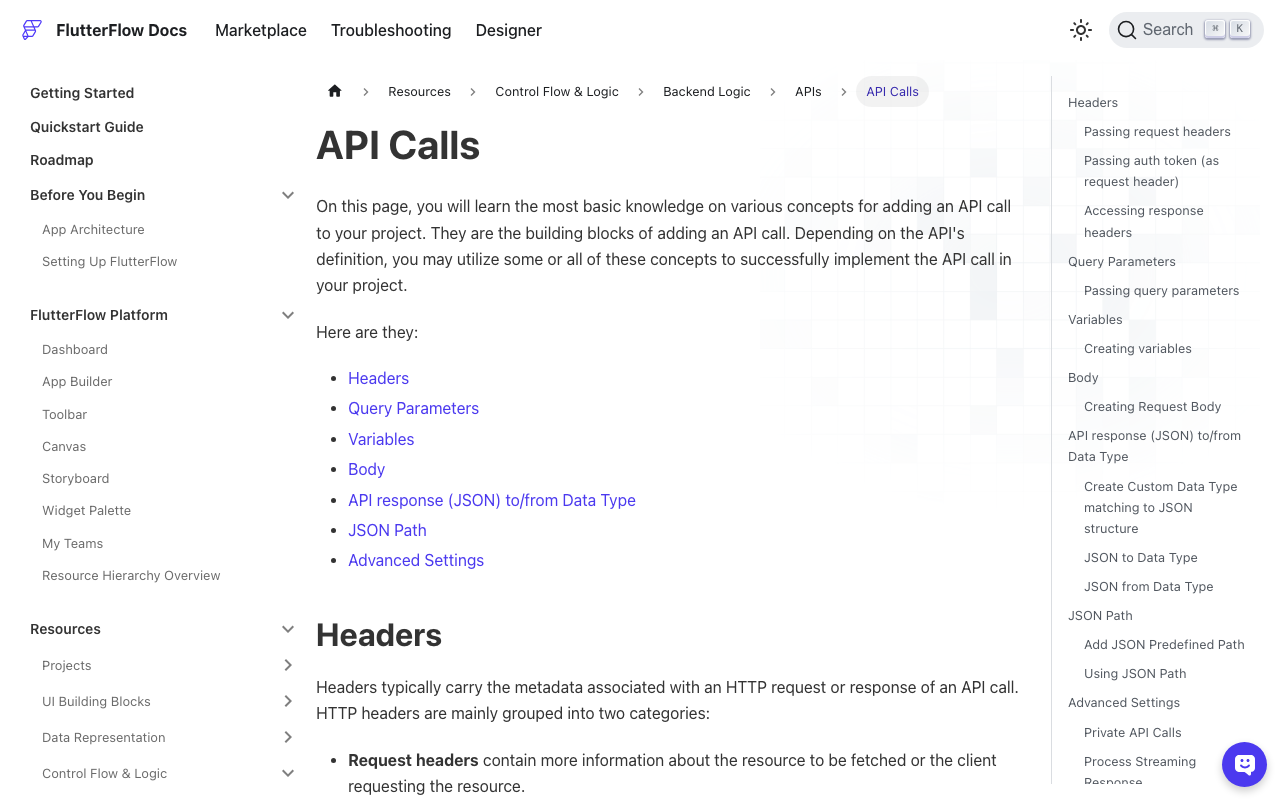
Make Private on the API Call. This routes the call through a Firebase Cloud Function that FlutterFlow deploys for you, and the Authorization header is set there instead of in the app. For a one-shot request that works, with two caveats. You need Firebase connected and Cloud Functions deployed, and the key is still typed into the FlutterFlow editor and lands in your exported source and Git history. Community reports also describe the Authorization header arriving as undefined when a private call has streaming enabled, so test it before you depend on it.
dart-define or a .env file. Both are build-time injection. The value still ends up in libapp.so or main.dart.js; you have only moved where you typed it. A .env bundled as a Flutter asset is literally a file inside the APK at assets/flutter_assets/.env.
The only fix that actually hides the key is the one the OpenAI docs recommend: the app never talks to the LLM provider. It talks to your server, and your server holds the key.
The fix: a streaming proxy the app can call
A chatbot backend proxy has one hard requirement that a normal REST proxy does not: it has to stream. If the endpoint buffers the whole completion and returns it at the end, your chat feels slow and your typing indicator lies.
WidgetChat's endpoint does this for you:
POST https://api.widgetchat.app/v1/chat/stream
Content-Type: application/json
Accept: text/event-stream
<the project auth header from your WidgetChat dashboard>

{"message": "How do I reset my password?"}
The response is SSE, one data: event per token, finishing when the server closes the stream. Check it from a terminal first so you can tell a client bug from a server bug later:
curl -N https://api.widgetchat.app/v1/chat/stream \
  -H "Content-Type: application/json" \
  -H "Accept: text/event-stream" \
  -H "<your WidgetChat auth header>" \
  -d '{"message": "How do I reset my password?"}'
The credential you send here is a project credential for your WidgetChat project, not an OpenAI key. The provider keys that generate the answer live on WidgetChat's servers. That applies to text chat and to the live voice feature: when a user taps the mic and talks to the assistant, the speech and voice provider keys never leave the server either. Nothing in the APK can be used to run up a bill on an LLM account.
Run the same strings and grep commands again after the swap. The sk- match is gone.
Wiring it in FlutterFlow with no custom code
Create a new API Call:
- Method POST, URL
https://api.widgetchat.app/v1/chat/stream. - Headers:
Content-Type: application/json,Accept: text/event-stream, plus the auth header from your dashboard. - Body: JSON with
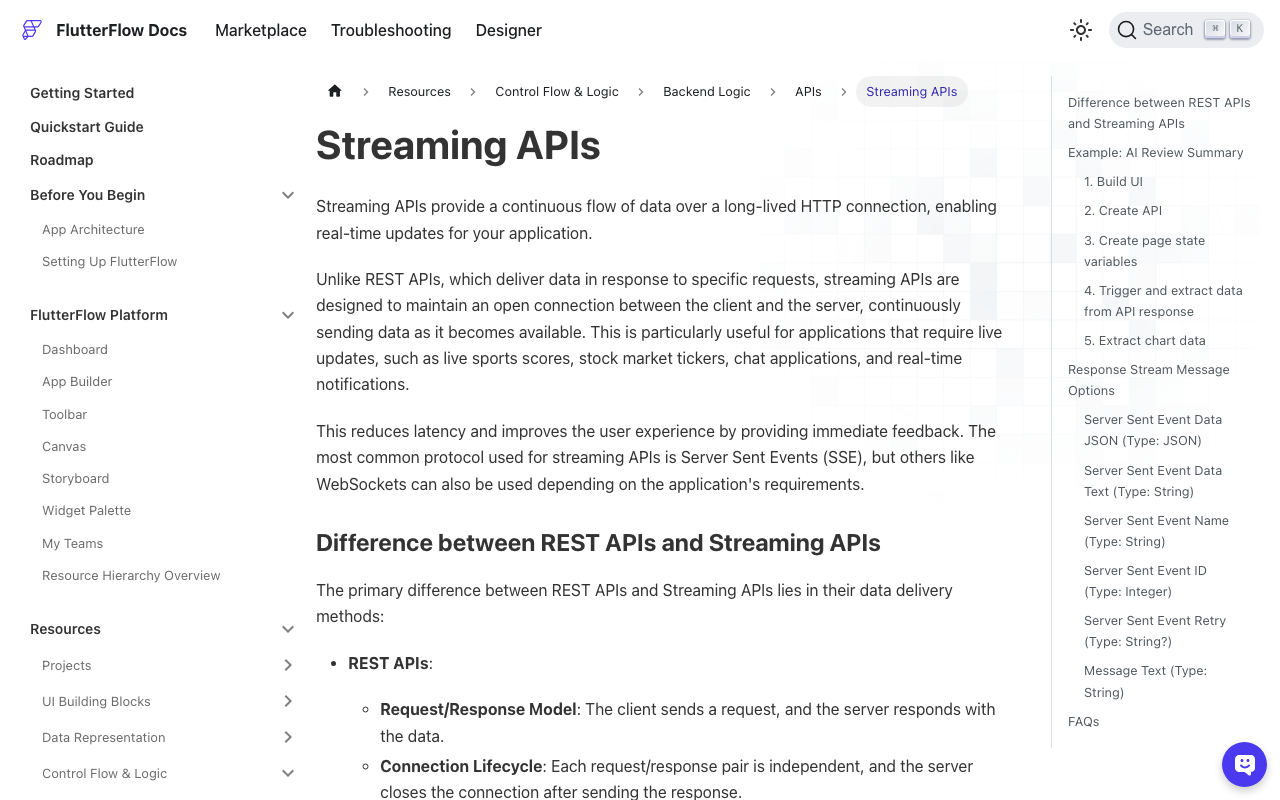
messagebound to a variable. - Under Advanced Settings, turn on Process Streaming Response.
That last toggle exposes onMessage, onError and onClose triggers. In onMessage, update a page state string by combining the current value with the incoming token, not by setting it. Setting it is the single most common reason a FlutterFlow stream shows one word; the full recipe, including the Data Text vs Data JSON choice, is in FlutterFlow Streaming Shows One Token? Append, Don't Set.
Delete the old OpenAI API Call once the new one works. An unused call still compiles into the app, key included.
Wiring it in Dart (Flutter or a FlutterFlow custom action)
If you prefer code, here is a custom action that streams the reply into a callback. It uses package:http, which FlutterFlow already depends on.
import 'dart:async';
import 'dart:convert';
import 'package:http/http.dart' as http;

Future<void> streamWidgetChat(
  String message,
  String authHeaderName,
  String authHeaderValue,
  Future<void> Function(String token) onToken,
) async {
  final req = http.Request(
    'POST',
    Uri.parse('https://api.widgetchat.app/v1/chat/stream'),
  )
    ..headers['Content-Type'] = 'application/json'
    ..headers['Accept'] = 'text/event-stream'
    ..headers[authHeaderName] = authHeaderValue
    ..body = jsonEncode({'message': message});

  final res = await http.Client().send(req);
  if (res.statusCode != 200) {
    throw Exception('stream failed: ${res.statusCode}');
  }

  var buffer = '';
  await for (final chunk in res.stream.transform(utf8.decoder)) {
    buffer += chunk;
    while (true) {
      final end = buffer.indexOf('\n\n');
      if (end == -1) break;
      final event = buffer.substring(0, end);
      buffer = buffer.substring(end + 2);
      for (final line in event.split('\n')) {
        if (line.startsWith('data:')) {
          await onToken(line.substring(5).trimLeft());
        }
      }
    }
  }
}
Two things in there matter more than they look. The auth header value is passed in as a parameter, so pull it from your own backend or a per-user session rather than a Dart constant if you want to rotate it without a release. And the buffer loop splits on the blank line between events instead of trusting each network chunk to be one event. On 4G a token regularly arrives split across two chunks, and without the buffer you drop it silently. That failure mode, and the UTF-8 edge cases around it, are covered in Flutter SSE: Fix Missing Tokens When Chunks Split.
Checklist before you ship
- Rotated the leaked OpenAI key and set a spend limit on the new one.
- No API Call or custom action in the project references
api.openai.com. strings libapp.so | grep sk-andgrep sk- main.dart.jsboth return nothing.- The stream endpoint returns
data:events incurl -Nbefore you blame the client. onMessageappends;onClosepushes the finished reply into chat history.
The point of a FlutterFlow API call authorization header is to identify your app to your backend. It was never a safe place for a provider secret. Move the LLM call behind an endpoint that streams, and the key problem goes away without giving up the token-by-token feel.
Try WidgetChat free: create a project at widgetchat.app, copy the project auth header from the dashboard, and point your FlutterFlow API Call at /v1/chat/stream. The OpenAI key never touches the app.

Comments
Comments are coming soon. We'd love to hear your thoughts!