

Fix Dio receiveTimeout Killing Long Flutter AI Chat Streams
Your Flutter chat screen streams short answers fine. Then a user asks something hard, the assistant thinks for a while, and the stream dies with DioExceptionType.receiveTimeout. Or, with package:http, nothing is thrown at all: the typing indicator just sits there forever. Both failures come from the same misunderstanding of what a receive timeout measures on a streaming response.
This post walks through the fix for a Flutter or FlutterFlow app streaming from WidgetChat's POST https://api.widgetchat.app/v1/chat/stream endpoint, which returns the reply token by token as Server-Sent Events (data: lines). The same pattern works for any SSE chat backend.
What receiveTimeout actually measures
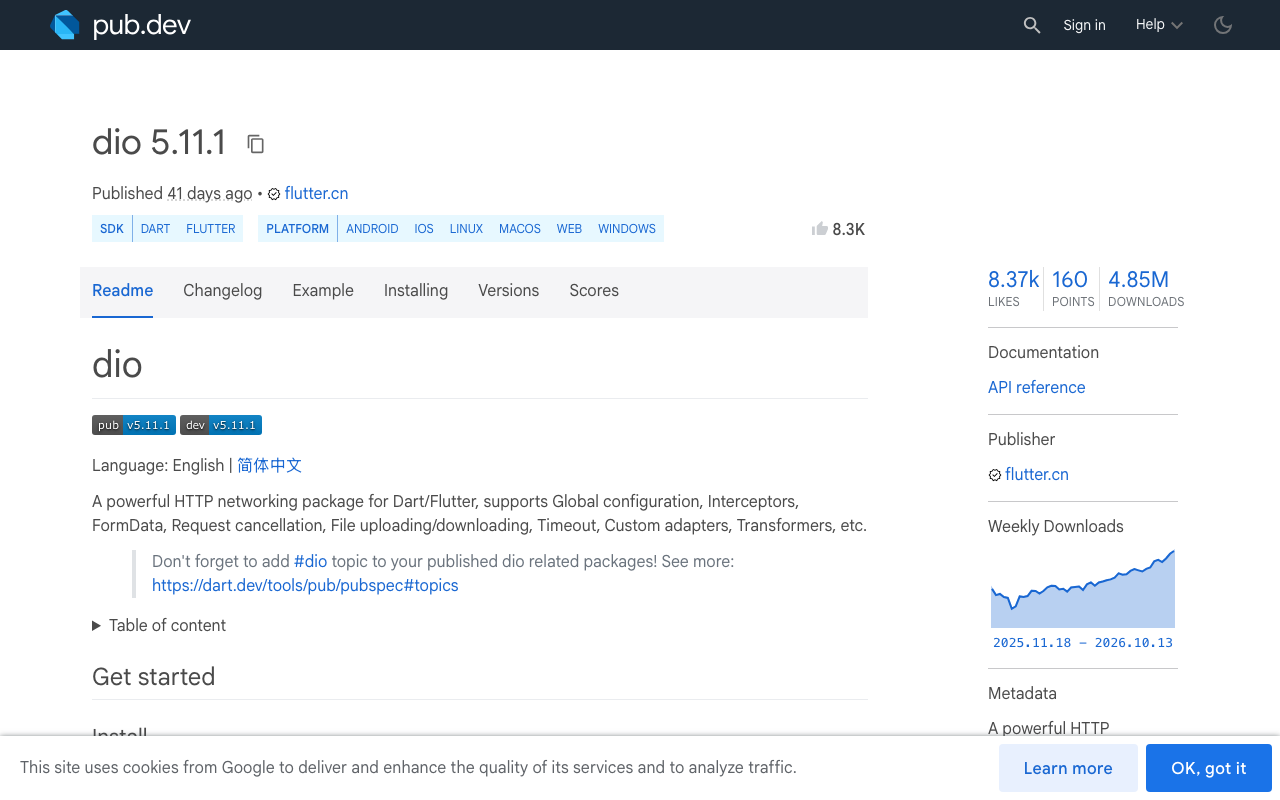
The Dio source (5.11.1 at the time of writing) is explicit. receiveTimeout is "a timeout before the connection is established and the first received response bytes" and "the duration during data transfer of each byte event, rather than the total duration of the receiving."
Internally, Dio's response stream handler starts a Timer(receiveTimeout, ...) and restarts it on every chunk. When the timer fires it closes the response, cancels the subscription, and pushes DioException.receiveTimeout into your stream. So on a ResponseType.stream request, receiveTimeout is a gap-between-chunks timer.
That explains the symptom. A short answer never has a gap longer than a second or two. A long, slow-thinking reply can pause for 20 or 40 seconds before the first token, or between tool calls, and a receiveTimeout of 30 seconds trips exactly there. The "chat streaming stops after 30 seconds" reports are almost always this.
Why the two usual fixes are wrong
Setting it to five minutes. Now a genuinely dead connection (phone switched from Wi-Fi to cellular, a proxy dropped the socket, the server crashed mid-reply) keeps the typing indicator on screen for five minutes. The timer still measures gaps, so you have just made real stalls invisible for longer.
Disabling it (receiveTimeout: null or Duration.zero). Dio stops watching entirely. If nothing else cancels the request, a half-open socket stays allocated until the OS gives up, which on mobile can be many minutes. Do that a few times per session and you are leaking connections.
The right answer is a timeout that lives at the level you actually care about: the SSE stream. Decide what counts as "activity" yourself, pick a short idle window, and when it trips, cancel the request properly and hand the user a Regenerate button.
Design: a per-token idle timer on the SSE lines
Three rules:
- Reset the idle timer on every
data:line (a token arrived). - Also reset it on SSE comment lines (lines starting with
:). The SSE spec suggests servers send a comment roughly every 15 seconds as a keep-alive. A keep-alive proves the connection is alive even while the model is thinking, so it must count as activity. - If the timer fires, cancel the request so the socket is released, mark the message as stalled, and show Regenerate.
With keep-alives every 15 seconds, an idle window of 45 seconds gives three missed heartbeats before you give up. That is long enough for slow reasoning and short enough that a dead socket is noticed quickly.
Dio version (ResponseType.stream + CancelToken)
import 'dart:async';
import 'dart:convert';
import 'package:dio/dio.dart';

class StreamStalled implements Exception {}

Stream<String> streamChatReply({
  required Dio dio,
  required Map<String, dynamic> body,      // your project's request body
  required Map<String, String> headers,    // your project's auth headers
  required CancelToken cancelToken,
  Duration idleLimit = const Duration(seconds: 45),
}) async* {
  final response = await dio.post<ResponseBody>(
    'https://api.widgetchat.app/v1/chat/stream',
    data: jsonEncode(body),
    cancelToken: cancelToken,
    options: Options(
      responseType: ResponseType.stream,
      headers: {...headers, 'Accept': 'text/event-stream'},
      // Dio's own gap timer stays on as a backstop, wider than our idle timer.
      receiveTimeout: idleLimit * 2,
    ),
  );

  final lines = response.data!.stream
      .cast<List<int>>()
      .transform(utf8.decoder)
      .transform(const LineSplitter());

  Timer? idle;
  final stalled = Completer<void>();
  void armIdle() {
    idle?.cancel();
    idle = Timer(idleLimit, () {
      if (!stalled.isCompleted) stalled.complete();
      cancelToken.cancel('stall'); // closes the socket, no leak
    });
  }

  armIdle();
  try {
    await for (final line in lines) {
      if (line.startsWith(':')) {
        armIdle(); // SSE keep-alive comment counts as activity
        continue;
      }
      if (line.startsWith('data:')) {
        armIdle();
        yield line.substring(5).trimLeft();
      }
      // blank lines separate events; ignore them
    }
  } on DioException catch (e) {
    if (stalled.isCompleted) throw StreamStalled();
    if (CancelToken.isCancel(e)) rethrow; // user pressed Stop
    if (e.type == DioExceptionType.receiveTimeout) throw StreamStalled();
    rethrow;
  } finally {
    idle?.cancel();
  }
}
Two details matter. First, cancelling through the CancelToken is what makes this safe: Dio's handler closes the response and cancels the subscription when the token fires, so the connection is released immediately. Second, keeping receiveTimeout at double the idle window means Dio never fires first under normal conditions, but still protects you if your own timer is somehow not running.
In the widget, consume it like this:
try {
  await for (final token in streamChatReply(
    dio: dio, body: body, headers: headers, cancelToken: token)) {
    setState(() => reply += token);
  }
} on StreamStalled {
  setState(() => showRegenerate = true);
}
The Regenerate flow itself (keeping partial text, resending with the same conversation) is covered in Stuck on Typing: Retry and Regenerate. The user-initiated Stop button that shares this same CancelToken is in Cancel a Streaming AI Reply.
package:http version (StreamedResponse)
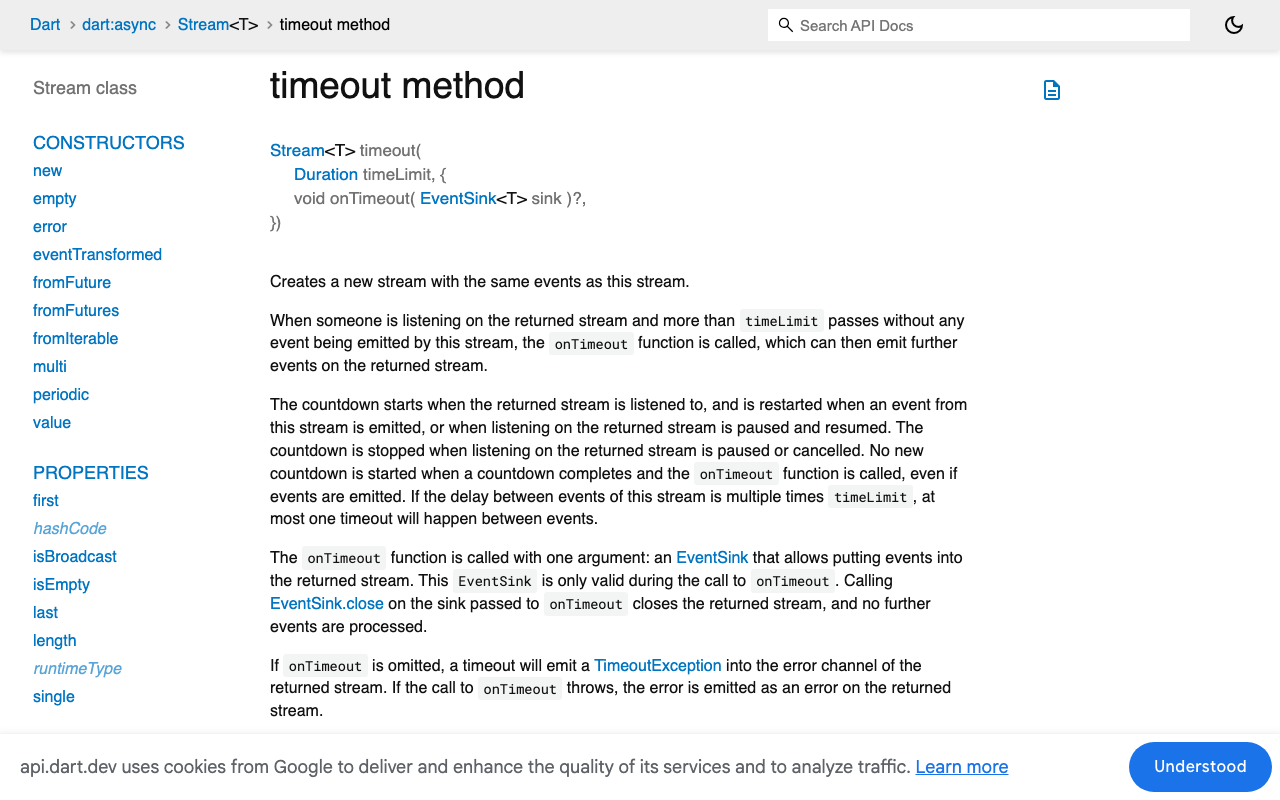
package:http (1.6.0) has no receive timeout at all, which is why the failure there is a silent hang. Dart's Stream.timeout is exactly the gap timer you want: its countdown "is restarted when an event from this stream is emitted." Apply it to the line stream, not the byte stream, so you can treat comments as activity too.
import 'dart:async';
import 'dart:convert';
import 'package:http/http.dart' as http;

Stream<String> streamChatReplyHttp({
  required http.Client client,
  required Map<String, dynamic> body,
  required Map<String, String> headers,
  Duration idleLimit = const Duration(seconds: 45),
}) async* {
  final req = http.Request(
      'POST', Uri.parse('https://api.widgetchat.app/v1/chat/stream'))
    ..headers.addAll({
      ...headers,
      'Content-Type': 'application/json',
      'Accept': 'text/event-stream',
    })
    ..body = jsonEncode(body);

  final http.StreamedResponse res = await client.send(req);

  final lines = res.stream
      .transform(utf8.decoder)
      .transform(const LineSplitter())
      .timeout(idleLimit, onTimeout: (sink) {
        sink.addError(StreamStalled());
        sink.close(); // ends the stream; closing the client drops the socket
      });

  try {
    await for (final line in lines) {
      if (line.startsWith('data:')) yield line.substring(5).trimLeft();
      // ':' comment lines reset the timer just by arriving
    }
  } on StreamStalled {
    client.close();
    rethrow;
  }
}
Because timeout resets on every line, a keep-alive comment resets it even though the loop ignores the line. Use a dedicated http.Client per streaming reply so client.close() only tears down that connection.
FlutterFlow custom action version
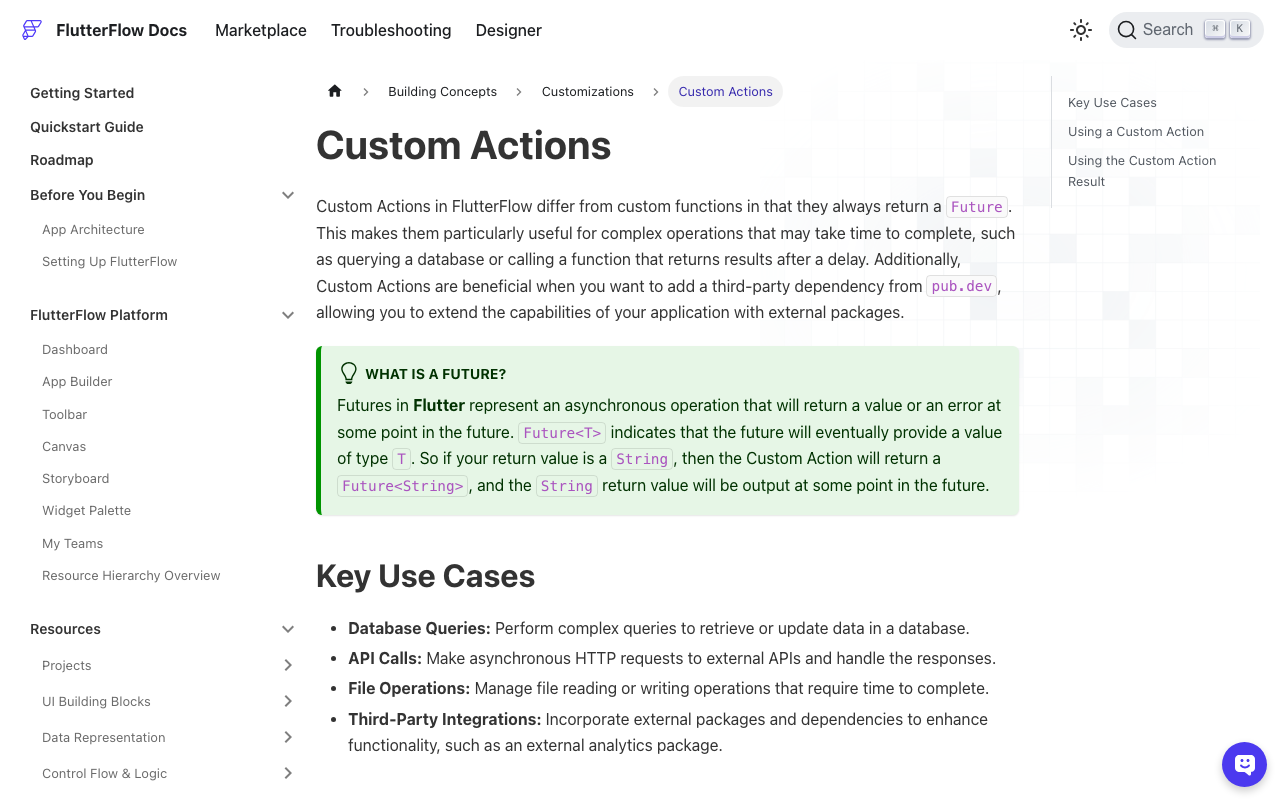
In FlutterFlow, put the Dio variant in a custom action. Custom actions always return a Future and can pull dio from pub.dev through the dependencies panel. Pass an Action Parameter for the callback that appends tokens, and return a status string the action flow can branch on.
// Custom Action: streamWidgetChatReply
// Returns 'done', 'stalled', or 'cancelled'.
Future<String> streamWidgetChatReply(
  String messageJson,
  String headersJson,
  Future Function(String token) onToken,
) async {
  final dio = Dio();
  final cancelToken = CancelToken();
  FFAppState().activeStreamCancel = cancelToken.cancel; // for a Stop button
  try {
    await for (final token in streamChatReply(
      dio: dio,
      body: jsonDecode(messageJson) as Map<String, dynamic>,
      headers: Map<String, String>.from(jsonDecode(headersJson) as Map),
      cancelToken: cancelToken,
    )) {
      await onToken(token);
    }
    return 'done';
  } on StreamStalled {
    return 'stalled';
  } on DioException catch (e) {
    return CancelToken.isCancel(e) ? 'cancelled' : 'stalled';
  } finally {
    FFAppState().activeStreamCancel = null;
  }
}
Paste streamChatReply and StreamStalled from the Dio section into the same custom code file. In the action flow, a Conditional on the returned string shows the Regenerate button when it equals stalled.
Picking the idle window
| Signal | Typical gap | Idle window |
|---|---|---|
| Tokens while generating | under 1 s | n/a |
| Server keep-alive comments | about 15 s | 45 s (3 missed) |
| No keep-alives from server | model think time, 30 to 60 s | 90 s, and ask the server team for keep-alives |
If you do not see : lines when you log the raw stream, your window has to cover the longest honest think time, which is a worse trade-off. Keep-alives are what let the idle timer be short.
Checklist
- Treat
receiveTimeoutas a gap timer, never a total duration. - Do not disable it without another cancel path that closes the socket.
- Reset your idle timer on
data:lines and:comments. - On stall, cancel via
CancelTokenor close thehttp.Client, then show Regenerate.
Try WidgetChat free
WidgetChat streams every reply over SSE from POST https://api.widgetchat.app/v1/chat/stream, so the code above drops straight into your Flutter or FlutterFlow app with no SDK. Once text chat is solid, the same embedded widget also offers live voice chat, where users tap the mic and talk to the assistant with barge-in and live captions. Try WidgetChat free and ship a chat screen that survives slow answers.

Comments
Comments are coming soon. We'd love to hear your thoughts!