

Flutter SSE: Fix Missing Tokens When Chunks Split
Your streaming chat works perfectly against localhost. You ship it, someone opens the app on 4G in a lift, and the assistant's reply stops after nine words. No exception in the console, no error state, the typing indicator just spins forever.
That is almost always SSE framing. Here is what happens on the wire, and the ~50 lines that fix it, tested against POST https://api.widgetchat.app/v1/chat/stream.
The tutorial pattern, and why localhost hides the bug
Nearly every Flutter SSE snippet looks like this:
final res = await client.send(req);
res.stream
    .transform(utf8.decoder)
    .transform(const LineSplitter())
    .listen((line) {
  if (line.startsWith('data: ')) {
    final json = jsonDecode(line.substring(6)); // throws, kills the stream
    setState(() => reply += json['delta']);
  }
});
Worse variants call utf8.decode(chunk) and chunk.split('\n') by hand inside listen.
res.stream is a Stream<List<int>>, and each element is whatever the socket handed Dart on one read. Nothing in HTTP promises those reads line up with your events. On loopback the whole response usually arrives in one or two large chunks, so every line looks complete. Over cellular the MSS is around 1400 bytes, a CDN or corporate proxy re-chunks on its own schedule, and one read can carry six complete events plus the first 23 bytes of the seventh.
Three things then go wrong.
1. Per-chunk decoding and per-chunk splitting lose state
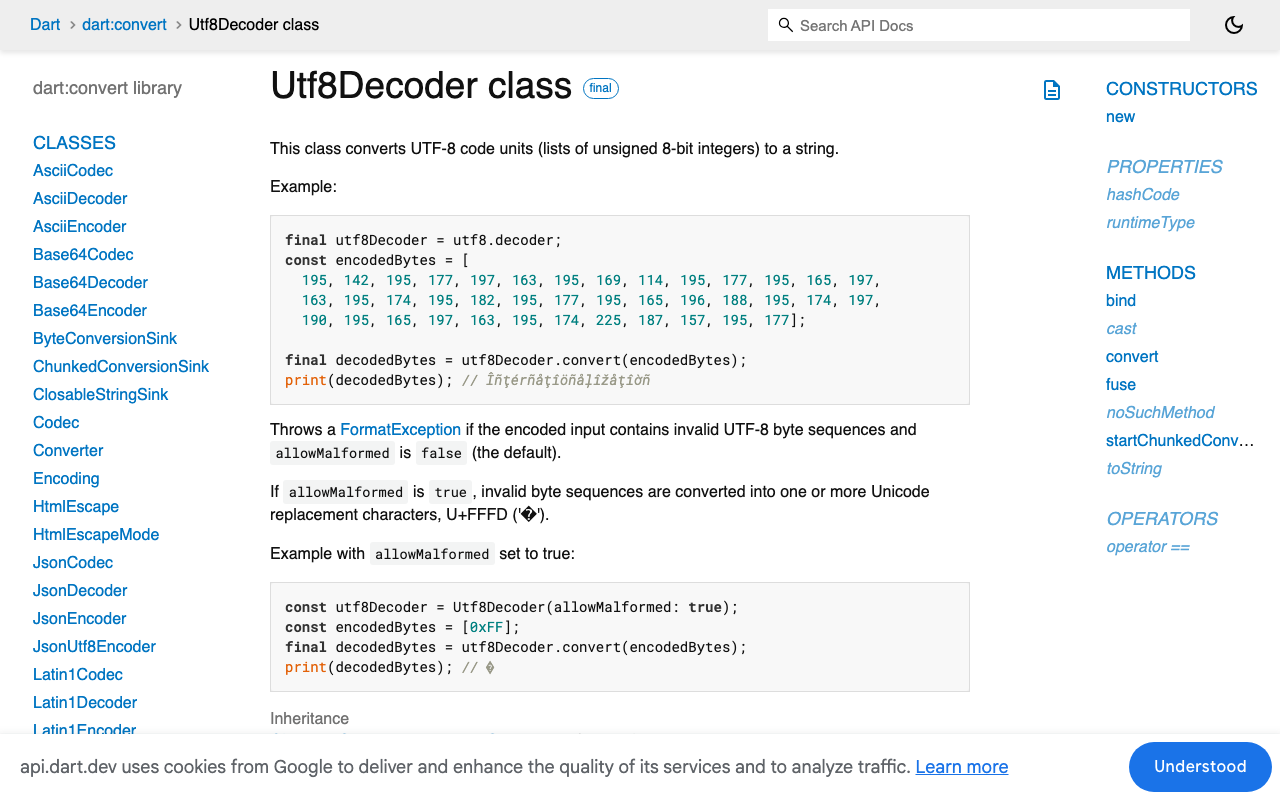
utf8.decode(chunk) on a chunk that ends mid-character throws FormatException, or with allowMalformed: true hands you U+FFFD where the user's "é" or 👋 was. The answer is to use the decoder as a stream transformer: bytes.transform(const Utf8Decoder()). The decoder's sink keeps the incomplete byte sequence and completes it from the next chunk, which is why a dart utf8 decoder sse stream is safe and a bare utf8.decode call is not.
Same story for lines. chunk.split('\n') discards line state at every chunk boundary, so one record cut in half becomes two invalid fragments: the first fails jsonDecode, and the second no longer starts with data: so your guard skips it entirely. Those are your missing words. Credit where it is due: const LineSplitter() used as a transformer does carry a partial line across chunks. It is the hand-rolled split that loses it.
2. An SSE event is not a line
Even with correct line handling you are still framing on the wrong delimiter. In the event-stream format a record ends at a blank line. Inside one record you can get event:, id:, retry:, comment lines starting with : (heartbeats that stop idle proxies closing the socket), and several data: lines that must be joined with \n before parsing. Treat each line as an event and any multi-line or commented record comes out mangled.
3. The throw kills the subscription, silently
This is the part that looks like a network bug. An exception thrown inside a listen callback or an await for body does not fail one token, it cancels the subscription. onDone never runs, your finally in the UI layer never runs, and the widget sits in its streaming state forever. That is flutter sse data event incomplete json presenting as a hang rather than an error.
The fix: accumulate until \n\n
One buffer, one record splitter, one parse guard.
import 'dart:convert';

class SseEvent {
  const SseEvent({required this.data, this.event, this.id});
  final String data;
  final String? event;
  final String? id;
}

/// Frames on the blank line, not on '\n', so a record split across TCP
/// segments is reassembled instead of parsed in halves.
Stream<SseEvent> decodeSse(Stream<List<int>> bytes) async* {
  var buffer = '';

  await for (final chunk in bytes.transform(const Utf8Decoder())) {
    buffer += chunk;

    // Normalise CR and CRLF to LF. A CR at the very end is left alone: the
    // LF that completes it may still be in the next packet.
    final trailingCr = buffer.endsWith('\r');
    final head = trailingCr ? buffer.substring(0, buffer.length - 1) : buffer;
    buffer = head.replaceAll('\r\n', '\n').replaceAll('\r', '\n') +
        (trailingCr ? '\r' : '');

    var i = buffer.indexOf('\n\n');
    while (i >= 0) {
      final record = buffer.substring(0, i);
      buffer = buffer.substring(i + 2);
      final event = _parseRecord(record);
      if (event != null) yield event;
      i = buffer.indexOf('\n\n');
    }
  }

  // Some servers close without a final blank line.
  final last = _parseRecord(buffer.replaceAll('\r', '\n').trim());
  if (last != null) yield last;
}

SseEvent? _parseRecord(String record) {
  if (record.trim().isEmpty) return null;

  final data = <String>[];
  String? event;
  String? id;

  for (final line in record.split('\n')) {
    if (line.startsWith(':')) continue; // comment / heartbeat
    final colon = line.indexOf(':');
    final field = colon < 0 ? line : line.substring(0, colon);
    var value = colon < 0 ? '' : line.substring(colon + 1);
    if (value.startsWith(' ')) value = value.substring(1);

    switch (field) {
      case 'data':
        data.add(value);
      case 'event':
        event = value;
      case 'id':
        id = value;
    }
  }

  if (data.isEmpty) return null;
  return SseEvent(data: data.join('\n'), event: event, id: id);
}
Note what this does not do: it never calls jsonDecode. Framing and payload parsing are separate jobs, and keeping them separate is what lets you guard the parse without swallowing framing bugs.
Wiring it to the WidgetChat stream endpoint
WidgetChat streams token by token as data: SSE from POST https://api.widgetchat.app/v1/chat/stream, so any Flutter HTTP client works. There is no SDK to install, which also means the framing is yours to get right.
import 'dart:convert';
import 'package:http/http.dart' as http;

Stream<String> streamReply({
  required String message,
  required String projectKey,
  String? conversationId,
}) async* {
  final client = http.Client();
  try {
    final req = http.Request(
      'POST',
      Uri.parse('https://api.widgetchat.app/v1/chat/stream'),
    )
      ..headers.addAll({
        'Content-Type': 'application/json',
        // Ask for a stream, and tell proxies not to buffer it.
        'Accept': 'text/event-stream',
        'Cache-Control': 'no-cache',
        // Use the auth header exactly as your WidgetChat dashboard shows it.
        'Authorization': 'Bearer $projectKey',
      })
      ..body = jsonEncode({
        'message': message,
        if (conversationId != null) 'conversation_id': conversationId,
      });

    final res = await client.send(req);
    if (res.statusCode != 200) {
      // Errors arrive as a normal body, not as SSE. Read it before throwing.
      throw Exception('chat/stream ${res.statusCode}: '
          '${await res.stream.bytesToString()}');
    }

    await for (final event in decodeSse(res.stream)) {
      if (event.data == '[DONE]') return;

      Map<String, dynamic> payload;
      try {
        payload = jsonDecode(event.data) as Map<String, dynamic>;
      } catch (_) {
        continue; // one odd record must never cancel the subscription
      }

      final delta = payload['delta'] ?? payload['text'] ?? payload['content'];
      if (delta is String && delta.isNotEmpty) yield delta;
    }
  } finally {
    client.close();
  }
}
The try/catch around jsonDecode is not defensive boilerplate. It is the difference between losing one heartbeat-ish record and losing the rest of the reply.
Prove it: chop the bytes at every boundary
The reason this bug reaches production is that it is not reproducible by hand. Make it deterministic in a test. Feed the same wire bytes at every chunk size from 1 upward, and the decoder must produce identical events every time.
import 'dart:convert';
import 'dart:math';
import 'package:test/test.dart';

Stream<List<int>> chopped(String wire, int size) async* {
  final bytes = utf8.encode(wire);
  for (var i = 0; i < bytes.length; i += size) {
    yield bytes.sublist(i, min(i + size, bytes.length));
  }
}

void main() {
  test('reassembles events at every chunk boundary', () async {
    const wire = ':keepalive\n\n'
        'data: {"delta":"Hé"}\n\n'
        'event: token\ndata: {"delta":" llo 👋"}\n\n'
        'data: [DONE]\n\n';

    for (var size = 1; size <= utf8.encode(wire).length; size++) {
      final out =
          await decodeSse(chopped(wire, size)).map((e) => e.data).toList();
      expect(
        out,
        ['{"delta":"Hé"}', '{"delta":" llo 👋"}', '[DONE]'],
        reason: 'chunk size $size',
      );
    }
  });
}
Run that against the naive split('\n') version and it fails at almost every size below the full length. That is your flutter http client send stream split json bug, on demand, in 40ms.
Three more things that bite on real devices
Duplicated text. If words repeat rather than vanish, framing is probably fine and you are mixing models: some servers send cumulative text per event, others send deltas. Appending a cumulative field gives you "HeHelHello". Decide which one your handler expects and assert it, do not += blindly.
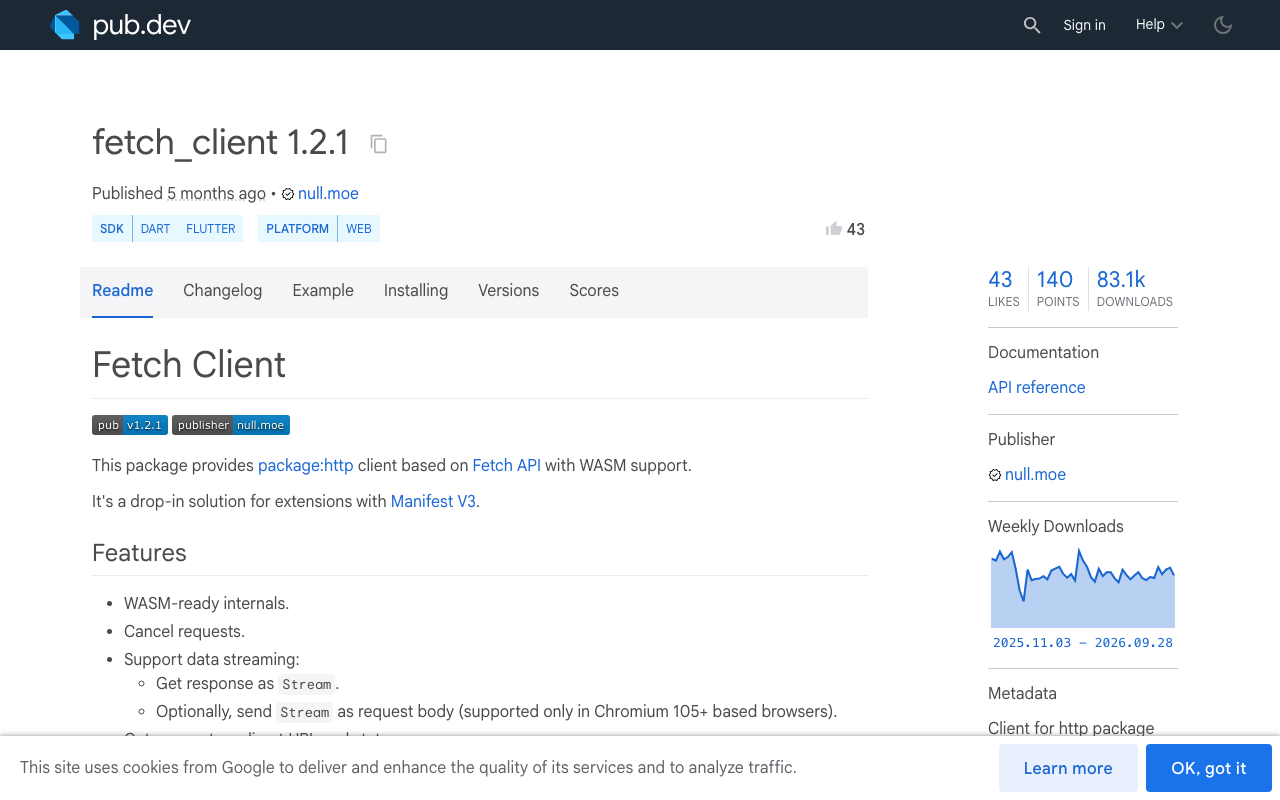
Flutter web buffers the whole response. package:http (1.6.0) uses BrowserClient on web, and it cannot stream: the response only lands once every byte has arrived. Your framing code is correct and your UI still renders the reply in one lump. Swap in FetchClient from fetch_client (1.2.1) for web builds, keep the default client elsewhere, and the same decodeSse works on both.
Cancel on dispose. Hold the StreamSubscription (or a CancelableOperation) and cancel it in dispose, then client.close(). Otherwise a user who backs out mid-reply leaves a socket open and a setState aimed at a dead widget.
Try WidgetChat free
Get this right once and streaming chat feels native: tokens land smoothly, non-ASCII survives, and a flaky connection degrades instead of hanging. WidgetChat gives you the SSE endpoint, an embeddable support chatbot for Flutter and FlutterFlow that answers from your own content, and live voice chat in the same widget when typing is not the right interface. There is a free tier, so try WidgetChat free and point this decoder at your own project.

Comments
Comments are coming soon. We'd love to hear your thoughts!