
FlutterFlow AI Chat: A Stop Button That Really Stops
Your support bot starts a 600-word answer to the wrong question. The user taps Stop. The button greys out, but tokens keep pouring into the bubble for another ten seconds. That is the bug most FlutterFlow streaming chats ship with.
This post builds a stop control that actually drops the connection, keeps the partial answer on screen, and puts the chat back into a clean idle state. The examples stream from WidgetChat's POST https://api.widgetchat.app/v1/chat/stream endpoint, which returns token-by-token data: Server-Sent Events.
Why the built-in stop doesn't work
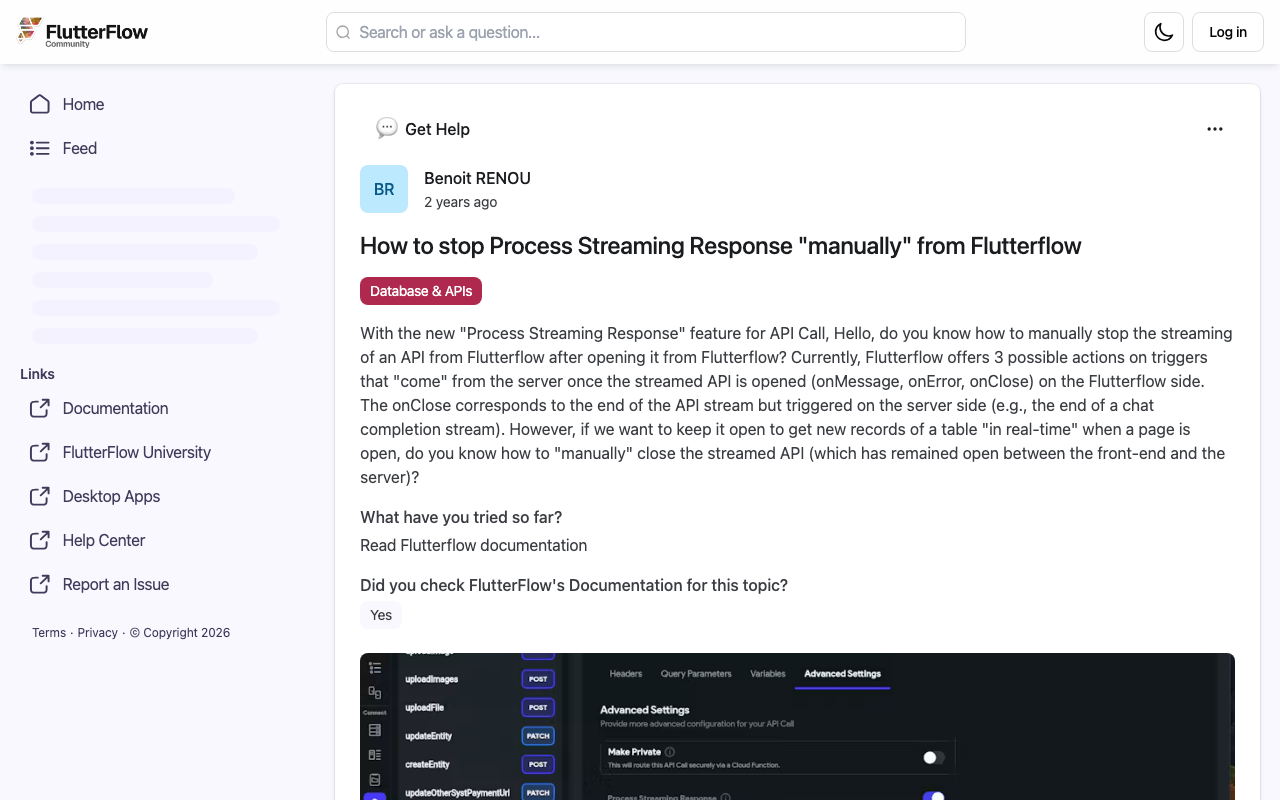
FlutterFlow's Process Streaming Response gives you three hooks on a streaming API call: On Message, On Error and On Close. On Close fires when the server finishes. There is no hook for "the user wants out", which is exactly what people ask about in the FlutterFlow community thread on stopping Process Streaming Response manually.
Another thread describes wiring a STOP button to the stream subscription key, and the incoming stream carrying on regardless. Hiding the text with a page-state flag is not a fix either: the request is still open, the model is still generating, and you are still paying for tokens nobody will read.
To cancel an API stream in FlutterFlow properly you need to own two objects yourself:
- The
StreamSubscriptionthat reads the response body. - The
http.Clientthat holds the socket.
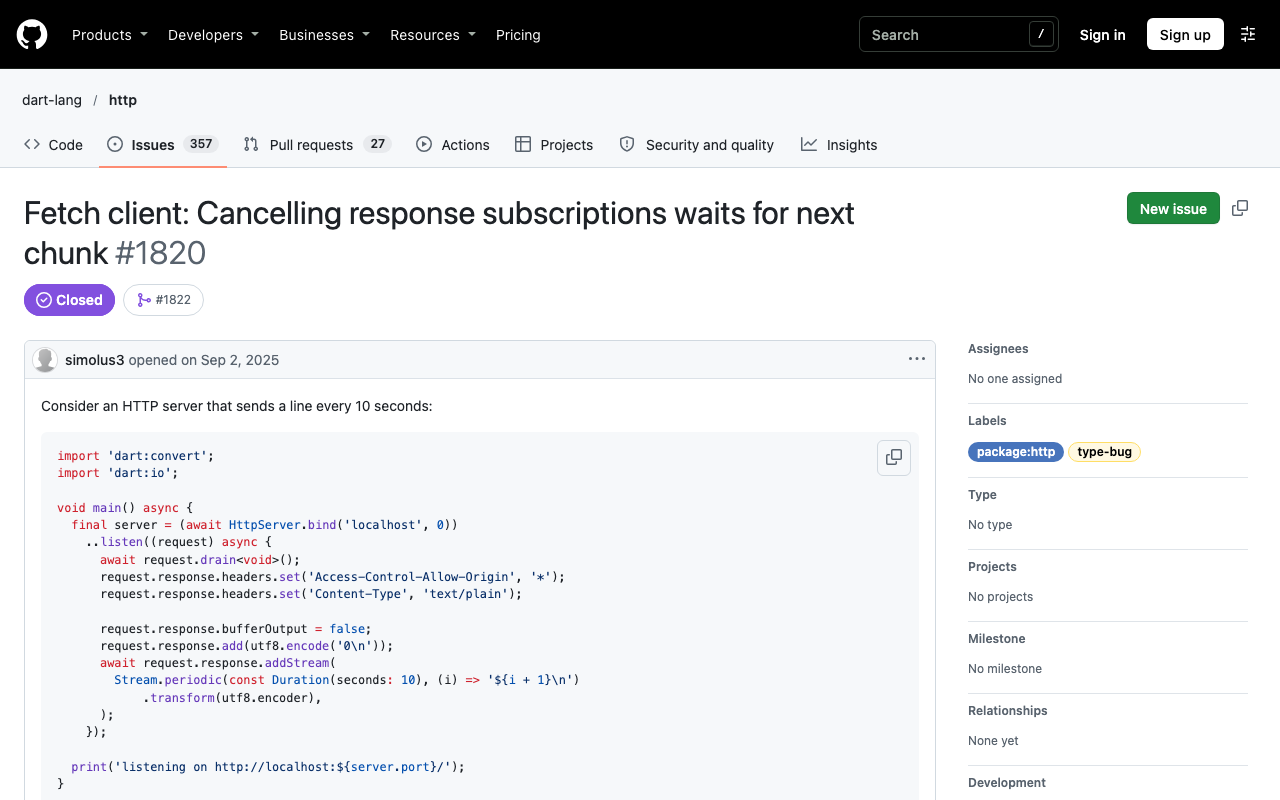
Cancelling only the subscription is not always enough. In dart-lang/http issue #1820, cancelling a subscription on a fetch-based web client waited for the next chunk to arrive before stopping, while the dart:io client stopped almost instantly. Closing the client is the step that terminates active connections, so the stop action does both.
The plan
- A
startChatStreamcustom action opens the request, keeps the client and subscription in a small static holder, and calls back into the page on every token. - A
stopChatStreamcustom action cancels the subscription and closes the client. startChatStreamreturns the final text, full or partial, so the page has one place to save the reply and reset its state.
If you hit null values inside On Message with the built-in action, read FlutterFlow Streaming API Null in On Message: Fix It first. The custom action below sidesteps that path entirely.
Step 1: the streaming custom action
Create a custom action named startChatStream. Add http as a dependency in the action settings if your project doesn't already have it.
Arguments:
message(String)apiKey(String)onToken(Action, with one String parameterpartial)
Return type: String.
// Automatic FlutterFlow imports
import '/flutter_flow/flutter_flow_util.dart';
import '/custom_code/actions/index.dart';
import 'package:flutter/material.dart';
// Begin custom action code

import 'dart:async';
import 'dart:convert';
import 'package:http/http.dart' as http;

class ChatStreamHandle {
  static http.Client? client;
  static StreamSubscription<String>? subscription;
  static Completer<String>? done;
  static StringBuffer buffer = StringBuffer();

  static Future<void> stop() async {
    await subscription?.cancel();
    client?.close();
    final c = done;
    if (c != null && !c.isCompleted) c.complete(buffer.toString());
    subscription = null;
    client = null;
  }
}

Future<String> startChatStream(
  String message,
  String apiKey,
  Future Function(String partial) onToken,
) async {
  // Never run two streams at once.
  await ChatStreamHandle.stop();

  final client = http.Client();
  final done = Completer<String>();
  ChatStreamHandle.client = client;
  ChatStreamHandle.done = done;
  ChatStreamHandle.buffer = StringBuffer();
  final buffer = ChatStreamHandle.buffer;

  final request = http.Request(
    'POST',
    Uri.parse('https://api.widgetchat.app/v1/chat/stream'),
  )
    ..headers.addAll({
      'Content-Type': 'application/json',
      'Accept': 'text/event-stream',
      'Authorization': 'Bearer $apiKey',
    })
    // Use the request body your WidgetChat project expects.
    ..body = jsonEncode({'message': message});

  try {
    final response = await client.send(request);
    if (response.statusCode != 200) {
      await ChatStreamHandle.stop();
      return buffer.toString();
    }

    ChatStreamHandle.subscription = response.stream
        .transform(utf8.decoder)
        .transform(const LineSplitter())
        .listen(
      (line) {
        if (!line.startsWith('data:')) return;
        var data = line.substring(5);
        // SSE strips exactly one leading space, keep the rest.
        if (data.startsWith(' ')) data = data.substring(1);
        buffer.write(data);
        onToken(buffer.toString());
      },
      onError: (_) {
        if (!done.isCompleted) done.complete(buffer.toString());
      },
      onDone: () {
        if (!done.isCompleted) done.complete(buffer.toString());
      },
      cancelOnError: true,
    );
  } on http.ClientException {
    // Thrown when Stop closes the client before headers arrive.
    if (!done.isCompleted) done.complete(buffer.toString());
  }

  final result = await done.future;
  if (identical(ChatStreamHandle.done, done)) {
    ChatStreamHandle.client?.close();
    ChatStreamHandle.client = null;
    ChatStreamHandle.subscription = null;
  }
  return result;
}
A few details that matter:
- The
Completeris what makes stopping clean. The action's future completes on a normal finish, on an error, or on Stop, and always with whatever text arrived so far. onTokenreceives the whole partial reply, not the single token. Page state then just mirrors it, so a dropped rebuild never loses text.- If your stream sends JSON in each
data:line instead of raw text, decode it inside the listener before writing to the buffer.
Step 2: the Stop custom action
Create a second custom action, stopChatStream, with no arguments and no return value. It imports the first action's file directly so both share the same ChatStreamHandle.
// Automatic FlutterFlow imports
import '/flutter_flow/flutter_flow_util.dart';
import '/custom_code/actions/index.dart';
import 'package:flutter/material.dart';
// Begin custom action code

import '/custom_code/actions/start_chat_stream.dart' show ChatStreamHandle;

Future stopChatStream() async {
  await ChatStreamHandle.stop();
}
client.close() is the line doing the real work. It tears down the connection, so the server sees the client go away and the response body stops arriving on every platform. If the user taps Stop before the response headers come back, client.send throws a ClientException, which the start action catches and turns into an empty partial.
Step 3: wire up the chat page
Add two page state variables:
isStreaming(Boolean, default false)draftReply(String, default empty)
Send button action chain:
- Add the user message to your messages list.
- Update page state:
isStreaming = true,draftReply = ''. - Call
startChatStreamwith the text field value and your key. In theonTokenaction, update page statedraftReplyto thepartialparameter (rebuild current page). - Save the action output as
finalReply. - If
finalReplyis not empty, add it to the messages list as a bot message. - Update page state:
isStreaming = false,draftReply = ''.
Stop button (conditional visibility: isStreaming): a single action, stopChatStream.
Notice that the Stop button does not touch isStreaming or the messages list. Stop makes the start action return early, and steps 5 and 6 of the Send chain run exactly as they would after a normal finish. One code path saves the reply, one code path resets the UI. That avoids the usual race where Stop resets state, then a late token flips the bubble back on.
Show the in-progress bubble from draftReply while isStreaming is true, and swap the Send button for the Stop button with the same condition.
Handling the partial answer
Keeping the partial reply is usually the right call: the user saw it, and deleting it feels like the app glitched. Two small touches help:
- Append a marker such as "(stopped)" in a custom function before saving, so the history is honest.
- Disable the text field's submit while
isStreamingis true, so a fast second send cannot race the first. The start action already stops any previous stream, but blocking the double tap keeps the history in order.
Testing that the stream really stopped
Watching the UI is not proof. Check the network instead:
- In Chrome DevTools, the
/v1/chat/streamrequest should end the moment you tap Stop, not when the answer would have finished. - On a device, run in debug mode and add a temporary
printinside the listener. No lines should print after Stop. - Ask for a long answer ("list 50 tips"), stop after two lines, then send a new message. The new reply should start clean with no leftover tokens.
If tokens still appear after Stop, something else is holding a stream open, usually the built-in Process Streaming Response still bound to the same widget. Remove it once the custom action handles streaming.
Try WidgetChat free
WidgetChat adds an AI support chatbot to your Flutter or FlutterFlow app, answers from your own content, and streams replies over SSE from POST /v1/chat/stream, so a stop button like this one drops straight in. It works through a plain custom action and HTTP client, no proprietary SDK needed. Try WidgetChat free and have a streaming support chat in your app today.

Comments
Comments are coming soon. We'd love to hear your thoughts!