
Flutter SSE: Fix 'Unexpected extension byte' in AI Chat
Your AI chat streams fine in English. Then a user writes in French, Arabic or with an emoji, and one of two things happens: the app throws FormatException: Unexpected extension byte (at offset 0), or the reply shows � where é or 👋 should be.
Nothing is wrong with the server. The bug is in how the client turns bytes into text. This post reproduces it, fixes it in one line, adds a small SSE parser that buffers events properly, and ends with a test that splits a character across chunks on purpose.
Why it happens
UTF-8 is variable length. ASCII letters take one byte, é takes two, Arabic letters take two, and most emoji take four. The network does not care about character boundaries. A TCP packet, a proxy buffer or the HTTP client's read size can end in the middle of a character.
So a reply like Bonjour 👋 can arrive as two chunks, with the first two bytes of the emoji at the end of chunk one and the last two bytes at the start of chunk two.
If you decode each chunk on its own, Dart sees an incomplete character in both.
Reproduce the bug
This runs as plain Dart, no Flutter needed:
import 'dart:convert';

void main() {
  final bytes = utf8.encode('Merci 👋 é');
  final cut = 'Merci '.length + 2; // two bytes into the 4-byte emoji
  final first = bytes.sublist(0, cut);
  final second = bytes.sublist(cut);

  try {
    utf8.decode(first);
  } catch (e) {
    print(e); // FormatException: Unfinished UTF-8 octet sequence (at offset 8)
  }
  try {
    utf8.decode(second);
  } catch (e) {
    print(e); // FormatException: Unexpected extension byte (at offset 0)
  }

  print(utf8.decode(first, allowMalformed: true) +
      utf8.decode(second, allowMalformed: true)); // Merci ��� é
}
The first chunk ends with half a character, so Dart reports an unfinished sequence. The second chunk starts with continuation bytes (the "extension bytes"), so Dart reports an unexpected one. With allowMalformed: true nothing throws, but the broken bytes become replacement characters. That is where garbled emoji in a flutter sse stream come from: someone silenced the exception.
The code that causes it usually looks like this:
// Broken: decodes each network chunk on its own
response.stream.listen((chunk) {
  final text = utf8.decode(chunk);
  for (final line in text.split('\n')) {
    if (line.startsWith('data: ')) onToken(line.substring(6));
  }
});
It has a second bug too. split('\n') on a raw chunk also breaks when a data: line itself is split across chunks, so tokens get cut or glued together.
The one-line fix
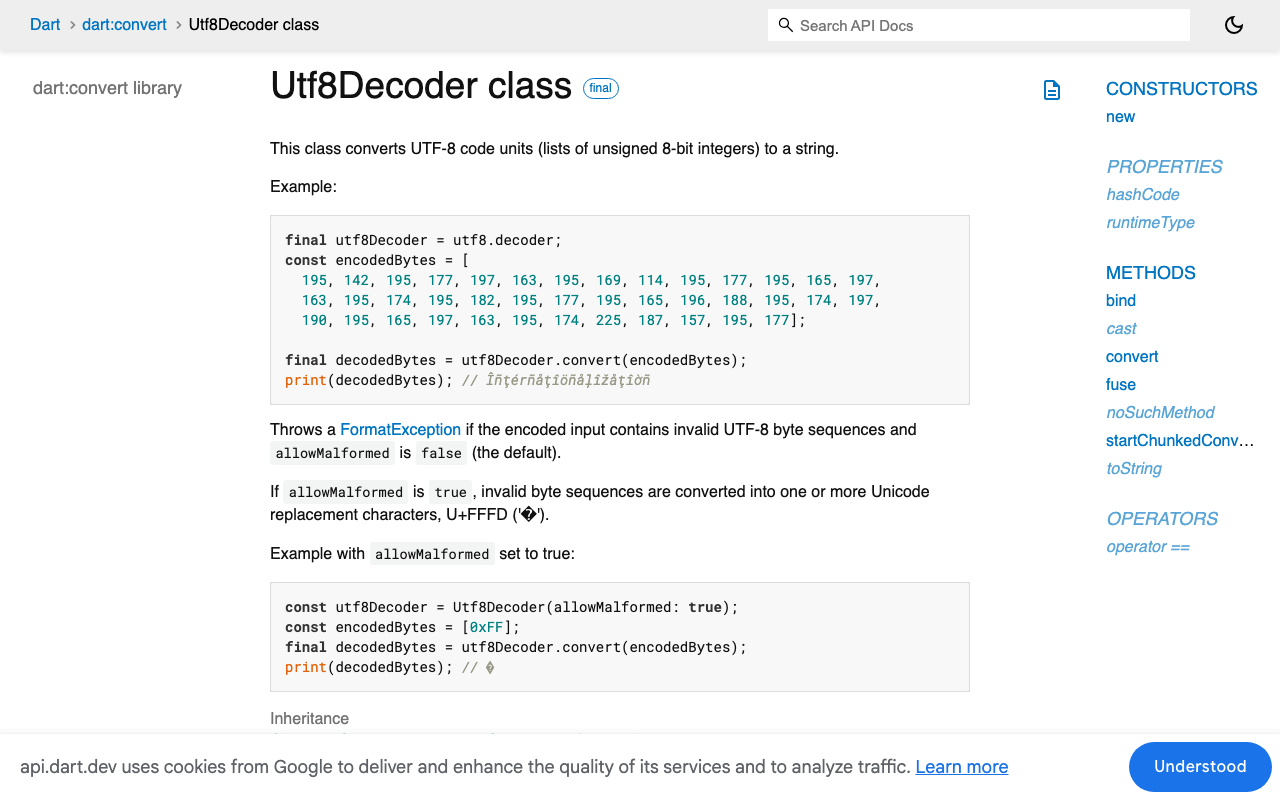
Decode the stream, not the chunks. utf8.decoder is a stateful converter: when a chunk ends mid-character, it keeps the leftover bytes and joins them with the next chunk. LineSplitter does the same for lines, holding a partial line until its newline arrives. It handles \n, \r\n and \r endings, which is what SSE allows.
With the http package, StreamedResponse.stream is a Stream<List<int>>, so the transformers chain directly:
final lines = response.stream
    .transform(utf8.decoder)
    .transform(const LineSplitter());
With Dio and ResponseType.stream, the body stream is a Stream<Uint8List>. Calling .transform(utf8.decoder) on it does not compile (Utf8Decoder can't be assigned to StreamTransformer<Uint8List, dynamic>). Use bind or a cast instead:
final lines = utf8.decoder
    .bind(response.data!.stream)
    .transform(const LineSplitter());
// or: response.data!.stream.cast<List<int>>().transform(utf8.decoder)...
A small SSE parser that buffers events
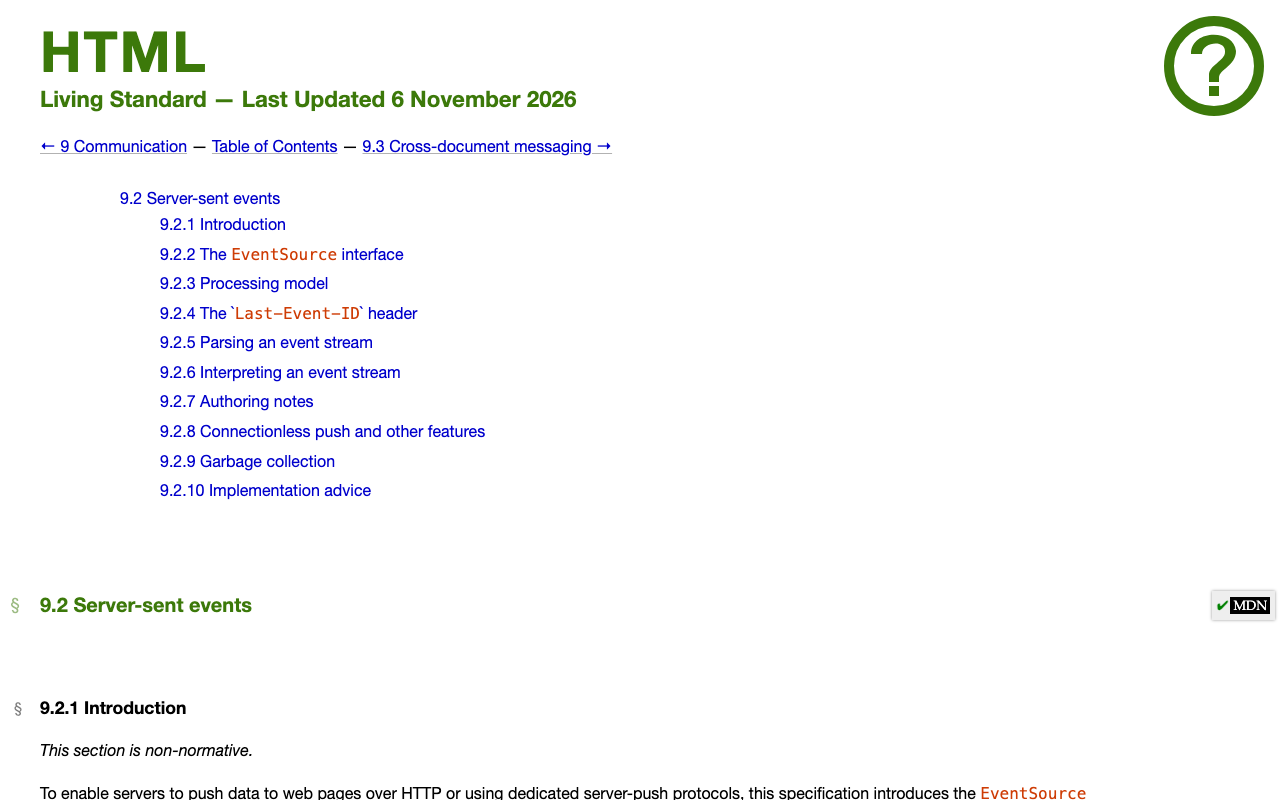
Lines are not events yet. In the SSE format, an event is a group of lines ended by a blank line. One event can have several data: lines, which are joined with \n. Lines starting with : are comments, often used as keep-alive pings. A single space after the colon is dropped.
This parser follows those rules and works with any byte stream:
import 'dart:async';
import 'dart:convert';

class SseEvent {
  SseEvent(this.event, this.data);
  final String? event;
  final String data;
}

Stream<SseEvent> parseSse(Stream<List<int>> bytes) async* {
  final dataLines = <String>[];
  String? eventName;

  await for (final line in bytes
      .transform(utf8.decoder)
      .transform(const LineSplitter())) {
    if (line.isEmpty) {
      if (dataLines.isNotEmpty) {
        yield SseEvent(eventName, dataLines.join('\n'));
      }
      dataLines.clear();
      eventName = null;
      continue;
    }
    if (line.startsWith(':')) continue;

    final colon = line.indexOf(':');
    final field = colon == -1 ? line : line.substring(0, colon);
    var value = colon == -1 ? '' : line.substring(colon + 1);
    if (value.startsWith(' ')) value = value.substring(1);

    switch (field) {
      case 'data':
        dataLines.add(value);
      case 'event':
        eventName = value;
    }
  }
  // Some servers close without a final blank line.
  if (dataLines.isNotEmpty) yield SseEvent(eventName, dataLines.join('\n'));
}
The switch without break needs Dart 3. On older SDKs use if statements.
Wire it to the WidgetChat stream
WidgetChat streams replies from POST https://api.widgetchat.app/v1/chat/stream as token-by-token data: events. Send the headers and JSON body your project uses, then feed the response bytes to the parser:
import 'dart:convert';
import 'package:http/http.dart' as http;

final _endpoint = Uri.parse('https://api.widgetchat.app/v1/chat/stream');

Future<void> streamReply({
  required http.Client client,
  required Map<String, String> headers,
  required Map<String, dynamic> body,
  required void Function(String data) onData,
}) async {
  final request = http.Request('POST', _endpoint)
    ..headers.addAll({
      ...headers,
      'Content-Type': 'application/json',
      'Accept': 'text/event-stream',
    })
    ..body = jsonEncode(body);

  final response = await client.send(request);
  if (response.statusCode != 200) {
    throw http.ClientException('HTTP ${response.statusCode}', _endpoint);
  }

  await for (final event in parseSse(response.stream)) {
    onData(event.data);
  }
}
onData gets each event's payload as a complete Dart string. Parse it the way your stream formats tokens and append the text to the current message. Emoji, é, ç and Arabic script now arrive intact, however the bytes were split.
A dropped connection still surfaces as an error inside the await for. Handling that is covered in Fix Flutter 'Connection closed while receiving data' in SSE. If the UI stutters once tokens flow, see Fix Flutter Chat Jank: Stop Rebuilding on Every Token.
Test it by splitting a character on purpose
The bug only appears when a chunk boundary lands inside a character, which is rare on fast Wi-Fi and common on mobile. Don't wait for production to find it. Feed the parser every possible split of a payload:
import 'dart:convert';
import 'package:test/test.dart';
// import your parseSse

void main() {
  const token = '{"token":"Bonjour é 👋 مرحبا"}';
  final payload = utf8.encode('data: $token\n\n: ping\n\ndata: [DONE]\n\n');

  test('multi-byte characters survive any chunk split', () async {
    for (var i = 1; i < payload.length; i++) {
      final chunks = [payload.sublist(0, i), payload.sublist(i)];
      final events = await parseSse(Stream.fromIterable(chunks)).toList();

      expect(events.map((e) => e.data), [token, '[DONE]'],
          reason: 'split at byte $i');
    }
  });
}
In a Flutter project, package:flutter_test gives you the same test and expect. The loop covers splits inside é, inside the four-byte emoji, inside the Arabic word, inside data: and between the two newlines. Run the old utf8.decode(chunk) version through it and it fails at the first split inside a multi-byte character.
Checklist
- Never call
utf8.decodeon a single network chunk of a stream. - Chain
utf8.decoderthenLineSplitteron the byte stream (bindorcastfor Dio'sUint8List). - Dispatch an event on the blank line, not on each
data:line. - Skip
:comment lines. - Keep a split-every-byte test in CI.
Try WidgetChat free
WidgetChat adds an AI support chatbot to your Flutter or FlutterFlow app, answering users from your own content, with replies streamed over SSE from POST https://api.widgetchat.app/v1/chat/stream. It works with a plain HTTP client, no proprietary SDK needed, so the parser above drops straight in. Try WidgetChat free.
Comments
Comments are coming soon. We'd love to hear your thoughts!