Your in-app assistant can already answer "where is my parcel?". The next request is "take me to my orders", and users expect it to open the screen. Most tool-calling guides end with a weather function that returns JSON. This one connects model tool calls to real go_router routes. It covers four points: an allow-list of actions, argument validation before anything moves, a confirmation step for destructive calls, and what happens when the reply arrives after the user has closed the chat sheet.
The examples use the firebase_ai package (Firebase AI Logic) as the model client. If your model sits behind your own backend at https://api.example.com/chat, the server forwards the same {name, args} pair and every client-side part below stays the same. If you would rather not build the chat at all, Widget-Chat ships it as a Flutter package. More on that at the end.
The shape of a safe tool call
The model never gets a router. It gets a small set of verbs it can ask for. Your code decides whether each request is legal, in what form, and whether the user agrees.
Declare intents, not routes
The tempting design is a single navigate(path) tool that takes a string such as /orders/123. Don't do it. A model that can type any path can reach /admin, a debug screen, or a deep link that skips a guard you forgot about. The safer design declares one tool per intent and lets an enum do the allow-listing.
Free-form route strings
- Model writes the path, e.g. /orders/../admin
- Every route in the app is reachable
- Parameters arrive as untyped string fragments
- Renaming a route silently breaks the prompt
Typed actions
- Model picks from an enum of screens
- Only allow-listed intents exist
- Arguments parsed into Dart classes and validated
- Route names live in one runner you control
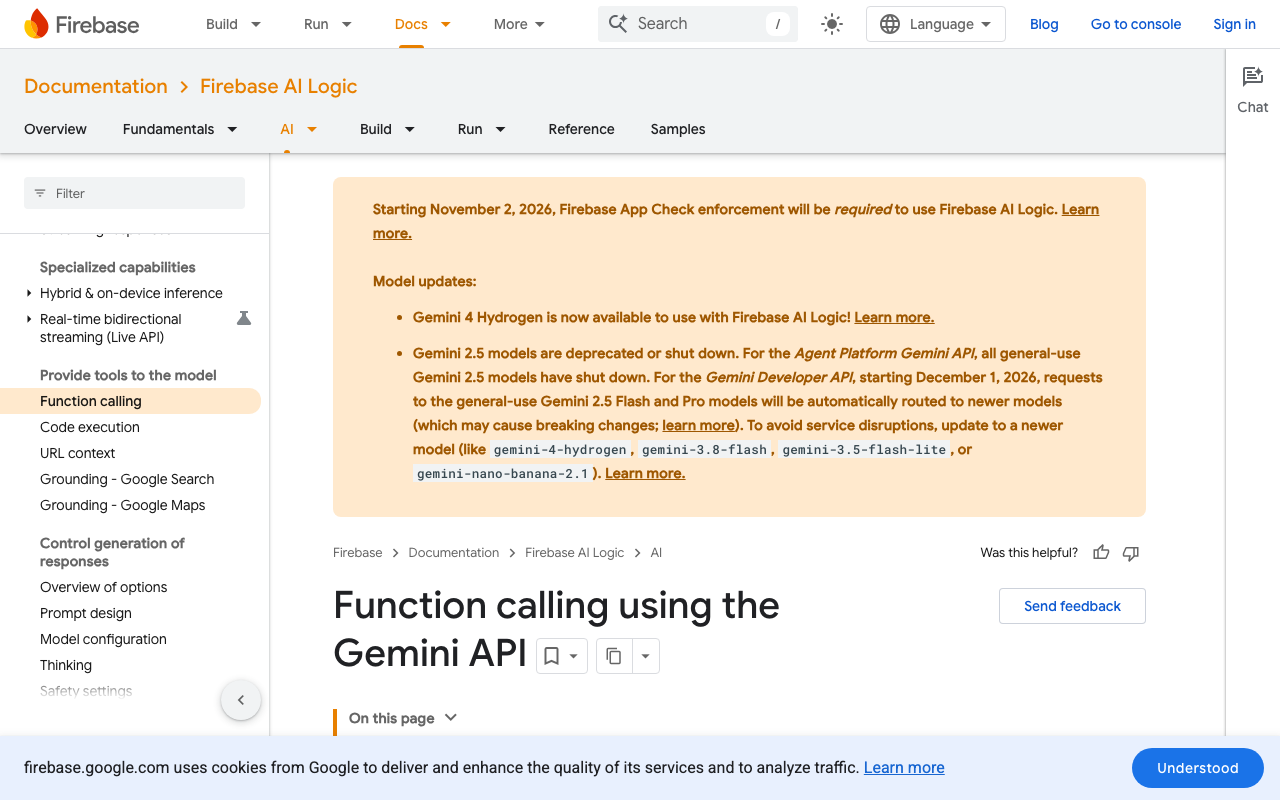
The declarations in firebase_ai look like this:
import 'package:firebase_ai/firebase_ai.dart';

final openScreen = FunctionDeclaration(
  'open_screen',
  'Open a screen in the app for the signed-in user.',
  parameters: {
    'screen': Schema.enumString(
      enumValues: ['orders', 'order_detail', 'cart', 'settings'],
      description: 'Which screen to open.',
    ),
    'orderId': Schema.string(
      description: 'Order id, only when screen is order_detail.',
    ),
  },
  optionalParameters: ['orderId'],
);

final cancelOrder = FunctionDeclaration(
  'cancel_order',
  'Ask to cancel one of the user\'s orders. The app asks the user to confirm.',
  parameters: {'orderId': Schema.string(description: 'The order id.')},
);

final model = FirebaseAI.googleAI().generativeModel(
  model: kChatModel,
  tools: [Tool.functionDeclarations([openScreen, cancelOrder])],
);
In the Firebase AI Logic SDKs, every parameter is required unless you list it as optional, which is the opposite of the server SDK defaults. Function names must start with a letter or underscore and can be up to 64 characters long.
You will not get near 128. Five or six well-described intents work better than a long menu.
Parse into typed actions, then validate
An enum in the schema narrows what the model will produce, but it does not enforce it. The args map still arrives as Map<String, Object?>, so parse it as if a stranger wrote it.
sealed class AppAction {
  const AppAction();
  bool get destructive => false;
}

class OpenOrders extends AppAction { const OpenOrders(); }
class OpenCart extends AppAction { const OpenCart(); }
class OpenOrder extends AppAction {
  const OpenOrder(this.orderId);
  final String orderId;
}
class CancelOrder extends AppAction {
  const CancelOrder(this.orderId);
  final String orderId;
  @override
  bool get destructive => true;
}

final _orderId = RegExp(r'^[A-Z0-9-]{6,20}$');

String? _id(Object? raw) =>
    raw is String && _orderId.hasMatch(raw) ? raw : null;

AppAction? parseCall(FunctionCall call) {
  final args = call.args;
  switch (call.name) {
    case 'open_screen':
      return switch (args['screen']) {
        'orders' => const OpenOrders(),
        'cart' => const OpenCart(),
        'order_detail' => switch (_id(args['orderId'])) {
            final id? => OpenOrder(id),
            null => null,
          },
        _ => null,
      };
    case 'cancel_order':
      final id = _id(args['orderId']);
      return id == null ? null : CancelOrder(id);
  }
  return null;
}
If parseCall returns null, nothing moves. Send an error back to the model ({'ok': false, 'error': 'invalid_arguments'}) so it can ask the user a follow-up question instead of guessing again.
Format checks are not ownership checks. An id that matches the pattern can still belong to someone else, so your orders API has to scope every lookup to the signed-in user. Validation in the client keeps the UI sane. The server keeps the data safe.
| Tool | Arguments | Client check | Confirm first |
|---|---|---|---|
open_screen orders, cart, settings |
none | enum value | no |
open_screen order_detail |
orderId |
format, then ownership on fetch | no |
cancel_order |
orderId |
format, ownership, status is cancellable | yes |
| prefill a support form | subject, body | length limits, strip markup | no, the user still taps send |
Run actions through the router, not the sheet
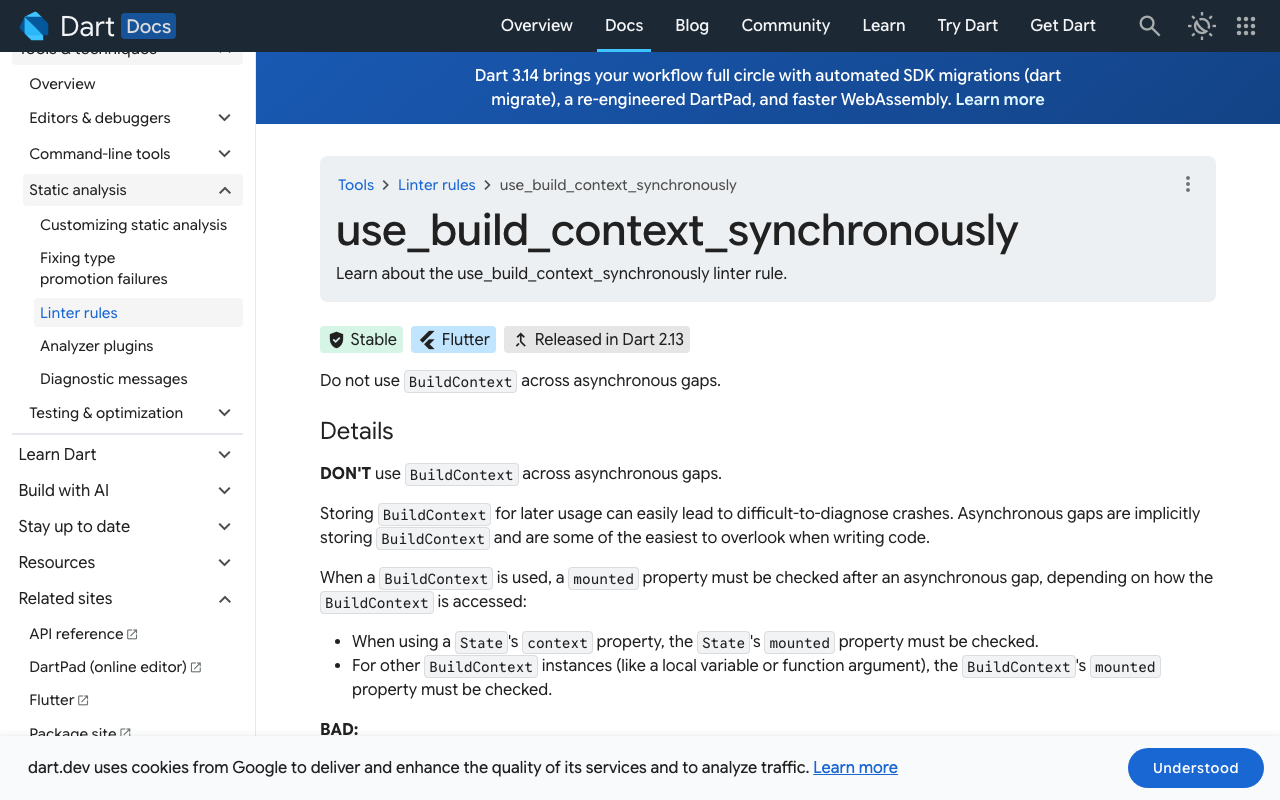
Here is the trap. The chat usually lives in a bottom sheet. The user sends "cancel order ABC-123456" and closes the sheet while the model is still thinking. A second later the tool call arrives, and your handler runs context.go(...) with the sheet's BuildContext. That widget is gone. The Dart lint use_build_context_synchronously warns about this exact pattern. The usual fix is if (!context.mounted) return;, and here that silently drops the action.
The better fix is to stop depending on the sheet. Navigation can go through the GoRouter instance you already created, and dialogs can use the root navigator key you passed to it. Neither one dies with the sheet.
final rootNavigatorKey = GlobalKey<NavigatorState>();

final router = GoRouter(
  navigatorKey: rootNavigatorKey,
  routes: [
    GoRoute(
      path: '/orders',
      name: 'orders',
      builder: (_, __) => const OrdersPage(),
      routes: [
        GoRoute(
          path: ':id',
          name: 'order',
          builder: (_, s) => OrderPage(id: s.pathParameters['id']!),
        ),
      ],
    ),
    GoRoute(path: '/cart', name: 'cart', builder: (_, __) => const CartPage()),
  ],
);

class ActionRunner {
  ActionRunner(this.router, this.orders);
  final GoRouter router;
  final OrdersApi orders;

  Future<Map<String, Object?>> run(
    AppAction action, {
    required bool chatVisible,
  }) async {
    if (!action.destructive && !chatVisible) {
      return {'ok': false, 'error': 'chat_closed'};
    }
    switch (action) {
      case OpenOrders():
        router.goNamed('orders');
      case OpenCart():
        router.goNamed('cart');
      case OpenOrder(:final orderId):
        router.goNamed('order', pathParameters: {'id': orderId});
      case CancelOrder(:final orderId):
        final ctx = rootNavigatorKey.currentContext;
        if (ctx == null || !ctx.mounted) {
          return {'ok': false, 'error': 'no_ui'};
        }
        final yes = await showDialog<bool>(
          context: ctx,
          builder: (c) => AlertDialog(
            title: const Text('Cancel this order?'),
            content: Text('Order $orderId will be cancelled.'),
            actions: [
              TextButton(
                onPressed: () => Navigator.pop(c, false),
                child: const Text('Keep it'),
              ),
              FilledButton(
                onPressed: () => Navigator.pop(c, true),
                child: const Text('Cancel order'),
              ),
            ],
          ),
        );
        if (yes != true) return {'ok': false, 'error': 'user_declined'};
        await orders.cancel(orderId);
    }
    return {'ok': true};
  }
}
Two policy choices are built in here. A navigation request that arrives after the user has closed the chat is dropped and reported back to the model, because pulling someone onto a new screen they did not ask for while they are doing something else feels broken. A destructive request never runs on the model's word: it always waits for a tap on a dialog the model cannot press, and the dialog shows the validated id, not text the model wrote.
Keep the conversation outside the widget
The ChatSession and the runner should live in a controller above the sheet (a provider, a Riverpod notifier, a plain singleton), not in the sheet's State. Then a late reply still reaches the session, the function response still goes back to the model, and the next time the user opens the chat the transcript says what happened.
Future<void> handle(GenerateContentResponse response) async {
  for (final call in response.functionCalls) {
    final action = parseCall(call);
    final result = action == null
        ? {'ok': false, 'error': 'invalid_arguments'}
        : await runner.run(action, chatVisible: sheetIsOpen);
    response = await chat.sendMessage(
      Content.functionResponse(call.name, result),
    );
  }
  // render response.text in the transcript
}
If a navigation succeeded while the sheet was open, close the sheet first and then call router.goNamed, otherwise the new page opens underneath it.
- Declare intentsOne FunctionDeclaration per verb, with enums wherever the set of values is closed.
- Parse to typesTurn the args map into a sealed AppAction or null.
- ValidateCheck formats in the client and ownership on the server.
- Gate destructive callsShow a dialog on the root navigator and act only on an explicit yes.
- Run via GoRouterUse the router instance, not the chat sheet's context.
- Report backSend ok or a short error code as the function response so the model can explain.
Testing it
The parser is a pure function, so unit test it with hostile input: missing keys, numbers where strings belong, ../admin as an id, an unknown tool name. Widget-test the runner by opening the sheet, starting a fake slow model call, closing the sheet, then completing the call, and assert that no navigation happened and the session received chat_closed.
Skip the tool loop with Widget-Chat
Everything above is the plumbing behind one sentence from a user. Widget-Chat ships the finished chat screen as the widget_chat package for Flutter and FlutterFlow. The assistant, its content and its tools are configured in a dashboard, and the provider key stays server-side. Custom HTTP tools cover backend work, and action callbacks hand the intent to your host app, where it meets the same allow-list and GoRouter calls you would write anyway, without a function-calling loop to maintain.
ChatWidget(
  configuration: BotConfiguration(
    projectSecretKey: 'your-project-secret-key',
    userID: 'user-123',
  ),
)
Rich messages (product lists, button groups, image cards) and HMAC-signed user identity come with it. The free plan needs no credit card: create a Widget-Chat project.
- No free-form route tool, only allow-listed intents
- Arguments parsed into typed actions and validated
- Ownership checked on the server
- Destructive actions confirmed in a dialog the model cannot press
- Navigation through the GoRouter instance, not a disposed context
- Chat session lives above the sheet so late replies are not lost