You asked the model for shoe recommendations and the chat bubble shows either a wall of text or a raw JSON blob. What you wanted was tappable product cards, a carousel and a row of buttons, appearing while the answer streams.
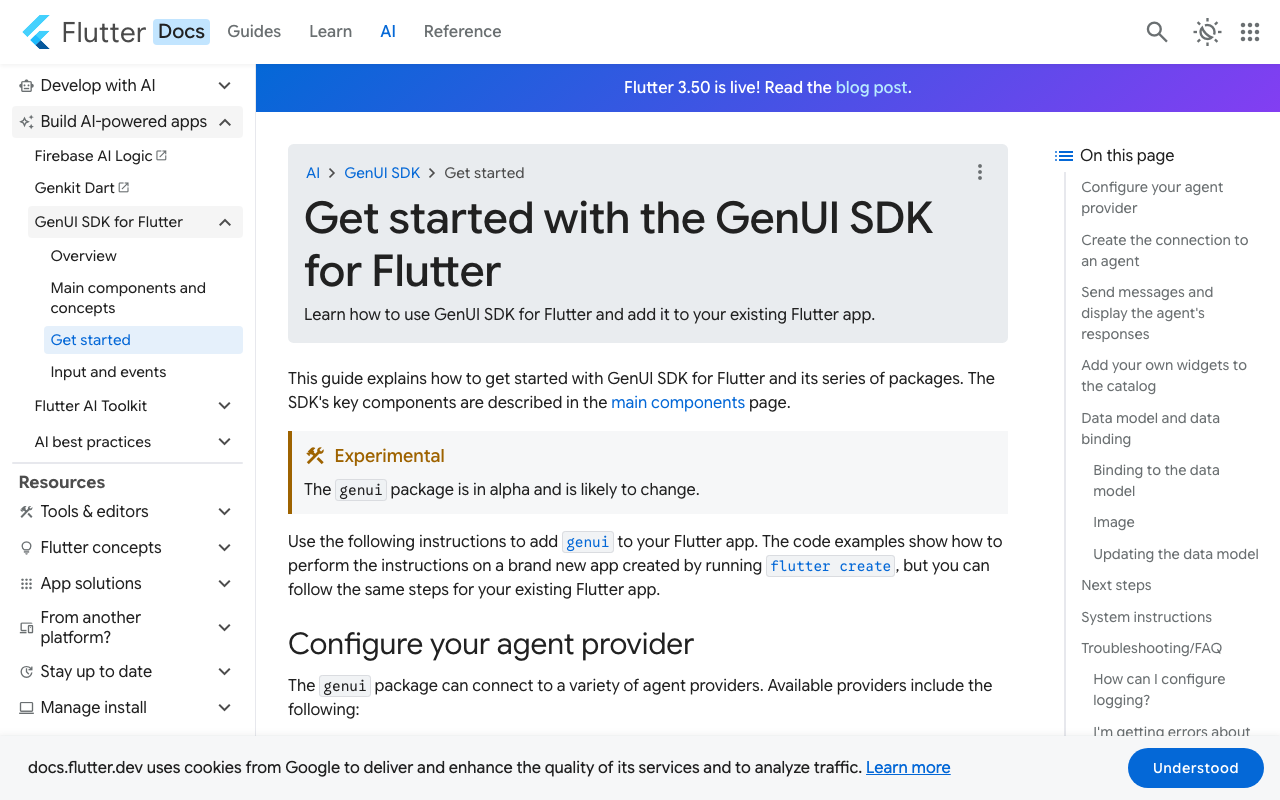
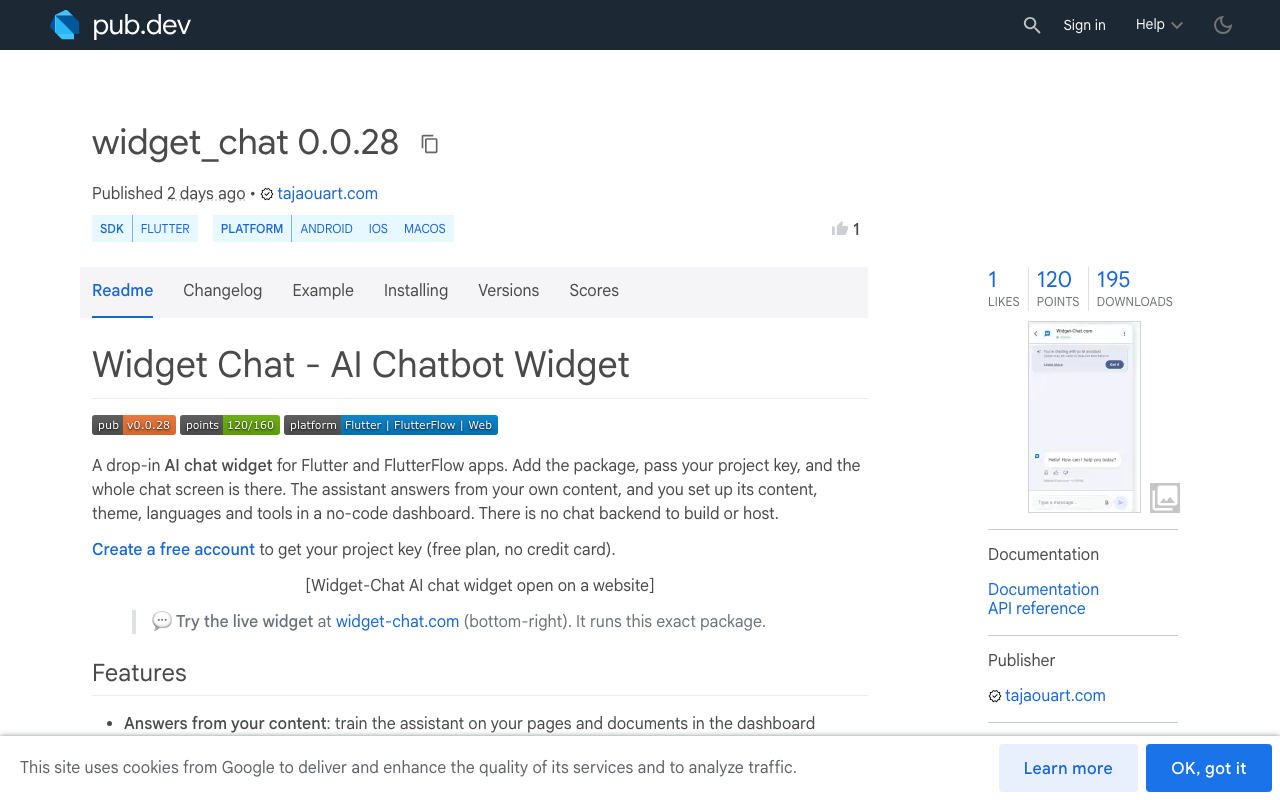
Flutter's own answer is the GenUI SDK, but the official docs still label the genui package alpha and likely to change. This post builds the small version by hand against your own endpoint: a four-block schema, a parser that tolerates half-finished JSON, a widget catalog the model cannot step outside, and a fallback for broken output. If you would rather not maintain any of it, the widget_chat package ships rich messages ready-made (compared at the end).
The pipeline
The app never talks to the model provider directly. Your endpoint (https://api.example.com/chat here) holds the provider key and streams the model's output back as plain text chunks.
A small message schema
Tell the model, in the system prompt on your server, to reply with one JSON object and nothing else:
{"blocks": [
  {"type": "text", "text": "Two trail shoes that fit your budget:"},
  {"type": "carousel", "items": [
    {"id": "sku_114", "title": "Ridge Runner 2", "image": "https://cdn.example.com/p/114.jpg"},
    {"id": "sku_207", "title": "Fell Lite", "image": "https://cdn.example.com/p/207.jpg"}
  ]},
  {"type": "buttons", "options": [
    {"label": "Compare them", "action": "compare"}
  ]}
]}
Four block types cover most shopping and support flows:
| Type | Required fields | Renders as |
|---|---|---|
text |
text |
Normal chat text |
card |
id, title, image |
One tappable product card |
carousel |
items (list of cards) |
Horizontal scrolling cards |
buttons |
options (label, action) |
A row of quick replies |
A parser that survives half a JSON document
For Flutter streaming structured output, the problem is that jsonDecode only accepts complete documents, and mid-stream you hold something like {"blocks":[{"type":"text","text":"Two trail sho. The fix is to close whatever is still open, then decode. If that snapshot still does not parse (the stream stopped right after a key, say), return null and keep the previous result. The next chunk usually fixes it.
import 'dart:convert';

/// Closes what the stream left open, then decodes.
/// Returns null when this snapshot cannot be parsed yet.
Map<String, dynamic>? parsePartial(String src) {
  final closers = <String>[];
  var inString = false, escaped = false;
  for (final c in src.split('')) {
    if (inString) {
      if (escaped) {
        escaped = false;
      } else if (c == r'\') {
        escaped = true;
      } else if (c == '"') {
        inString = false;
      }
    } else if (c == '"') {
      inString = true;
    } else if (c == '{') {
      closers.add('}');
    } else if (c == '[') {
      closers.add(']');
    } else if ((c == '}' || c == ']') && closers.isNotEmpty) {
      closers.removeLast();
    }
  }
  var out = src;
  if (inString) {
    if (escaped) out = out.substring(0, out.length - 1);
    out += '"';
  } else {
    out = out.replaceFirst(RegExp(r',\s*$'), '');
  }
  try {
    final decoded = jsonDecode(out + closers.reversed.join());
    return decoded is Map<String, dynamic> ? decoded : null;
  } on FormatException {
    return null;
  }
}
This rescans the whole buffer on every chunk. For a chat reply of a few kilobytes that is fine. If your replies get large, parse on a short timer instead of on every chunk.
Reading the stream
With the http package, client.send returns a StreamedResponse whose body arrives after the headers, so you can parse as you go:
import 'package:http/http.dart' as http;

class ChatReply {
  const ChatReply(this.blocks, {required this.done});
  final List<dynamic> blocks;
  final bool done;
}

Stream<ChatReply> streamReply(http.Client client, String message) async* {
  final request =
      http.Request('POST', Uri.parse('https://api.example.com/chat'))
        ..headers['Content-Type'] = 'application/json'
        ..body = jsonEncode({'message': message});
  final response = await client.send(request);
  if (response.statusCode != 200) {
    yield fallbackReply('');
    return;
  }

  final buffer = StringBuffer();
  List<dynamic> blocks = const [];
  await for (final chunk in response.stream.transform(utf8.decoder)) {
    buffer.write(chunk);
    final parsed = parsePartial(buffer.toString());
    if (parsed?['blocks'] case final List next) {
      blocks = next;
      yield ChatReply(blocks, done: false);
    }
  }
  yield blocks.isEmpty
      ? fallbackReply(buffer.toString())
      : ChatReply(blocks, done: true);
}
If your endpoint sends server-sent events instead of raw text, strip the data: framing first and feed the payloads into the same buffer.
A fixed widget catalog
This is the part that keeps a Flutter generative UI chat safe. The model picks a type string, and your code decides what that string is allowed to mean. Anything not in the map renders nothing. That also handles the streaming case where the type has only half arrived ("te" is not in the catalog, so the bubble waits).
import 'package:flutter/material.dart';

typedef OnAction = void Function(String action);
typedef BlockBuilder =
    Widget Function(Map<String, dynamic> data, bool settled, OnAction onAction);

final Map<String, BlockBuilder> catalog = {
  'text': (d, _, _) => Text(d['text'] is String ? d['text'] : ''),
  'card': (d, settled, onAction) =>
      ProductCard(d, settled: settled, onAction: onAction),
  'carousel': (d, settled, onAction) => SizedBox(
    height: 220,
    child: ListView(
      scrollDirection: Axis.horizontal,
      children: [
        if (d['items'] case final List items)
          for (final item in items.whereType<Map<String, dynamic>>())
            SizedBox(
              width: 180,
              child: ProductCard(item, settled: settled, onAction: onAction),
            ),
      ],
    ),
  ),
  'buttons': (d, settled, onAction) => Wrap(
    spacing: 8,
    children: [
      if (d['options'] case final List options)
        for (final o in options.whereType<Map<String, dynamic>>())
          if (o['label'] is String && o['action'] is String)
            OutlinedButton(
              onPressed: settled ? () => onAction(o['action']) : null,
              child: Text(o['label']),
            ),
    ],
  ),
};

Widget buildBlock(
  Map<String, dynamic> data, {
  required bool settled,
  required OnAction onAction,
}) {
  final builder = catalog[data['type']];
  return builder == null
      ? const SizedBox.shrink()
      : builder(data, settled, onAction);
}
The wildcard _ parameters need Dart 3.7 or later. On older SDKs, name them _ and __.
What "settled" means
The last block in the list is the one still being written. Its title can grow letter by letter without harm, but a half-streamed image URL would fire a failed network request on every chunk, and a half-streamed action must not be tappable. So a block is settled once another block follows it or the stream has ended:
Column(
  crossAxisAlignment: CrossAxisAlignment.start,
  children: [
    for (final (i, block) in reply.blocks.indexed)
      if (block is Map<String, dynamic>)
        buildBlock(
          block,
          settled: reply.done || i < reply.blocks.length - 1,
          onAction: handleAction,
        ),
  ],
)
The card shows a grey placeholder until then:
class ProductCard extends StatelessWidget {
  const ProductCard(
    this.data, {
    super.key,
    required this.settled,
    required this.onAction,
  });

  final Map<String, dynamic> data;
  final bool settled;
  final OnAction onAction;

  @override
  Widget build(BuildContext context) {
    final id = data['id'], title = data['title'], image = data['image'];
    const placeholder = ColoredBox(color: Color(0xFFE5E7EB));
    return Card(
      clipBehavior: Clip.antiAlias,
      child: InkWell(
        onTap: settled && id is String ? () => onAction('open:$id') : null,
        child: Column(
          crossAxisAlignment: CrossAxisAlignment.start,
          children: [
            AspectRatio(
              aspectRatio: 4 / 3,
              child: settled && image is String
                  ? Image.network(
                      image,
                      fit: BoxFit.cover,
                      errorBuilder: (_, _, _) => placeholder,
                    )
                  : placeholder,
            ),
            Padding(
              padding: const EdgeInsets.all(12),
              child: Text(title is String ? title : ''),
            ),
          ],
        ),
      ),
    );
  }
}
When the JSON is broken
Three failures show up in production: the model answers in prose and ignores the schema, it wraps the JSON in a markdown code fence, or the reply is cut off at the token limit. The parser already covers the cut-off case, because the last good snapshot stays on screen. For the rest, decide at the end of the stream:
ChatReply fallbackReply(String raw) {
  final text = raw.trim();
  final looksLikeJson =
      text.isEmpty || text.startsWith('{') || text.startsWith('`');
  return ChatReply([
    {
      'type': 'text',
      'text': looksLikeJson
          ? 'Sorry, I could not load that answer. Please try again.'
          : text,
    },
  ], done: true);
}
Prose gets shown as prose, which is usually a fine answer. Unparseable JSON never reaches the user as raw braces. If your provider offers a JSON or structured output mode, turn it on server-side: it cuts malformed replies, but it does not prevent truncation, so keep the fallback.
- SchemaFour block types, described to the model in your server-side prompt.
- ParserClose open strings and brackets, decode, keep the last good snapshot.
- CatalogA map from type string to builder, unknown types render nothing.
- Settled flagLoad images and enable taps only when a block is complete.
- FallbackProse stays prose, broken JSON becomes a polite retry message.
Hand-built versus widget_chat
The code above gets you Flutter AI chat product cards in about 200 lines, plus the endpoint, the prompt, history, theming and every new block type you add later. Widget-Chat ships that part finished.
Hand-built rich messages
- You write and tune the schema prompt
- You maintain the partial JSON parser and fallback
- Each new block type is a new builder to write and test
- You build and host the chat backend
- Button and card taps are wired by hand
widget_chat package
- Image cards, carousels and product lists built in
- Button groups and colour swatch pickers built in
- Tap-to-zoom images and markdown rendering
- No chat backend to build or host, provider key stays server-side
- Action callbacks into your app, custom HTTP tools
Skip the build: ChatWidget
If you want Flutter chat rich messages without owning the parser, add the package:
flutter pub add widget_chat
Then drop the widget into your screen:
ChatWidget(
  configuration: BotConfiguration(
    projectSecretKey: 'your-project-secret-key',
    userID: 'user-123',
  ),
)
The assistant, its content, theme and tools are configured in the dashboard, and it works in FlutterFlow as a custom widget too. There is a free plan with no credit card: create your project here.
- The model can only use widgets you registered
- Cards appear while the JSON is still streaming
- Images and taps wait until a block is complete
- Broken JSON never shows up as raw text