

Flutter Streaming Chat Auto-Scroll That Doesn't Fight Users
You wired your Flutter chat screen to scroll to the bottom automatically when a new message arrives — exactly like every tutorial shows. Then you connected a streaming AI backend, and it fell apart in one of two ways: either the list snaps to the bottom on every token so users physically can't scroll up while the bot is typing, or animateTo(maxScrollExtent) keeps landing one message short. Both bugs share a root cause: during token-by-token streaming, maxScrollExtent changes on every frame, and every classic auto-scroll recipe assumes it doesn't.
Here's the ChatGPT-style pattern that fixes both: pin to the bottom with reverse: true, track a "user has scrolled away" flag from the ScrollController, and offer a "jump to latest" pill instead of yanking the view. Then we'll wire it to WidgetChat's streaming /v1/chat/stream endpoint so it runs against a real SSE reply.
Why streaming breaks the standard recipe
The usual answer to "flutter chat scroll to bottom automatically" looks like this — a flutter ListView auto scroll on new message:
setState(() => _messages.add(newMessage));
_scrollController.animateTo(
  _scrollController.position.maxScrollExtent,
  duration: const Duration(milliseconds: 250),
  curve: Curves.easeOut,
);
Problem one: maxScrollExtent here comes from the last completed layout — it doesn't include the message you just added. That's the classic "flutter animateTo maxScrollExtent not scrolling to last message" bug: you land exactly one bubble short. The standard fix defers the scroll until after the frame that lays out the new message:
WidgetsBinding.instance.addPostFrameCallback((_) {
  _scrollController.jumpTo(_scrollController.position.maxScrollExtent);
});
That works for static messages. Streaming kills it. An SSE reply delivers a token every few dozen milliseconds, and each one grows the last bubble — so maxScrollExtent moves every frame:
- Keep
animateTowith a 250 ms duration, and every animation targets an extent that's stale before it finishes. You're perpetually behind — the "one message short" feeling, continuously. - Switch to
jumpToon every token, and now you're pinned — but so is the user. Any attempt to scroll up and re-read gets snapped back to the bottom many times per second. That's the yank.
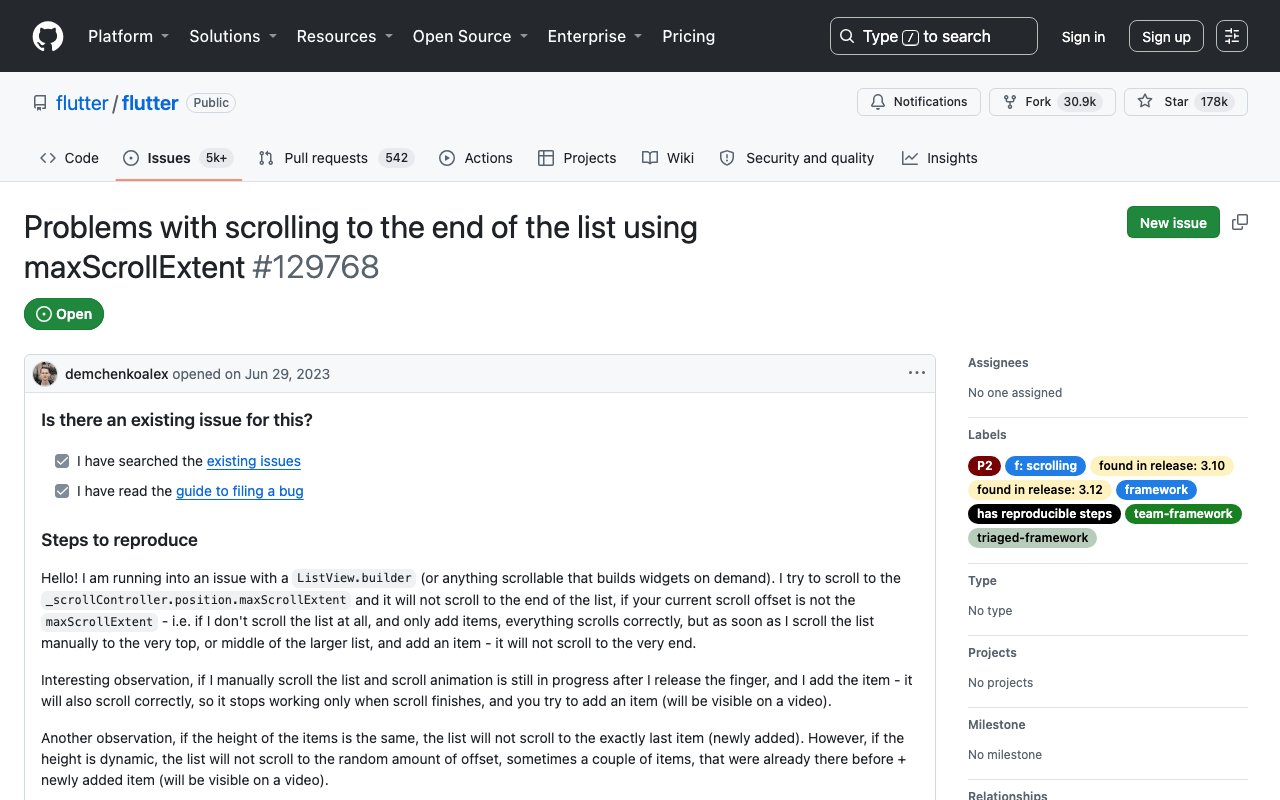
There's a third trap: ListView.builder lays out lazily, so on long conversations maxScrollExtent is an estimate that gets revised as items build. Even post-frame jumps can undershoot on long lists (see flutter/flutter #129768).
The fix: make "latest" a fixed target with reverse: true
The flutter chat listview reverse true trick isn't cosmetic. With reverse: true, the scroll coordinate system flips: offset 0.0 is the bottom of the conversation and maxScrollExtent is the oldest message. That changes everything:
- "Pinned to the newest message" is now
offset == 0— a target that never moves, no matter how many tokens stream in. - While the user sits at offset 0, content growing at the bottom stays on screen automatically. You don't call
jumpTooranimateToper token. You call nothing. - If the user scrolls up (offset > 0), streaming tokens don't move their position at all. No yank, for free.
This is the whole trick behind flutter streaming chat auto scroll in every polished AI app. Here's the screen skeleton:
class ChatScreen extends StatefulWidget {
  const ChatScreen({super.key});

  @override
  State<ChatScreen> createState() => _ChatScreenState();
}

class _ChatScreenState extends State<ChatScreen> {
  final ScrollController _scroll = ScrollController();
  final List<ChatMessage> _messages = [];
  bool _userScrolledAway = false;

  static const double _pinThreshold = 80;

  @override
  void initState() {
    super.initState();
    _scroll.addListener(_onScroll);
  }

  void _onScroll() {
    // reverse: true means offset 0 is the newest message.
    final away = _scroll.offset > _pinThreshold;
    if (away != _userScrolledAway) {
      setState(() => _userScrolledAway = away);
    }
  }

  @override
  void dispose() {
    _scroll.dispose();
    super.dispose();
  }

  @override
  Widget build(BuildContext context) {
    return Stack(
      children: [
        ListView.builder(
          controller: _scroll,
          reverse: true,
          padding: const EdgeInsets.all(12),
          itemCount: _messages.length,
          itemBuilder: (context, index) {
            // Paint order is flipped, so flip the index back.
            final message = _messages[_messages.length - 1 - index];
            return MessageBubble(message: message);
          },
        ),
        if (_userScrolledAway)
          Positioned(
            right: 16,
            bottom: 16,
            child: ActionChip(
              avatar: const Icon(Icons.arrow_downward, size: 16),
              label: const Text('Jump to latest'),
              onPressed: () => _scroll.animateTo(
                0,
                duration: const Duration(milliseconds: 300),
                curve: Curves.easeOut,
              ),
            ),
          ),
      ],
    );
  }
}
Two details worth calling out:
- The index flip (
_messages.length - 1 - index) keeps your message list in natural chronological order while the reversed ListView paints index 0 at the bottom. - There is zero scroll code in the streaming path. Pinning and not-yanking both fall out of the coordinate system.
The "user has scrolled away" flag
Because the pinned position is a constant 0, the flag is a one-liner in the ScrollController listener above. Use a threshold (~80 logical pixels) rather than offset > 0 for two reasons: iOS bounce physics briefly move the offset during overscroll, and a user who nudges the list a few pixels hasn't meaningfully left — popping a pill into view for that feels twitchy.
In this reversed setup you don't need to distinguish user scrolls from programmatic ones, because the only programmatic scroll left is the pill's animateTo(0) — which by definition returns to the pinned zone and clears the flag.
The "jump to latest" pill
The pill in the Stack above is the ChatGPT-style escape hatch: the user scrolled up to re-read, the bot keeps typing below, and one tap on animateTo(0) glides them back. Note what makes this reliable under streaming: the target 0 can never go stale, unlike maxScrollExtent. A 300 ms animation lands exactly at the newest content no matter how many tokens arrived mid-flight.
Wiring it to WidgetChat's streaming endpoint
WidgetChat streams replies token-by-token over Server-Sent Events from POST https://api.widgetchat.app/v1/chat/stream, using a plain HTTP client — no proprietary SDK. The key move: append each token to the last message and let the reversed list do the rest.
import 'dart:convert';
import 'package:http/http.dart' as http;

Future<void> sendMessage(String text) async {
  setState(() {
    _messages.add(ChatMessage(role: 'user', text: text));
    // Empty assistant bubble that the stream fills in.
    _messages.add(ChatMessage(role: 'assistant', text: ''));
  });

  final request = http.Request(
    'POST',
    Uri.parse('https://api.widgetchat.app/v1/chat/stream'),
  )
    ..headers.addAll({
      'Content-Type': 'application/json',
      'Accept': 'text/event-stream',
    })
    ..body = jsonEncode({'message': text});

  final response = await http.Client().send(request);

  await for (final line in response.stream
      .transform(utf8.decoder)
      .transform(const LineSplitter())) {
    if (!line.startsWith('data:')) continue;
    var token = line.substring(5);
    if (token.startsWith(' ')) token = token.substring(1); // per SSE spec
    setState(() {
      final last = _messages.last;
      _messages[_messages.length - 1] =
          ChatMessage(role: last.role, text: last.text + token);
    });
    // No scroll calls here — and that's the whole point.
  }
}
This is the simplified read loop. Real SSE handling has its own sharp edges — network chunks that split events, multi-line data: frames, end-of-stream sentinels — covered in Fix SSE tokens that glue or drop. And if you render the growing reply as Markdown, rebuilding the whole bubble per token causes visible flashing — see Stop the streaming markdown flicker.
When you can't use reverse: true
reverse: true has real costs:
- A conversation with two messages sits at the bottom of the viewport with empty space above. Most chat UIs want exactly that, but a design that top-anchors content until the screen fills will fight it.
- Sticky date headers and "load older messages" pagination have to think in flipped indices.
- Your mental model inverts: toward-the-latest is now offset decreasing.
If you must keep a normal list, the workable pattern is a post-frame jumpTo (never animateTo — its duration guarantees staleness under streaming) gated behind a pinned flag, with UserScrollNotification to detect gestures. It fires for the user's drags and flings but not for your programmatic jumps — exactly the distinction you need:
import 'package:flutter/rendering.dart' show ScrollDirection;

bool _pinned = true;

// Wrap the (non-reversed) list:
NotificationListener<UserScrollNotification>(
  onNotification: (notification) {
    if (notification.direction == ScrollDirection.forward) {
      // User is dragging toward older messages: stop pinning.
      _pinned = false;
    }
    return false;
  },
  child: ListView.builder(controller: _scroll, /* ... */),
)

// Call after every setState that appends a token:
void _keepPinned() {
  WidgetsBinding.instance.addPostFrameCallback((_) {
    if (!_pinned || !_scroll.hasClients) return;
    _scroll.jumpTo(_scroll.position.maxScrollExtent);
  });
}

// In the scroll listener, re-pin when the user returns to the bottom:
final atBottom =
    _scroll.position.maxScrollExtent - _scroll.offset < 80;
if (atBottom) _pinned = true;
It works, but it's strictly more moving parts and runs a jump on every streamed token. Prefer the reversed list when your design allows it.
FlutterFlow notes
- FlutterFlow's ListView exposes the same Reverse option in the properties panel. Toggle it, keep your messages in page state, and streamed updates from a custom action pin exactly like plain Flutter.
- FlutterFlow doesn't hand you the built-in ListView's
ScrollController, so for the scrolled-away flag and the pill, build the chat list as a custom widget and drop in theChatScreenpattern above. - If your replies arrive whole (no streaming) and you just need the static fix, see Fix a FlutterFlow chatbot that won't auto-scroll — or stuck one message behind if that's your symptom.
Try WidgetChat free
If you're building the rest of the chatbot too — answers grounded in your own content, a streaming SSE backend, conversation history — WidgetChat is a drop-in AI support chatbot for Flutter and FlutterFlow. It streams token-by-token replies from POST https://api.widgetchat.app/v1/chat/stream, integrates through a plain HTTP client or FlutterFlow custom action (no proprietary SDK), and has a free tier to start. The auto-scroll pattern in this post drops straight onto it. Try WidgetChat free.

Comments
Comments are coming soon. We'd love to hear your thoughts!