

Flutter Voice AI Too Quiet on iPhone? Fix iOS Audio Routing
You shipped a talking assistant. On Android it sounds fine. On iPhone, testers say the bot "whispers," that they have to hold the phone to their ear like a call, or that the audio vanishes the moment AirPods connect mid-conversation.
Nothing is wrong with your TTS gain. The instant your app opens the microphone, iOS moves the audio session to playAndRecord — and Apple's documentation for overrideOutputAudioPort(_:) states the consequence plainly: the playAndRecord category "by default routes the output to the receiver." The receiver is the sliver of speaker above your screen, tuned to be quiet at 3 cm from an ear. Your assistant is now talking into it while the phone lies on a desk.
Here is the exact audio_session config for a WidgetChat live voice call, why the obvious one-line fix is a trap, and a route-aware speaker toggle that survives a headset connecting or disconnecting mid-call.
Two different reasons it sounds quiet
1. The route. Text-only playback usually runs under playback, which goes to the loudspeaker. Open the mic and the category flips to playAndRecord, which defaults to the receiver. Same audio, one-tenth the perceived loudness. This is the cause behind almost every "flutter audio plays through earpiece instead of speaker" report.
2. Voice processing. Apple documents that for apps using a chat mode (voiceChat, videoChat, gameChat) without the Voice-Processing I/O audio unit, the system "doesn't apply voice-specific processing, like echo cancellation and automatic gain correction, and disables dynamic processing on input and output, which results in a lower playback level." So if you set .voiceChat and playback got quieter, that is documented behaviour — not a bug in your player.
There is a third, non-code cause worth ruling out with testers first: once you are on a voice route, the hardware volume buttons are adjusting the call volume, not the media volume they had set while typing.
Why defaultToSpeaker is the wrong fix
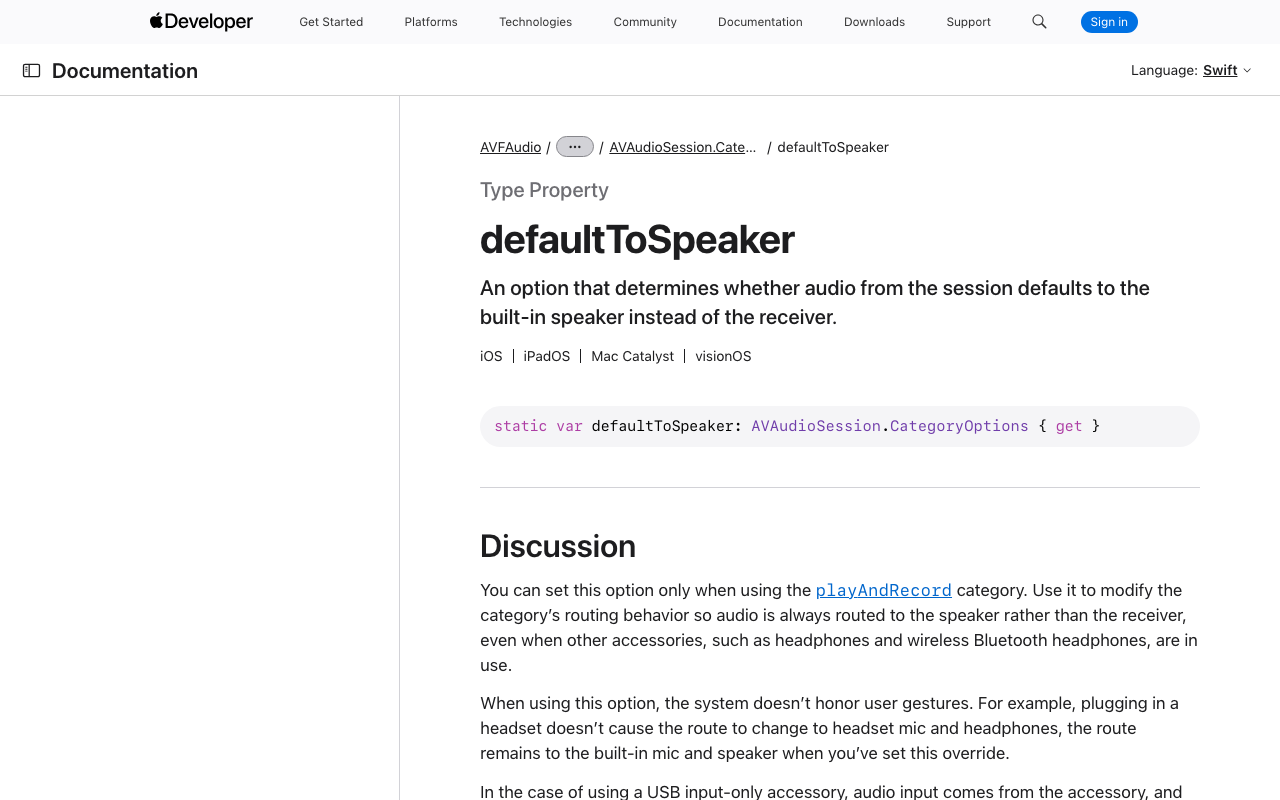
The first search result everyone lands on says to add AVAudioSessionCategoryOptions.defaultToSpeaker. It does make things loud. Read what Apple actually says it does:
Use it to modify the category's routing behavior so audio is always routed to the speaker rather than the receiver, even when other accessories, such as headphones and wireless Bluetooth headphones, are in use. When using this option, the system doesn't honor user gestures. For example, plugging in a headset doesn't cause the route to change to headset mic and headphones... Route changes and interruptions don't reset this override. Only changing the audio session category resets this option.
Three things follow, and all three show up as bug reports:
- It hijacks AirPods. A user with AirPods in taps your mic button and the assistant starts shouting out of the phone's loudspeaker. That is the whole of "flutter bluetooth headset audio routing voice call" in one line.
- It degrades the mic. The input is pinned to the built-in mic while the loudspeaker plays at full volume — the worst possible acoustic path for echo cancellation. Weak AEC means the assistant hears itself, which means barge-in either fires on the bot's own voice or stops working.
- It's sticky. Route changes don't clear it. Only a category change does. So you cannot use it as a toggle.
defaultToSpeaker is a permanent policy. What you want is a temporary override.
The configuration that actually works
dependencies:
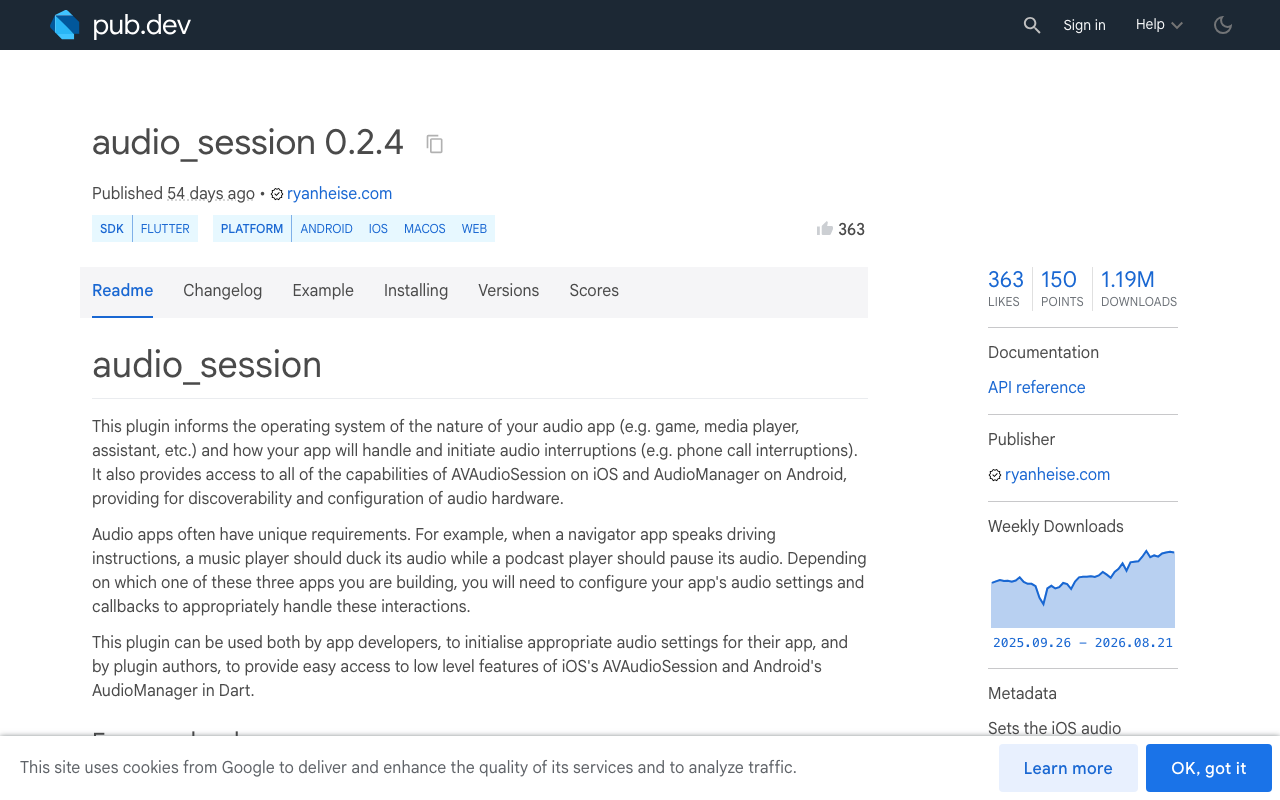
  audio_session: ^0.2.4  # needs Flutter >= 3.27, Dart SDK ^3.6.0
// lib/voice/voice_route_controller.dart
import 'dart:async';
import 'dart:io' show Platform;

import 'package:audio_session/audio_session.dart';
import 'package:flutter/foundation.dart';

/// Owns the OS audio session for the life of a WidgetChat voice call.
class VoiceRouteController {
  VoiceRouteController._();
  static final VoiceRouteController instance = VoiceRouteController._();

  /// What the user last explicitly chose with the speaker button.
  bool _userPrefersSpeaker = true;

  /// The effective state, for your UI. A connected headset can flip this
  /// without the user ever touching the button.
  final ValueNotifier<bool> speakerOn = ValueNotifier<bool>(true);

  StreamSubscription<AVAudioSessionRouteChange>? _routeSub;
  bool _inCall = false;

  /// Call this immediately BEFORE the mic opens.
  Future<void> startCall() async {
    final session = await AudioSession.instance;

    await session.configure(AudioSessionConfiguration(
      avAudioSessionCategory: AVAudioSessionCategory.playAndRecord,
      // Deliberately NO defaultToSpeaker — see above. Bluetooth stays allowed
      // so AirPods, car kits and wired headsets keep working normally.
      avAudioSessionCategoryOptions:
          AVAudioSessionCategoryOptions.allowBluetooth |
              AVAudioSessionCategoryOptions.allowBluetoothA2dp |
              AVAudioSessionCategoryOptions.allowAirPlay,
      // voiceChat opts you into echo cancellation, which is what makes
      // barge-in possible. It also implies allowBluetooth on its own.
      avAudioSessionMode: AVAudioSessionMode.voiceChat,
      avAudioSessionRouteSharingPolicy:
          AVAudioSessionRouteSharingPolicy.defaultPolicy,
      avAudioSessionSetActiveOptions: AVAudioSessionSetActiveOptions.none,
      androidAudioAttributes: const AndroidAudioAttributes(
        contentType: AndroidAudioContentType.speech,
        flags: AndroidAudioFlags.none,
        usage: AndroidAudioUsage.voiceCommunication,
      ),
      androidAudioFocusGainType:
          AndroidAudioFocusGainType.gainTransientExclusive,
      androidWillPauseWhenDucked: false,
    ));

    await session.setActive(true);
    _inCall = true;

    if (!kIsWeb && Platform.isIOS) {
      _routeSub ??= AVAudioSession().routeChangeStream.listen(_onRouteChange);
    }

    // Start on the loudspeaker unless a headset is already the route.
    await _applyPreference();
  }

  Future<void> endCall() async {
    _inCall = false;
    await _routeSub?.cancel();
    _routeSub = null;

    if (!kIsWeb && Platform.isIOS) {
      await AVAudioSession()
          .overrideOutputAudioPort(AVAudioSessionPortOverride.none);
    }

    final session = await AudioSession.instance;
    await session.setActive(
      false,
      avAudioSessionSetActiveOptions:
          AVAudioSessionSetActiveOptions.notifyOthersOnDeactivation,
    );
    // Drop back out of playAndRecord so ordinary app sounds leave the receiver.
    await session.configure(const AudioSessionConfiguration.speech());
  }
}
AVAudioSessionMode.voiceChat is doing real work here. Apple's docs note that setting it "causes the system to automatically apply the allowBluetooth category option" and reduces the allowed routes to those suitable for voice chat. Keeping the explicit allowBluetooth costs nothing and documents intent. (On iOS 26 Apple renamed the constant to allowBluetoothHFP; the behaviour is identical and audio_session still exposes the same underlying bit as allowBluetooth.)
A speaker toggle that survives AirPods
The right primitive for a toggle is overrideOutputAudioPort. Apple describes it as routing to the built-in speaker "regardless of other settings," but critically: "This change remains in effect only until the current route changes or you call this method again with the .none option." That temporariness is a feature — it means AirPods connecting will naturally win, and you decide what happens next.
extension SpeakerToggle on VoiceRouteController {
  /// Wire this to your in-call speaker button.
  Future<void> setSpeaker(bool on) async {
    _userPrefersSpeaker = on;
    await _applyPreference();
  }

  Future<void> _applyPreference() async {
    if (kIsWeb) return;
    if (Platform.isAndroid) {
      await AndroidAudioManager().setSpeakerphoneOn(_userPrefersSpeaker);
      speakerOn.value = _userPrefersSpeaker;
      return;
    }
    if (!Platform.isIOS) return;

    // A headset outranks the preference: nobody wants the phone shouting
    // while their AirPods are in.
    final headset = await _hasHeadsetOutput();
    final useSpeaker = _userPrefersSpeaker && !headset;

    await AVAudioSession().overrideOutputAudioPort(useSpeaker
        ? AVAudioSessionPortOverride.speaker
        : AVAudioSessionPortOverride.none);
    speakerOn.value = useSpeaker;
  }

  Future<bool> _hasHeadsetOutput() async {
    const headsetPorts = {
      AVAudioSessionPort.headphones,
      AVAudioSessionPort.bluetoothHfp,
      AVAudioSessionPort.bluetoothA2dp,
      AVAudioSessionPort.bluetoothLe,
      AVAudioSessionPort.carAudio,
      AVAudioSessionPort.usbAudio,
      AVAudioSessionPort.airPlay,
    };
    final route = await AVAudioSession().currentRoute;
    return route.outputs.any((p) => headsetPorts.contains(p.portType));
  }

  Future<void> _onRouteChange(AVAudioSessionRouteChange change) async {
    if (!_inCall) return;
    switch (change.reason) {
      // AirPods connected, or they were yanked out and iOS fell back to the
      // receiver. Either way, re-evaluate against the user's last choice —
      // this is what makes the toggle survive connect/disconnect.
      case AVAudioSessionRouteChangeReason.newDeviceAvailable:
      case AVAudioSessionRouteChangeReason.oldDeviceUnavailable:
      case AVAudioSessionRouteChangeReason.categoryChange:
      case AVAudioSessionRouteChangeReason.routeConfigurationChange:
        await _applyPreference();
        break;
      default:
        break;
    }
  }
}
The categoryChange case matters more than it looks. Anything else in your app that touches the session — a notification sound, a video player, a permission prompt — can reset the category and silently drop your override, and the user's next words go into a phone held at arm's length.
One honest caveat: while the speaker override is active, iOS also moves input to the built-in mic. That is correct for speakerphone, but it is why voiceChat mode and its echo cancellation are not optional if you want reliable barge-in.
Android and FlutterFlow
The androidAudioAttributes block above already tells Android this is voice communication. For the toggle, AndroidAudioManager().setSpeakerphoneOn() works everywhere, though on API 31+ Google prefers setCommunicationDevice() — audio_session exposes getAvailableCommunicationDevices(), setCommunicationDevice() and clearCommunicationDevice() for that path.
In FlutterFlow, add audio_session: ^0.2.4 under Custom Pub Dependencies, wrap startCall() / endCall() in two Custom Actions, and call them on the same button that opens the WidgetChat voice call and on the action that closes it.
Permissions you cannot skip
<!-- ios/Runner/Info.plist -->
<key>NSMicrophoneUsageDescription</key>
<string>Lets you talk to the support assistant.</string>
<key>UIBackgroundModes</key>
<array><string>audio</string></array>
<!-- android/app/src/main/AndroidManifest.xml -->
<uses-permission android:name="android.permission.RECORD_AUDIO"/>
<uses-permission android:name="android.permission.MODIFY_AUDIO_SETTINGS"/>
Where this sits in your WidgetChat integration
WidgetChat's live voice chat runs inside the same widget you already embed — the user taps the mic and gets a real-time speech-to-speech call with barge-in, live captions, and product cards on screen while the assistant talks. Your provider keys stay server-side. Voice is configured per project in the dashboard's Voice section: enable/disable, voice name, max session length, captions default, all against a monthly voice-minute pool.
The audio session is the one part that is unavoidably yours, because it is app-global. Bracket the call: startCall() before the mic opens, endCall() when the session ends.
Text chat is the same conversation, streamed over SSE:
final req = http.Request(
    'POST', Uri.parse('https://api.widgetchat.app/v1/chat/stream'))
  ..headers['Content-Type'] = 'application/json'
  ..headers['Accept'] = 'text/event-stream'
  ..body = jsonEncode(payload); // fields + auth from your dashboard snippet

final res = await http.Client().send(req);
await for (final line in res.stream
    .transform(utf8.decoder)
    .transform(const LineSplitter())) {
  if (line.startsWith('data: ')) {
    appendToken(line.substring(6)); // token-by-token, no polling
  }
}
The 60-second checklist
- Are you on
playAndRecordwhile the mic is open? Then you are on the receiver until you say otherwise. - Is
defaultToSpeakeranywhere in your codebase? Delete it. - Is the mode
voiceChat? Without it, barge-in fights your own output. - Does a route-change listener re-apply the override? Without it, AirPods break the call.
- Do you deactivate and drop the category when the call ends?
Ready to give your app a support assistant users can actually talk to? Try WidgetChat free — embed it in your Flutter or FlutterFlow app, flip on Voice in the dashboard, and let the routing code above do its job.


Comments
Comments are coming soon. We'd love to hear your thoughts!