

Flutter Voice Call Dies in Background? The 3-Layer Fix
You shipped a talking AI assistant. Users tap the mic, start a real speech-to-speech session, then lock the phone to keep listening while they walk, and the call goes dead. On iOS it goes silent instantly. On Android 14+ it either keeps a zombie mic open or throws ForegroundServiceStartNotAllowedException in Crashlytics.
Asking for RECORD_AUDIO is not the fix. A live voice session needs three separate things to be true at once, and most tutorials cover exactly one of them.
Why it actually dies
A voice call is capture plus playback, running continuously, with no UI on screen. Both OSes treat that as suspicious by default.
iOS suspends your app process a few seconds after it leaves the foreground unless a background mode says otherwise. Even with the audio background mode declared, your AVAudioSession has to be in a category that survives the lock screen (playAndRecord) and it has to be active before the app backgrounds. iOS will not let you activate a recording session from a suspended state.
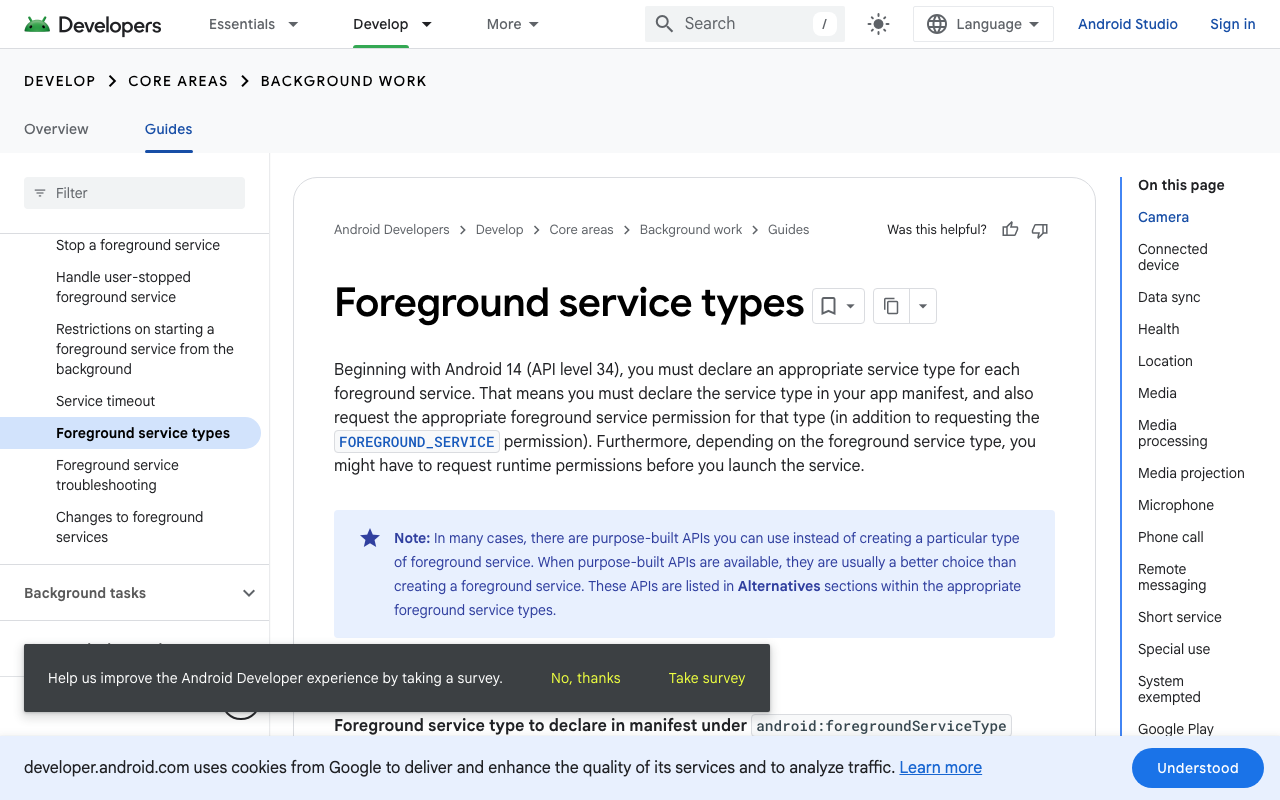
Android stopped being lenient in API 34. Since Android 14, every foreground service must declare a type in the manifest, hold the matching FOREGROUND_SERVICE_* permission, and satisfy the runtime permission for that type. RECORD_AUDIO is a while-in-use permission, so a microphone service can only be started while your app is actually in the foreground. Start it late, after the user has already locked the screen, and the system refuses.
Layer 1: iOS background audio mode + an active session
Two edits in ios/Runner/Info.plist:
<key>UIBackgroundModes</key>
<array>
  <string>audio</string>
</array>
<key>NSMicrophoneUsageDescription</key>
<string>Used for voice conversations with the in-app assistant.</string>
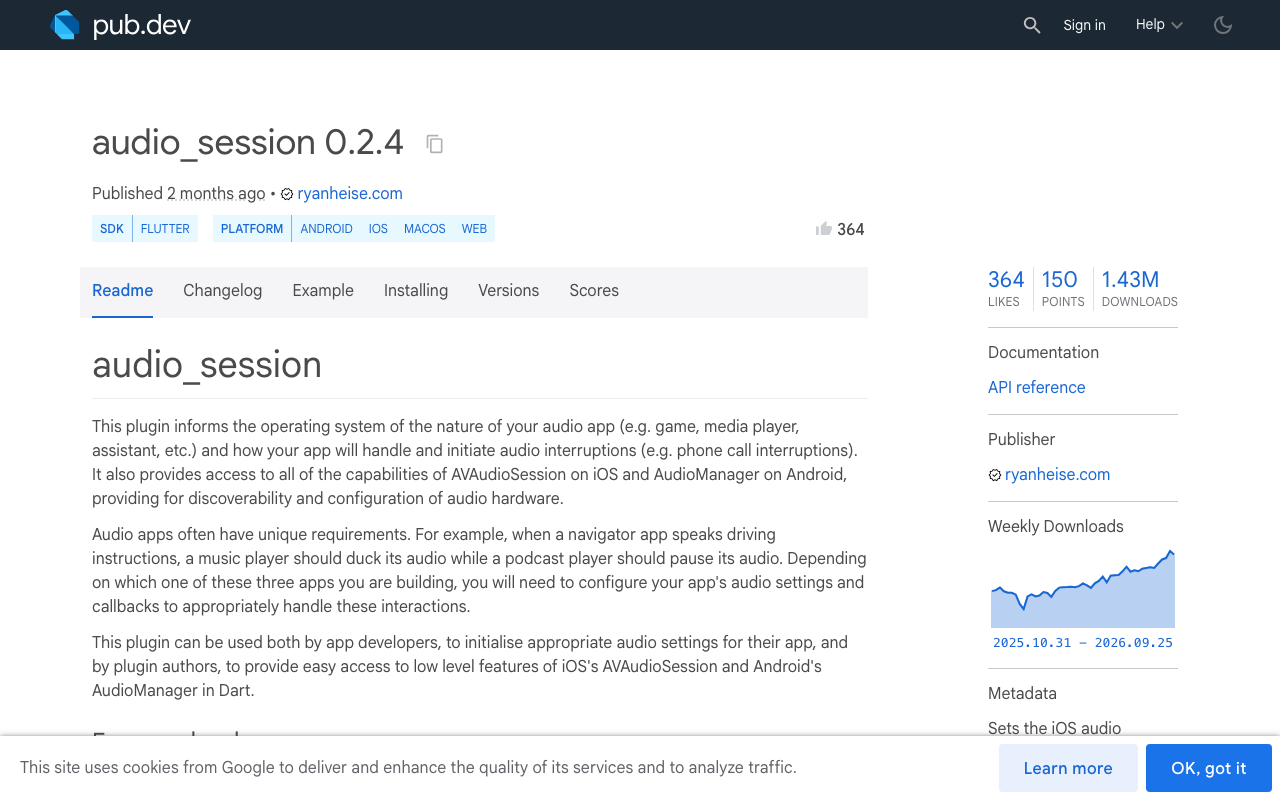
The audio mode alone does nothing. You also need the session configured for two-way voice and activated before the user backgrounds the app. The audio_session package (0.2.4 at time of writing) wraps AVAudioSession and Android audio focus behind one API:
import 'package:audio_session/audio_session.dart';

Future<void> startVoiceAudioSession() async {
  final session = await AudioSession.instance;

  await session.configure(const AudioSessionConfiguration(
    avAudioSessionCategory: AVAudioSessionCategory.playAndRecord,
    avAudioSessionCategoryOptions:
        AVAudioSessionCategoryOptions.allowBluetooth |
        AVAudioSessionCategoryOptions.defaultToSpeaker,
    avAudioSessionMode: AVAudioSessionMode.voiceChat,
    avAudioSessionSetActiveOptions: AVAudioSessionSetActiveOptions.none,
    androidAudioAttributes: AndroidAudioAttributes(
      contentType: AndroidAudioContentType.speech,
      usage: AndroidAudioUsage.voiceCommunication,
    ),
    androidAudioFocusGainType: AndroidAudioFocusGainType.gain,
    androidWillPauseWhenDucked: false,
  ));

  await session.setActive(true);
}
voiceChat mode is the one that matters for an assistant that can be interrupted. It enables the system echo canceller, which is what stops the assistant's own voice from being fed back into the recogniser and triggering a false barge-in.
Handle interruptions too, or a single incoming phone call leaves you with a half-dead mic:
session.interruptionEventStream.listen((event) async {
  if (event.begin) {
    await voiceCall.pause();          // stop capture, keep the transcript
  } else if (event.type == AudioInterruptionType.pause) {
    await session.setActive(true);
    await voiceCall.resume();
  }
});
Note the asymmetry: only AudioInterruptionType.pause should auto-resume. If the type was unknown, another app took the session permanently and you should end the call cleanly instead of fighting for the mic.
Layer 2: an Android microphone foreground service
On Android the process needs a visible, typed foreground service for the whole duration of the call. flutter_foreground_task (11.0.3) handles the plumbing, but you must widen its service type yourself.
In android/app/src/main/AndroidManifest.xml:
<manifest xmlns:android="http://schemas.android.com/apk/res/android"
          xmlns:tools="http://schemas.android.com/tools">

  <uses-permission android:name="android.permission.RECORD_AUDIO" />
  <uses-permission android:name="android.permission.FOREGROUND_SERVICE" />
  <uses-permission android:name="android.permission.FOREGROUND_SERVICE_MICROPHONE" />
  <uses-permission android:name="android.permission.POST_NOTIFICATIONS" />
  <uses-permission android:name="android.permission.WAKE_LOCK" />

  <application>
    <service
        android:name="com.pravera.flutter_foreground_task.service.ForegroundService"
        android:foregroundServiceType="microphone"
        android:exported="false"
        tools:replace="android:foregroundServiceType" />
  </application>
</manifest>
The tools:replace is not optional. The plugin's own manifest declares dataSync|remoteMessaging, and the manifest merger fails on a conflicting attribute value rather than picking yours.
Then start the service on the same user tap that starts the call, never later:
import 'package:flutter_foreground_task/flutter_foreground_task.dart';
import 'package:permission_handler/permission_handler.dart';

Future<bool> startVoiceService() async {
  if (!await Permission.microphone.request().isGranted) return false;
  await Permission.notification.request();

  FlutterForegroundTask.init(
    androidNotificationOptions: AndroidNotificationOptions(
      channelId: 'voice_call',
      channelName: 'Voice assistant call',
      onlyAlertOnce: true,
    ),
    iosNotificationOptions: const IOSNotificationOptions(showNotification: false),
    foregroundTaskOptions: ForegroundTaskOptions(
      eventAction: ForegroundTaskEventAction.nothing(),
      allowWakeLock: true,
      allowWifiLock: true,
      autoRunOnBoot: false,
    ),
  );

  final result = await FlutterForegroundTask.startService(
    serviceId: 4201,
    notificationTitle: 'Voice assistant',
    notificationText: 'Call in progress. Tap to return.',
  );
  return result.success;
}
eventAction: ForegroundTaskEventAction.nothing() is deliberate. You are not running periodic Dart work in an isolate, you are keeping the main process alive and the mic legal. A repeating timer just burns battery.
Two Android traps worth knowing:
allowWifiLock: truematters more than people expect. Doze can park the Wi-Fi radio and your streaming session stalls with the mic still open, which looks identical to a crash from the user's side.- If the user revokes the mic permission from the notification shade mid-call, the service keeps running but capture returns silence. Re-check
Permission.microphone.statuson resume and end the call if it changed.
Layer 3: wakelock and a lifecycle handler that ends things cleanly
Keep the screen awake while the call is on so a screen-lock timeout never becomes the trigger, and release it the moment the call ends:
import 'package:wakelock_plus/wakelock_plus.dart';

await WakelockPlus.enable();   // on call start
await WakelockPlus.disable();  // in your teardown, always
Then decide, explicitly, what should happen when the app is backgrounded anyway. The worst outcome is the silent middle state: mic open, stream dead, user staring at a spinner.
class VoiceCallPage extends StatefulWidget { /* ... */ }

class _VoiceCallPageState extends State<VoiceCallPage>
    with WidgetsBindingObserver {
  DateTime? _backgroundedAt;

  @override
  void initState() {
    super.initState();
    WidgetsBinding.instance.addObserver(this);
  }

  @override
  void dispose() {
    WidgetsBinding.instance.removeObserver(this);
    super.dispose();
  }

  @override
  void didChangeAppLifecycleState(AppLifecycleState state) {
    switch (state) {
      case AppLifecycleState.inactive:
      case AppLifecycleState.hidden:
        break; // transient: a notification shade pull, a call sheet
      case AppLifecycleState.paused:
        _backgroundedAt = DateTime.now();
        break;
      case AppLifecycleState.resumed:
        _recoverIfStale();
        break;
      case AppLifecycleState.detached:
        _endCall(reason: 'app_detached');
        break;
    }
  }

  Future<void> _recoverIfStale() async {
    final away = _backgroundedAt;
    _backgroundedAt = null;
    if (away == null) return;

    if (DateTime.now().difference(away) > const Duration(seconds: 30)) {
      await _endCall(reason: 'backgrounded_too_long');
      setState(() => _banner = 'Call ended while you were away. Tap the mic to continue.');
      return;
    }
    await (await AudioSession.instance).setActive(true);
  }

  Future<void> _endCall({required String reason}) async {
    await WakelockPlus.disable();
    await (await AudioSession.instance).setActive(false);
    await FlutterForegroundTask.stopService();
  }
}
Don't treat inactive or hidden as "the user left". On iOS you get inactive for a pulled-down notification shade, and Flutter synthesises hidden on the way to and from paused. Only paused means backgrounded for real, and only detached means the process is going away.
The transcript is the other half of the recovery. Because the conversation is the same thread as the text chat, an ended voice session should leave its captions behind in the message list rather than vanishing. A user who comes back and sees what was said mid-call will just tap the mic again. A user who comes back to an empty screen files a bug.
FlutterFlow specifics
None of this is doable from the FlutterFlow canvas alone. Info.plist and AndroidManifest.xml edits require the code you get from Download Code or the GitHub integration, then building from that repo. Put the session start, wakelock and service start in a single Custom Action wired to your mic button's On Tap, and the teardown in a second action wired to both the end-call button and the page's dispose. The lifecycle observer belongs in a Custom Widget that wraps the call UI, since FlutterFlow pages don't expose WidgetsBindingObserver directly.
Where WidgetChat fits
WidgetChat's live voice chat is a real-time speech-to-speech session inside the same widget you already embed in your Flutter or FlutterFlow app: it listens, replies out loud in a natural voice, supports barge-in so users can interrupt it mid-sentence, and shows live captions and rich product cards on screen while it speaks. It's the same conversation, same dashboard as text chat, across iOS, Android and web, with provider API keys kept server-side instead of shipped in your bundle.
The three layers above are still yours to configure, because they're properties of your app binary, not of the widget. What you get from the dashboard's Voice section is the other half of the story: enable or disable voice per project, pick the voice, set the max session length, and choose whether captions are on by default. Setting a sensible max session length is worth doing alongside the lifecycle handler, since voice runs against a monthly voice-minute pool and a session abandoned in the background is the most expensive kind.
Get the manifest right, activate the session on the tap, and end the call honestly when you can't keep it alive. That's the whole fix.
Try WidgetChat free and add a talking AI assistant to your Flutter or FlutterFlow app.

Comments
Comments are coming soon. We'd love to hear your thoughts!