

Flutter Voice AI Goes Mute After a Call? Fix Interruptions
You shipped live voice chat. A user taps the mic, talks to your WidgetChat assistant, everything works. Then a call comes in, they decline it, they come back — and the assistant is dead. Captions frozen, mic light off, no error. They force-quit the app and file a one-star review.
This is not a bug in your voice code. It's the OS reclaiming the audio session and never giving it back, because nothing in your app asked for it back. Here's the exact lifecycle, the parts iOS and Android disagree on, and a VoiceInterruptionHandler you can paste in.
What the OS actually does when the phone rings
Two different mechanisms, one symptom:
- iOS posts
AVAudioSession.interruptionNotificationwith.began. Your session is deactivated. When the interruption ends you may get.ended, and it may carry theshouldResumeoption — a hint that you're allowed to start again. - Android fires an audio focus change:
AUDIOFOCUS_LOSS_TRANSIENTfor a call,AUDIOFOCUS_LOSS_TRANSIENT_CAN_DUCKfor a nav prompt,AUDIOFOCUS_LOSSfor something permanent. Your recorder keeps running but gets silence.
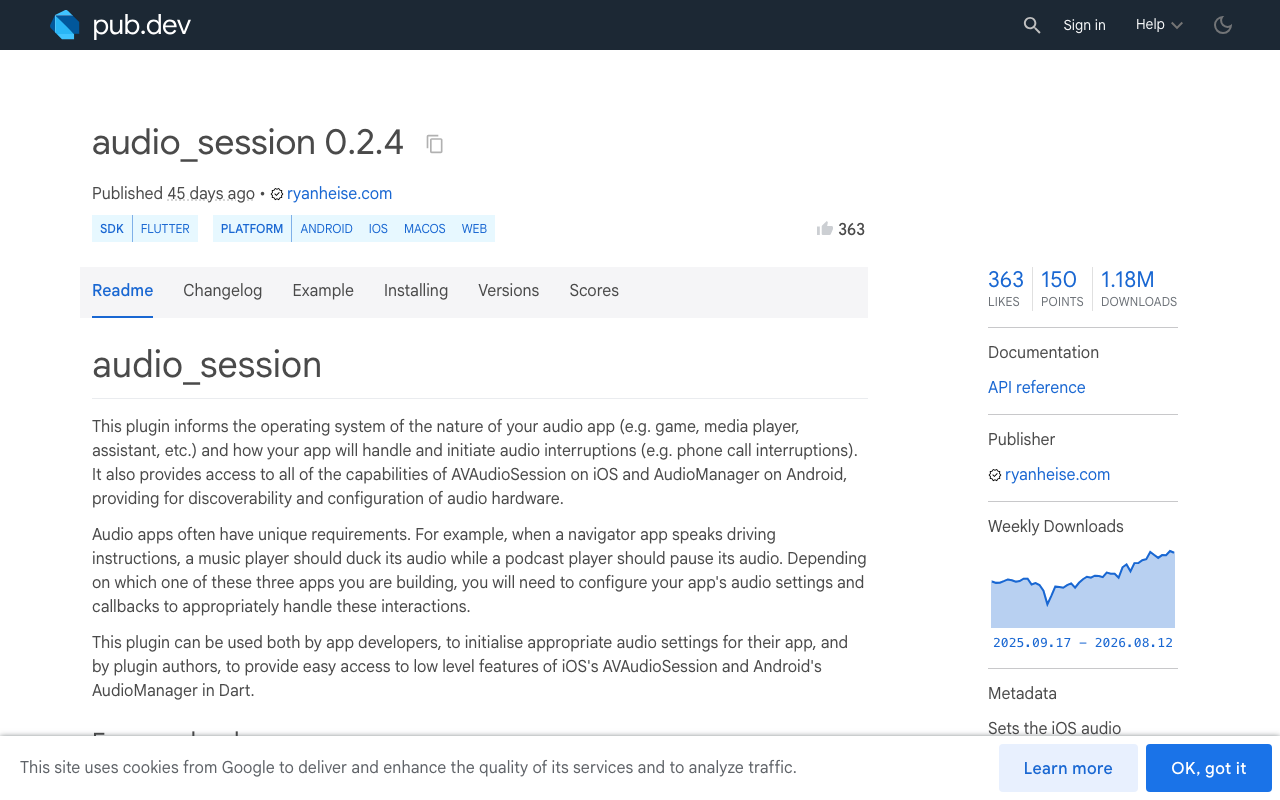
The audio_session package (0.2.4 at time of writing) collapses both into one Dart stream. Critically, Apple's own guidance is that there is no guarantee a begin interruption is followed by an end interruption. If you only listen to the interruption stream, you will ship a bug. You need the lifecycle stream too.
Step 0: a session configured for two-way voice
Most tutorials copy the music recipe. That's wrong for a speech-to-speech assistant — you're recording and playing simultaneously, and you want echo cancellation so barge-in doesn't make the assistant interrupt itself.
import 'package:audio_session/audio_session.dart';

Future<AudioSession> configureVoiceSession() async {
  final session = await AudioSession.instance;
  await session.configure(const AudioSessionConfiguration(
    avAudioSessionCategory: AVAudioSessionCategory.playAndRecord,
    avAudioSessionCategoryOptions:
        AVAudioSessionCategoryOptions.allowBluetooth |
        AVAudioSessionCategoryOptions.defaultToSpeaker,
    // voiceChat enables the built-in echo canceller — required for barge-in.
    avAudioSessionMode: AVAudioSessionMode.voiceChat,
    avAudioSessionRouteSharingPolicy:
        AVAudioSessionRouteSharingPolicy.defaultPolicy,
    avAudioSessionSetActiveOptions: AVAudioSessionSetActiveOptions.none,
    androidAudioAttributes: AndroidAudioAttributes(
      contentType: AndroidAudioContentType.speech,
      usage: AndroidAudioUsage.voiceCommunication,
      flags: AndroidAudioFlags.none,
    ),
    androidAudioFocusGainType: AndroidAudioFocusGainType.gain,
    androidWillPauseWhenDucked: true,
  ));
  return session;
}
iOS gotcha that will waste your afternoon: since audio_session 0.2.0, microphone support is compiled out by default (AUDIO_SESSION_MICROPHONE=0) so that playback-only apps don't trip App Store mic-API review. You must opt in via ios/Podfile:
post_install do |installer|
  installer.pods_project.targets.each do |target|
    flutter_additional_ios_build_settings(target)
    target.build_configurations.each do |config|
      config.build_settings['GCC_PREPROCESSOR_DEFINITIONS'] ||= [
        '$(inherited)',
        'AUDIO_SESSION_MICROPHONE=1',
      ]
    end
  end
end
Run flutter clean whenever that value changes — the build cache will happily serve you a mic-less binary otherwise. audio_session 0.2.x also requires Flutter 3.27+.
The interruption lifecycle, decoded
interruptionEventStream emits AudioInterruptionEvent(begin, type). The type on the end event is where the shouldResume hint lives:
begin |
type |
What it means | What to do |
|---|---|---|---|
true |
duck |
Transient (nav prompt, notification) | Lower assistant volume, keep the call alive |
true |
pause |
Call, Siri, alarm | Suspend capture and playback |
true |
unknown |
Paused, possibly indefinitely | Suspend, assume no auto-resume |
false |
duck |
Ducking over | Restore volume |
false |
pause |
Ended with shouldResume |
Reactivate and re-arm the mic |
false |
unknown |
Ended without shouldResume |
Stay suspended, wait for a tap |
That last row is the one everyone gets wrong. Auto-resuming on unknown is how you end up with an app that starts listening while the user is still on a phone call.
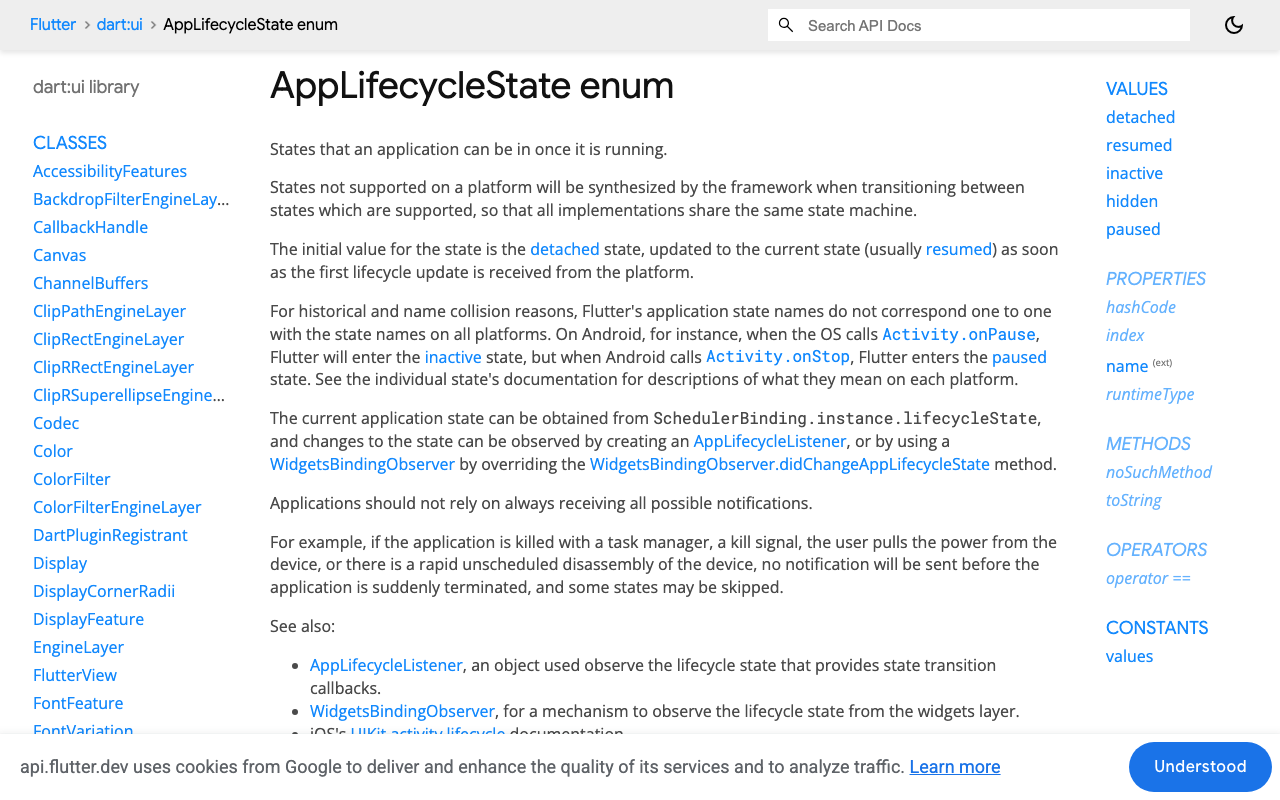
Why AppLifecycleState is the other half
iOS and Android emit different states for the same physical event, and Siri in particular can leave you waiting many seconds for an .ended that sometimes never arrives.
inactive— at least one view visible, none has focus. On iOS this fires for the incoming-call banner, Control Center, the app switcher, and the screenshot flash. Do not tear down the call here. The user is usually back within a second.hidden— synthesized by Flutter so both platforms behave alike; entered briefly whenever you traverseinactive → paused.paused— genuinely backgrounded (iOS/Android only). This is where you suspend.resumed— your reliable, guaranteed signal to try reactivating.
Android may jump almost straight to paused where iOS lingers in inactive, so branch on the state, not on a platform check. Use AppLifecycleListener rather than a WidgetsBindingObserver — it's the current API and gives you onStateChange in one place.
The handler
WidgetChat's live voice call runs inside the same widget you already embed, so what you own is the app-side audio plumbing around it. Define a thin interface over your voice UI's start/stop hooks and let the handler drive it:
abstract class VoiceSessionControls {
  bool get isLive;
  Future<void> suspend();          // stop capture + assistant playback
  Future<void> resume();           // re-arm mic, then re-enable playback
  Future<void> duck(bool ducked);  // volume only, call stays up
  Future<void> end();
  void setSuspendedUi(bool suspended, {String? reason});
}
import 'dart:async';
import 'package:audio_session/audio_session.dart';
import 'package:flutter/services.dart';
import 'package:flutter/widgets.dart';

class VoiceInterruptionHandler {
  VoiceInterruptionHandler(this._voice);

  final VoiceSessionControls _voice;

  AudioSession? _session;
  StreamSubscription<AudioInterruptionEvent>? _interruptionSub;
  StreamSubscription<void>? _noisySub;
  AppLifecycleListener? _lifecycle;

  bool _suspended = false;
  bool _mayAutoResume = false; // mirrors iOS shouldResume
  bool _foreground = true;

  Future<void> attach() async {
    final session = await configureVoiceSession();
    _session = session;

    _interruptionSub =
        session.interruptionEventStream.listen(_onInterruption);

    // Headphones yanked: never auto-resume into a room speaker.
    _noisySub = session.becomingNoisyEventStream.listen((_) =>
        _suspend(resumable: false, reason: 'Headphones disconnected'));

    _lifecycle = AppLifecycleListener(onStateChange: _onLifecycle);
  }

  Future<void> _onInterruption(AudioInterruptionEvent e) async {
    if (e.begin) {
      switch (e.type) {
        case AudioInterruptionType.duck:
          await _voice.duck(true);
          break;
        case AudioInterruptionType.pause:
          await _suspend(resumable: true, reason: 'Paused for a call');
          break;
        case AudioInterruptionType.unknown:
          await _suspend(resumable: false, reason: 'Audio paused');
          break;
      }
    } else {
      switch (e.type) {
        case AudioInterruptionType.duck:
          await _voice.duck(false);
          break;
        case AudioInterruptionType.pause:
          _mayAutoResume = true; // shouldResume was set
          await _tryResume();
          break;
        case AudioInterruptionType.unknown:
          _mayAutoResume = false; // needs an explicit tap
          _voice.setSuspendedUi(true, reason: 'Tap to resume');
          break;
      }
    }
  }

  Future<void> _onLifecycle(AppLifecycleState state) async {
    switch (state) {
      case AppLifecycleState.resumed:
        _foreground = true;
        // The safety net: fires even when .ended never arrives.
        await _tryResume();
        break;
      case AppLifecycleState.inactive:
        // Call banner / Control Center / app switcher. Ride it out.
        break;
      case AppLifecycleState.hidden:
      case AppLifecycleState.paused:
        _foreground = false;
        await _suspend(resumable: true, reason: 'Paused in background');
        break;
      case AppLifecycleState.detached:
        await _voice.end();
        break;
    }
  }

  Future<void> _suspend({
    required bool resumable,
    required String reason,
  }) async {
    if (!_voice.isLive || _suspended) return;
    _suspended = true;
    _mayAutoResume = resumable;
    await _voice.suspend();
    _voice.setSuspendedUi(true, reason: reason);
    // Hand the route back so the caller/Siri gets a clean session.
    await _session?.setActive(false);
  }

  Future<void> _tryResume() async {
    if (!_suspended || !_foreground || !_mayAutoResume) return;
    try {
      // Only ever activate in the foreground: a background setActive(true)
      // on a non-mixable session fails with 560557684 (CannotInterruptOthers).
      final ok = await _session?.setActive(true) ?? false;
      if (!ok) return; // leave the UI in "Tap to resume"
    } on PlatformException {
      return;
    }
    _suspended = false;
    _voice.setSuspendedUi(false);
    // Re-arm the mic BEFORE playback resumes, or the first barge-in is lost.
    await _voice.resume();
  }

  /// Wire this to the "Tap to resume" button.
  Future<void> resumeFromUser() async {
    _mayAutoResume = true;
    await _tryResume();
  }

  Future<void> dispose() async {
    await _interruptionSub?.cancel();
    await _noisySub?.cancel();
    _lifecycle?.dispose();
  }
}
The 560557684 trap
If you call setActive(true) while backgrounded, iOS throws AVAudioSessionErrorCodeCannotInterruptOthers (560557684) because another app owns a non-mixable session. Retries and recreating the recorder don't help — only returning to the foreground does. Gating _tryResume() on _foreground is what makes this reliable.
What to render while suspended
Suspended is a real UI state, not a spinner. Three rules:
- Keep the call surface mounted. Leave the transcript and any product cards WidgetChat rendered on screen. Unmounting resets the conversation; the user came back expecting continuity.
- Show an unmistakable mic state. A greyed mic with the reason ("Paused for a call") beats a mic that looks live but isn't — that's the exact ambiguity generating your bug reports.
- Make resume one tap, and re-arm capture before playback. WidgetChat supports barge-in, but only if the mic is already open when the assistant starts speaking again. Resuming playback first means the user's first "wait, stop" goes nowhere.
Degrade to text instead of dead air
If the session can't be reactivated, don't strand the user. WidgetChat's text streaming endpoint is the same assistant and the same conversation, so you can keep answering while voice is unavailable:
final req = http.Request(
  'POST', Uri.parse('https://api.widgetchat.app/v1/chat/stream'))
  ..headers.addAll({
    'Content-Type': 'application/json',
    'Accept': 'text/event-stream',
    ...authHeaders, // from your WidgetChat project settings
  })
  ..body = jsonEncode({'message': text, 'conversation_id': conversationId});

final res = await http.Client().send(req);
await for (final line in res.stream
    .transform(utf8.decoder)
    .transform(const LineSplitter())) {
  if (line.startsWith('data: ')) {
    setState(() => _reply += parseToken(line.substring(6)));
  }
}
In FlutterFlow, the same logic lives in a custom action: expose attach() from an action called on page load and resumeFromUser() from your resume button's action chain.
Test matrix
Simulators won't reproduce any of this. On real hardware:
- Incoming call → decline · Incoming call → answer → hang up
- "Hey Siri" mid-answer, then dismiss the panel
- Alarm/timer fires · Bluetooth headset disconnects mid-sentence
- Home swipe → wait 60s → return · App switcher peek → return immediately
For each: does the mic come back, and does barge-in still interrupt the assistant on the first try?
Try WidgetChat free
WidgetChat gives your Flutter and FlutterFlow app a real-time speech-to-speech assistant with barge-in, live captions and on-screen product cards — same widget, same conversation and same dashboard as text chat, with provider keys kept server-side. Enable it under Voice in your project settings. Try WidgetChat free.


Comments
Comments are coming soon. We'd love to hear your thoughts!