

FlutterFlow Chatbot Won't Stream With Dio? Use http Instead
You wired an AI chatbot into your FlutterFlow app, wrote a custom action with Dio, hit send — and instead of tokens appearing one by one, the whole reply lands in a single lump after a long pause. Or nothing renders until the request finishes. If you searched flutterflow dio sse streaming not working and landed here, this is the exact problem, and it isn't your server.
Dio buffers text/event-stream responses by default. Below is why that happens and a drop-in FlutterFlow custom action that streams token-by-token using http.Request + Client().send().
Why Dio buffers your SSE response
Server-Sent Events (SSE) keep one HTTP connection open and push chunks over time with Content-Type: text/event-stream. Each chunk looks like:
data: {"delta": "Hi"}

data: {"delta": " there"}

data: [DONE]
To animate replies you need to read each data: line as it arrives. Dio fights you on this in two ways.
1. The default response type waits for the whole body. When you call dio.post(url, data: ...), Dio uses ResponseType.json (or plain). That means the returned Future doesn't complete until the entire response is received and decoded. Your await sits there until the server closes the stream, then hands you the full text at once. That's the "one buffered chunk" everyone reports:
// ❌ This never streams — await blocks until the stream ends
final response = await dio.post(
  'https://api.widgetchat.app/v1/chat/stream',
  data: {'message': userMessage},
);
print(response.data); // the whole reply, arriving all at once
2. ResponseType.stream helps on mobile but breaks on Web. Dio can expose a raw byte stream:
final response = await dio.post<ResponseBody>(
  url,
  data: body,
  options: Options(responseType: ResponseType.stream),
);
final stream = response.data!.stream; // Stream<Uint8List>
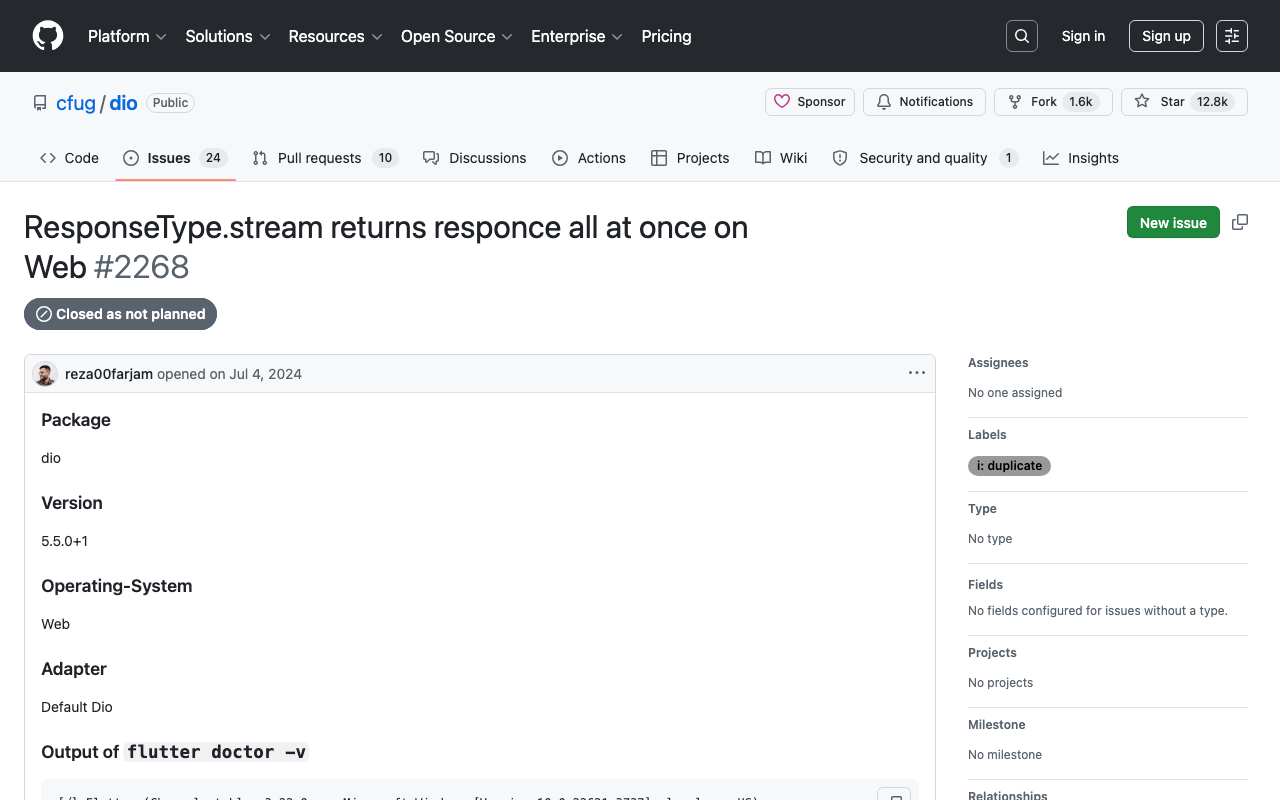
This streams on Android/iOS, but on Flutter Web Dio's browser adapter uses XMLHttpRequest, which collects the full response before surfacing it (this is the long-standing dio issue #2268 — ResponseType.stream returns the response all at once on Web). You also still have to SSE-decode the raw bytes yourself, so you've taken on all the parsing work and gained a platform-specific bug.
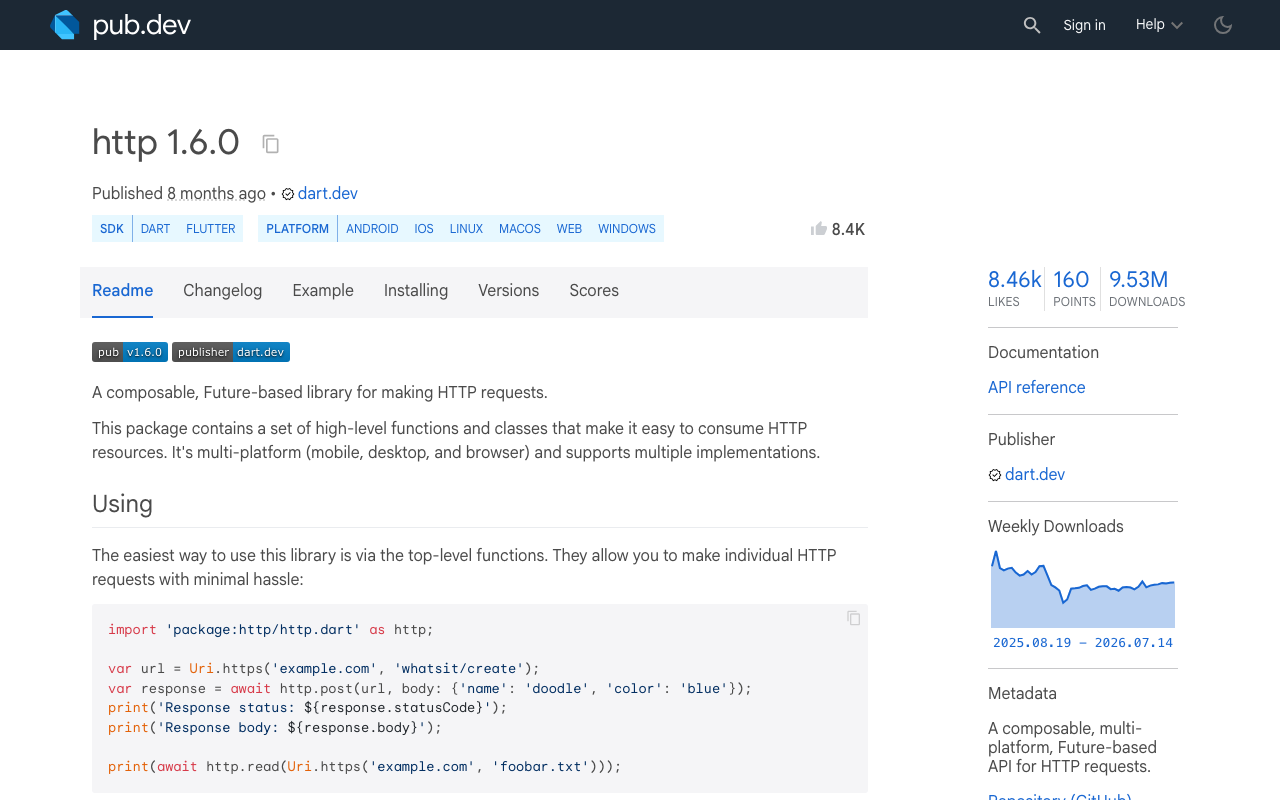
The cleaner, more predictable path for a FlutterFlow custom action is package:http's streamed request.
The fix: http.Request + Client().send()
http.Client().send() returns a StreamedResponse whose .stream you decode incrementally. Chain utf8.decoder to turn bytes into text and LineSplitter to break it into individual SSE lines, then parse each data: line.
The key insight most tutorials skip: multiple SSE events often arrive in a single TCP packet, and a single event can be split across packets. Splitting by line with LineSplitter handles both — you never hand-slice the byte buffer.
import 'dart:convert';
import 'package:http/http.dart' as http;

Future<void> streamChat({
  required String message,
  required void Function(String token) onToken,
}) async {
  final client = http.Client();
  final request = http.Request(
    'POST',
    Uri.parse('https://api.widgetchat.app/v1/chat/stream'),
  )
    ..headers['Content-Type'] = 'application/json'
    ..headers['Accept'] = 'text/event-stream'
    ..body = jsonEncode({'message': message});

  final http.StreamedResponse response = await client.send(request);
  if (response.statusCode != 200) {
    client.close();
    throw Exception('Stream failed: ${response.statusCode}');
  }

  await for (final line in response.stream
      .transform(utf8.decoder)
      .transform(const LineSplitter())) {
    if (!line.startsWith('data:')) continue; // skip blanks & SSE comments
    final payload = line.substring(5).trim(); // strip "data:"
    if (payload.isEmpty || payload == '[DONE]') continue;

    try {
      final Map<String, dynamic> json = jsonDecode(payload);
      final token = (json['delta'] ?? json['content'] ?? '') as String;
      if (token.isNotEmpty) onToken(token); // fires per token, live
    } catch (_) {
      // keep-alive comment or partial frame — safe to ignore
    }
  }
  client.close();
}
Notice await for yields each line the instant it arrives — there's no buffering barrier like Dio's await dio.post. onToken fires many times per reply.
Drop it into a FlutterFlow custom action
In FlutterFlow, create a custom action and bind the output to an App State field your chat bubble reads. Use FFAppState().update(...) so the UI rebuilds on every token. First add http under Custom Code → pubspec dependencies (e.g. http: ^1.2.0).
// Automatic FlutterFlow imports
import '/flutter_flow/flutter_flow_util.dart';
import '/app_state.dart';
import 'package:flutter/material.dart';
// Begin custom action code
import 'dart:convert';
import 'package:http/http.dart' as http;

Future streamChatReply(String message) async {
  final client = http.Client();
  final request = http.Request(
    'POST',
    Uri.parse('https://api.widgetchat.app/v1/chat/stream'),
  )
    ..headers['Content-Type'] = 'application/json'
    ..headers['Accept'] = 'text/event-stream'
    ..body = jsonEncode({'message': message});

  // Clear the App State field the chat bubble is bound to.
  FFAppState().update(() => FFAppState().chatReply = '');

  final response = await client.send(request);
  if (response.statusCode != 200) {
    client.close();
    return;
  }

  await for (final line in response.stream
      .transform(utf8.decoder)
      .transform(const LineSplitter())) {
    if (!line.startsWith('data:')) continue;
    final payload = line.substring(5).trim();
    if (payload.isEmpty || payload == '[DONE]') continue;

    try {
      final Map<String, dynamic> json = jsonDecode(payload);
      final token = (json['delta'] ?? json['content'] ?? '') as String;
      if (token.isNotEmpty) {
        // Append and notify listeners — UI updates token-by-token.
        FFAppState().update(() => FFAppState().chatReply += token);
      }
    } catch (_) {
      // partial frame / comment line — skip
    }
  }
  client.close();
}
Bind a Text widget to FFAppState().chatReply and call streamChatReply from your Send button's action chain. As tokens arrive, update() triggers a rebuild and the reply types itself out.
Two gotchas that waste hours
- App State shows only the last token. If you bind a widget to a raw stream/snapshot instead of an accumulating field, you'll see each token replace the previous one. Always append (
+=) into a persistent field orStringBuffer, as shown. - Match the payload shape to your API. The parser above reads
delta/content. OpenAI-style APIs nest it atchoices[0].delta.content; adjust the extraction line to your provider's schema rather than guessing.
Flutter Web caveat
On Flutter Web, package:http also falls back to XMLHttpRequest, which buffers — so true token streaming needs a fetch-based client such as the fetch_client package wired in as the http client on web. For native iOS/Android/desktop builds (where most FlutterFlow chatbots ship), the code above streams as-is.
Wrap up
Dio isn't broken — it's optimized for request/response JSON, so it buffers text/event-stream by design, and its Web adapter makes the streaming path unreliable. For a live chatbot, http.Request + Client().send() with response.stream.transform(utf8.decoder).transform(LineSplitter()) gives you clean, line-by-line SSE parsing that updates App State token-by-token.
Want the streaming endpoint, SSE format, and FlutterFlow action handled for you? Try WidgetChat free and drop a real-time AI support chatbot into your Flutter or FlutterFlow app in minutes.

Comments
Comments are coming soon. We'd love to hear your thoughts!