

FlutterFlow AI Chatbot Returns null After 30 Seconds? Fix It
Your chatbot is perfect on "hi" and "what are your hours?" Then a user asks something that needs actual reasoning — a multi-step troubleshooting question, a summary of a long order history — and the bubble comes back blank. The action ran, no red error, just null. Every time the reply takes longer than roughly 30 seconds.
This is not a model problem and it is not a bug in your prompt. It's a timeout ceiling in FlutterFlow's action tree, and it has two layers you have to fix together. Let's pinpoint both, then wire up a proxy so WidgetChat replies never hit the ceiling in the first place.
Why short prompts work and long ones return null
When your AI chatbot makes an outbound call — whether through the AI Agent integration or a plain API Call action — FlutterFlow fires the request, waits, and binds the response to a variable. If the response doesn't arrive inside the timeout window, FlutterFlow doesn't throw. It gives up quietly and hands the next action a null. Your Text widget faithfully renders that null (or nothing).
There are two independent ceilings stacked on top of each other:
- The client-side request timeout. FlutterFlow's generated networking code has a finite receive window. On slow, reasoning-heavy LLM replies this is what trips at ~30s and returns null.
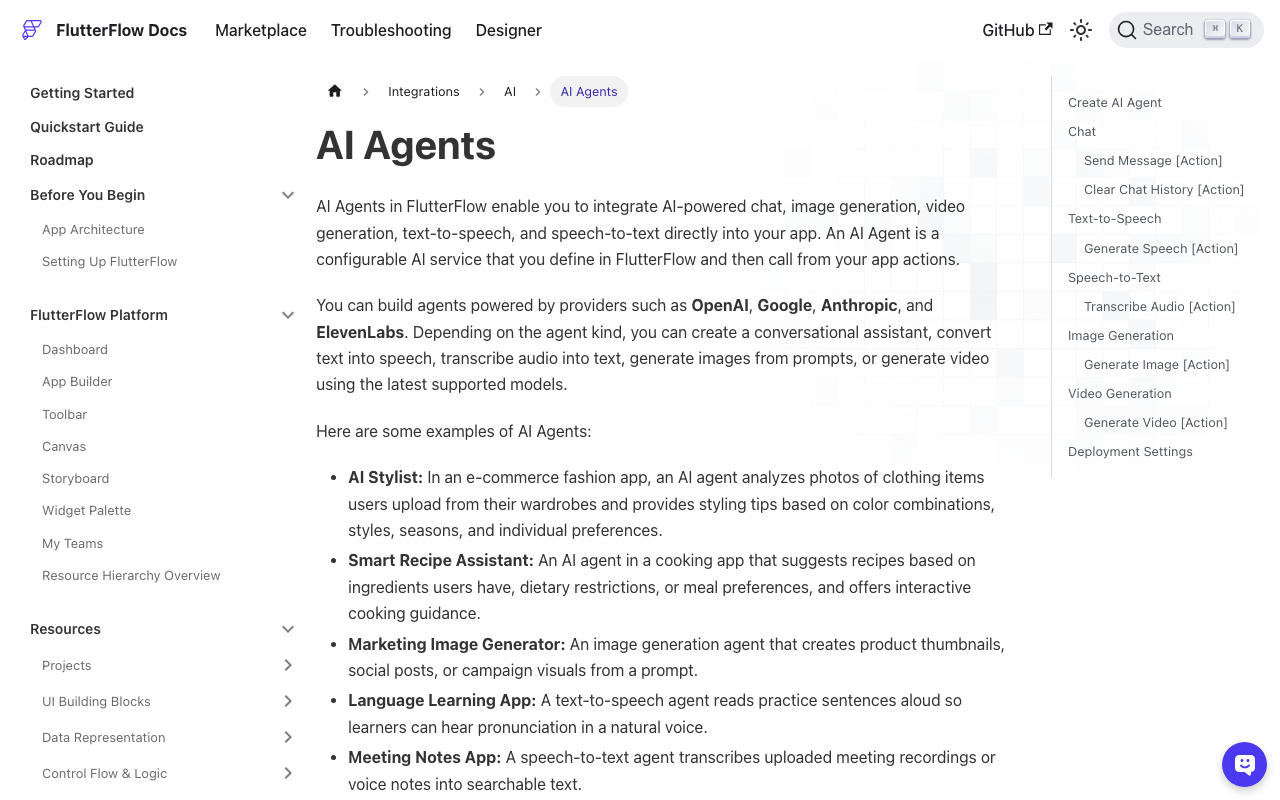
- The AI Agent function timeout. If you use FlutterFlow's native AI Agent, that agent runs as a Cloud Function. It has its own
Timeout (seconds)setting — default 60 — after which the function is terminated regardless of what your client is doing.
Short prompts stream a complete answer in 2–5 seconds, comfortably under both. A 400-token reasoning answer from GPT-4-class or Claude models can take 25–45 seconds to generate — right across the line. This is a widely reported issue: builders confirm that calls taking 20–30 seconds succeed while anything past ~30s comes back null.
Fix Part 1: Raise the timeout field
If you use the AI Agent action
Open the AI Agent, find the Timeout (seconds) field, and raise it. The default of 60 is generous for the function, but the real killer is usually the client receive timeout — so this step matters most when your agent itself does chained/tool-calling work that runs long.
Give yourself real headroom:
AI Agent → Settings
  Timeout (seconds): 120     # was 60
  Response Type: Text
  Blocking: ON (await the result)
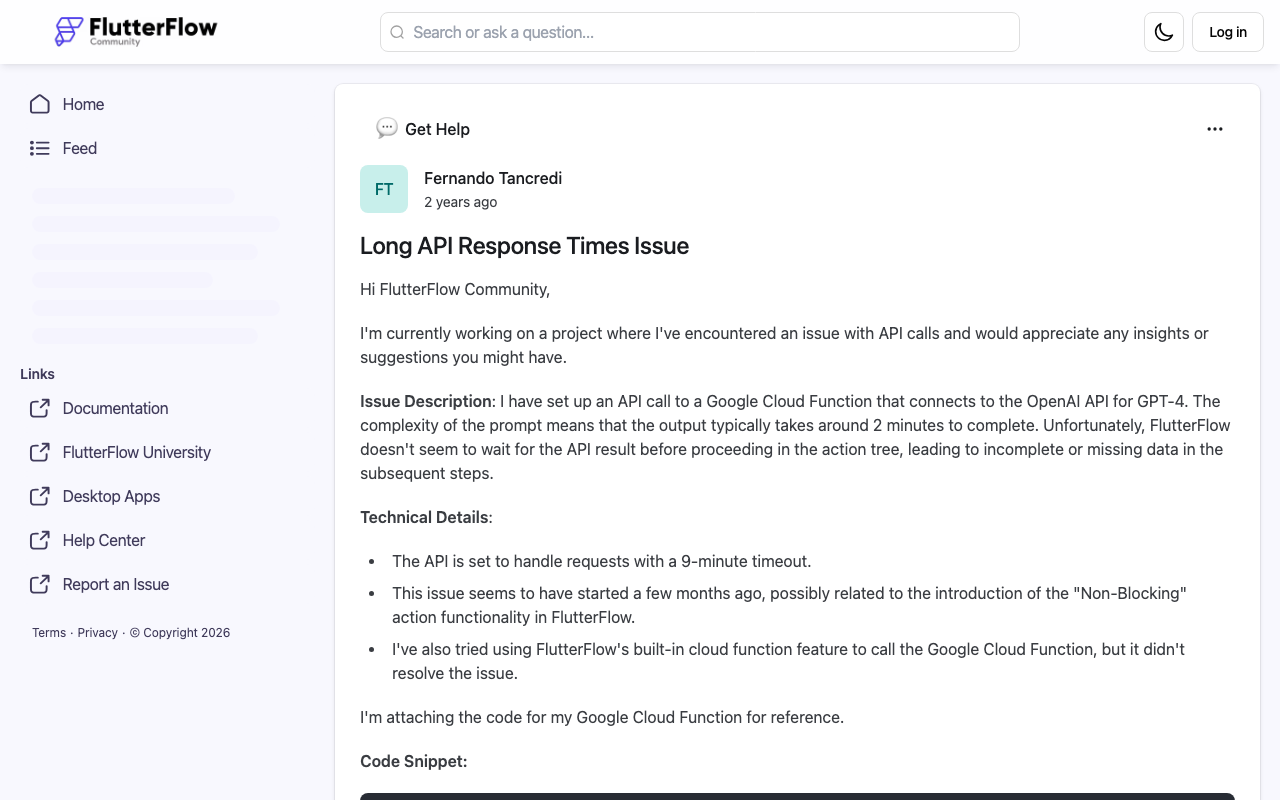
Confirm the action is awaited/blocking so the action tree actually waits for the response instead of racing ahead with an empty value — a separate, well-documented FlutterFlow gotcha where the next action starts with an empty result.
If you use a plain API Call action
Here's the trap: the API Call editor has historically had no timeout field at all. You cannot lengthen it from the UI, and stuffing a timeout into the request header does nothing. The clean fix is a custom action that owns its own HTTP client and receive timeout. Add the dio package and write:
// Custom Action: sendChatMessage
// Args: String message, String endpoint
// Return: String (the assistant reply)
import 'package:dio/dio.dart';

Future<String> sendChatMessage(String message, String endpoint) async {
  final dio = Dio(BaseOptions(
    // These are the knobs the API Call action never exposed:
    connectTimeout: const Duration(seconds: 15),
    receiveTimeout: const Duration(seconds: 120), // <-- past the 30s wall
    headers: {'Content-Type': 'application/json'},
  ));

  try {
    final res = await dio.post(
      endpoint,
      data: {'message': message},
    );
    // Adjust to your response shape:
    return res.data['reply']?.toString() ?? '';
  } on DioException catch (e) {
    if (e.type == DioExceptionType.receiveTimeout) {
      return 'The assistant is taking longer than usual. Please try again.';
    }
    return 'Something went wrong. Please try again.';
  }
}
Notice we return a friendly string on timeout instead of letting the value fall through as null. Bind the returned string straight to your chat bubble and the blank-message symptom is gone even in the worst case.
Fix Part 2: Put a keep-alive proxy in front so you never approach the ceiling
Raising timeouts is defense. The real fix is making replies come back fast, so a 40-second generation never blocks your app for 40 seconds. Two things kill you on long LLM calls: the client waits for the entire buffered response, and long idle connections get reaped by edge/CDN layers at ~30s.
A thin proxy in front of your model solves both:
- Stream tokens from the LLM and flush them to the client as they arrive, so bytes keep moving and no idle-connection reaper trips.
- Return the first byte immediately — even a heartbeat — which resets the receive-timeout clock on every chunk.
Here's a minimal streaming proxy that keeps the connection alive:
// proxy.js — keep-alive streaming in front of your LLM
import express from 'express';
const app = express();
app.use(express.json());

app.post('/chat', async (req, res) => {
  res.setHeader('Content-Type', 'text/event-stream');
  res.setHeader('Cache-Control', 'no-cache');
  res.setHeader('Connection', 'keep-alive');
  res.flushHeaders(); // first byte NOW — resets the client's receive clock

  // Heartbeat every 10s so idle reapers never fire on slow reasoning
  const beat = setInterval(() => res.write(': keep-alive\n\n'), 10_000);

  const upstream = await fetch(process.env.LLM_URL, {
    method: 'POST',
    headers: {
      'Authorization': `Bearer ${process.env.LLM_KEY}`,
      'Content-Type': 'application/json',
    },
    body: JSON.stringify({ ...req.body, stream: true }),
  });

  for await (const chunk of upstream.body) {
    res.write(`data: ${chunk.toString()}\n\n`);
  }
  clearInterval(beat);
  res.write('data: [DONE]\n\n');
  res.end();
});

app.listen(8080);
Because bytes flow every few seconds, the client's receive timeout never elapses — there's always fresh data. The 30-second wall simply stops being reachable.
The shortcut: let WidgetChat be the proxy
Building, hosting, and babysitting a streaming proxy is real work. WidgetChat is exactly this layer, purpose-built for Flutter and FlutterFlow chatbots. It sits in front of your model, streams and keep-alives every reply, and hands FlutterFlow a fast, complete response — so long, reasoning-heavy answers arrive incrementally instead of stalling out at null.
Drop it in as a custom action or the API Call action pointed at your WidgetChat endpoint:
// WidgetChat as the fast, keep-alive backend
final reply = await sendChatMessage(
  userMessage,
  'https://api.widgetchat.app/v1/chat', // streams + keeps the connection warm
);
You keep FlutterFlow's native chat UI. WidgetChat guarantees the reply never trips the timeout ceiling, whether it takes 3 seconds or 90.
Recap
- null after ~30s = timeout, not a model bug. Two ceilings: the client receive timeout and (for AI Agents) the Cloud Function
Timeout (seconds). - Part 1: raise the AI Agent timeout, or use a custom Dio action with a long
receiveTimeoutsince the API Call action never exposed one — and always return a friendly string, never let it fall through to null. - Part 2: stream and keep-alive the reply with a proxy so you never approach the ceiling.
Stop hard-coding bigger timeouts and hoping. Make replies fast and never-blank instead.
Try WidgetChat free and give your FlutterFlow chatbot answers that arrive every time — get started at widgetchat.app.

Comments
Comments are coming soon. We'd love to hear your thoughts!