

Make Your FlutterFlow AI Agent Trigger Real App Actions
You shipped an AI Agent in FlutterFlow. It answers questions beautifully. Then a user types "book me in for Tuesday at 3pm" — and the agent replies with a polite paragraph about how it would love to help, while your booking collection sits untouched.
That's the wall every builder hits: FlutterFlow AI Agents don't support tool or function calling yet. There is no way to hand the agent a list of actions and let the model decide to invoke them, the way you can with the raw OpenAI or Anthropic APIs. It's on FlutterFlow's roadmap — and it's one of the community's most-requested features — but "on the roadmap" doesn't ship your app.
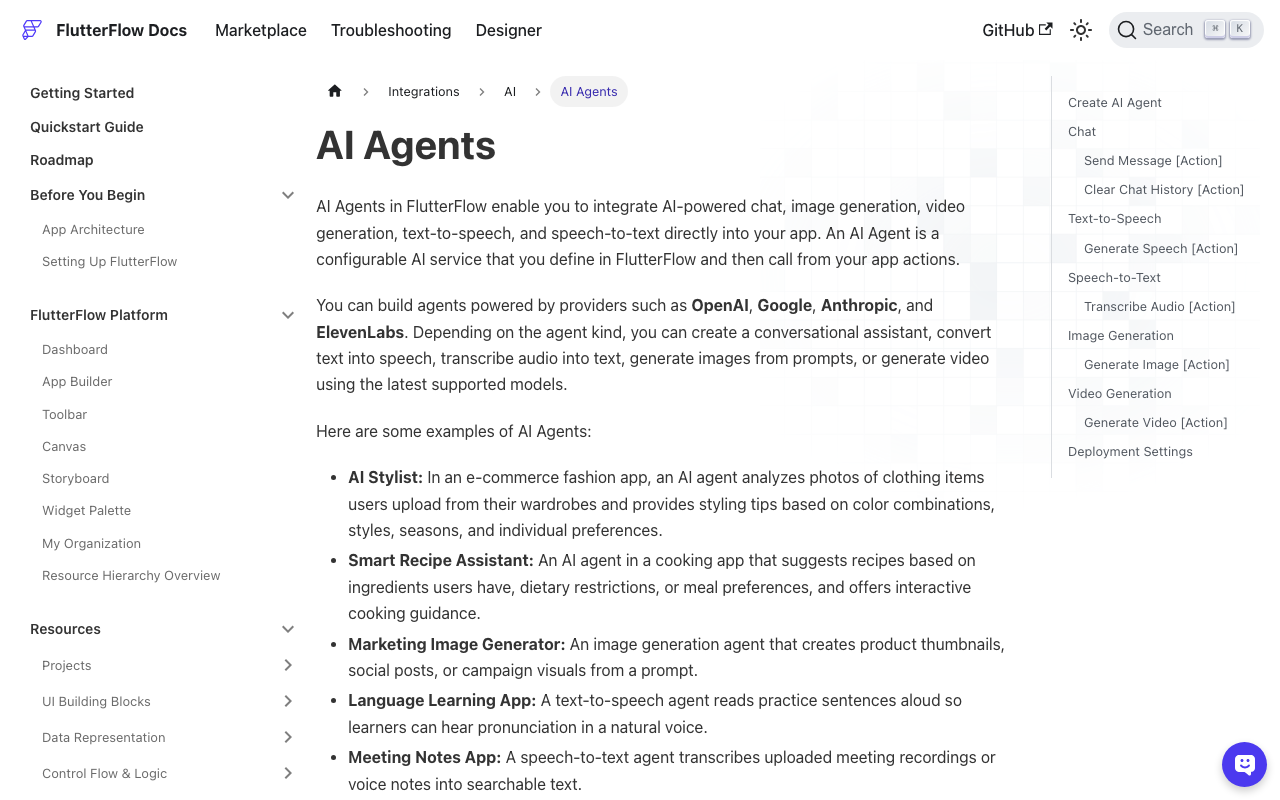
The good news: you don't have to wait. FlutterFlow's AI Agent settings already include a JSON response type, and its Send Message action hands you the raw reply as an action output. Combine those with one custom function and a conditional action, and you get a working substitute for FlutterFlow AI agent function calling — today, with no third-party middleware.
The pattern in one sentence
Instruct the agent to always answer with a fixed JSON envelope containing a human-readable reply plus a machine-readable intent; parse that envelope with a custom function; then branch your action flow on the intent name to trigger custom actions, API calls, or Cloud Functions.
The model never executes anything — it just declares what it wants done, exactly like native function calling does under the hood. Your action flow is the executor.
Step 1: Force a structured response from the agent
Create or open your agent under Settings → App Settings → AI Agents. Two things matter here:
- Set Response Type to
JSON(the agent supports text, markdown, or JSON). - Make the schema non-negotiable in the System Instructions.
Paste something like this into the system instructions, adapted to your app:
You are the in-app assistant for Glow Salon. You can ONLY respond
with a single JSON object, no markdown fences, no extra text:

{
  "reply": "<what to say to the user>",
  "intent": {
    "name": "<one of: book_appointment | lookup_order | none>",
    "args": { }
  }
}

Rules:
- "book_appointment" requires args: date (YYYY-MM-DD), time (HH:mm),
  service (string). If any are missing, use intent "none" and ask
  for the missing detail in "reply".
- "lookup_order" requires args: order_id (string).
- For everything else use intent "none".
- Never invent args. Never output anything except the JSON object.
This is your "tool definition." Keep the intent list short — three to five intents parse far more reliably than fifteen.
Step 2: Capture the response with Send Message
On your chat page, wire the send button to the AI Agent → Send Message action. Set the agent, pass a Conversation ID (so multi-turn context works), bind User Message to your TextField, and — critically — set the Action Output Variable Name to something like agentResponse. That output variable is the entire bridge; everything below reads from it.
Step 3: Parse the intent with a custom function
Models are mostly obedient about JSON, but two failure modes will bite you in production: the model wraps the JSON in ```json fences anyway, or the response comes back blank (an empty string) after a timeout or content filter. If you feed either straight into JSON path bindings, your flutterflow ai agent custom action response silently evaluates to null and your chat looks frozen.
So parse defensively in one place. Create a Custom Function (not a custom action — this is pure sync Dart, and dart:convert is already available in FlutterFlow's generated code):
// Name: parseAgentField
// Args: rawResponse (String, nullable), field (String)
// Returns: String
String parseAgentField(String? rawResponse, String field) {
  const fallbackReply =
      'Sorry, I had trouble with that. Could you rephrase?';

  if (rawResponse == null || rawResponse.trim().isEmpty) {
    // Blank-response failure mode: never show an empty bubble.
    return field == 'reply' ? fallbackReply : 'none';
  }

  var cleaned = rawResponse.trim();
  // Strip markdown fences the model sometimes adds anyway.
  if (cleaned.startsWith('```')) {
    cleaned = cleaned
        .replaceAll(RegExp(r'^```[a-zA-Z]*\s*'), '')
        .replaceAll(RegExp(r'```\s*$'), '')
        .trim();
  }

  try {
    final decoded = jsonDecode(cleaned);
    if (decoded is! Map<String, dynamic>) {
      return field == 'reply' ? cleaned : 'none';
    }
    if (field == 'reply') {
      return (decoded['reply'] ?? fallbackReply).toString();
    }
    if (field == 'intent') {
      final intent = decoded['intent'];
      return intent is Map ? (intent['name'] ?? 'none').toString() : 'none';
    }
    // Anything else is treated as an arg lookup, e.g. 'date'.
    final intent = decoded['intent'];
    if (intent is Map && intent['args'] is Map) {
      return (intent['args'][field] ?? '').toString();
    }
    return '';
  } catch (_) {
    // Malformed JSON: degrade to plain text instead of breaking chat.
    return field == 'reply' ? cleaned : 'none';
  }
}
One function, three uses: parseAgentField(agentResponse, 'reply') for the chat bubble, parseAgentField(agentResponse, 'intent') for routing, and parseAgentField(agentResponse, 'date') (or any arg name) for parameters. Note the two escape hatches: a blank response becomes a friendly retry message with intent none, and unparseable output is shown as plain text. Users see something sensible in every case.
Step 4: Route the intent to actions
After the Send Message action, add a Conditional action on parseAgentField(agentResponse, 'intent'):
none→ appendparseAgentField(agentResponse, 'reply')to your chat list and stop.lookup_order→ run your existing API Call action withorder_idfrom the args, then append the result to the chat. This is how a flutterflow chatbot can call an API from conversation without any backend changes.book_appointment→ call a Cloud Function (or write to Firestore directly with a Create Document action, if your rules allow it).
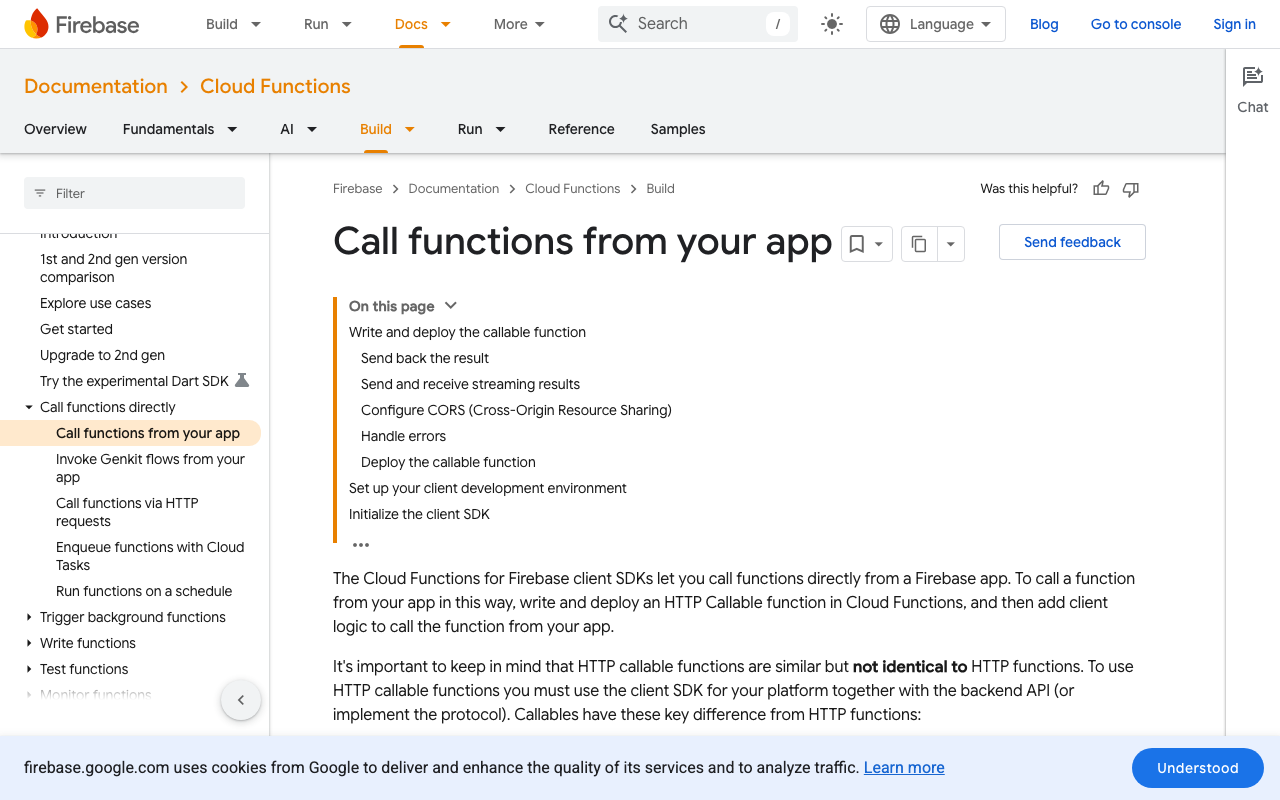
For anything that mutates data, prefer a callable Cloud Function so validation lives server-side — never trust model-extracted args blindly:
// functions/index.js — Firebase Functions v2
const { onCall, HttpsError } = require("firebase-functions/v2/https");
const admin = require("firebase-admin");
admin.initializeApp();

exports.bookAppointment = onCall(async (request) => {
  if (!request.auth) {
    throw new HttpsError("unauthenticated", "Sign in first.");
  }
  const { date, time, service } = request.data ?? {};
  if (!/^\d{4}-\d{2}-\d{2}$/.test(date ?? "") ||
      !/^\d{2}:\d{2}$/.test(time ?? "")) {
    return { ok: false, error: "Invalid date or time." };
  }
  const ref = await admin.firestore().collection("appointments").add({
    uid: request.auth.uid,
    date,
    time,
    service: service || "general",
    createdAt: admin.firestore.FieldValue.serverTimestamp(),
  });
  return { ok: true, appointmentId: ref.id };
});
Bind the function's args to parseAgentField(...) calls, and on success append a confirmation message ("Booked for Tuesday at 15:00 ✅") to the chat. From the user's perspective, the agent just did the thing — which is the whole point of making a flutterflow ai agent trigger custom action flows.
Why not just call the OpenAI API directly?
You can — raw API calls give you real flutterflow ai agent tools via native function calling. But you lose what AI Agents give you for free: managed conversation history, the Clear Chat History action, provider switching between OpenAI, Anthropic, and Gemini without rewriting requests, and keys that stay out of your client. The JSON-intent pattern keeps all of that and costs you one custom function. When FlutterFlow ships native function calling, you migrate by deleting the envelope from your system instructions — your intents map one-to-one onto tool definitions.
Gotchas from production
- Test the schema in the agent playground first. Iterate on system instructions until ten consecutive test prompts return clean JSON before wiring any actions.
- Keep args flat. Nested objects inside
argsdecode fine but are painful to bind in the action editor. Flat string keys keep everything one function call away. - Confirm destructive intents. For cancellations or payments, route the intent to a confirmation dialog action first, not straight to the write.
- Log the raw response. When parsing falls back, write
agentResponseto a Firestoreagent_failurescollection. Those logs are how you tighten your instructions.
Skip the plumbing entirely
This pattern works, but you're still building the chat UI, retry handling, conversation storage, and intent plumbing yourself — inside FlutterFlow's action editor. If what you actually need is an AI support chatbot in your Flutter or FlutterFlow app that can answer from your docs and hand off to real actions, WidgetChat gives you a drop-in chat widget with the LLM wiring, error handling, and conversation management already done. Add it to your app in minutes and spend your time on the intents that matter.

Comments
Comments are coming soon. We'd love to hear your thoughts!