

Flutter Continuous Speech Recognition That Actually Works
You wire up speech_to_text, tap the mic, say two sentences, and the recognizer quits. The status callback fires done, isListening flips to false, and your voice assistant has the attention span of a goldfish. If flutter speech_to_text stops listening automatically no matter what you pass to listen(), nothing is broken in your code. The platform recognizers underneath are built for short dictation, not conversation, and holding a real exchange means working around that on both Android and iOS.
This post covers what actually causes the stop, the restart loop that gets you to workable flutter continuous speech recognition, where that loop still falls apart, and how WidgetChat's voice mode gives a Flutter app a real speech-to-speech call without stitching STT and TTS together yourself.
Why the recognizer quits on you
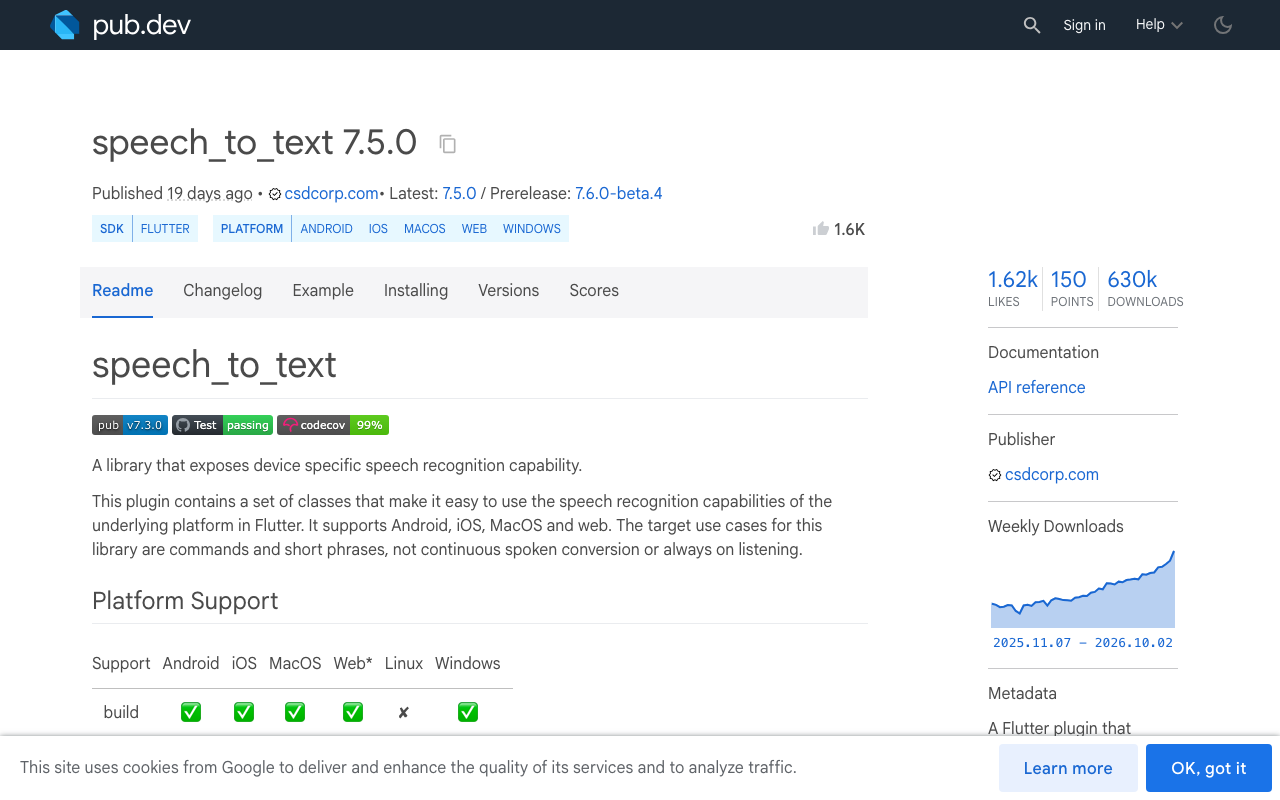
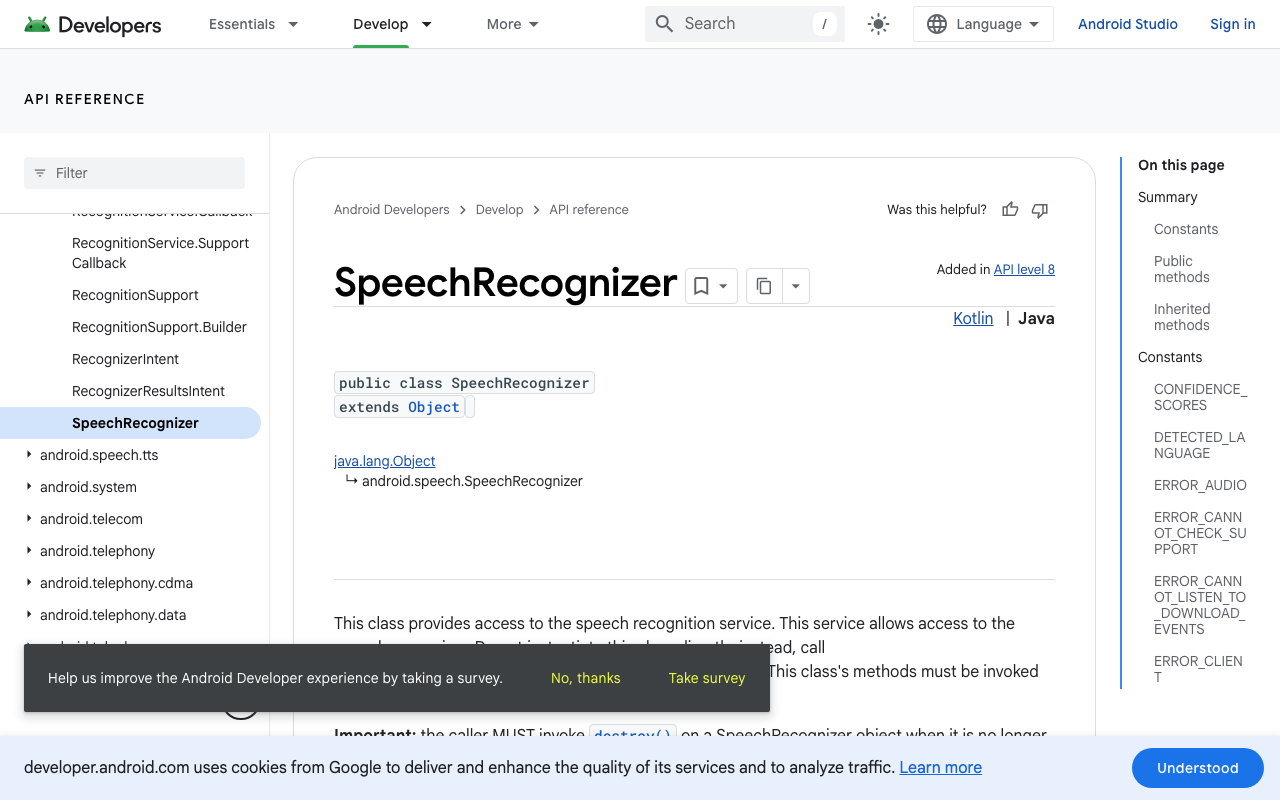
speech_to_text (7.5.0 at the time of writing) is a thin bridge to each platform's native engine: android.speech.SpeechRecognizer on Android and SFSpeechRecognizer on iOS. Both are designed for the "tap mic, say a query, get text" flow.
- Android runs an endpointer that decides when you have finished speaking. After a short silence it ends the session and your
statusListenerreceivesnotListening, thendone. On pure silence you often geterror_no_matchorerror_speech_timeoutfirst. This is the classic speech_to_text status done android sequence, and it fires whether you asked for 5 seconds of listening or 5 minutes. - iOS caps every
SFSpeechRecognizerrequest at about one minute of audio. Apple documents this as a deliberate limit to reduce battery and network load. Even a flawless session dies around the 60 second mark.
So a flutter voice assistant that stops after 5 seconds on a Pixel and after a minute on an iPhone is both platforms behaving exactly as designed.
listenFor and pauseFor: what they really do
Most devs find listenFor and pauseFor next, then land on "speech_to_text listenFor pauseFor not working" when nothing changes:
await speech.listen(
  onResult: onResult,
  listenFor: const Duration(minutes: 5),
  pauseFor: const Duration(seconds: 15),
);
Two things to know:
listenForis a maximum, not a guarantee. It ends the session at your deadline but does nothing to stop the OS ending it earlier.pauseForhistorically did little on Android because the OS endpointer ignored silence hints. The plugin's 7.4.0 changelog entry says "Android now respects the pauseFor value", so upgrade before debugging anything else. On older versions the stock Google recognizer cut you off at its own pause threshold no matter what you passed.
Even on 7.5.0 with a generous pauseFor, you still hit the iOS one minute wall, and an Android session can still end early on errors. Continuous recognition on these engines therefore comes down to one technique: restart the session every time it dies.
The real fix: a statusListener restart loop
Restart on done for as long as your conversation is supposed to stay open:
import 'package:speech_to_text/speech_to_text.dart';

final SpeechToText _speech = SpeechToText();
bool _conversationOpen = false;

Future<void> init() async {
  await _speech.initialize(
    onStatus: _onStatus,
    onError: (e) {
      // error_no_match / error_speech_timeout just mean silence.
      // Keep the conversation open; the status handler restarts.
    },
  );
}

Future<void> startConversation() async {
  _conversationOpen = true;
  await _listenOnce();
}

Future<void> stopConversation() async {
  _conversationOpen = false;
  await _speech.stop();
}

Future<void> _listenOnce() {
  return _speech.listen(
    onResult: (r) => _handleText(r.recognizedWords, r.finalResult),
    listenFor: const Duration(seconds: 55), // stay under the iOS 60s cap
    pauseFor: const Duration(seconds: 6),
    listenOptions: SpeechListenOptions(
      partialResults: true,
      listenMode: ListenMode.dictation,
      cancelOnError: false,
    ),
  );
}

void _onStatus(String status) async {
  if (status == 'done' && _conversationOpen) {
    // Give the platform a beat. An immediate listen() after a stop
    // gets rejected with error_busy / error_client on Android.
    await Future.delayed(const Duration(milliseconds: 300));
    if (_conversationOpen && !_speech.isListening) {
      await _listenOnce();
    }
  }
}
Keep listenFor under 60 seconds so iOS sessions end on your schedule instead of mid-word, and restart only on done. A notListening status arrives first, and restarting on both double-fires the loop.
Where the loop still hurts
This loop is what most production Flutter STT apps actually run, and its limits are structural:
- Dead air between sessions. Each restart takes on the order of 100 ms or more to rebind the recognition service. Words spoken in the gap are lost, and users talk over the gap constantly because they cannot see it.
- Android rejects fast restarts. Calling
listen()immediately afterstop()orcancel()can fail witherror_busyorerror_clientbecause the old session's callbacks are still in flight (plugin issue #678 documents the race). The small delay above avoids most of it, but it also means you cannot restart aggressively; the platform effectively throttles the loop. - Beeps. Some Android builds play the system listening sound on every session start, so a long conversation chirps every time the loop turns over.
- It transcribes your own TTS. The moment you answer with
flutter_tts, the restarted mic hears the assistant's voice and feeds it straight back into the input. Now you are either muting the mic while speaking, which kills interruption, or writing echo suppression. That rabbit hole has its own post. - It is still just text. You own voice activity detection, turn-taking, shipping the transcript to your bot, and playing the reply. Five moving parts, five failure modes.
The alternative: an actual voice call in your support widget
Everything above exists to fake a conversation on top of a dictation API. WidgetChat's live voice chat skips the stitching entirely: the same AI support widget you embed for text chat in a Flutter or FlutterFlow app has a mic button that starts a real-time speech-to-speech call. The assistant listens and replies out loud in a natural voice, the user can barge in mid-sentence and it stops and listens, live captions run during the call, and it can show product cards on screen while it speaks. There is no 60 second cap to babysit and no restart loop to tune, and it works in iOS, Android, and web Flutter apps. Provider API keys stay server-side instead of shipping in your app, and usage is capped by a monthly voice-minute pool you configure per project in the dashboard's Voice section (enable it, pick the voice name, set the max session length and the captions default).
The text side of the integration is plain HTTP, no SDK:
import 'dart:convert';
import 'package:http/http.dart' as http;

Future<void> askSupport(String userText) async {
  final req = http.Request(
    'POST',
    Uri.parse('https://api.widgetchat.app/v1/chat/stream'),
  )
    ..headers['Content-Type'] = 'application/json'
    ..body = jsonEncode({'message': userText}); // use the exact payload from your dashboard snippet

  final res = await http.Client().send(req);
  await res.stream
      .transform(utf8.decoder)
      .transform(const LineSplitter())
      .forEach((line) {
    if (line.startsWith('data: ')) {
      appendToReply(line.substring(6)); // token-by-token SSE
    }
  });
}
Voice rides on the same widget, same conversation history, and same dashboard as that text chat, so turning it on is a dashboard switch rather than a second integration. One thing no voice stack can route around is the OS mic permission. If your call dies before it starts, especially on iOS, check the mic permission post.
Which path to take
If you need dictation (notes, search, filling a form field), speech_to_text 7.5.0 plus the restart loop is fine. Users expect pauses there. If you are building a support assistant that has to hold a conversation, the loop's gaps, beeps, and TTS echo are exactly the things users notice, and a real speech-to-speech channel is the honest fix.
Try WidgetChat free: embed the chat widget in your Flutter or FlutterFlow app, flip on voice in the dashboard's Voice section, and talk to your own docs. Start at widgetchat.app.

Comments
Comments are coming soon. We'd love to hear your thoughts!