

Stop Flutter Voice AI Hearing Itself: Echo + Barge-In
Your assistant is flawless on headphones. Then someone uses it on speakerphone: the mic picks up the assistant's own voice, the recognizer happily transcribes it, your barge-in logic sees "user speech" and cuts the reply off, the model answers its own half-sentence, and three turns later the conversation is a hall of mirrors.
Nothing is wrong with the model. Your audio graph is open loop: you have a playback path and a capture path and nothing connecting them, so the capture side has no idea that the energy hitting the mic is energy you just emitted.
Reproduce it in 30 lines
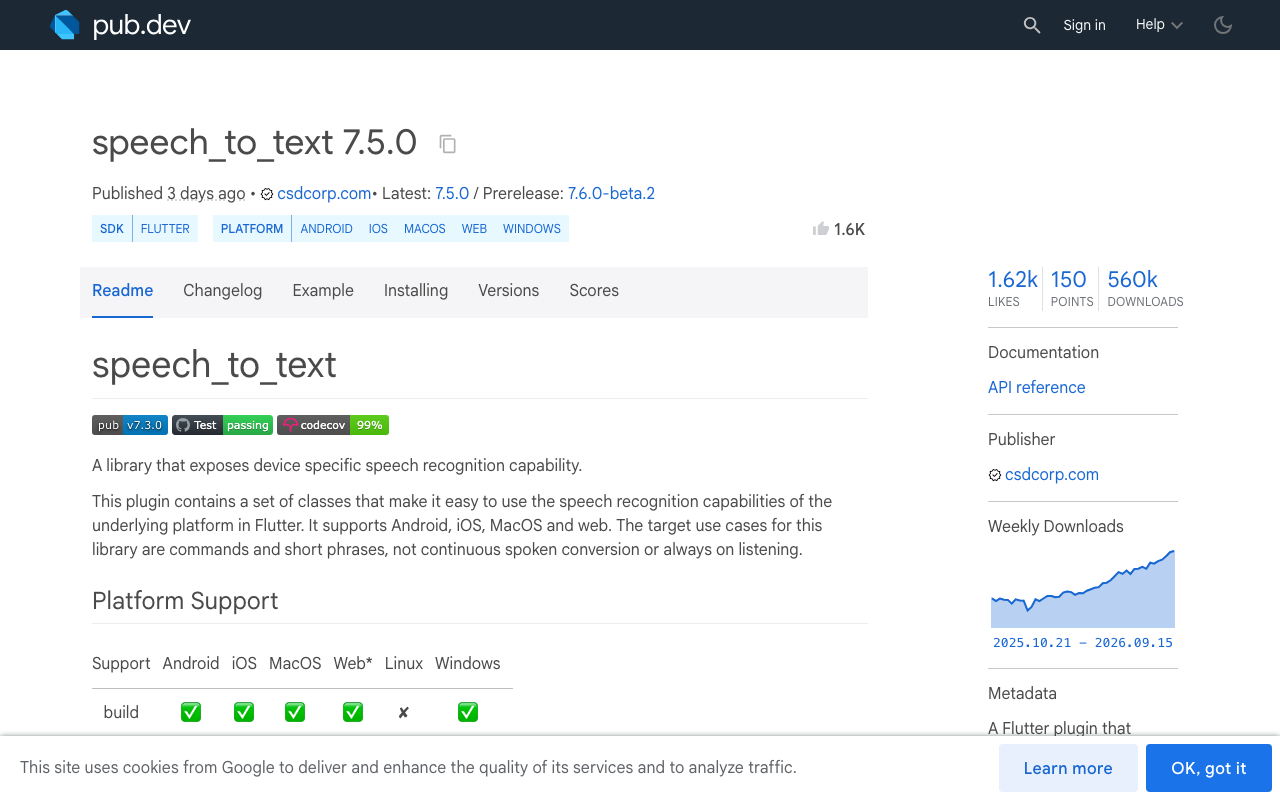
Real device, speaker output, no headphones. speech_to_text plus flutter_tts, mic stays open while the assistant speaks (which is what you want for barge-in):
import 'package:flutter_tts/flutter_tts.dart';
import 'package:speech_to_text/speech_to_text.dart';
import 'package:speech_to_text/speech_recognition_result.dart';

final stt = SpeechToText();
final tts = FlutterTts();

Future<void> startEchoLoop() async {
  await stt.initialize(debugLogging: true);
  await tts.awaitSpeakCompletion(true);

  stt.listen(
    onResult: (SpeechRecognitionResult r) async {
      if (!r.finalResult) return;
      debugPrint('heard: ${r.recognizedWords}');
      // Naive turn-taking: any final transcript is treated as a user turn.
      await tts.speak('You said ${r.recognizedWords}. Anything else?');
    },
    listenFor: const Duration(minutes: 5),
    listenOptions: SpeechListenOptions(partialResults: true),
  );

  await tts.speak('Hi, I am listening. How can I help?');
}
Say one word. The log fills with the assistant quoting itself. That log is the bug report: the transcripts are real speech, just not the user's.
iOS: turn on the voice-processing I/O unit
iOS ships a hardware-assisted echo canceller, and it is off unless you ask. Under the hood it is AVAudioInputNode.setVoiceProcessingEnabled(true) (iOS 13+), the Voice-Processing I/O unit that FaceTime-style apps use. It subtracts the known playback signal from the captured signal, so what reaches the recognizer is roughly only what the room added.
speech_to_text exposes this as an opt-in config option. It landed in 7.6.0-beta.2 (SpeechToText.iosVoiceProcessing), merged mid-September 2026, so pin the beta if you need it today:
dependencies:
  speech_to_text: ^7.6.0-beta.2
final ok = await stt.initialize(
  options: [SpeechToText.iosVoiceProcessing],
  debugLogging: kDebugMode,
);
The plugin calls setVoiceProcessingEnabled(true) on the input node while building the audio engine, before any tap is installed and before the engine starts. Two things worth knowing:
- It is off by default on purpose. Voice processing also applies automatic gain control and a narrower, telephony-oriented frequency response. If your app never plays audio while listening, it can make recognition slightly worse, not better. Enable it only on the voice-call screen.
- If the call fails, the plugin logs and records as before, so it degrades to today's behaviour rather than breaking capture.
Pair it with a session that actually declares your intent, otherwise iOS routes and processes for the wrong use case:
final session = await AudioSession.instance;
await session.configure(AudioSessionConfiguration(
  avAudioSessionCategory: AVAudioSessionCategory.playAndRecord,
  avAudioSessionCategoryOptions:
      AVAudioSessionCategoryOptions.allowBluetooth |
      AVAudioSessionCategoryOptions.defaultToSpeaker,
  avAudioSessionMode: AVAudioSessionMode.voiceChat,
  androidAudioAttributes: const AndroidAudioAttributes(
    contentType: AndroidAudioContentType.speech,
    usage: AndroidAudioUsage.voiceCommunication,
  ),
  androidAudioFocusGainType: AndroidAudioFocusGainType.gain,
));
.voiceChat mode is the one that implies the voice-processing path; .spokenAudio or the default .measurement-ish setups do not.
Android: the audio source is the switch
On Android, echo cancellation is selected by which audio source you capture from. Per AOSP's own compatibility requirements, implementations should provide an acoustic echo canceller on the capture path when capturing with VOICE_COMMUNICATION, and if they do, it must be discoverable and controllable through AcousticEchoCanceler. Capture from MIC or VOICE_RECOGNITION and you typically get no AEC at all, no matter what effects you attach afterwards.
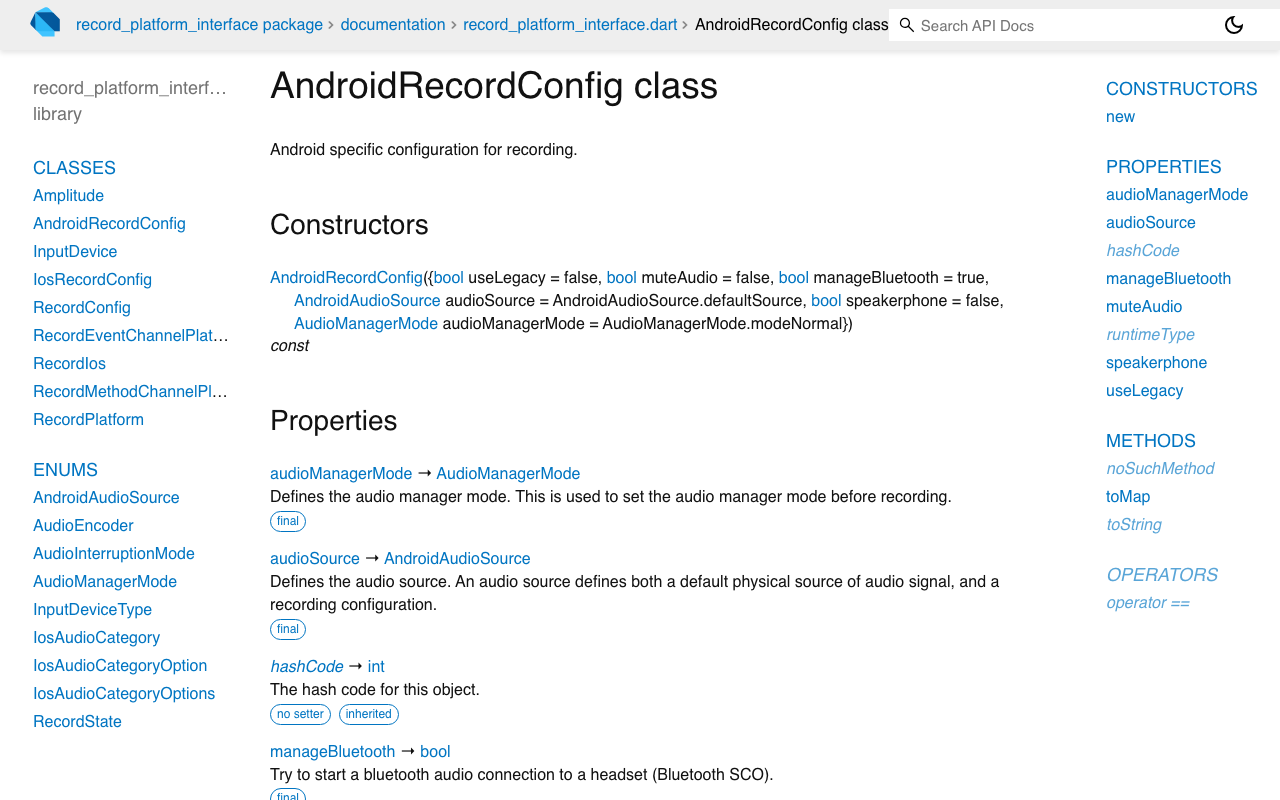
If you stream your own PCM (common when you send audio to a server-side STT), record exposes exactly this:
import 'package:record/record.dart';

final recorder = AudioRecorder();

final stream = await recorder.startStream(const RecordConfig(
  encoder: AudioEncoder.pcm16bits,
  sampleRate: 16000,
  numChannels: 1,
  echoCancel: true,     // AcousticEchoCanceler, when the device offers one
  noiseSuppress: true,
  autoGain: true,
  androidConfig: AndroidRecordConfig(
    audioSource: AndroidAudioSource.voiceCommunication,
    audioManagerMode: AudioManagerMode.modeInCommunication,
    speakerphone: true, // helps AEC engage on some OEM devices
  ),
));
modeInCommunication matters as much as the source: several OEMs only wire up the full duplex echo path when the audio manager is in a communication mode. echoCancel: true is best-effort ("if available on the device"), so treat it as a request, not a guarantee, and test on cheap hardware, not just a Pixel. Emulators and the iOS simulator route audio through the host and will lie to you in both directions.
Why muting the mic is the wrong fix
The tempting fix is half-duplex: stop the recognizer while TTS plays, restart after. It does kill the echo. It also kills the product.
- Barge-in becomes impossible. The user cannot interrupt a 20-second answer, which is the single biggest reason people abandon voice.
- Recognizer restarts are not free. On both platforms you lose 200 to 600 ms to teardown and warm-up, so the first syllable of the real user turn gets clipped.
- Echo tails outlive playback.
onSpeakCompletionfires when synthesis ends, not when the room stops ringing, so you either unmute into the tail or pad with a guard delay that eats the user's turn anyway.
Keep the mic open. Fix the signal, then gate the decision.
Gate barge-in on speech, not on energy
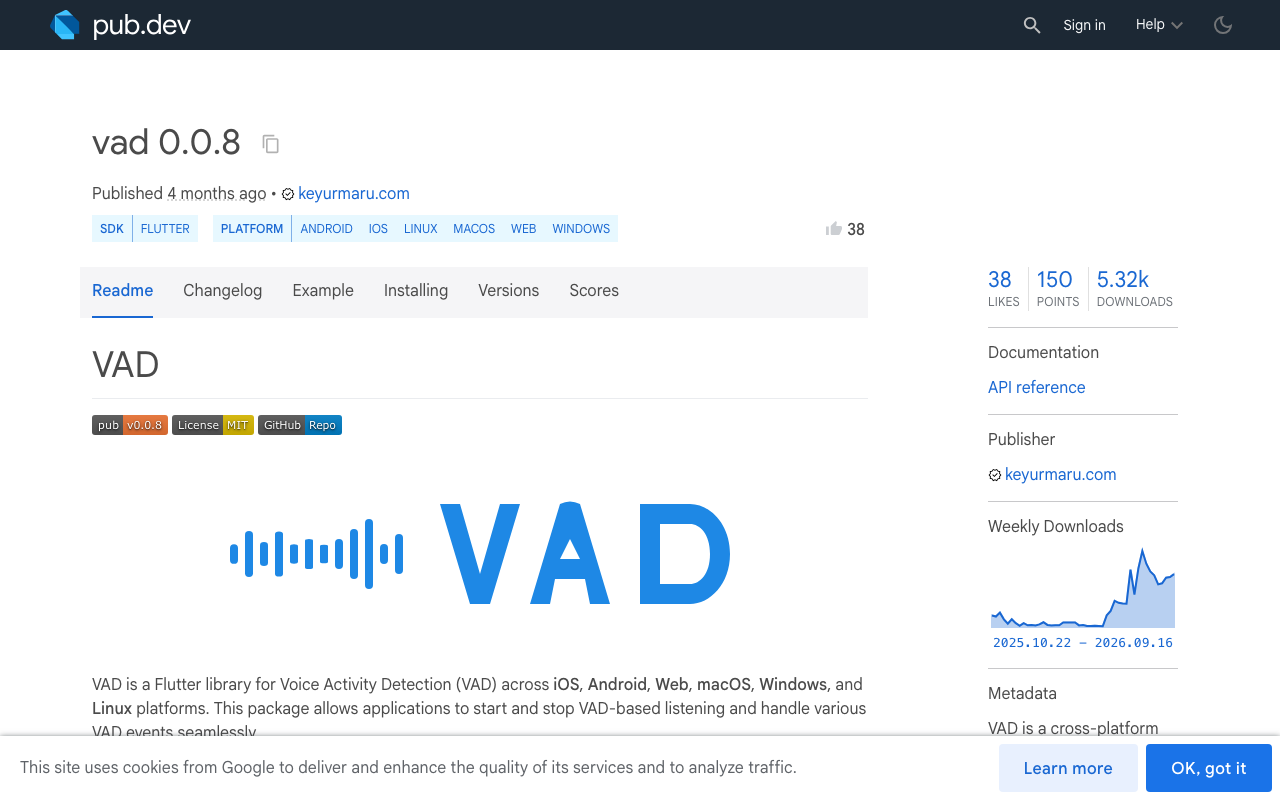
AEC gets you a clean-ish signal. A VAD decides whether that signal is a human who wants the floor. The vad package (Silero VAD v4/v5 via ONNX Runtime FFI, iOS, Android, web, desktop) gives you frame-level probabilities and a misfire event:
final vad = VadHandler.create(isDebug: kDebugMode);

vad.onRealSpeechStart.listen((_) {
  // Confirmed speech, not a door slam and not our own tail.
  if (assistantIsSpeaking) interruptAssistant();
});

vad.onVADMisfire.listen((_) => debugPrint('short blip, ignored'));

vad.startListening(
  model: 'v5',
  frameSamples: 512,           // v5 requires 512 (32 ms per frame)
  positiveSpeechThreshold: 0.6, // raise while the assistant speaks
  negativeSpeechThreshold: 0.4,
  minSpeechFrames: 5,           // ~160 ms before you call it a turn
);
Two cheap guards on top, both worth their line count:
- Require sustained speech to interrupt.
onSpeechStartfires early;onRealSpeechStartonly afterminSpeechFrames. Barge-in should listen to the latter. - Self-text check. Keep the last 200 characters you sent to TTS. If a final transcript is a substring-ish match of the tail you are currently speaking, drop it. This catches residual echo on devices with weak AEC without touching the mic.
bool looksLikeOurOwnVoice(String heard, String speaking) {
  String norm(String s) => s.toLowerCase().replaceAll(RegExp(r'[^a-z0-9 ]'), '');
  final h = norm(heard), s = norm(speaking);
  return h.length > 8 && s.contains(h);
}
Or skip the DIY audio graph
All of the above is real engineering: session category, per-platform audio source, AEC availability quirks, VAD thresholds, echo-tail heuristics, plus a streaming model on the other end.
WidgetChat's live voice chat is the same widget you already embed in your Flutter or FlutterFlow app, with the mic handled inside it. Tap the mic and you get a real-time voice call: it listens, replies out loud in a natural voice, supports barge-in so the user can interrupt mid-sentence, shows live captions, and can put product cards on screen while it speaks. Same conversation and same dashboard as text chat, on iOS, Android and web. Provider API keys stay server-side, never shipped in your bundle. Voice minutes come from your plan's monthly pool, and the dashboard's Voice section controls enable/disable, voice name, max session length and whether captions are on by default.
Text chat is the same widget, one HTTP call, no proprietary SDK:
final req = http.Request('POST', Uri.parse('https://api.widgetchat.app/v1/chat/stream'))
  ..headers.addAll({
    'Content-Type': 'application/json',
    'Accept': 'text/event-stream',
  })
  ..body = jsonEncode({'message': userText, 'session_id': sessionId});

final res = await http.Client().send(req);
await for (final line in res.stream
    .transform(utf8.decoder)
    .transform(const LineSplitter())) {
  if (line.startsWith('data: ')) {
    setState(() => reply += line.substring(6)); // token-by-token SSE
  }
}
If you are debugging your own echo loop today, the fast path is: turn on iOS voice processing, switch Android to voiceCommunication plus modeInCommunication, then gate barge-in on confirmed speech. If you would rather not own that stack at all, let the widget do it.
Try WidgetChat free and put a talking assistant in your Flutter app without hand-rolling an audio graph.

Comments
Comments are coming soon. We'd love to hear your thoughts!