

Fix 'Bind to Recognition Service Failed' & error_no_match
You added voice input to your Flutter support chatbot with speech_to_text, it worked perfectly in the emulator and on your own Pixel — then a tester's Samsung threw bind to recognition service failed in logcat, and a Xiaomi returned error_no_match for every utterance. Nothing changed in your Dart code between those runs, and that's the point: these errors come from the device, not from your app.
Here's what's actually breaking, the three fixes that solve it on most devices, and the architecture change that makes the whole error class disappear.
Why the error lives on the device, not in your code
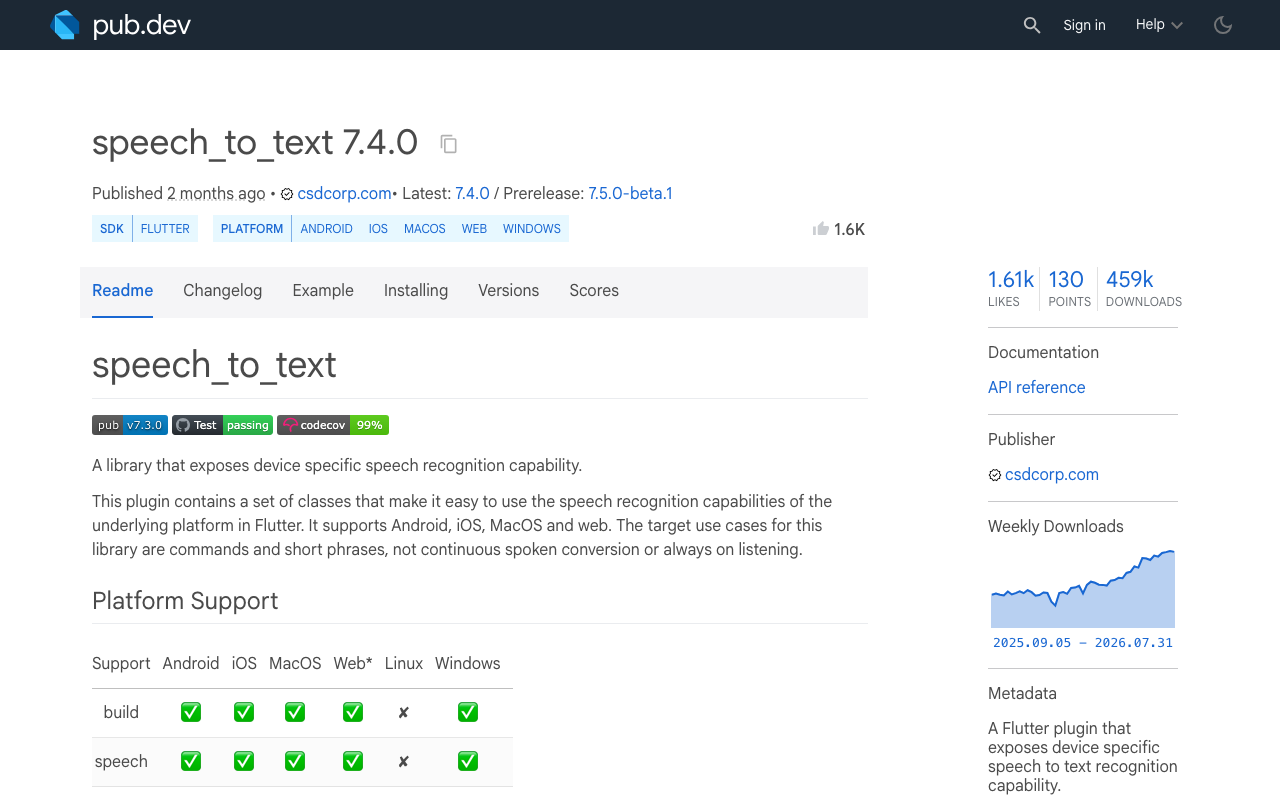
speech_to_text (7.4.0 at the time of writing) is a thin wrapper around Android's SpeechRecognizer API — and SpeechRecognizer doesn't recognize anything itself. It binds to a separate RecognitionService implemented by another app on the phone. On most devices that's Google's speech service, shipped via the Google app and Speech Services by Google, and Android's docs note the implementation may stream your audio to remote servers.
So when voice input fails on one phone and works on another, one of three things is true:
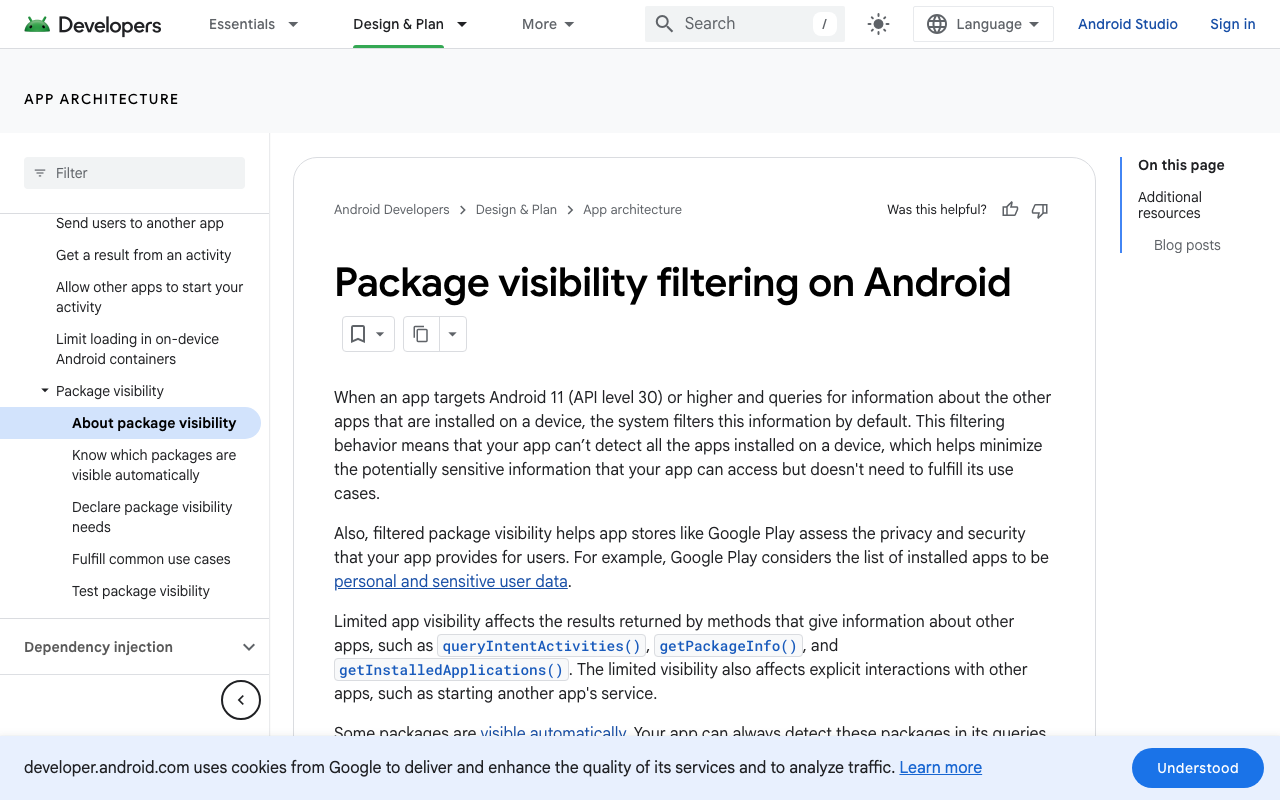
- Your app isn't allowed to see the service — package-visibility rules since Android 11.
- The service exists but returns errors —
ERROR_NO_MATCH,ERROR_RECOGNIZER_BUSY,ERROR_TOO_MANY_REQUESTS— which the plugin surfaces aserror_no_match,error_busy, anderror_too_many_requests. - There is no service at all — de-Googled ROMs, Huawei devices without Google services, phones where the Google app is disabled.
Fixes 1–3 handle the first two cases. The third has no client-side fix, which is where a server-side voice call comes in.
Fix 1: the <queries> element for targetSdk 30+
Since Android 11, apps targeting SDK 30+ can't see other packages unless they declare which intents they need. If you never declared the speech RecognitionService intent, SpeechRecognizer.isRecognitionAvailable() can return false and initialize() fails — this is the classic "flutter speech recognition not available on this device" report, and the most common reason speech_to_text is not working on an Android physical device while the emulator (or an older test phone) was fine.
Add this to android/app/src/main/AndroidManifest.xml, inside <manifest> but outside <application>:
<uses-permission android:name="android.permission.RECORD_AUDIO"/>
<uses-permission android:name="android.permission.INTERNET"/>
<uses-permission android:name="android.permission.BLUETOOTH_CONNECT"/>

<queries>
    <intent>
        <action android:name="android.speech.RecognitionService" />
    </intent>
</queries>
INTERNET matters because recognition is often server-backed; BLUETOOTH_CONNECT only if you support Bluetooth headsets.
FlutterFlow note: you can't edit the Android manifest inside the FlutterFlow editor, so this fix means exporting your code (or using the GitHub integration) and adding the element before building your APK or app bundle.
Fix 2: get RECORD_AUDIO granted the right way
speech_to_text's initialize() triggers the runtime microphone prompt for you. Two rules keep it from biting:
- Trigger it from a user gesture — the first tap on the mic button — not silently at app launch. Users grant mic access far more often when the prompt appears in context.
- Since Android 11, denying a permission twice is treated as "don't ask again": the system stops showing the prompt,
initialize()returnsfalse, and errors surface aserror_permission. At that point only a deep link to the app's settings screen helps.
The same product decision exists on iOS with different failure modes — see the iOS mic permission trap in FlutterFlow voice chatbots.
Fix 3: handle error_no_match and throttling in onError
Even correctly configured devices throw transient errors, and this is where most Flutter voice chatbots on Android feel broken: the user taps the mic, says something, and gets silence back. Wire up onError and treat each error by name:
import 'package:speech_to_text/speech_recognition_error.dart';
import 'package:speech_to_text/speech_to_text.dart';

final SpeechToText _speech = SpeechToText();
int _noMatchRetries = 0;

Future<void> initVoiceInput() async {
  final ready = await _speech.initialize(
    onError: _handleSpeechError,
    onStatus: (s) => debugPrint('speech status: $s'),
  );
  if (!ready) {
    // "Speech recognition not available on this device": there is no
    // RecognitionService to bind to. Hide the mic button or switch to a
    // server-side voice fallback — retrying will not help.
  }
}

void _handleSpeechError(SpeechRecognitionError e) {
  switch (e.errorMsg) {
    case 'error_no_match':
      // The service heard audio but matched nothing — silence, noise, or
      // an instant failure on some devices. Re-listen, don't tear down.
      if (_noMatchRetries++ < 2) _startListening();
      break;
    case 'error_busy':
    case 'error_too_many_requests':
      // The recognizer is held by another client or throttling your app.
      Future.delayed(const Duration(seconds: 2), _startListening);
      break;
    case 'error_permission':
      // RECORD_AUDIO denied — offer a link to app settings.
      break;
    default:
      break;
  }
}

Future<void> _startListening() async {
  await _speech.listen(
    onResult: (r) {
      if (r.finalResult) {
        _noMatchRetries = 0;
        sendToChatbot(r.recognizedWords); // your chat send action
      }
    },
    pauseFor: const Duration(seconds: 4),
    listenOptions: SpeechListenOptions(partialResults: true),
  );
}
Three behaviors worth internalizing:
error_no_matchis usually retryable. It's Android'sERROR_NO_MATCH: the service produced no result. Silence and background noise cause it, and on some devices it fires almost immediately afterlisten()starts. Re-listen once or twice with a "Didn't catch that" hint instead of showing an error.error_busyanderror_too_many_requestsmean back off. The recognizer is a shared, rate-limited system service: another app can hold it, overlappinglisten()calls trip it, and Google's service can throttle an app that hammers it. Retrying in a tight loop keeps you throttled.- Don't trust the
permanentflag on Android. The plugin currently reports every Android error withpermanent: true, so branch onerrorMsg, not the flag.
If your symptom is recognition that starts fine but cuts out after ~5 seconds, that's a different mechanism — the service's silence timeout and pauseFor — covered in Flutter speech_to_text stops after 5 seconds? The real fix.
When there's nothing to bind to
If initialize() still returns false with the <queries> element in place — debug logs say Speech recognition not available on this device, or logcat shows bind to recognition service failed — the device genuinely has no recognition service. Typical cases: de-Googled ROMs (LineageOS without GApps, /e/OS), Huawei phones shipped without Google services, and corporate or kiosk devices where the Google app is disabled.
No Dart code fixes this. You can ask users to enable the Google app and its microphone access, but for a support chatbot that's a support-ticket generator of its own. The durable fix is to stop depending on the device's recognizer entirely.
The fix that always works: server-side speech-to-speech
This whole error class exists because on-device SpeechRecognizer outsources speech-to-text to whatever service the OEM shipped. A server-side voice call skips that layer: the app streams microphone audio to the backend, speech understanding and the spoken reply happen there, and audio comes back down. The device only records and plays sound — something every Android phone can do.
That's how WidgetChat's live voice mode works. If you've embedded the WidgetChat widget in your Flutter or FlutterFlow app for text support chat, your users can tap the mic and get a real-time voice call with the same assistant:
- Speech-to-speech — it listens and answers out loud in a natural voice. No
SpeechRecognizer, no<queries>element, noerror_no_match. - Barge-in — users can interrupt the assistant mid-sentence, like a real call.
- Live captions during the call, and it can show rich product cards on screen while it speaks.
- Same widget, same conversation, same dashboard as text chat, across iOS, Android, and web Flutter builds.
- Provider API keys stay server-side, so nothing sensitive ships in your APK.
Because recognition never touches the device's speech service, voice works on de-Googled phones, Huawei devices, and phones where the on-device recognizer is busy or throttled. Voice is plan-gated by a monthly pool of voice minutes, and you configure it per project in the dashboard's Voice section: enable/disable, voice name, max session length, and the captions default.
Two things still apply from above: RECORD_AUDIO — a voice call records the mic too — and the iOS permission flow from the post linked earlier. What disappears is the dependency on which recognition service the OEM shipped.
The two approaches also compose. If you keep on-device STT for short commands, the sendToChatbot(...) call in the snippet can post the transcript to the same streaming endpoint the widget's text chat uses — POST https://api.widgetchat.app/v1/chat/stream, plain Server-Sent Events from a custom action or HTTP client, no proprietary SDK.
Try WidgetChat free
If you'd rather ship a voice assistant this week than debug OEM speech services one device at a time, embed WidgetChat in your Flutter or FlutterFlow app: text chat streams over SSE, and live voice gives users a real speech-to-speech call inside the same widget. There's a free tier to start — try WidgetChat free.

Comments
Comments are coming soon. We'd love to hear your thoughts!