

Fix FlutterFlow's "Unknown Error Compiling Custom Code"
You wrote a custom action that streams your AI support replies token by token, hit Save, and FlutterFlow answered with: "Unknown error compiling custom code. A common cause is a custom widget or action whose name in the code does not match the name provided in the editor." No line number, no stack trace, nothing pointing at your streaming loop.
The streaming logic is almost never the problem. FlutterFlow compiles your snippet inside its own generated project, and when that compile fails it collapses every Dart error into that one message. Four things account for nearly all of them in a streaming chat action. Here they are, then the exact action that works.
1. The function name does not match the action name in the editor
This is the one FlutterFlow names in the error text, and it is still the most common cause of flutterflow custom action not recognized. If the editor's action is called streamWidgetChatReply, the top-level function in the code box must be streamWidgetChatReply, character for character, same camelCase. Renaming the action in the sidebar does not rename the function for you, and pasting a snippet whose function is called main, streamChat, or StreamWidgetChatReply fails instantly.
Same rule for parameters: every argument you declared in the Action Editor's Arguments panel must appear in the signature, in the same order, with a matching nullability. An argument marked nullable in the editor and declared String (non-nullable) in code is a compile error the editor reports as "unknown".
The safe move: define the name, the arguments and the return value in the editor first, then use Generate Boilerplate Code and Copy to Editor, and only fill in the body.
2. An async* body
The natural way to write a token stream in Dart is an async generator:
// This will not compile as a FlutterFlow custom action.
Stream<String> streamWidgetChatReply(String message) async* {
  yield 'hello';
}
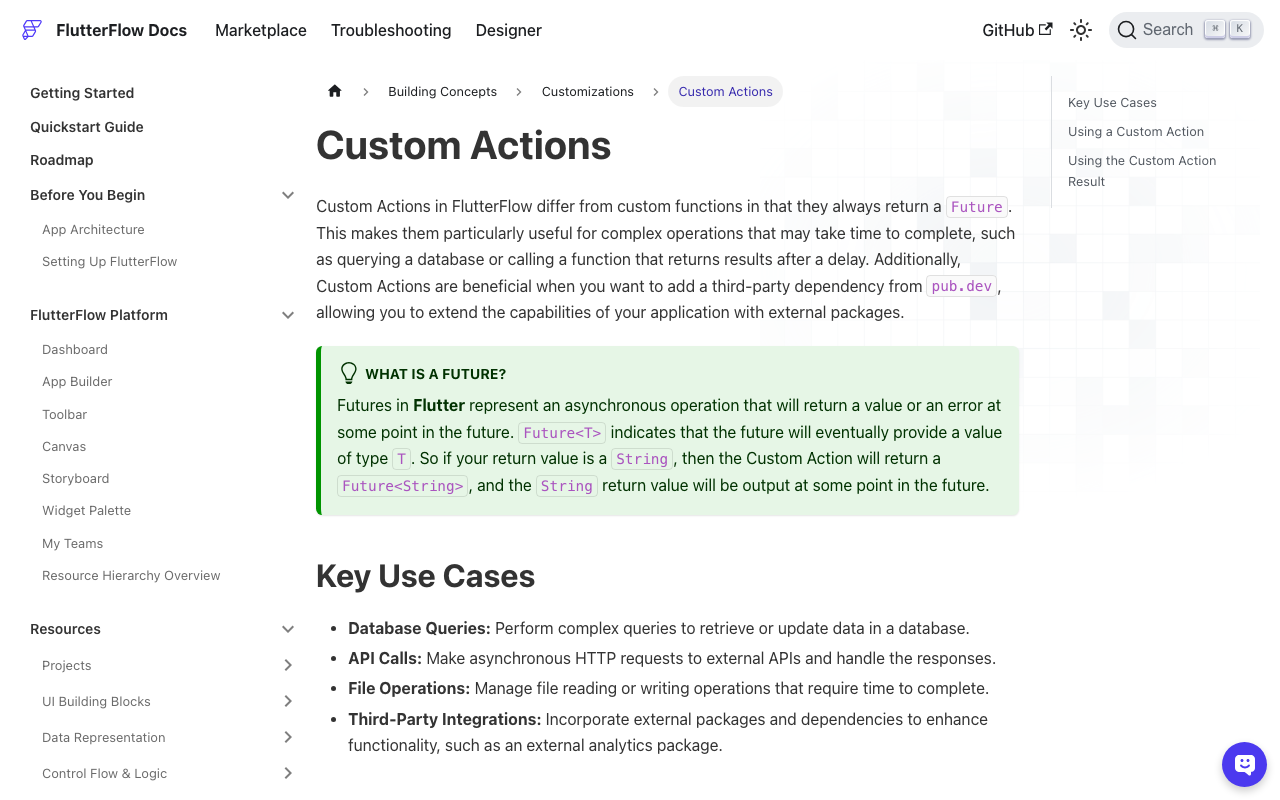
FlutterFlow's docs are explicit that custom actions always return a Future. The generated call site does await actions.streamWidgetChatReply(...), so an async* function whose static type is Stream<String> does not line up with the generated code, and the boilerplate generator never produces async* for you. If you see the error right after switching your function from async to async*, that is your answer, and it is the core of the flutterflow custom action async return type trap.
3. A Stream in the Return Value field
Related but separate: the Action Editor's Return Value type picker only offers the types FlutterFlow can bind to the visual action flow, which are the usual scalars, Data Types, documents and lists of those. There is no Stream<String> option, and typing one into the code does not add it. Even if you could persuade it to compile, the visual builder has nowhere to put an incoming stream: Action Flow steps run in sequence and finish.
So the answer for flutterflow custom action streaming response is to stop trying to return the stream. Consume it inside the action and push each token into App State. App State calls notifyListeners() on update, so every widget bound to that variable rebuilds as tokens arrive. The action itself returns nothing.
4. The pub dependency was never added
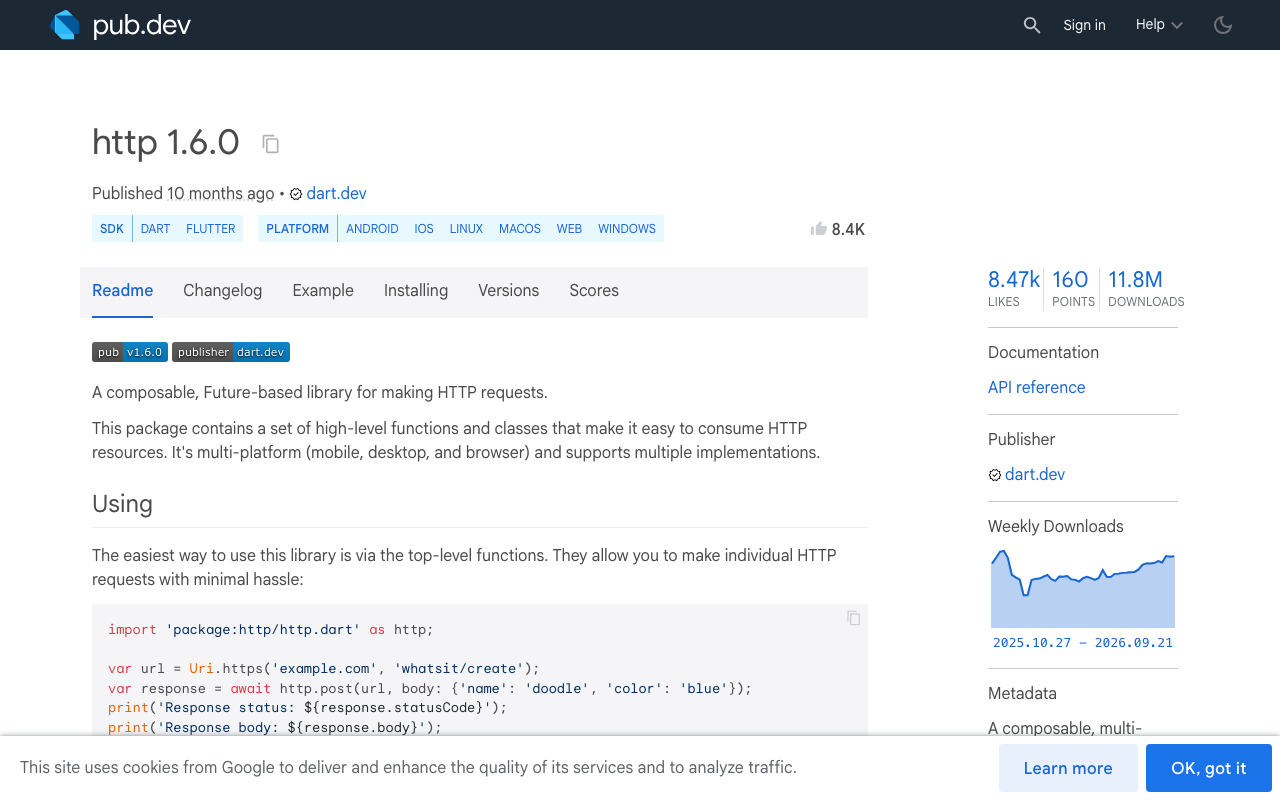
import 'package:http/http.dart' as http; only resolves if http is in the project's dependency list. Go to Settings and Integrations > Project Dependencies > Custom Dependencies, click Add Pub Dependency, enter http and a version (1.6.0 is current at the time of writing; leaving the version blank makes FlutterFlow take the latest from pub.dev). Same for anything else you import. A missing dependency produces the identical "unknown error", with no mention of the package.
Also remember custom imports go below the // DO NOT REMOVE OR MODIFY THE CODE ABOVE! line. Anything you add above it gets clobbered or rejected.
The working action
This is the flutterflow ai chatbot custom action that streams from WidgetChat. It uses http.Client().send() with an http.Request, which gives you a StreamedResponse whose .stream you can read as it arrives. The one-shot http.post() helper resolves only once the whole body has been received, so it can never give you partial text.
Before pasting it, create in the editor: an action named streamWidgetChatReply, arguments message (String, required) and conversationId (String, nullable), no return value. And create two App State variables: chatReply (String) and chatStreaming (Boolean).
// Automatic FlutterFlow imports
import '/flutter_flow/flutter_flow_theme.dart';
import '/flutter_flow/flutter_flow_util.dart';
import '/custom_code/actions/index.dart';
import 'package:flutter/material.dart';
// Begin custom action code
// DO NOT REMOVE OR MODIFY THE CODE ABOVE!

import 'dart:convert';
import 'package:http/http.dart' as http;

Future streamWidgetChatReply(String message, String? conversationId) async {
  FFAppState().update(() {
    FFAppState().chatReply = '';
    FFAppState().chatStreaming = true;
  });

  final client = http.Client();
  final buffer = StringBuffer();

  try {
    final request = http.Request(
      'POST',
      Uri.parse('https://api.widgetchat.app/v1/chat/stream'),
    )
      ..headers.addAll({
        'Authorization': 'Bearer ${FFAppState().widgetChatApiKey}',
        'Content-Type': 'application/json',
        'Accept': 'text/event-stream',
      })
      ..body = jsonEncode({
        'message': message,
        if (conversationId != null) 'conversation_id': conversationId,
      });

    final response = await client.send(request);

    if (response.statusCode != 200) {
      final body = await response.stream.bytesToString();
      FFAppState().update(() {
        FFAppState().chatReply = 'Error ${response.statusCode}: $body';
      });
      return;
    }

    final lines = response.stream
        .transform(utf8.decoder)
        .transform(const LineSplitter());

    await for (final line in lines) {
      if (!line.startsWith('data:')) continue; // skip blank lines and comments
      final payload = line.substring(5).trim();
      if (payload.isEmpty || payload == '[DONE]') continue;

      final token = _tokenFrom(payload);
      if (token.isEmpty) continue;

      buffer.write(token);
      FFAppState().update(() {
        FFAppState().chatReply = buffer.toString();
      });
    }
  } catch (e) {
    FFAppState().update(() {
      FFAppState().chatReply = buffer.isEmpty ? 'Connection failed: $e' : buffer.toString();
    });
  } finally {
    client.close();
    FFAppState().update(() {
      FFAppState().chatStreaming = false;
    });
  }
}

// A data: line may carry plain text or a small JSON object. Handle both so a
// payload-shape change does not blank the bubble.
String _tokenFrom(String payload) {
  try {
    final decoded = jsonDecode(payload);
    if (decoded is Map) {
      final value = decoded['delta'] ?? decoded['text'] ?? decoded['content'];
      return value?.toString() ?? '';
    }
    return decoded.toString();
  } catch (_) {
    return payload;
  }
}
Four details worth noticing:
- The signature is
Future streamWidgetChatReply(...)with no return. That is exactly what FlutterFlow's boilerplate generates when Return Value is off, and it is what keeps the Action Editor happy. LineSplittermatters. A single TCP chunk can contain twodata:lines, or half of one. Splitting on lines instead of on chunks is what stops tokens getting glued together or truncated.- The private helper
_tokenFromlives in the same file, below the action. FlutterFlow accepts extra top-level functions there; it only requires that one of them matches the action name. client.close()infinallyreleases the socket even if the user navigates away mid-stream.
Wiring it into the UI
On your send button: Update App State to clear the input, then Custom Action > streamWidgetChatReply, passing the text field value.
For the assistant bubble, bind a Text widget directly to App State chatReply. Bind a small typing indicator's visibility to chatStreaming. No StreamBuilder, no custom widget, no Stream return type. The text grows on screen because FFAppState().update() calls notifyListeners() on every token.
If you are rendering a list of messages, keep chatReply as the in-flight bubble and append the finished string to your messages list once chatStreaming flips back to false.
One caveat on Flutter web
On Android, iOS, macOS and Windows this streams token by token. On Flutter web, the default BrowserClient in package:http buffers the whole body and hands it to you at the end, so the text appears in one lump (dart-lang/http#593, still open). If you ship a web build and need live text there too, add fetch_client (1.2.1 at the time of writing) as a project dependency and use FetchClient(mode: RequestMode.cors, streamRequests: false) in place of http.Client() on web. The rest of the parsing code is unchanged, because FetchClient implements the same http.Client interface.
Quick checklist when it still says "unknown"
- Function name equals the action name, exactly.
- Argument names, order and nullability match the editor's Arguments panel.
async, neverasync*; the return type is a plainFuture.- Every
package:import has a matching entry in Project Dependencies. - Custom imports sit below the DO NOT REMOVE line.
- App State variables referenced by name actually exist, with the right type. A renamed App State field breaks the action silently.
If all six check out and it still fails, download the code and run flutter analyze locally. Because FlutterFlow compiles your snippet inside the full generated project, the local analyzer gives you the real error message in one line.
Try WidgetChat free
WidgetChat is an AI support chatbot you embed in Flutter and FlutterFlow apps, answering from your own content. The streaming endpoint above is the real one, and there is no proprietary SDK to install: a custom action and an HTTP client is the whole integration. It also does live voice chat in the same widget, speech to speech with barge-in and live captions, across iOS, Android and web.
Try WidgetChat free and have your first streamed reply on screen this afternoon.

Comments
Comments are coming soon. We'd love to hear your thoughts!