

Fix a FlutterFlow Chatbot Showing Raw Markdown
You wired an AI chatbot into your FlutterFlow app, the model replies, and the bubble shows this:
**Here are your options:**
- Reset your password
- Contact `support@app.com`
Instead of bold text, a clean bullet list, and inlined code, your users see literal asterisks, dash characters, and backticks. This is the classic flutterflow chatbot markdown not rendering problem, and it has nothing to do with your prompt. OpenAI, Claude, and every other chat model emit Markdown by default. A plain FlutterFlow Text widget renders that Markdown as-is — character for character — which is why your flutter AI reply is showing asterisks.
The fix is to render the reply through a Markdown widget instead of a Text widget. Below is a copy-paste custom widget that does exactly that, plus the one subtlety nobody warns you about: streaming.
Why not flutter_markdown?
If you searched this a year ago you'd have been told to use flutter_markdown. Don't. Google discontinued flutter_markdown in 2025 — the package is no longer maintained and was flagged for removal from the Flutter packages repo. The community continuation is flutter_markdown_plus (maintained by Foresight Mobile), and that's a fine general Markdown renderer.
But for AI chat specifically there's a better flutter_markdown deprecated replacement: gpt_markdown. It was built for exactly this use case — rendering ChatGPT/Claude/Gemini output — so it handles the quirks LLMs produce: nested lists, tables, fenced code blocks, inline code, and even LaTeX math, without you configuring an extension set. That's what we'll use.
Step 1: Add gpt_markdown to your FlutterFlow project
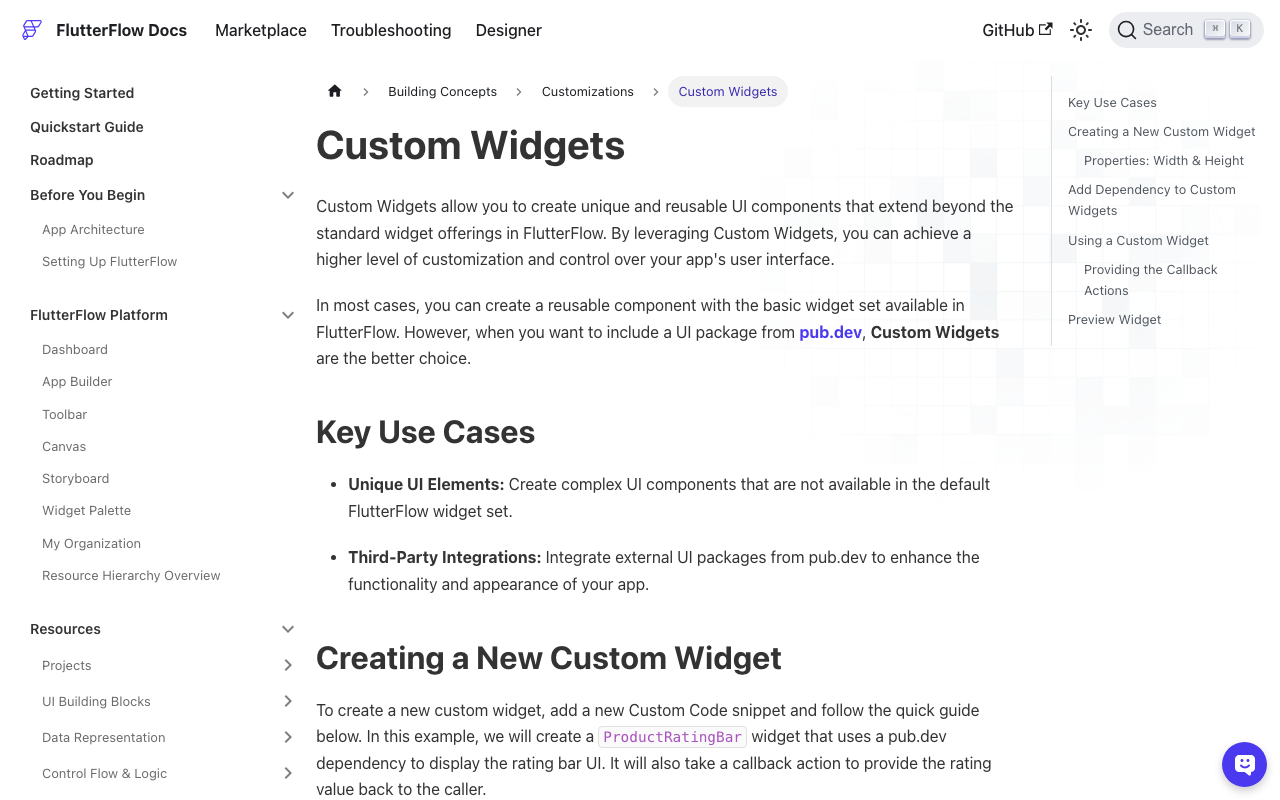
In FlutterFlow, open the Custom Code section (left panel) and add a new Custom Widget. Then, in the bottom-right Pubspec Dependencies panel of the code editor, click Add Pub Dependency and enter:
gpt_markdown: ^0.1.15
gpt_markdown pulls in flutter_math_fork for LaTeX, which FlutterFlow resolves automatically. Save and let the dependency finish updating before you compile.
Step 2: The custom widget
Create a custom widget named MarkdownBubble. FlutterFlow generates a StatefulWidget scaffold with width and height parameters — keep those (custom widgets must declare width/height or they won't size). Add a required String text parameter and an optional bool isStreaming parameter, then replace the body with this:
// Automatic FlutterFlow imports
import '/flutter_flow/flutter_flow_theme.dart';
import '/flutter_flow/flutter_flow_util.dart';
import 'package:flutter/material.dart';
// Begin custom widget code
import 'package:gpt_markdown/gpt_markdown.dart';

class MarkdownBubble extends StatefulWidget {
  const MarkdownBubble({
    super.key,
    this.width,
    this.height,
    required this.text,
    this.isStreaming = false,
  });

  final double? width;
  final double? height;
  final String text;
  final bool isStreaming;

  @override
  State<MarkdownBubble> createState() => _MarkdownBubbleState();
}

class _MarkdownBubbleState extends State<MarkdownBubble> {
  @override
  Widget build(BuildContext context) {
    // While tokens stream in, balance half-open markers so the
    // bubble never flashes a lone ** or an unclosed ``` fence.
    final source =
        widget.isStreaming ? _balanceMarkdown(widget.text) : widget.text;

    return GptMarkdown(
      source,
      style: FlutterFlowTheme.of(context).bodyMedium.override(
            fontFamily: 'Inter',
            height: 1.45,
            useGoogleFonts: false,
          ),
      onLinkTap: (url, title) => launchURL(url),
    );
  }
}
That's the whole renderer. GptMarkdown takes the raw reply string as its first positional argument and returns a laid-out column of formatted text. **bold** becomes bold, `code` gets a monospace inline style, and -/* lines become real bullets.
Step 3: Map WidgetChat's response field
Now bind the data. WidgetChat returns each assistant message as a plain string (the raw Markdown reply). In your chat ListView item, drop the MarkdownBubble custom widget into the message bubble and set its text parameter to WidgetChat's response field for that message — the same variable you were previously feeding into a Text widget. Set isStreaming to a page-state boolean that's true only while that message is still receiving tokens.
Because the widget lives inside the bubble, your existing background color, padding, and corner radius stay exactly as designed. You're only swapping the text renderer.
Step 4: Handle streaming without the raw-syntax flash
Here's the part that trips people up. When you stream a reply token-by-token and call setState on each chunk, gpt_markdown (like any Markdown renderer) re-parses the whole string every frame. Mid-stream, the buffer is frequently invalid Markdown:
Here are your **opt
At that instant there's one ** with no closing pair, so the parser can't form a bold run and renders the literal asterisks — for a single frame — until the closing ** arrives. Across a fast stream this reads as a flicker of raw syntax. Same story with a ` that hasn't been closed yet, and worst of all a half-typed ``` fence, which can knock the rest of the bubble into code styling until it completes.
The fix is to sanitize the partial buffer before handing it to the renderer: count the unbalanced markers and temporarily close them. Add this helper to the same file:
String _balanceMarkdown(String input) {
  var s = input;

  // 1. Never render a half-open fenced code block.
  final fenceCount = '```'.allMatches(s).length;
  if (fenceCount.isOdd) s += '\n```';

  // 2. Close a dangling inline `code` span (ignore backticks in fences).
  final inlineTicks = '`'.allMatches(s).length - (fenceCount * 3);
  if (inlineTicks.isOdd) s += '`';

  // 3. Close a dangling **bold** run.
  if ('**'.allMatches(s).length.isOdd) s += '**';

  return s;
}
Because you only balance markers while isStreaming is true, the moment the stream finishes you pass the untouched final string and render the model's real formatting. The temporary closers are invisible to the user — they just prevent the one-frame flash of ** or an unclosed fence. Order matters: check fences before inline backticks so you don't miscount the three backticks of a code fence as inline code.
Common gotchas
- Nothing renders at all? Confirm the pub dependency finished updating and that you saved the widget before compiling. A red import on
gpt_markdownmeans the dependency hasn't resolved yet. - Font looks off: pass a
stylefromFlutterFlowThemeas shown so headings and body inherit your app's typography instead of the package defaults. - Links do nothing: wire
onLinkTaptolaunchURL(a FlutterFlow util) as above, otherwise tapped links are inert. - Still seeing asterisks after all this? You're probably still routing the reply into a
Textwidget somewhere — search your bubble for a strayText(...)bound to the response field and replace it withMarkdownBubble.
That's the complete path from flutterflow render markdown chat bubble pain to a bubble that renders bold, code, and lists correctly — including live during streaming.
Try WidgetChat free
WidgetChat gives your Flutter and FlutterFlow app an AI customer-support chatbot in minutes, with a clean response field that drops straight into the MarkdownBubble above. Try WidgetChat free and ship a chatbot that actually looks formatted.

Comments
Comments are coming soon. We'd love to hear your thoughts!