

Stop the Streaming Markdown Flicker in FlutterFlow
You wired up a streaming AI chatbot in FlutterFlow. Tokens arrive over SSE, your onMessage action appends each chunk to a page-state string, and a Markdown widget renders it live. It works — except the reply twitches. For a split second the user sees **pricing** with the literal asterisks, then it snaps to pricing. A code block shows a raw ``` line, then jumps into a formatted box. Every few frames the message flickers and re-snaps into place.
That's the flash of incomplete markdown, and it's not a parsing bug. Your markdown is parsing fine — the problem is you're handing the parser a half-written sentence on every frame.
This post fixes the flicker specifically. It's a different problem from "make markdown render at all," and the fix is small: a pure Dart function that pre-closes dangling **, `, and ``` on the raw buffer before it reaches the widget — without ever mutating the text you store.
Why the flicker happens
An LLM streams **pricing** as separate tokens: **, then pric, then ing, then **. When your onMessage handler appends token-by-token, the string passes through these intermediate states:
Our **pric
Our **pricing
Our **pricing**
A CommonMark parser (the flutter_markdown engine behind FlutterFlow's Markdown widget) is correct to render Our **pricing with visible asterisks — the bold is genuinely unterminated at that instant. The same thing happens with inline `code` and, worst of all, fenced code blocks, which stay raw until the closing ``` finally lands. The user sees the raw syntax flash, then the layout jumps when the closer arrives.
The standard fix in the web world is what Vercel's Streamdown does with its remend preprocessor: auto-close incomplete syntax before parsing. Count the opening markers, and if one is dangling, append a temporary closer to the copy you feed the renderer. Our **pricing becomes Our **pricing** for rendering only. The stored text is never touched. We're going to port that idea to Dart.
The FlutterFlow streaming setup (baseline)
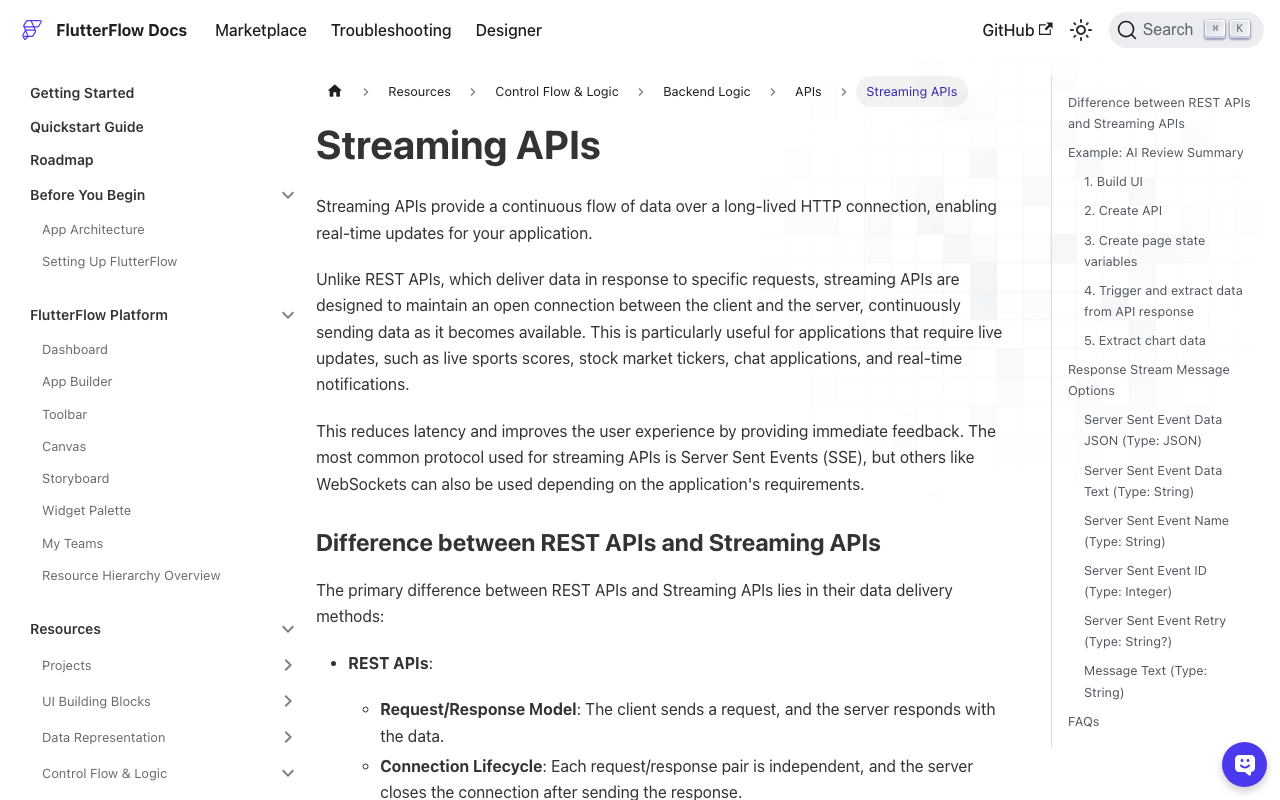
WidgetChat streams token-by-token over Server-Sent Events from POST https://api.widgetchat.app/v1/chat/stream. In FlutterFlow you consume it with a Streaming API call whose onMessage action fires on every data: frame. Inside onMessage, FlutterFlow gives you extraction options like Server Sent Event Data JSON (with a JSON path) and Server Sent Event Data Text.
A typical frame looks like:
data: {"delta": "**pric"}
The naive wiring is:
- Page state
replyRaw(String) — the accumulated answer. - In onMessage: extract the delta and set
replyRaw = replyRaw + delta. - Bind the Markdown widget's Data directly to
replyRaw.
Step 3 is where the flicker lives. You're feeding the parser replyRaw at every intermediate, half-closed state. Don't bind the widget to the raw buffer — bind it to a sanitized view of it.
The sanitizer: one Custom Function
Add a Custom Function in FlutterFlow named closeStreamingMarkdown that takes a String and returns a String. It appends closers for anything left open, in the right order, and is a no-op on already-complete markdown (so it's safe to call every frame and again on close).
String closeStreamingMarkdown(String raw) {
  var out = raw;

  // 1) Fenced code block (```): if there's an odd number of fences,
  //    we're mid-block. Close it and bail — never touch markers that
  //    live *inside* code, they're literal there.
  if ('```'.allMatches(out).length.isOdd) {
    if (!out.endsWith('\n')) out += '\n';
    return '$out```';
  }

  // Remove completed fenced blocks before counting inline markers,
  // so a backtick or ** inside real code doesn't get miscounted.
  final visible = out.replaceAll(RegExp(r'```[\s\S]*?```'), '');

  // 2) Inline code (`): odd count => unterminated span. Close it and
  //    stop — we're inside code, so don't also touch * or **.
  if ('`'.allMatches(visible).length.isOdd) {
    return '$out`';
  }

  // Strip completed inline spans too, then look at prose only.
  final prose = visible.replaceAll(RegExp(r'`[^`\n]*`'), '');

  // 3) Bold (**): odd number of ** => one is still open.
  if ('**'.allMatches(prose).length.isOdd) out += '**';

  // 4) Italic (*): single stars left after removing the ** pairs.
  final italics = prose.replaceAll('**', '');
  if ('*'.allMatches(italics).length.isOdd) out += '*';

  return out;
}
What each guard does:
- Fenced blocks first. An odd count of
```means the last fence is unterminated. We append a newline (if needed) plus a closing fence and return immediately — everything after that fence is code, so we must not try to "balance" asterisks or backticks inside it. - Inline code before emphasis. A dangling
`means the cursor is inside an inline span, where*is literal. Close the backtick and return. - Bold, then italic. Count
**pairs; if odd, append**. Then remove the**sequences and count the leftover single*for italics. Because inline and fenced code were stripped first,my_varora * bliving inside a code span can't trigger a false close.
Every check is parity-based, so complete markdown produces zero appends — the function returns the input unchanged. That's what makes it safe to run on every single frame.
Wiring it in without mutating stored text
The golden rule: the buffer you accumulate stays raw; the widget renders a derived copy. Two clean ways to do it in FlutterFlow.
Option A — derive in onMessage (recommended). Keep two page-state strings and update the display copy right after you append:
onMessage:
  replyRaw     = replyRaw + <extracted delta>
  replyDisplay = closeStreamingMarkdown(replyRaw)
Bind the Markdown widget's Data to replyDisplay. replyRaw is your source of truth (use it for copy-to-clipboard, saving to Firestore/Supabase, retries). replyDisplay is throwaway render state.
Option B — sanitize at the binding. Bind the Markdown widget's Data to the Custom Function directly, passing replyRaw as its argument. One state variable, no second field — FlutterFlow re-evaluates the function whenever replyRaw changes.
Either way, closeStreamingMarkdown never rewrites what you keep. On onClose, you don't need to do anything special: since the function is a no-op on complete markdown, replyDisplay already equals the final, fully-closed answer.
Optional: debounce the re-render
Auto-closing kills the flash. If you also want to cut the jitter of re-parsing on every single token, throttle how often you refresh the display copy — updating roughly every 50–100 ms reads as smooth to a human eye while slashing parse work. In FlutterFlow, gate the replyDisplay assignment behind a short timer or only refresh on whitespace/newline deltas. Keep appending to replyRaw on every frame; just recompute the sanitized view a little less often.
Why this beats "just hide markdown until done"
A common workaround is to render plain text while streaming and only switch to the Markdown widget once onClose fires. That removes the flicker but also removes the live formatting — the reply looks like a wall of raw text for the whole stream, then reflows at the end, which is its own jarring snap. Pre-closing gives you clean, formatted output on every frame: bold looks bold as it types, code blocks render inside their box as they fill, and nothing ever snaps into place.
The takeaway
The flash of incomplete markdown in a FlutterFlow streaming chatbot isn't a parser problem — it's a timing problem. You're asking a strict CommonMark parser to render a sentence that isn't finished yet. Give it a temporarily-completed copy instead: count the open **, `, and ``` on the raw buffer, append the missing closers to a derived string, and bind your Markdown widget to that. One small, idempotent Dart function, your stored text untouched, and the twitch is gone.
Want the streaming backend to pair with it? Try WidgetChat free — drop an AI support chatbot into your Flutter or FlutterFlow app with token-by-token SSE streaming from POST https://api.widgetchat.app/v1/chat/stream, no proprietary SDK required.

Comments
Comments are coming soon. We'd love to hear your thoughts!