

FlutterFlow API Works in Test, Empty in App: Fix SSE
You wired an AI chat screen to a streaming endpoint. In the API Call editor you hit Test API Call and a clean response comes back — the full assistant reply, right there in the Response tab. You bind a Text widget to a JSON path, run the app, send a message… and the bubble stays blank. No red banner, no exception, no snackbar. Just a FlutterFlow chatbot with no response and no error.
This is the most common way a streaming chat integration fails in FlutterFlow, and the cause usually isn't your endpoint. It's that the API Call editor is not your app.
Test & Response runs a different HTTP client than your app
Two things happen in the API editor that do not happen at runtime.
1. FlutterFlow proxies the request. API calls are routed through a default proxy — that's why Advanced Settings has a Proxy Settings option to disable the default proxy or point at your own. During testing, the request originates from FlutterFlow's server, so it is effectively same-origin and CORS never fires. Once your app is published to web (or runs in Test Mode in a browser), the request comes from a different domain and the browser enforces CORS for real. FlutterFlow's own help docs are explicit that calls "function seamlessly in FlutterFlow's test mode because they're made from the same origin — the FlutterFlow server," and that deployed apps request from a new domain.
2. The test panel fully buffers the response. It shows you "the full API response, including both the JSON format and raw body text." Full is the operative word. A text/event-stream response is a long-lived connection that dribbles out frames; the test runner waits for the connection to close, concatenates everything, and renders it as one tidy block. It looks like a normal JSON response because the editor made it one.
So the editor shows you a flattened, proxied, buffered artifact. Your app gets a raw byte stream.
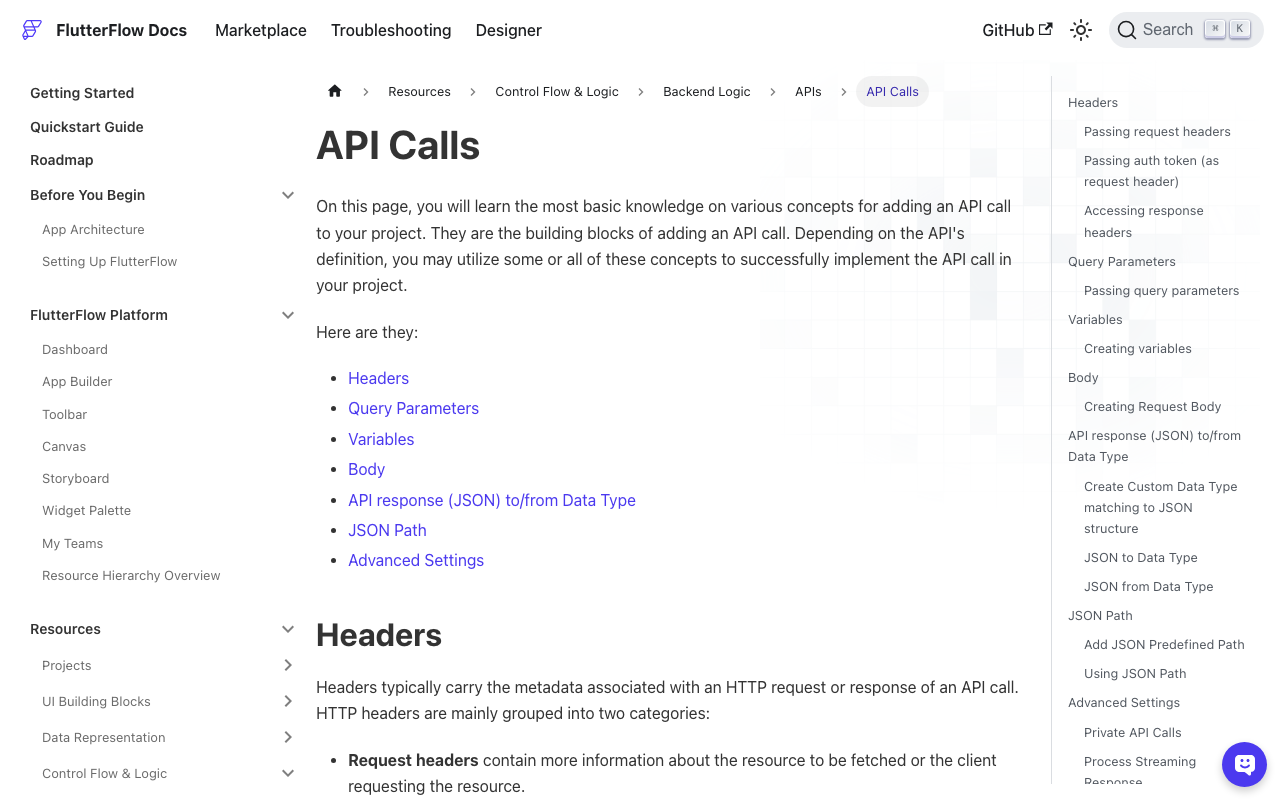
At runtime, a plain API Call node against an SSE endpoint produces exactly this: bodyText (Raw Body Text) is full of data: lines, and jsonBody is null, because data: {...}\n\ndata: {...}\n\n is not a JSON document. Your JSON path resolves to null, the Text widget renders an empty string, and FlutterFlow reports nothing — a null-valued path isn't an error. That's the FlutterFlow JSON body empty while Raw Body Text is valid signature, and it's why FlutterFlow API call empty response in app but works in test is such a stubborn search.
Prove it in 30 seconds
First, confirm the endpoint really streams. -N disables curl's output buffering:
curl -N -X POST https://api.widgetchat.app/v1/chat/stream \
  -H "Authorization: Bearer $WIDGETCHAT_KEY" \
  -H "Content-Type: application/json" \
  -H "Accept: text/event-stream" \
  -d '{"message":"do you ship internationally?"}'
If tokens arrive in bursts rather than all at once, it's SSE. Note the exact frame shape you see — you'll need it in a minute.
Now prove the app sees it differently. Drop two temporary Text widgets on the page and bind them to your API Call's action output:
- one to Raw Body Text (
bodyText) - one to Status Code (
statusCode)
Run the app. You'll get 200 and a screenful of data: lines, while the JSON-path widget beside them is empty. Status 200, body present, JSON null, zero errors. Nothing is broken — you're just parsing a stream as if it were a document.
What about "Process Streaming Response"?
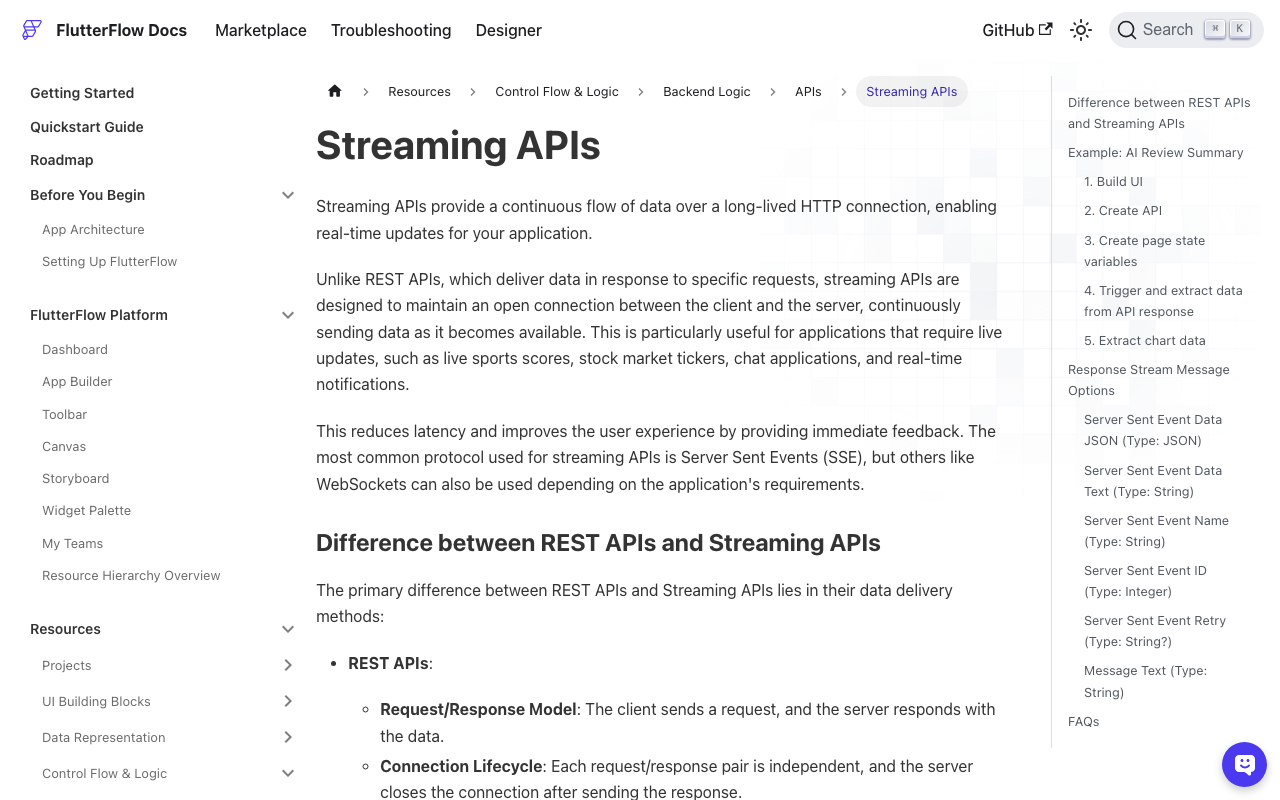
FlutterFlow does ship native SSE support: Advanced Settings → Process Streaming Response, which turns the API Call node into three action branches — onMessage, onError, onClose. Inside onMessage, OnMessageInput exposes Server Sent Event Data JSON, Data Text, Name, ID, Retry, and the full Message Text.
Use it if it works for you. But when builders report FlutterFlow Process Streaming Response not working, it's typically one of these:
- Server Sent Event Data JSON is null. The docs say this happens whenever the
data:payload can't be parsed as JSON — which includes plain-text tokens and the[DONE]sentinel most LLM streams send. Read Data Text instead. - CORS in the browser. Issue #6998 reports FlutterFlow streaming API CORS errors in Test Mode while the identical call with streaming disabled succeeds; it works on device but not in the browser preview. It was closed as not planned.
- Multipart bodies break. Issue #3450: multipart requests don't go through at all with streaming enabled.
- Copy/paste breaks nested refs. Issue #3506: duplicating an action with response references can orphan the
onMessageJSON paths.
For a chat screen specifically, a custom action is the more debuggable path anyway: you own the timeout, the status code, and the empty-stream case.
Read the SSE stream in a custom action
Create three App State variables: streamingReply (String), chatError (String), isStreaming (bool). Then add a custom action. http is already a dependency in every FlutterFlow project.
// Begin custom action code
import 'dart:async';
import 'dart:convert';
import 'package:http/http.dart' as http;

Future<String> streamWidgetChatReply(
  String message,
  String projectKey,
  String? conversationId,
) async {
  final client = http.Client();
  final buffer = StringBuffer();
  var sawToken = false;

  FFAppState().update(() {
    FFAppState().streamingReply = '';
    FFAppState().chatError = '';
    FFAppState().isStreaming = true;
  });

  try {
    final request = http.Request(
      'POST',
      Uri.parse('https://api.widgetchat.app/v1/chat/stream'),
    )
      ..headers.addAll({
        'Content-Type': 'application/json',
        'Accept': 'text/event-stream',
        'Authorization': 'Bearer $projectKey',
      })
      ..body = jsonEncode({
        'message': message,
        if (conversationId != null) 'conversation_id': conversationId,
      });

    final response =
        await client.send(request).timeout(const Duration(seconds: 30));

    // Failure #1: a non-200 that would otherwise render as an empty bubble.
    if (response.statusCode != 200) {
      final body = await response.stream.bytesToString();
      final preview = body.length > 200 ? '${body.substring(0, 200)}…' : body;
      throw Exception('WidgetChat HTTP ${response.statusCode}: $preview');
    }

    // Failure #2: the stream opens but stalls. Inter-event timeout, not total.
    final chunks = response.stream
        .timeout(
          const Duration(seconds: 20),
          onTimeout: (sink) =>
              sink.addError(TimeoutException('No SSE frame for 20s')),
        )
        .transform(utf8.decoder);

    var carry = '';
    await for (final chunk in chunks) {
      // Frames can split across TCP chunks — never parse a chunk in isolation.
      carry += chunk.replaceAll('\r\n', '\n');

      while (carry.contains('\n\n')) {
        final cut = carry.indexOf('\n\n');
        final frame = carry.substring(0, cut);
        carry = carry.substring(cut + 2);

        final token = _tokenFromFrame(frame);
        if (token == null) continue;
        sawToken = true;
        buffer.write(token);
        FFAppState().update(() {
          FFAppState().streamingReply = buffer.toString();
        });
      }
    }

    // A final frame with no trailing blank line.
    final tail = _tokenFromFrame(carry);
    if (tail != null) {
      sawToken = true;
      buffer.write(tail);
    }

    // Failure #3: 200 OK, connection closed, zero data. The silent blank.
    if (!sawToken) {
      throw Exception(
          'Stream closed with no data: frames — check the project key and '
          'that Accept: text/event-stream survived any proxy.');
    }

    FFAppState().update(() {
      FFAppState().streamingReply = buffer.toString();
    });
    return buffer.toString();
  } on TimeoutException catch (e) {
    FFAppState().update(() {
      FFAppState().chatError = 'WidgetChat timed out: ${e.message}';
    });
    return '';
  } catch (e) {
    FFAppState().update(() {
      FFAppState().chatError = e.toString();
    });
    return '';
  } finally {
    client.close();
    FFAppState().update(() {
      FFAppState().isStreaming = false;
    });
  }
}
And the frame parser. The SSE spec allows several data: lines per frame, plus event:, id:, retry:, and : comment lines used as keep-alives — all of which must be skipped, not concatenated into your chat bubble:
String? _tokenFromFrame(String frame) {
  final dataLines = <String>[];
  for (final line in frame.split('\n')) {
    if (line.startsWith(':')) continue;      // keep-alive comment
    if (!line.startsWith('data:')) continue; // event:, id:, retry:
    dataLines.add(line.substring(5).trimLeft());
  }
  if (dataLines.isEmpty) return null;

  final data = dataLines.join('\n');
  if (data == '[DONE]') return null;

  try {
    final decoded = jsonDecode(data);
    if (decoded is String) return decoded;
    if (decoded is Map) {
      for (final key in const ['delta', 'token', 'text', 'content']) {
        final v = decoded[key];
        if (v is String) return v;
      }
    }
    return null;
  } catch (_) {
    return data; // plain-text token, not JSON
  }
}
The key-fallback loop is deliberate: run the curl command above once, see which field your frames actually carry, and keep only that key. Don't guess at a schema you haven't looked at — that's how you end up back at an empty bubble.
Wire it to the UI
Bind the streaming bubble's Text to App State → streamingReply. Add a second Text bound to chatError, visible only when it's non-empty — that one line converts every silent blank into a readable failure. Gate your typing indicator on isStreaming.
In the Send button's action flow: call the custom action, then on completion append its return value to your messages list and clear streamingReply. Because the action writes through FFAppState().update(), every widget bound to that variable rebuilds as tokens arrive — that's the whole streaming effect, no setState required.
One Flutter Web caveat
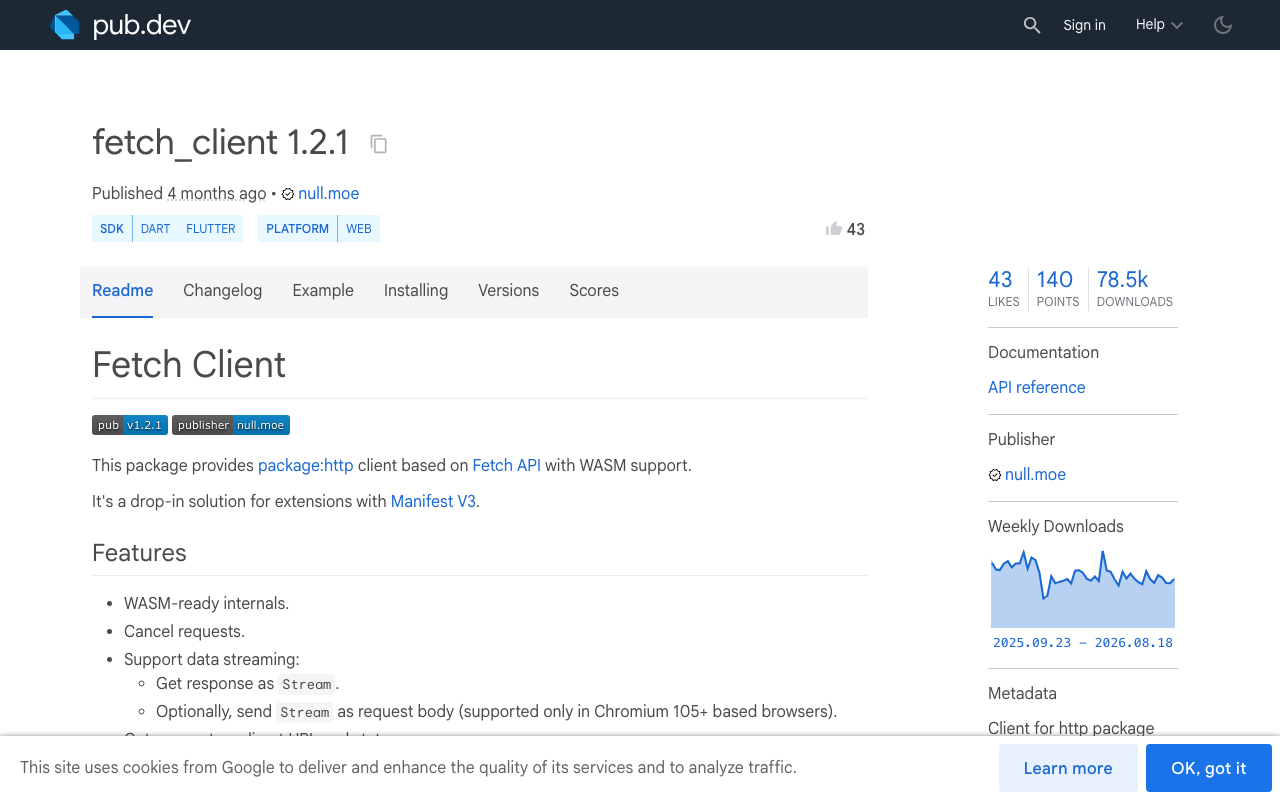
On web, the default package:http client is BrowserClient, which is built on XMLHttpRequest and buffers the entire response before handing you a stream — the same lie the test panel tells, now in production. Tokens arrive, but all at once at the end.
The fix is fetch_client (1.2.1), a Fetch API–based http.Client that genuinely streams:
http.Client createStreamingClient() => FetchClient(mode: RequestMode.cors);
It's web-only, so pull it in behind a conditional import (if (dart.library.js_interop)) and leave mobile on the default client. And since the builder proxy is gone in production, your endpoint must return proper Access-Control-Allow-Origin headers for your published domain — this is exactly the case the test panel could never have caught for you.
Once text streams cleanly, turn on the mic
The same WidgetChat widget you embed for text chat also supports live voice chat: tap the mic for a real-time speech-to-speech call, with barge-in so users can interrupt mid-sentence, live captions, and rich product cards on screen while the assistant speaks. Provider API keys stay server-side — nothing sensitive ships in your Flutter bundle. Enable it per project in the dashboard's Voice section (voice name, max session length, captions default), and it works across iOS, Android, and web.
Try WidgetChat free
Stop debugging a preview that was never running your app's code. Point a custom action at https://api.widgetchat.app/v1/chat/stream, split on \n\n, and let your users watch the answer type itself. Try WidgetChat free — no proprietary SDK, just an HTTP client and the code above.

Comments
Comments are coming soon. We'd love to hear your thoughts!