

Fix a FlutterFlow AI Chatbot That Freezes Mid-Reply
A user on the train taps your support bot. Tokens start streaming in… then stop. Half a sentence sits on screen, the typing dots spin forever, and nothing ever errors out. They force-quit and leave a one-star review. If your FlutterFlow chatbot stops mid response on flaky mobile data, this is almost always the same bug — and it's a nasty one because none of your existing timeouts catch it.
Why a "still-open" socket is the hardest freeze to debug
This is not the app-backgrounding case, and it's not the classic 30-second null where the request never returns. Here the request already succeeded: headers arrived, data: tokens streamed, your connect timeout is long gone. Then the phone does a cellular handoff — 4G to a weaker tower, or Wi-Fi to 4G at the edge of the café — and packets quietly stop flowing.
The cruel part: TCP doesn't send a FIN or RST. The socket stays technically open. Your StreamSubscription never fires onError, never fires onDone. Dart's http client is doing exactly what you asked — waiting for the next chunk — so no exception is ever thrown. That's why a Flutter SSE stream stalls on mobile data with zero signal, and why the UI shows a FlutterFlow AI chatbot stuck loading indefinitely. A normal read/connect timeout can't fire, because from the socket's point of view the connection is fine. It's just silent.
The only reliable signal you have is absence of progress. So that's what we detect.
The fix: a last-token (inactivity) read timeout
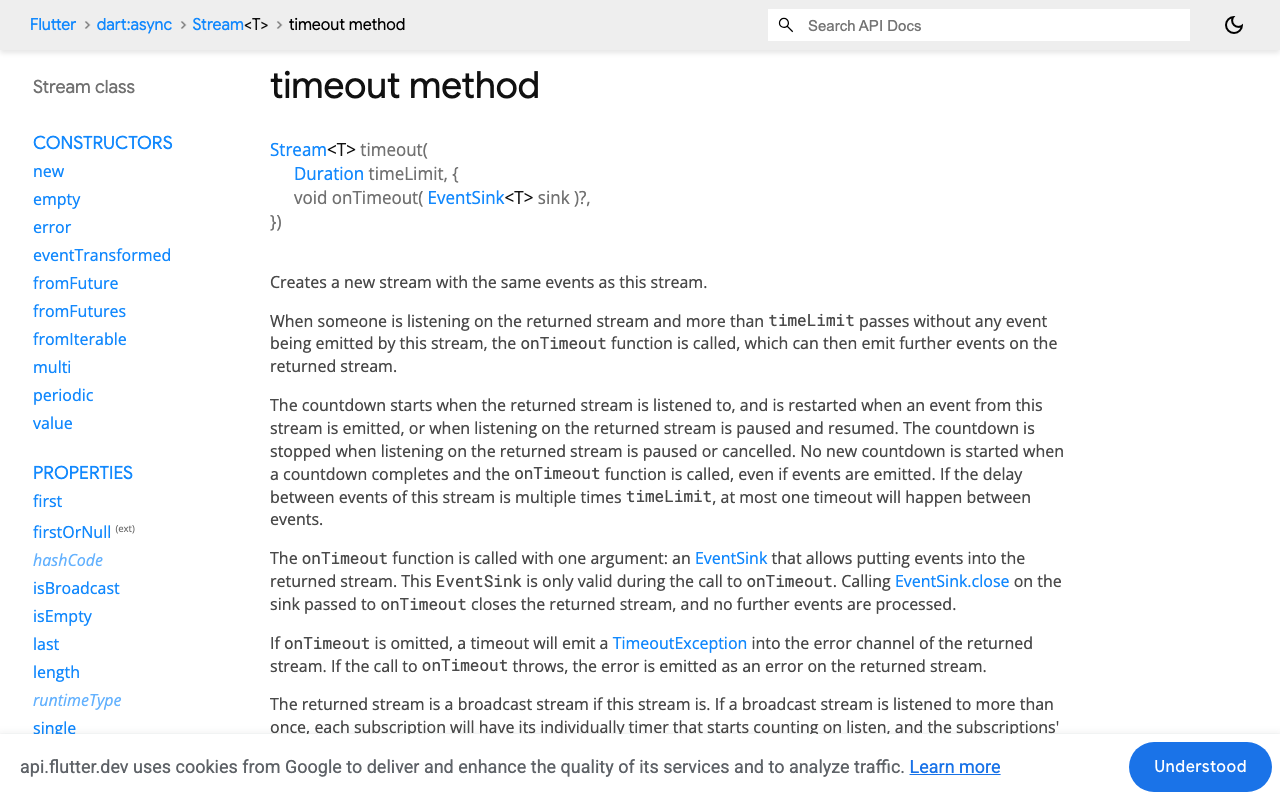
Dart's Stream.timeout(Duration) resets its countdown on every event forwarded — which is exactly the semantics we want — but on timeout it just injects a TimeoutException; it doesn't tear down the dead subscription or reconnect. So we build a small watchdog Timer we re-arm on every token. If more than N seconds pass between tokens, we declare the socket dead, cancel the subscription, close the client, and reconnect.
Crucially, we keep the same conversationId across reconnects and remember what the user has already seen — so the answer resumes instead of restarting.
The resilient custom action
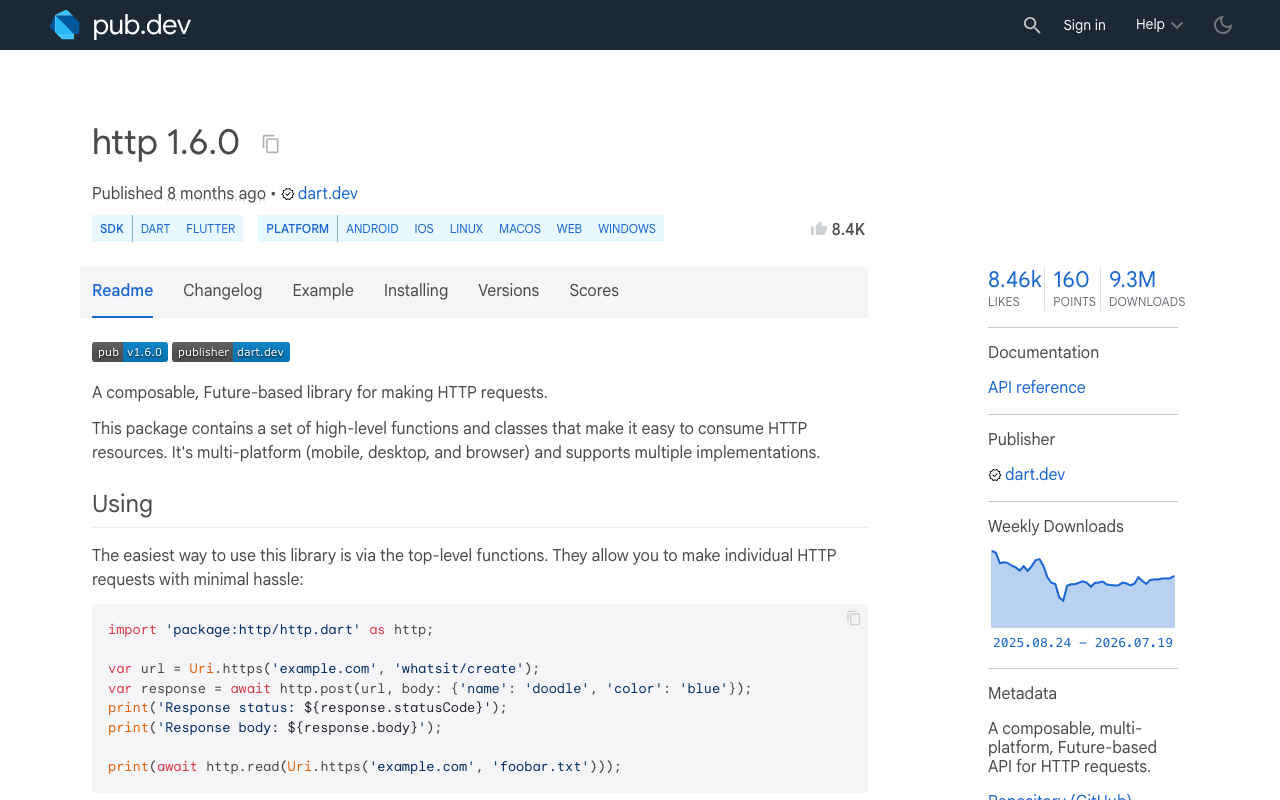
Drop this into a FlutterFlow custom action (it depends only on the http package, already in every FlutterFlow project — no proprietary SDK needed to integrate WidgetChat):
import 'dart:async';
import 'dart:convert';
import 'dart:math';
import 'package:http/http.dart' as http;

/// Streams a WidgetChat reply that survives silent mid-stream stalls on
/// flaky 4G / spotty Wi-Fi. [onToken] fires for each *new* piece of text,
/// [onDone] when the answer completes, [onError] only after retries run out.
Future<void> streamChatResilient({
  required String conversationId,
  required String message,
  required String apiKey,
  required void Function(String delta) onToken,
  required void Function() onDone,
  required void Function(Object error) onError,
  Duration inactivityTimeout = const Duration(seconds: 8),
  int maxRetries = 5,
}) async {
  // Everything the user has already seen. Kept ACROSS reconnects so a
  // resumed stream doesn't restart the answer from scratch.
  var shown = '';
  var attempt = 0;

  // Runs one SSE connection. true = finished cleanly, false = stalled/dropped.
  Future<bool> runOnce() async {
    final client = http.Client();
    final done = Completer<bool>();
    StreamSubscription<String>? sub;
    Timer? watchdog;
    var sawDone = false;
    final incoming = StringBuffer(); // cumulative text from THIS connection

    void finish(bool ok) {
      watchdog?.cancel();
      sub?.cancel();   // kill the dead-but-open subscription
      client.close();  // and the underlying socket
      if (!done.isCompleted) done.complete(ok);
    }

    // The heart of the fix: a last-token timer. Every byte of progress
    // rearms it. If the socket goes silent mid-stream, it fires.
    void armWatchdog() {
      watchdog?.cancel();
      watchdog = Timer(inactivityTimeout, () => finish(false));
    }

    try {
      final req = http.Request(
          'POST', Uri.parse('https://api.widgetchat.app/v1/chat/stream'))
        ..headers['Authorization'] = 'Bearer $apiKey'
        ..headers['Content-Type'] = 'application/json'
        ..headers['Accept'] = 'text/event-stream'
        ..body = jsonEncode({
          'conversationId': conversationId, // same id = same conversation
          'message': message,
        });

      final res = await client.send(req);
      if (res.statusCode >= 400) return false; // let the retry loop handle it
      armWatchdog();

      sub = res.stream
          .transform(utf8.decoder)
          .transform(const LineSplitter())
          .listen(
        (line) {
          armWatchdog(); // progress! reset the read timeout
          if (!line.startsWith('data:')) return;
          final data = line.substring(5).trim();
          if (data.isEmpty) return;
          if (data == '[DONE]') {
            sawDone = true;
            finish(true);
            return;
          }

          incoming.write(_extractToken(data));
          final full = incoming.toString();

          // Resume, don't restart: only emit text the user hasn't seen.
          // While a reconnected stream re-reads the known prefix nothing
          // renders; once it passes what we've shown, we append the tail.
          if (full.length > shown.length && full.startsWith(shown)) {
            onToken(full.substring(shown.length));
            shown = full;
          }
        },
        onError: (_) => finish(false),   // real drop -> reconnect
        onDone: () => finish(sawDone),   // closed without [DONE] -> reconnect
        cancelOnError: true,
      );
    } catch (_) {
      finish(false);
    }
    return done.future;
  }

  while (true) {
    if (await runOnce()) {
      onDone();
      return;
    }
    if (++attempt > maxRetries) {
      onError(TimeoutException('WidgetChat stream stalled after $maxRetries retries'));
      return;
    }
    await Future.delayed(_backoff(attempt)); // wait, then resume
  }
}

// Exponential backoff (400ms, 800ms, 1600ms…) capped at 8s, plus jitter so a
// room full of phones off the same dead tower don't reconnect in lockstep.
Duration _backoff(int attempt) {
  final base = min(400 * (1 << (attempt - 1)), 8000);
  return Duration(milliseconds: base + Random().nextInt(250));
}

// WidgetChat streams token text inside each `data:` line. If your project
// emits JSON frames, decode them here; otherwise the line itself is the token.
String _extractToken(String data) {
  try {
    final obj = jsonDecode(data);
    if (obj is Map && obj['token'] is String) return obj['token'] as String;
  } catch (_) {}
  return data;
}
How the resume actually works
The shown string is the whole trick. It lives outside runOnce, so it survives reconnects. When a fresh connection replays the answer (same conversationId, same context, so the same prefix), the guard full.startsWith(shown) renders nothing while the new stream catches up to what the user already read — then appends only the new tail. To the user it looks like the reply paused for a beat and kept going, not like it started over. If a regenerated stream ever diverges from the prefix, you can fall back to replacing shown with full and re-rendering; with a stable conversation that's rare.
Why exponential backoff with jitter
When a FlutterFlow streaming freezes on weak Wi-Fi, hammering reconnects instantly just piles onto a network that's already struggling. Exponential backoff (400ms → 800ms → 1.6s…, capped at 8s) gives the radio time to re-attach to a tower. The Random().nextInt(250) jitter matters more than it looks: without it, every device that dropped off the same congested cell reconnects on the same rhythm — the classic thundering-herd stampede. A little randomness spreads the load out.
Wire it into FlutterFlow
Inside your custom action, push tokens into an App State variable and let the widget tree rebuild:
await streamChatResilient(
  conversationId: conversationId,
  message: message,
  apiKey: FFAppState().widgetChatKey,
  onToken: (delta) => FFAppState().update(() {
    FFAppState().liveReply = FFAppState().liveReply + delta;
  }),
  onDone: () => FFAppState().update(() => FFAppState().isStreaming = false),
  onError: (_) => FFAppState().update(() => FFAppState().isStreaming = false),
);
Bind a Text widget to liveReply and your spinner's visibility to isStreaming. Now the spinner is tied to real progress, and this SSE read-timeout reconnect in Flutter logic keeps the message flowing to completion.
Reproduce it before you ship
Stalls hide in good office Wi-Fi. Force them: on iOS use the Network Link Conditioner (100% loss profile mid-stream), on Android throttle via adb, or simply toggle Airplane Mode for two seconds while a reply is streaming. Without the watchdog you'll get the eternal spinner; with it, you'll see a short pause and the answer finishing. That's the whole fix.
Try WidgetChat free
WidgetChat gives your Flutter and FlutterFlow app a drop-in AI support chatbot with token-by-token streaming over POST /v1/chat/stream — the exact endpoint this wrapper hardens. Add resilient streaming today and try WidgetChat free.

Comments
Comments are coming soon. We'd love to hear your thoughts!