

FlutterFlow Chatbot Repeats Itself? Send Chat History
You wired an API call into a FlutterFlow chat page, typed three different questions, and got three variations of the same greeting back. Or worse, the exact same paragraph, word for word. The model looks broken. It is not.
The cause of flutterflow chatbot same response every message is almost always the same: your API Call action sends one field, TextField.text, and nothing else. Chat completion endpoints are stateless. Every request is a blank slate. If the only thing in the request body is "what about pricing?", the model has no idea what "what" refers to, so it falls back to the safest generic answer your system prompt allows. Every time.
Fix: keep the whole transcript in App State as a typed list, trim it with a sliding window, and post the array from a single custom action that also parses the SSE stream.
Why the API Call action cannot do this on its own
FlutterFlow's API Call action builds a body from variables you bind at design time. You can bind the text field, and you can bind an App State String. What you cannot easily do is build a nested JSON array of {role, content} objects that grows every turn. Concatenating everything into one giant String sort of works, but you lose role separation, you cannot trim by turn, and the model starts answering the wrong question because it cannot tell your words from its own.
This is the real shape of flutterflow ai chat no memory. The model is fine. The request is missing 90% of the conversation.
Step 1: define a real message type
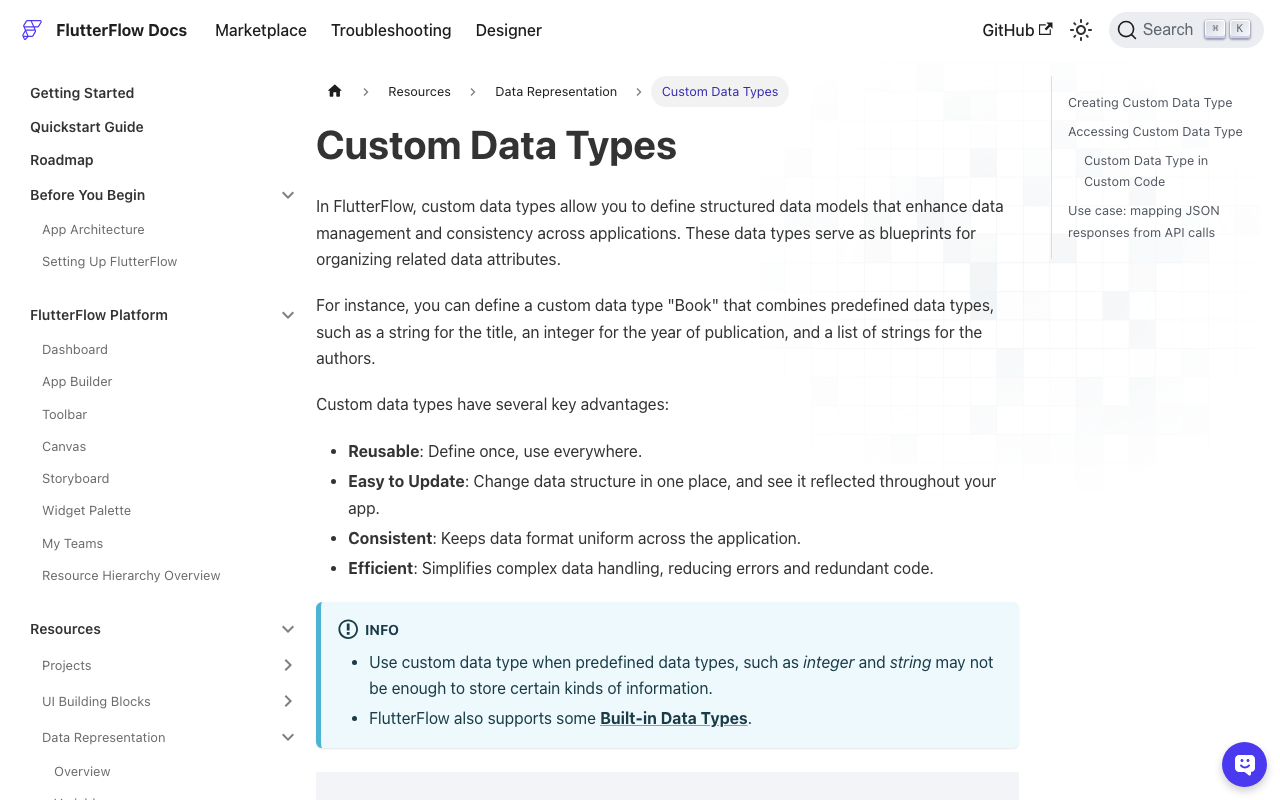
In the left nav, go to App Values > Data Types and create a Custom Data Type called ChatMessage with three fields:
role(String) -user,assistant, orsystemcontent(String)sentAt(DateTime)
FlutterFlow generates this as ChatMessageStruct in Dart. That is the name you use in custom code.
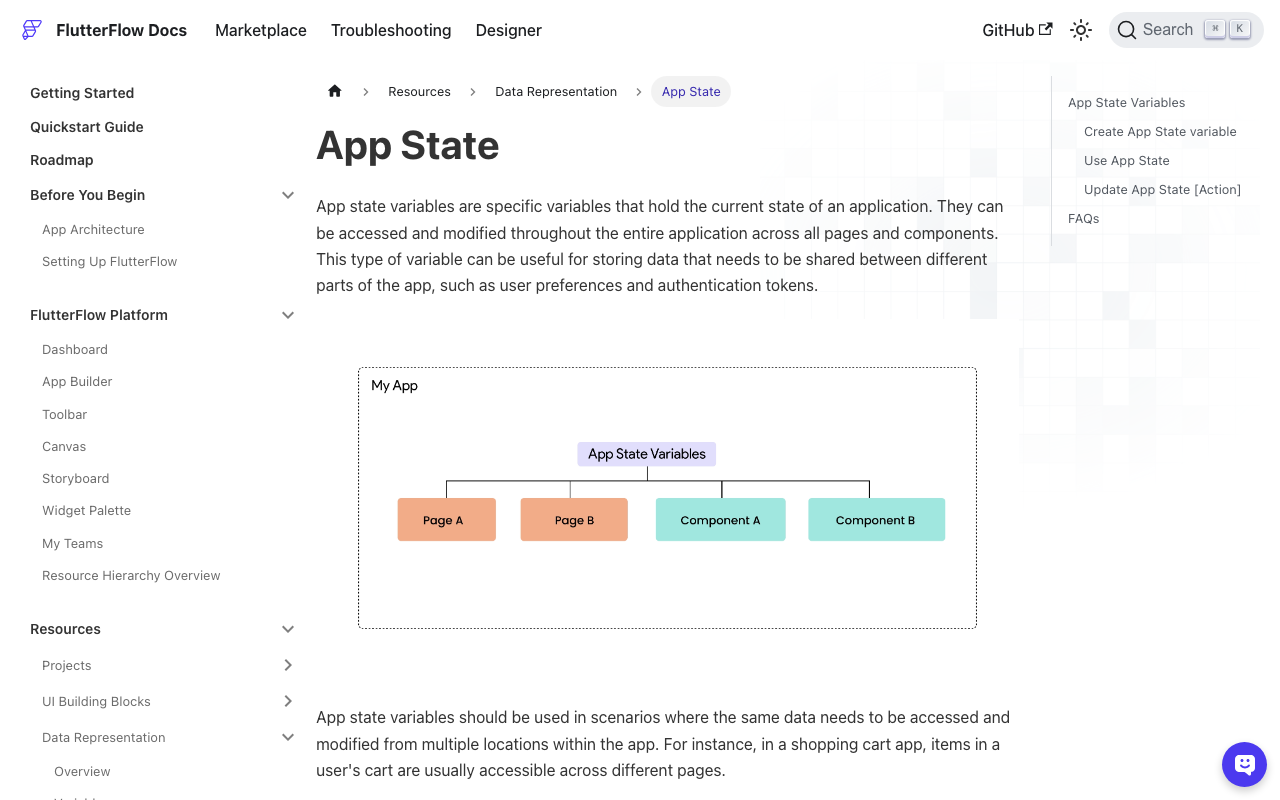
Then create the App State fields under App Values > App State:
chatHistory- typeChatMessage, Is List on, Persisted on if you want the conversation to survive an app restartstreamingReply- String, not persisted, holds the partial answer while tokens arrive
That chatHistory list is the entire fix for flutterflow app state conversation history. Everything else is plumbing.
Step 2: append the user turn before you call
On the send button, before the API action, append the user message. You can do this with the built-in Update App State > Add to List action, or from code if you prefer one action per send:
// Custom Action: appendUserMessage(String text)
Future appendUserMessage(String text) async {
  final trimmed = text.trim();
  if (trimmed.isEmpty) return;

  FFAppState().update(() {
    FFAppState().addToChatHistory(
      ChatMessageStruct(
        role: 'user',
        content: trimmed,
        sentAt: getCurrentTimestamp,
      ),
    );
  });
}
Two things people get wrong here. First, mutating a struct already inside the list (FFAppState().chatHistory[2].content = '...') does not reliably trigger a rebuild. Use the generated list helpers: addToChatHistory, removeFromChatHistory, updateChatHistoryAtIndex, insertAtIndexInChatHistory. Second, if you skip the FFAppState().update(() { ... }) wrapper, the value changes but nothing on screen notices.
Step 3: trim with a sliding window
Do not send 400 messages. You will hit the context limit, latency climbs, and cost climbs with it. Keep the system message plus the last N turns, and cap on characters as a second guard, because one pasted stack trace can blow a turn budget on its own.
List<ChatMessageStruct> windowFor(
  List<ChatMessageStruct> all, {
  int maxTurns = 12,
  int maxChars = 6000,
}) {
  final system = all.where((m) => m.role == 'system').toList();
  final rest = all.where((m) => m.role != 'system').toList();

  final recent =
      rest.length <= maxTurns ? rest : rest.sublist(rest.length - maxTurns);

  var budget = maxChars;
  final kept = <ChatMessageStruct>[];
  for (final m in recent.reversed) {
    budget -= m.content.length;
    if (budget < 0 && kept.isNotEmpty) break;
    kept.insert(0, m);
  }

  return [...system, ...kept];
}
Always keep the newest user message, even when the budget is blown. That is what the kept.isNotEmpty check buys you: the loop walks backwards from the latest turn, so the current question is never the one dropped.
Step 4: one custom action that posts the array and parses SSE
Now the piece that matters for flutterflow custom action chat history. Create a custom action, add an argument history of type Data Type > ChatMessage with Is List on, set the return type to String, and paste this. http is already a FlutterFlow dependency, so there is nothing to add to pubspec.
// Automatic FlutterFlow imports
import '/backend/schema/structs/index.dart';
import '/flutter_flow/flutter_flow_util.dart';
import 'package:flutter/material.dart';
// Begin custom action code
import 'dart:async';
import 'dart:convert';
import 'package:http/http.dart' as http;

Future<String> streamChatReply(List<ChatMessageStruct> history) async {
  final messages = windowFor(history)
      .map((m) => {'role': m.role, 'content': m.content})
      .toList();

  final client = http.Client();
  final request = http.Request(
    'POST',
    Uri.parse('https://api.widgetchat.app/v1/chat/stream'),
  )
    ..headers.addAll({
      'Content-Type': 'application/json',
      'Accept': 'text/event-stream',
      'Authorization': 'Bearer ${FFAppState().apiKey}',
    })
    ..body = jsonEncode({'messages': messages});

  final response = await client.send(request);
  if (response.statusCode != 200) {
    client.close();
    throw Exception('Chat stream failed: ${response.statusCode}');
  }

  final answer = StringBuffer();
  var carry = '';
  var lastPaint = DateTime.now();

  try {
    await for (final chunk in response.stream.transform(utf8.decoder)) {
      carry += chunk;
      final lines = carry.split('\n');
      carry = lines.removeLast(); // last element may be half a line

      for (final raw in lines) {
        final line = raw.trimRight();
        if (!line.startsWith('data:')) continue;

        final payload = line.substring(5).trim();
        if (payload.isEmpty || payload == '[DONE]') continue;

        String? token;
        try {
          final decoded = jsonDecode(payload);
          if (decoded is Map) {
            token = (decoded['delta'] ?? decoded['content'] ?? decoded['text'])
                as String?;
          }
        } catch (_) {
          token = payload; // plain-text data: frames
        }
        if (token == null || token.isEmpty) continue;

        answer.write(token);

        final now = DateTime.now();
        if (now.difference(lastPaint).inMilliseconds > 50) {
          lastPaint = now;
          FFAppState()
              .update(() => FFAppState().streamingReply = answer.toString());
        }
      }
    }
  } finally {
    client.close();
  }

  final reply = answer.toString();
  FFAppState().update(() {
    FFAppState().streamingReply = '';
    FFAppState().addToChatHistory(
      ChatMessageStruct(
        role: 'assistant',
        content: reply,
        sentAt: getCurrentTimestamp,
      ),
    );
  });

  return reply;
}
Three details that break naive versions:
Use client.send(), not http.post(). post() waits for the full body, so you get the whole answer at once and lose streaming entirely.
Buffer partial lines. SSE frames do not align with TCP chunks. A chunk can end mid-token. The carry variable holds the trailing fragment until the rest arrives; drop it and you will see random missing characters in the output.
Throttle the repaints. Calling FFAppState().update() on every single token rebuilds the page at the model's token rate. 50ms is smooth to the eye and roughly 20 rebuilds a second instead of 80.
Step 5: wire the page
On the send button: appendUserMessage(textController.text) → clear the field → streamChatReply(App State > chatHistory). Your ListView binds to FFAppState().chatHistory, and below it, a Text widget bound to FFAppState().streamingReply, wrapped in a Conditional Visibility on streamingReply being non-empty. The partial answer types itself out there, then disappears the moment the finished message lands in the list.
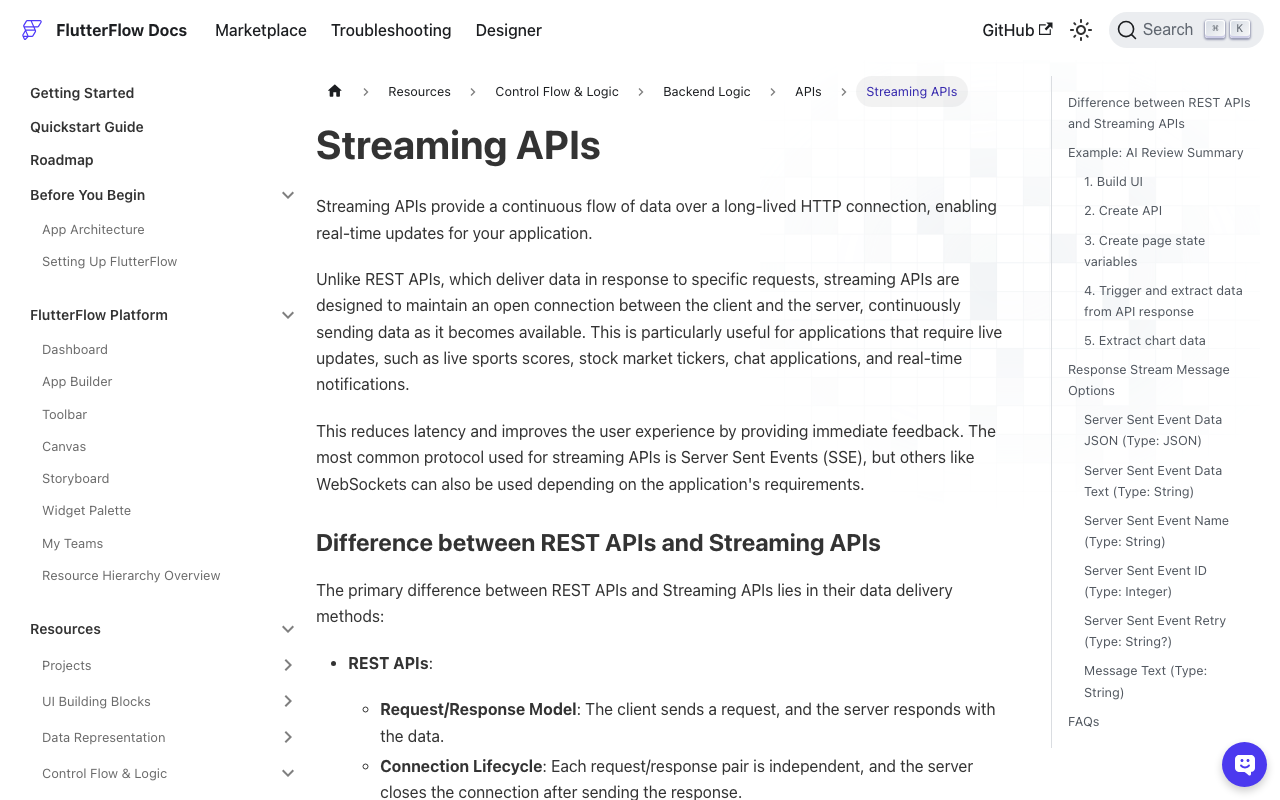
If you prefer no custom code for the transport, FlutterFlow's API Call editor has a Process Streaming Response toggle under Advanced Settings, with onMessage, onError and onClose handlers. It handles the SSE parse for you. The reason to use a custom action anyway is the request body: building the nested messages array from a list of structs is far cleaner in Dart than in the variable binding UI.
Still getting the same answer? Check these
- Is
chatHistoryactually growing? Drop a Text widget bound tochatHistory.lengthon the page. If it reads 0 or 1 after several turns, your append action is not running, or it runs after the API call. - Are you appending the assistant turn? A history of user messages only still gives you
flutterflow chatbot context not working, just in a subtler way: the model sees your questions but never its own answers, so it reintroduces itself constantly. - Is the system message pinned? If your window trim drops it, tone and scope reset mid conversation.
- Are you reusing one App State list across users? After logout, call
FFAppState().chatHistory = []inside anupdate(). A persisted list survives sign-out. - Is the request body actually the array? Log
jsonEncode({'messages': messages})once. Seeing a single-element array is the whole bug, visible in one line.
Try WidgetChat free
If you would rather not maintain the window trim, the SSE parser and the retry logic yourself, WidgetChat is a drop-in AI support chatbot for Flutter and FlutterFlow apps. It streams token by token over SSE from POST https://api.widgetchat.app/v1/chat/stream, integrates through a plain custom action or HTTP client with no proprietary SDK, and answers from your own content.
The same widget also does live voice: tap the mic for a real time speech to speech call with barge-in, live captions, and product cards on screen while it talks, across iOS, Android and web, with provider keys kept server side.

Comments
Comments are coming soon. We'd love to hear your thoughts!