

FlutterFlow Chatbot Hallucinating? Ground It in Your Docs
Ask your FlutterFlow support chatbot a question about your product and watch closely:
User: Can I export my invoices as CSV?
Bot: Yes! Go to Settings → Billing → Export and choose CSV. You can also schedule weekly exports from the same screen.
There is no Settings → Billing → Export screen in your app. Weekly exports don't exist. The bot answered instantly, confidently, and completely wrong — and if a paying customer had asked, they'd now be hunting for a feature you never built.
This is the single most common failure mode of an OpenAI- or Gemini-backed support bot, and it has a specific cause and a specific fix. The fix does not require the vector-database pipeline every tutorial insists on.
Why your bot invents features
GPT-4o and Gemini were trained on the public internet. Unless your product docs are famous, they are not meaningfully in that training data. So when a user asks about your app, the model does what it always does: it pattern-matches. It has seen a thousand SaaS billing screens, so it composits a plausible one and describes it as fact. That's a FlutterFlow AI agent hallucination — not a bug in FlutterFlow, and not something a better prompt fully cures.
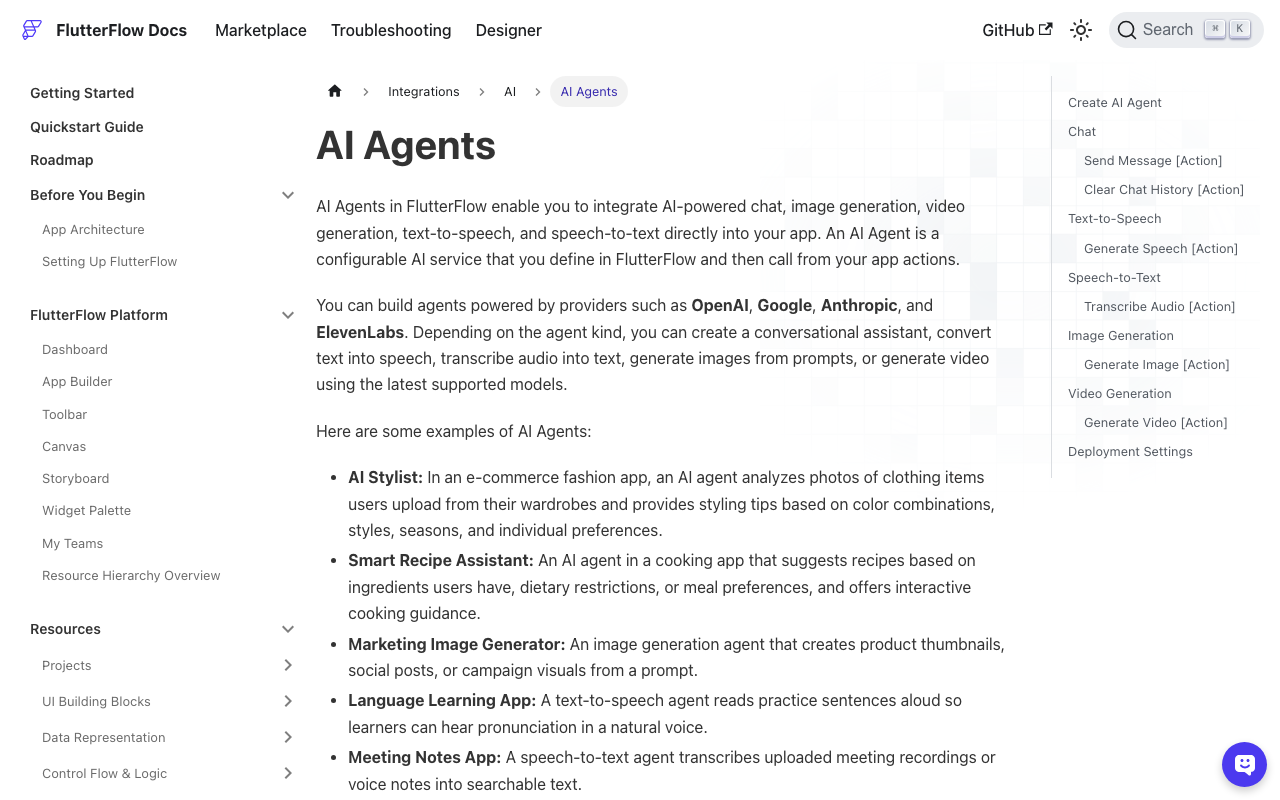
FlutterFlow's built-in AI Agents don't solve it either. You get a System Message ("You are a helpful support agent for Acme…") and Preloaded Messages (example exchanges). Both shape tone and format. Neither is a knowledge base. Chat agents on Anthropic and Google can accept a PDF per request, but that's a per-message attachment your user would have to supply — not "train this bot on my docs once and have it answer from them."
So the model answers from its priors. Confidently. Every time.
The standard advice: build a RAG pipeline you can't run
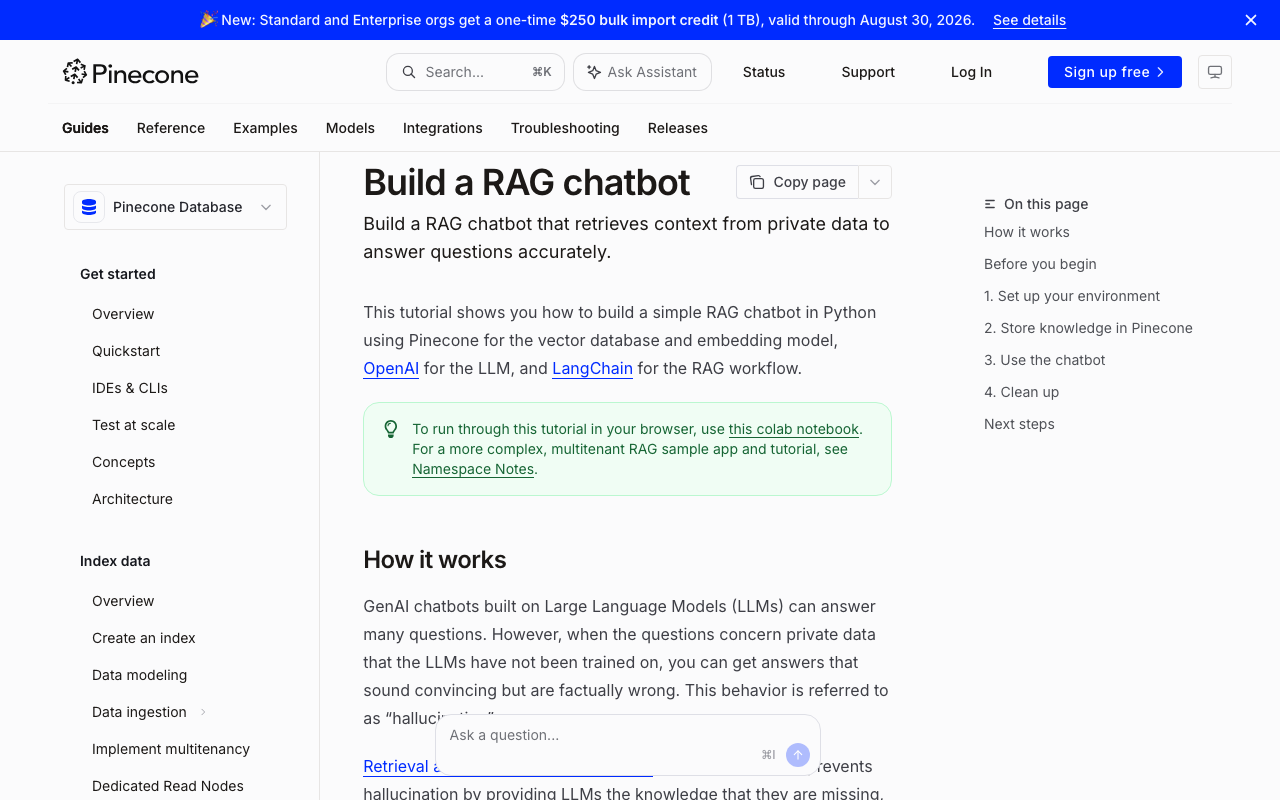
Search "train ai chatbot on my own data flutterflow" and nearly every result is a Flutter RAG chatbot tutorial with the same shopping list:
- An embeddings model (OpenAI
text-embedding-3-smallor similar) to turn your docs into vectors - A vector database — Pinecone, Supabase pgvector, Qdrant — to store and search them
- A chunking script that splits your docs into passages before embedding
- LangChain, Langflow, or n8n to glue retrieval to the LLM call
- A re-embedding job for every time your docs change
- A backend to host all of the above, because none of it runs inside a Flutter app
RAG (retrieval-augmented generation) genuinely works — that architecture is how grounding is done. But look at that list from inside a FlutterFlow project. A custom action is a Dart function; you can't run LangChain in it, and you shouldn't ship embedding API keys in an app binary. To follow those tutorials you'd stand up, secure, and pay for a separate Python or Node backend before writing your first grounded answer. This is exactly where most low-code builders stall.
What grounding actually requires (and what it doesn't)
Strip RAG to its essentials and it's two steps: retrieve the passages of your content relevant to the question, then generate an answer constrained to those passages — including saying "I don't know" when they don't cover it.
Nothing in that definition says you must operate the vector database. Retrieval has to happen on a server somewhere; it doesn't have to be your server.
You've probably already tried the half-measure: pasting your FAQ into the system message. It works for a page or two of content, then falls apart — context windows and per-request token costs grow with every doc you add, the prompt drifts out of date the moment your docs change, and the model still hallucinates about anything you didn't paste in.
What you actually want is a FlutterFlow chatbot custom knowledge base that lives server-side, with your app talking to a single endpoint.
The zero-infrastructure version: one custom action
WidgetChat is an AI support chatbot for Flutter and FlutterFlow apps that answers users from your own content — your docs, FAQ, and site copy — with the retrieval side hosted for you. There's no proprietary SDK to install: the integration surface is one HTTP endpoint, POST https://api.widgetchat.app/v1/chat/stream, which streams the reply token by token as Server-Sent Events (data: lines).
That means the entire FlutterFlow integration is a single custom action using the http package, which is already available in FlutterFlow custom code:
// FlutterFlow custom action: askWidgetChat
// Streams a grounded reply into FFAppState().streamedReply.

import 'dart:convert';
import 'package:http/http.dart' as http;

Future<void> askWidgetChat(String message, String apiKey) async {
  FFAppState().update(() => FFAppState().streamedReply = '');

  final request = http.Request(
    'POST',
    Uri.parse('https://api.widgetchat.app/v1/chat/stream'),
  )
    ..headers.addAll({
      'Authorization': 'Bearer $apiKey',
      'Content-Type': 'application/json',
      'Accept': 'text/event-stream',
    })
    // Use the request body shape from your WidgetChat dashboard/docs.
    ..body = jsonEncode({'message': message});

  // http.Client().send() gives a StreamedResponse — tokens as they arrive.
  final response = await http.Client().send(request);

  final buffer = StringBuffer();
  await for (final chunk in response.stream.transform(utf8.decoder)) {
    buffer.write(chunk);

    // Network chunk boundaries ≠ SSE event boundaries: keep the last
    // (possibly partial) line in the buffer until it completes.
    final parts = buffer.toString().split('\n');
    buffer
      ..clear()
      ..write(parts.removeLast());

    for (final raw in parts) {
      final line = raw.trimRight();
      if (!line.startsWith('data:')) continue;
      final data = line.substring(5).trimLeft();
      if (data == '[DONE]') return;
      FFAppState().update(() {
        FFAppState().streamedReply += data;
      });
    }
  }
}
Three implementation notes:
- Use
http.Request+client.send(), nothttp.post(). A plainpost()waits for the whole body, so you'd lose streaming entirely. - The line buffer is not optional. TCP hands you chunks that split SSE events mid-line; parse raw chunks directly and you'll get glued or dropped words. The full explanation is in Fix FlutterFlow Chatbot SSE Tokens That Glue or Drop.
- Bind the UI to app state. Add a
streamedReplystring to App State, point a Text widget at it, and the reply types itself out as tokens land.
Wire the action to your send button, and your FlutterFlow front end is done.
Rerun the trap question
Now ask the same question again. A grounded bot does one of two things: it quotes what your docs actually say about invoices, or it answers something like "I don't have information about CSV export — want me to connect you with the team?"
That second answer is a success, not a failure. A support bot that admits a gap routes the user to a human. A bot that invents a Settings screen sends them on a scavenger hunt and erodes trust in every future answer.
There's a second payoff: because your Flutter chatbot answers from website content and docs that live server-side, updating your docs updates the bot's answers. No app release, no re-embedding job, no pipeline to babysit.
Complete the setup
Two pieces most chatbots still need, both covered in earlier posts:
- Persistence — the bot above forgets everything on restart. Save chat history in Firestore walks through the FlutterFlow schema and queries.
- Robust streaming — if you ever see corrupted tokens, the SSE chunk-buffer deep dive explains exactly what's happening on the wire.
Try WidgetChat free
You don't need Pinecone, LangChain, or a weekend of backend work to stop your bot from lying about your product — you need your content on the other side of one streaming endpoint. Try WidgetChat free: point it at your content, drop the custom action above into your FlutterFlow project, and re-ask the question your bot used to get wrong.

Comments
Comments are coming soon. We'd love to hear your thoughts!