

Fix FlutterFlow Chatbot CORS Error After Web Publish
You wired an AI support chatbot into your FlutterFlow app, hit Run, and it answered perfectly. Then you published to web, opened the live URL, and the chat box just… sits there. Open the browser console and you see the classic:
Access to fetch at 'https://api.example.com/chat' from origin
'https://your-app.web.app' has been blocked by CORS policy:
No 'Access-Control-Allow-Origin' header is present on the requested resource.
This is one of the most common "it worked in test" traps in FlutterFlow, and it has nothing to do with your chatbot logic. Here's exactly why it happens and how to ship a real fix.
Why it works in Test mode and breaks after publishing
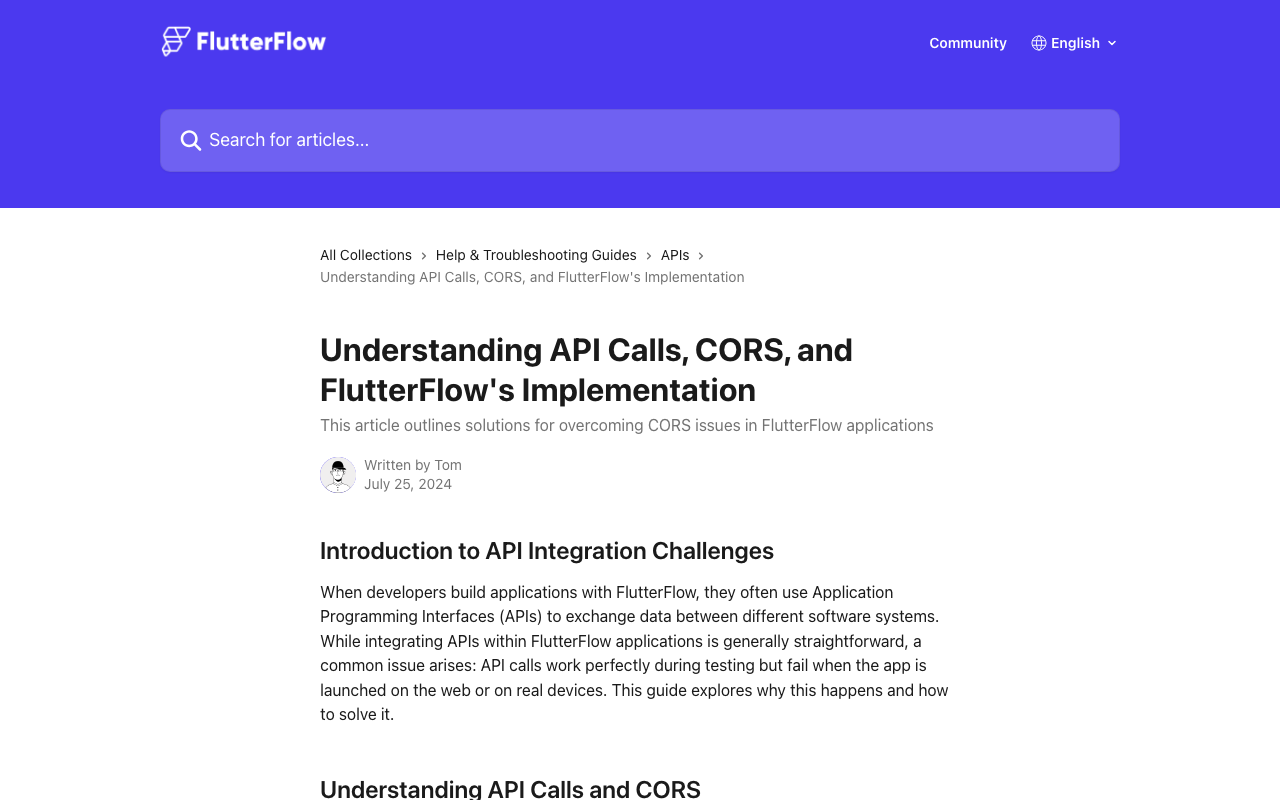
When you run an API call in FlutterFlow's Test or Run mode, the request does not go straight from your browser to the chat API. FlutterFlow routes it through its own test-only proxy server. Because the request now originates from FlutterFlow's server instead of your browser, there is no cross-origin browser check — CORS simply never applies. That's the "Use Proxy for Test" behavior baked into the API call editor.
The moment you publish, that proxy is gone. Your compiled Flutter web app runs entirely in the visitor's browser, so the chat request goes directly from https://your-app.web.app to the AI API's domain. Now the browser enforces CORS: before the real request, it sends a preflight OPTIONS call and demands an Access-Control-Allow-Origin header in the response. If the API doesn't return one that matches your origin, the browser blocks the response — your custom action gets nothing back, and the chatbot goes silent.
Two things to internalize:
- CORS is enforced by the browser, not your app. This is why the same call still works fine on the iOS/Android build (no browser, no CORS) but fails only on web.
- You usually can't add the header to a third-party API. You don't control the AI vendor's response headers, so the fix has to live on infrastructure you do control.
The fix: a serverless proxy that returns the right header
The reliable solution is to recreate — in production — what FlutterFlow's test proxy did for free: a small server-side endpoint that your web app calls, which then forwards the request to the chat API and returns the response with a proper Access-Control-Allow-Origin header. A Cloud Function is perfect for this.
This pattern has a bonus: your API key stays on the server. Calling an AI API directly from FlutterFlow web means shipping your secret key into client-side JavaScript, where anyone can read it. The proxy keeps it private.
Browser (published web app)
   → your Cloud Function proxy   ← adds Access-Control-Allow-Origin
      → WidgetChat API           ← holds your secret key
Step 1 — Write the Cloud Function proxy
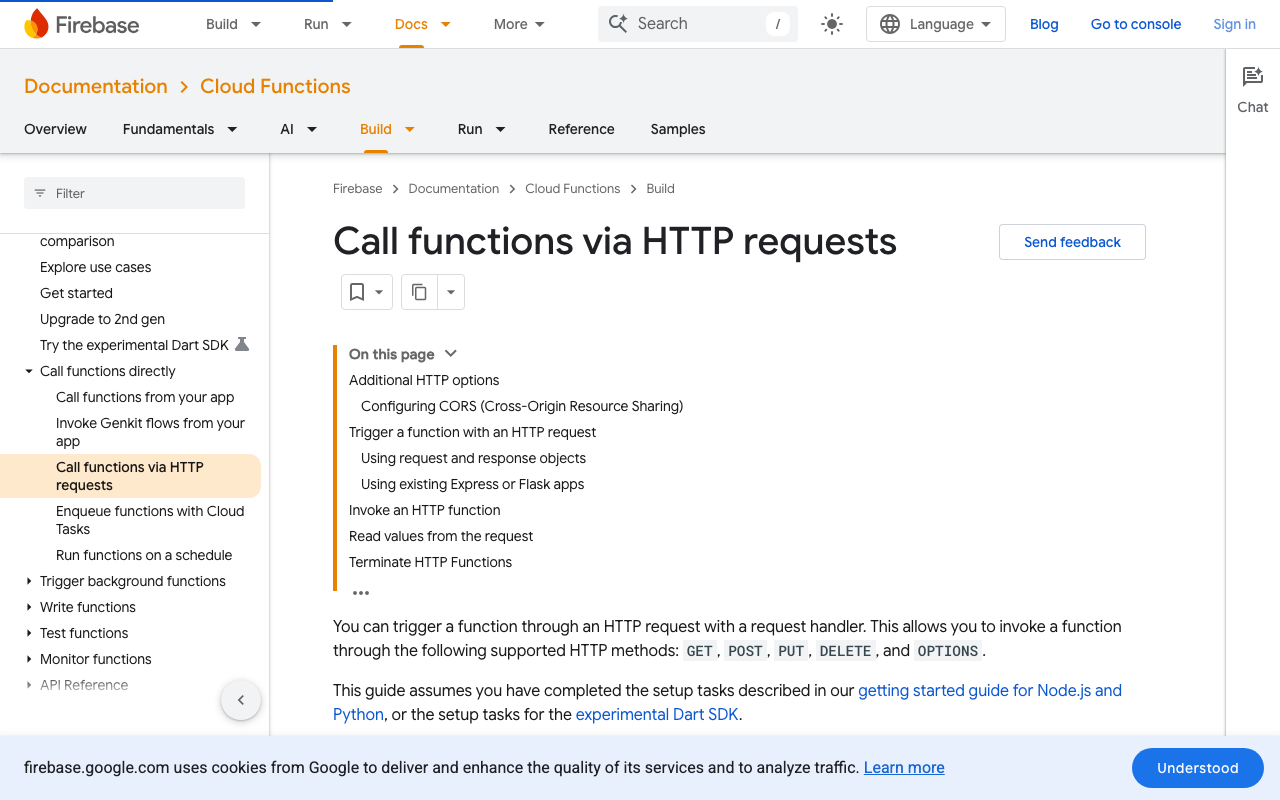
This is a Firebase Cloud Functions 2nd gen HTTP function (Node.js 20+, which has fetch built in). The cors option handles the preflight OPTIONS request and sets Access-Control-Allow-Origin automatically — you don't have to hand-roll headers.
// functions/index.js
const { onRequest } = require("firebase-functions/v2/https");
const { defineSecret } = require("firebase-functions/params");

// Store the key with:  firebase functions:secrets:set WIDGETCHAT_API_KEY
const WIDGETCHAT_API_KEY = defineSecret("WIDGETCHAT_API_KEY");

exports.chatProxy = onRequest(
  {
    // List the exact origins your app is served from.
    // Avoid "*" so only your app can use this endpoint.
    cors: ["https://your-app.web.app", "https://yourdomain.com"],
    secrets: [WIDGETCHAT_API_KEY],
    region: "us-central1",
  },
  async (req, res) => {
    if (req.method !== "POST") {
      res.status(405).json({ error: "Method not allowed" });
      return;
    }

    try {
      const { message, sessionId } = req.body ?? {};

      const upstream = await fetch("https://api.widgetchat.app/v1/chat", {
        method: "POST",
        headers: {
          "Content-Type": "application/json",
          Authorization: `Bearer ${WIDGETCHAT_API_KEY.value()}`,
        },
        body: JSON.stringify({ message, session_id: sessionId }),
      });

      const data = await upstream.json();
      // The cors option above already attached the
      // Access-Control-Allow-Origin header to this response.
      res.status(upstream.status).json(data);
    } catch (err) {
      console.error("chatProxy error", err);
      res.status(502).json({ error: "Upstream request failed" });
    }
  }
);
Deploy it:
firebase deploy --only functions:chatProxy
If you prefer raw control (or use Cloud Run / a plain Node server instead of Firebase), set the header yourself and answer the preflight explicitly:
res.set("Access-Control-Allow-Origin", "https://your-app.web.app");
res.set("Access-Control-Allow-Methods", "POST, OPTIONS");
res.set("Access-Control-Allow-Headers", "Content-Type");
if (req.method === "OPTIONS") { res.status(204).send(""); return; }
Step 2 — Point your FlutterFlow custom action at the proxy
Back in FlutterFlow, create a Custom Action that calls the Cloud Function URL instead of the AI API directly. The http package is already available in custom code.
// Custom Action: sendChatMessage
import 'dart:convert';
import 'package:http/http.dart' as http;

Future<String> sendChatMessage(String message, String sessionId) async {
  final response = await http.post(
    Uri.parse(
      'https://us-central1-your-project.cloudfunctions.net/chatProxy',
    ),
    headers: {'Content-Type': 'application/json'},
    body: jsonEncode({'message': message, 'sessionId': sessionId}),
  );

  if (response.statusCode == 200) {
    final data = jsonDecode(response.body) as Map<String, dynamic>;
    return data['reply'] as String? ?? '';
  }

  throw Exception('Chat request failed: ${response.statusCode}');
}
Wire it up like any other action: on Send tap, call sendChatMessage with the text field value and your session ID, then append the returned string to your messages list (an App State variable or a list on the page). Because the request now targets your domain's Cloud Function — which returns the matching Access-Control-Allow-Origin header — the browser is satisfied and the reply comes back.
Step 3 — Re-publish and verify
Publish again, open the live site, and send a test message. In the browser Network tab you should see the OPTIONS preflight return 204, followed by your POST returning 200 with an access-control-allow-origin header echoing your origin. No red CORS error. The chatbot replies.
Common gotchas
cors: truevs. an explicit list.true(or"*") works but lets any site call your proxy and burn your AI quota. Prefer listing your real origins.- Origin mismatch.
https://your-app.web.appand a custom domain likehttps://app.yourdomain.comare different origins. Add every domain you actually serve from. - Trailing slash / wrong region. Copy the deployed function URL exactly; a 404 from a typo looks like a CORS failure because the error response has no CORS header either.
- Still testing in Run mode? It'll keep working there thanks to the proxy — always verify on the published URL, not in the editor.
Skip the proxy plumbing entirely
All of the above is what you build when you hand-roll an AI chat integration. WidgetChat ships a drop-in AI support chatbot for Flutter and FlutterFlow web apps that's designed to run in the browser — CORS handled, keys kept server-side, no Cloud Function to maintain. You embed the widget, point it at your knowledge base, and it just works on the published site.
Try WidgetChat free and add a working AI support chatbot to your FlutterFlow web app in minutes — no CORS debugging required.

Comments
Comments are coming soon. We'd love to hear your thoughts!