

Fix a FlutterFlow Chatbot Returning a Blank Reply
You wired up an AI chatbot in FlutterFlow. The API Call > Response & Test tab shows a perfectly good answer. But on screen, the chat bubble is empty — or the action silently completes and nothing happens. This is the single most common FlutterFlow chatbot bug, and it almost always traces to one of three causes: a wrong JSON path, an error body you never see, or a malformed auth header. Let's fix each one.
Why the test panel lies to you
The Response & Test panel shows the raw HTTP body. Your UI shows whatever the JSON Path extracts from that body. When those two disagree, you get a blank reply even though the request technically succeeded. So before touching anything else, confirm what the OpenAI Chat Completions endpoint actually returns:
{
  "id": "chatcmpl-abc123",
  "object": "chat.completion",
  "model": "gpt-4o-mini",
  "choices": [
    {
      "index": 0,
      "message": {
        "role": "assistant",
        "content": "Hi! How can I help you today?"
      },
      "finish_reason": "stop"
    }
  ],
  "usage": { "prompt_tokens": 19, "completion_tokens": 9, "total_tokens": 28 }
}
The reply text lives at choices → array index 0 → message → content.
Cause 1: The JSON path is wrong
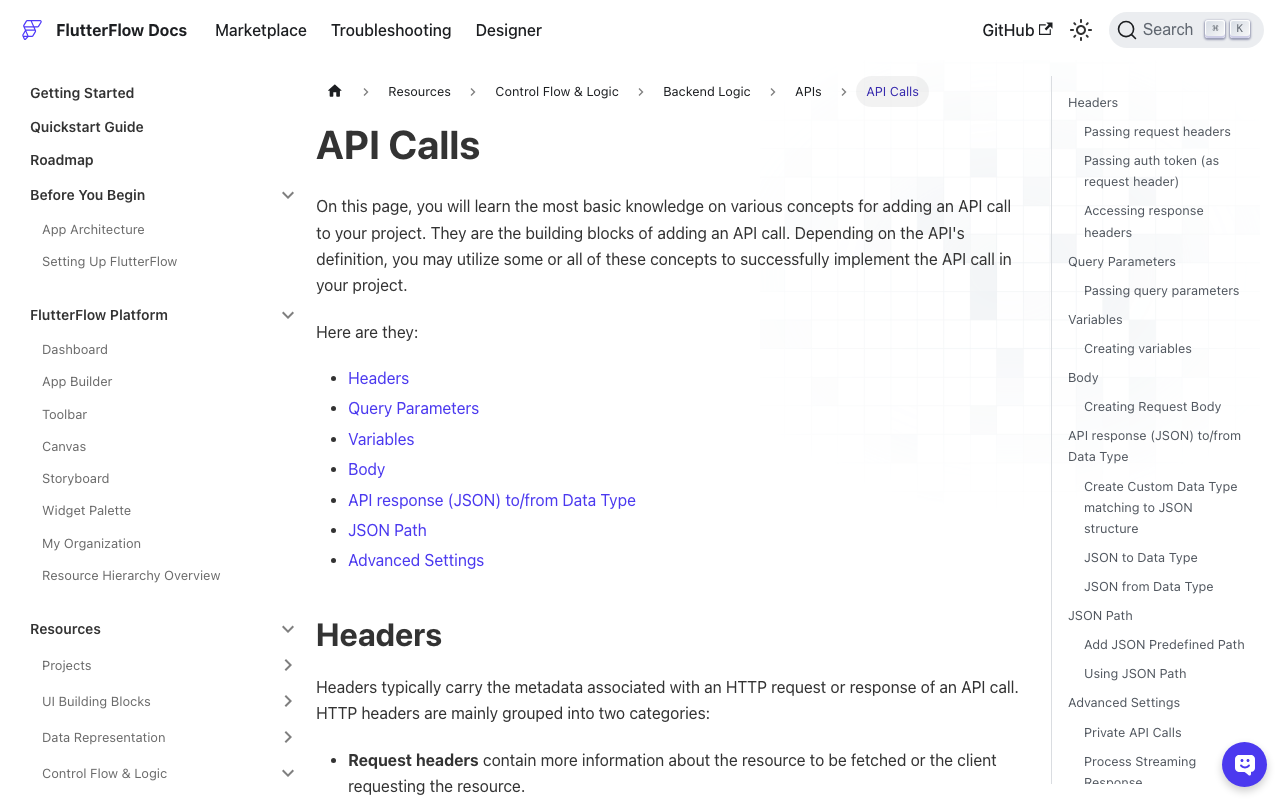
This is the flutterflow chatbot blank response classic. In the API Call's JSON Path field, FlutterFlow uses JSONPath syntax. The correct path is:
$.choices[0].message.content
The paths that quietly return null:
$.choices.message.content— forgetschoicesis an array. You must index it with[0].$.choices[0].content— skips themessageobject.$.message.content— there is no top-levelmessage.
If your path returns null in the Test sub-tab too (not just the app), the path is the culprit. Set the variable name (e.g. reply), data type String, and confirm the preview shows the answer text.
The stringified-JSON trap
If you asked the model for JSON output (via response_format), then content is itself a string containing JSON, not a nested object. FlutterFlow hands you the raw string — you cannot drill into it with another JSON path like $.choices[0].message.content.answer. Pull content as a String first, then parse it in a custom action with jsonDecode. Trying to path-extract into a stringified field is the #1 reason flutterflow json path chatbot reply searches exist.
Cause 2: The error body is hidden, so blank looks like success
When OpenAI returns a 400 or 429, the body isn't a choices array — it's an error object:
{
  "error": {
    "message": "You didn't provide an API key. You need to provide your API key in an Authorization header using Bearer auth.",
    "type": "invalid_request_error",
    "code": null
  }
}
Your JSON path $.choices[0].message.content finds nothing in that shape, so the variable is null and the bubble renders empty. The action looks like it worked. To stop guessing, replace the built-in API call with a custom action that inspects the status code and returns the real error text. Add http: ^1.2.0 under Custom Code > Settings > Pub Dependencies, then:
import 'dart:convert';
import 'package:http/http.dart' as http;

// Custom Action: getWidgetChatReply
// Returns the assistant reply, OR a readable error string — never blank.
Future<String> getWidgetChatReply(
  String userMessage,
  String apiKey,
) async {
  final uri = Uri.parse('https://api.openai.com/v1/chat/completions');

  late http.Response response;
  try {
    response = await http.post(
      uri,
      headers: {
        'Content-Type': 'application/json',
        // .trim() prevents a stray space/newline from corrupting the header.
        'Authorization': 'Bearer ${apiKey.trim()}',
      },
      body: jsonEncode({
        'model': 'gpt-4o-mini',
        'messages': [
          {
            'role': 'system',
            'content': 'You are WidgetChat, a friendly in-app support assistant.'
          },
          {'role': 'user', 'content': userMessage},
        ],
      }),
    );
  } catch (e) {
    return 'Network error: $e'; // timeout, no connection, bad URL
  }

  // Surface the hidden error instead of returning empty.
  if (response.statusCode != 200) {
    try {
      final err = jsonDecode(response.body);
      final msg = err['error']?['message'] ?? response.body;
      return 'API error ${response.statusCode}: $msg';
    } catch (_) {
      return 'API error ${response.statusCode}: ${response.body}';
    }
  }

  final data = jsonDecode(response.body) as Map<String, dynamic>;
  final choices = data['choices'] as List<dynamic>?;
  if (choices == null || choices.isEmpty) {
    return 'No choices returned. Raw body: ${response.body}';
  }

  final content = choices[0]['message']?['content'] as String?;
  if (content == null || content.trim().isEmpty) {
    final reason = choices[0]['finish_reason'];
    return 'Blank reply (finish_reason: $reason). '
        'A content filter or token limit may have truncated it.';
  }

  return content.trim();
}
Now bind the action's return value straight to your chat bubble's text. Whatever happens, the user (and you) see something: the reply, the API's own error message, or a finish-reason hint. No more flutterflow api call empty mystery.
Cause 3: 400 'no API key' even though you pasted the key
The flutterflow chatgpt api 400 no api key error means OpenAI received an Authorization header it couldn't parse. In a built-in API Call, the header value must be exactly:
Authorization: Bearer [apiToken]
The traps that produce a 400 or 401:
- Variable-name mismatch. If you typed
[apiToken]in the header but named the variableapi_key, FlutterFlow sends the literal textBearer [apiToken]. The brackets must match a defined variable exactly. - An empty value. If the variable resolves to blank, OpenAI receives
Bearer(trailing space, no key) — which is precisely the "you didn't provide an API key" 400. - Including
Bearerin the value too. If your variable already containsBearer sk-...and the header template also prependsBearer, you sendBearer Bearer sk-.... - A pasted newline or space. Copying a key from a doc can append
\n. The.trim()in the custom action above defends against this; in the built-in call, re-paste carefully.
In the custom action, pass the key as a String argument and store it in App State (or better, a backend proxy) — never hard-code production keys into client builds.
A 60-second debugging checklist
- Test tab shows text but UI is blank? → JSON path. Use
$.choices[0].message.content. - Test tab returns null too? → path syntax or a stringified-JSON content field.
- Status code isn't 200? → swap in the custom action and read the error body.
- 400 'no API key'? → check the variable name match and that the key isn't empty.
finish_reasonislength? → raisemax_tokens. Ifcontent_filter, rephrase the prompt.
Try WidgetChat free
Debugging raw API calls is fine for one screen — but if you want a production-ready support chatbot in your Flutter or FlutterFlow app without babysitting JSON paths and auth headers, try WidgetChat free. You drop in one widget, point it at your docs, and ship — error handling included.

Comments
Comments are coming soon. We'd love to hear your thoughts!