

FlutterFlow AI Chat History Lost on Restart? Persist It
Your support chat works. The user asks two questions, gets two good answers, switches to another app, and comes back an hour later to an empty screen. The bot has also forgotten everything, so the next reply starts from zero.
This is the flutterflow ai chat resets on restart problem, and it has two separate causes. This post fixes both with two small custom actions.
Why the chat resets
Page State dies with the page
If your message list is a Page State variable, it lives in the page's widget state. It is gone when the page is disposed, and it is certainly gone when the OS kills the app in the background. Nothing was ever written to disk, so there is nothing to restore.
Persisted App State lists are not dependable for this
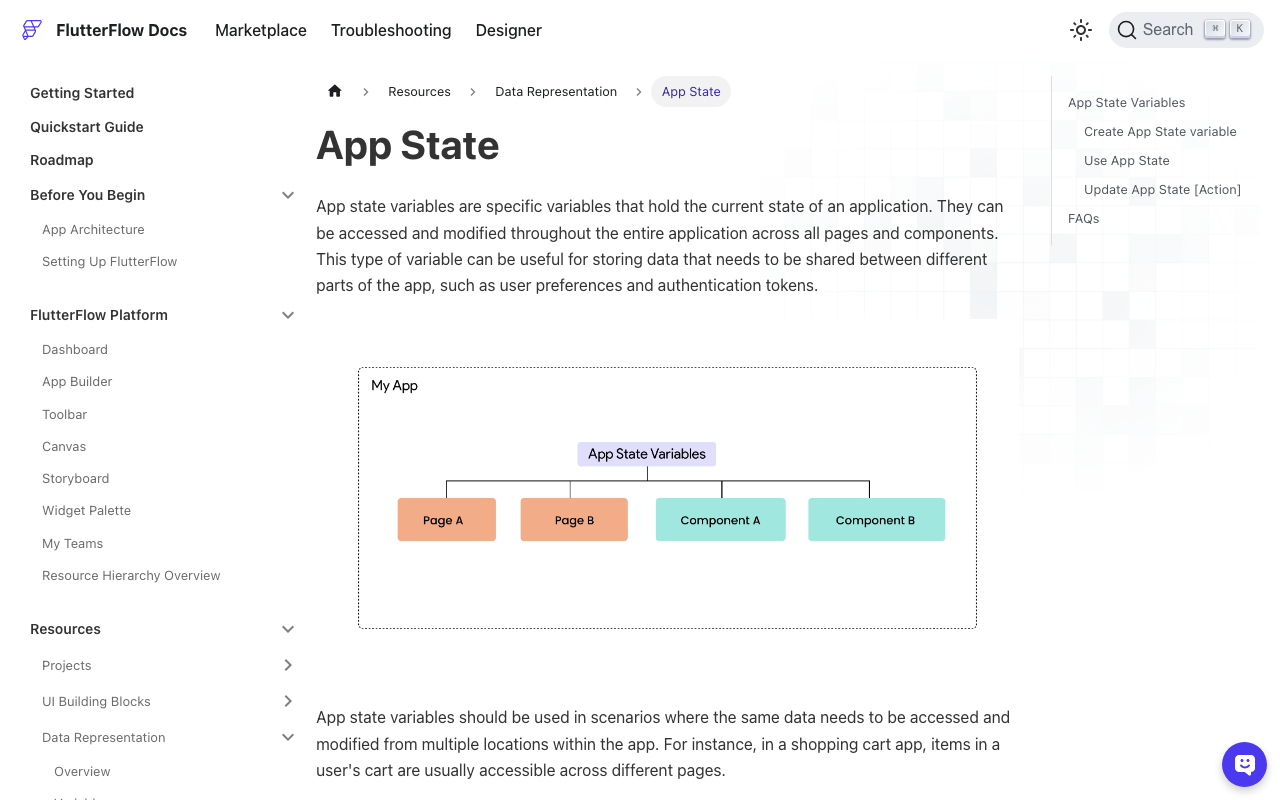
The obvious fix is to move the list to App State and tick Persisted. FlutterFlow's docs say a persisted variable is saved on the device with the shared_preferences package and reloaded on restart.
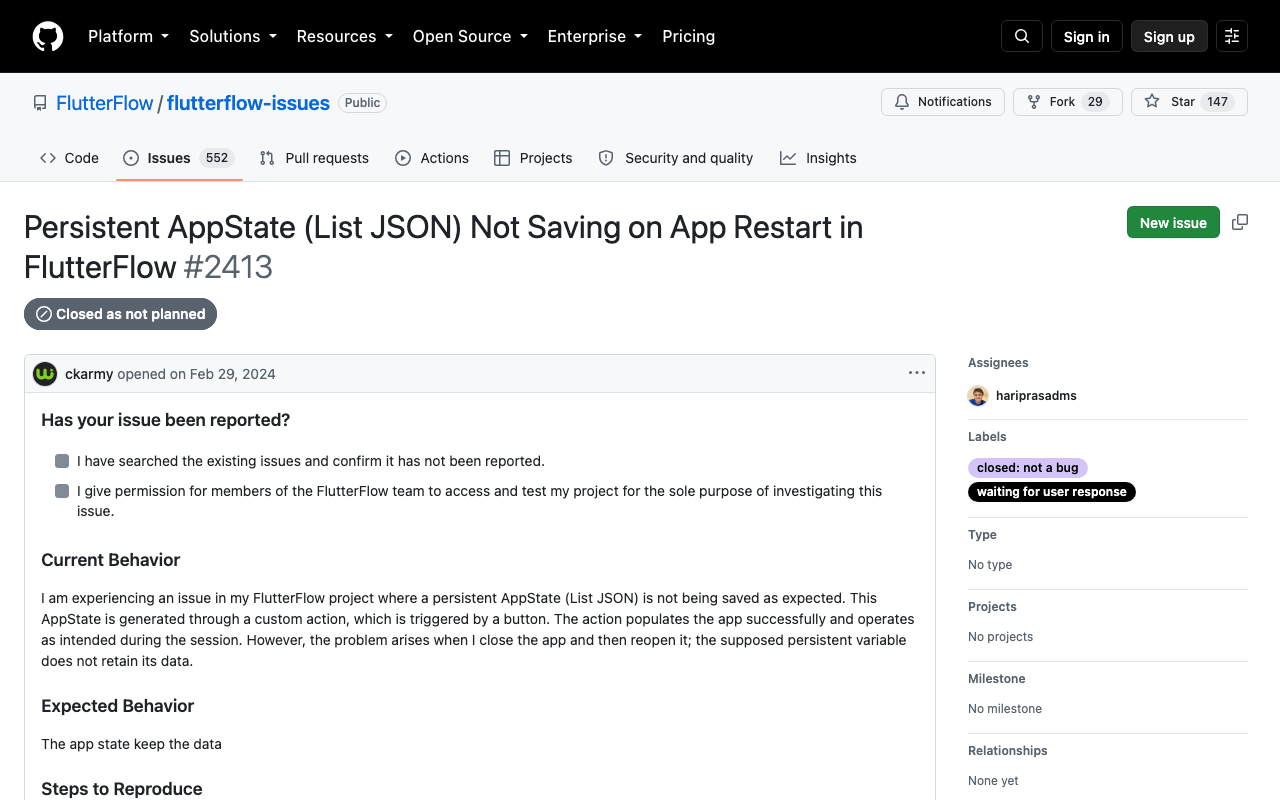
In practice, lists of JSON or custom data types are where people get burned. Search for flutterflow app state list json not persisting and you land on FlutterFlow issue #2413 (a persisted JSON list comes back empty after restart), #2391 (a list of a custom data type is not persisted) and #1072 (some persisted variables do not persist at all).
One cause you can see in the generated code: the write to disk happens inside the generated setter and list helpers (addToChatHistory, removeFromChatHistory and friends). Change the list any other way, for example FFAppState().chatHistory.removeWhere(...) or editing a struct in place, and the screen updates but the disk copy does not. It looks fine until the next launch.
For a transcript that grows on every turn and is touched from custom code, it is simpler to own the save and the load yourself. That is about 60 lines of Dart.
The plan
- Keep
chatHistoryin App State so the page can bind to it, with Persisted turned off. - One custom action writes the list and a conversation id to local storage.
- One custom action reads them back on page load.
- Save once per finished message, never per streamed token.
This builds on the setup from FlutterFlow Chatbot Repeats Itself? Send Chat History: a ChatMessage custom data type (role, content, sentAt), an App State list chatHistory of that type, and a streamChatReply custom action that posts the list to POST https://api.widgetchat.app/v1/chat/stream and reads the data: SSE lines.
Add one more App State field: conversationId, a String, not persisted.
Step 1: save the conversation
Create a custom action called saveChatHistory with no arguments. FlutterFlow already depends on shared_preferences for its own persisted state, so there is normally nothing to add under dependencies.
// Automatic FlutterFlow imports
import '/backend/schema/structs/index.dart';
import '/flutter_flow/flutter_flow_util.dart';
import 'package:flutter/material.dart';
// Begin custom action code
import 'dart:convert';
import 'package:shared_preferences/shared_preferences.dart';

Future saveChatHistory() async {
  const maxStored = 200;

  final all = FFAppState().chatHistory;
  final recent =
      all.length <= maxStored ? all : all.sublist(all.length - maxStored);

  final encoded = jsonEncode(recent
      .map((m) => {
            'role': m.role,
            'content': m.content,
            'sentAt': m.sentAt?.millisecondsSinceEpoch,
          })
      .toList());

  final prefs = await SharedPreferences.getInstance();
  await prefs.setString('wc_chat_messages', encoded);
  await prefs.setString('wc_conversation_id', FFAppState().conversationId);
}
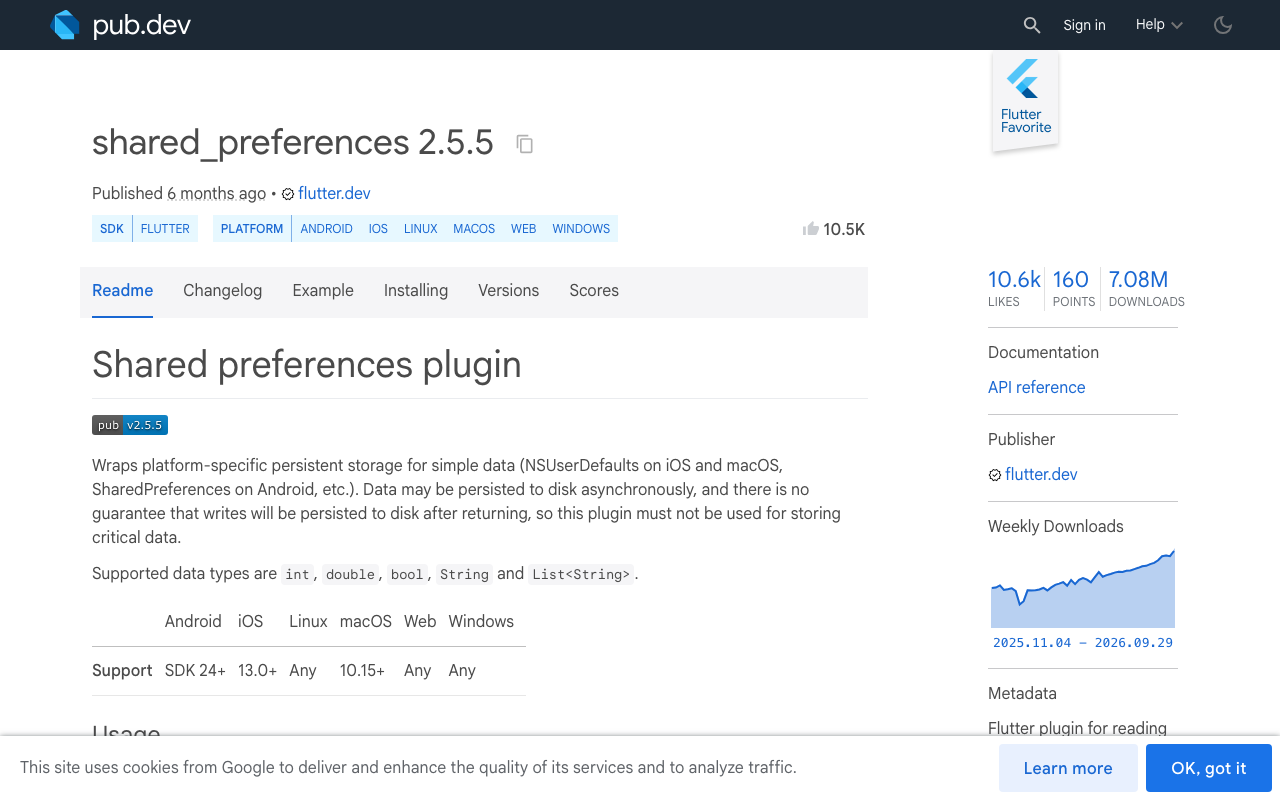
The whole transcript goes in as one JSON string. shared_preferences is a key-value store (NSUserDefaults on iOS, SharedPreferences on Android, localStorage on web), so it is meant for small data. The 200 message cap keeps it that way. It is also not encrypted, so do not store anything in the transcript you would not store in plain text on the device.
Step 2: restore on page load
Create a second custom action, loadChatHistory, also with no arguments.
// Automatic FlutterFlow imports
import '/backend/schema/structs/index.dart';
import '/flutter_flow/flutter_flow_util.dart';
import 'package:flutter/material.dart';
// Begin custom action code
import 'dart:convert';
import 'dart:math';
import 'package:shared_preferences/shared_preferences.dart';

Future loadChatHistory() async {
  final prefs = await SharedPreferences.getInstance();

  var id = prefs.getString('wc_conversation_id') ?? '';
  if (id.isEmpty) {
    final rnd = Random.secure();
    id = List.generate(
      16,
      (_) => rnd.nextInt(256).toRadixString(16).padLeft(2, '0'),
    ).join();
    await prefs.setString('wc_conversation_id', id);
  }

  final restored = <ChatMessageStruct>[];
  final raw = prefs.getString('wc_chat_messages');
  if (raw != null) {
    try {
      for (final item in jsonDecode(raw) as List) {
        final sentAt = item['sentAt'];
        restored.add(ChatMessageStruct(
          role: item['role'] as String?,
          content: item['content'] as String?,
          sentAt: sentAt is int
              ? DateTime.fromMillisecondsSinceEpoch(sentAt)
              : null,
        ));
      }
    } catch (_) {
      // A corrupt blob should not lock the user out of chat.
      restored.clear();
      await prefs.remove('wc_chat_messages');
    }
  }

  FFAppState().update(() {
    FFAppState().conversationId = id;
    FFAppState().chatHistory = restored;
  });
}
On the chat page, open Actions > On Page Load and add loadChatHistory as the first action. Your ListView is already bound to chatHistory, so the old messages appear as soon as the action finishes.
The code uses the classic SharedPreferences.getInstance() API because it works on every version of the package a FlutterFlow project may be pinned to. If you have exported your code and are on shared_preferences 2.3.0 or later, the package recommends SharedPreferencesAsync for new code. The calls are nearly identical: await SharedPreferencesAsync().setString(key, value) and await SharedPreferencesAsync().getString(key).
Step 3: save when a message is finished, not on every token
This is the trap. Your streaming action updates the screen as tokens arrive, so it is tempting to call saveChatHistory in the same place. Do not.
- Each save re-encodes and rewrites the entire transcript. Doing that dozens of times a second for one reply is wasted I/O on the UI isolate, and the stream starts to stutter.
- If the app is killed mid reply, you have stored half an answer as if it were a complete assistant message. On the next launch that fragment is sent back to the model as real history.
Save at exactly two points in the send button's action chain:
appendUserMessage(text)saveChatHistory()so the question survives even if the app dies during the replystreamChatReply(chatHistory)which appends the assistant message once, after the stream closessaveChatHistory()again, now with the complete reply
The partial text stays in a non persisted streamingReply string while tokens arrive. Only the finished message ever reaches the list, and only the list ever reaches disk.
Step 4: send the restored history with the next request
Nothing new to write here, which is the point. loadChatHistory puts the restored messages back into chatHistory, and streamChatReply already posts that list:
final messages = windowFor(FFAppState().chatHistory)
    .map((m) => {'role': m.role, 'content': m.content})
    .toList();

final request = http.Request(
  'POST',
  Uri.parse('https://api.widgetchat.app/v1/chat/stream'),
)
  ..headers.addAll({
    'Content-Type': 'application/json',
    'Accept': 'text/event-stream',
    'Authorization': 'Bearer ${FFAppState().apiKey}',
  })
  ..body = jsonEncode({'messages': messages});
So the first message after a restart carries the earlier turns, and the bot answers "and what about the annual plan?" correctly instead of asking what you mean. The sliding window from the earlier post still applies: store up to 200 messages for the user to scroll through, send only the most recent ones.
What the conversation id is for
The flutterflow chatbot conversation id here is generated on the device and stays the same across restarts. It is your handle for one thread: use it in your own logs or analytics, and as the thing you rotate when a thread ends. In this setup the model's context comes from the messages array you send, so the id does not replace sending history.
Add a New conversation button that clears the list, removes both keys with prefs.remove(...), and calls loadChatHistory again to mint a fresh id. Run the same reset on logout. Otherwise the next person to sign in on that device sees the previous user's transcript.
Quick checks if it still comes back empty
- Is
loadChatHistoryreally the first On Page Load action? If another action setschatHistoryafter it, the restored list is overwritten. - Is Persisted still ticked on
chatHistory? Turn it off. Two mechanisms writing the same data is how you get stale lists. - Are you testing in Test Mode on web? Each test session can start with clean browser storage. Check on a real device or a Run Mode build.
- Did the second save run? If the stream throws, the chain stops before step 4. Add
saveChatHistoryto the error branch as well.
Try WidgetChat free
WidgetChat is an AI customer support chatbot for Flutter and FlutterFlow apps that answers from your own content. It streams replies token by token over SSE from POST https://api.widgetchat.app/v1/chat/stream, and you integrate it with a custom action or a plain HTTP client, no proprietary SDK required.
The same widget also does live voice: users tap the mic for a real time speech to speech call with barge-in and live captions, on iOS, Android and web, with provider API keys kept server side.

Comments
Comments are coming soon. We'd love to hear your thoughts!