

Add a Retry Button to Your FlutterFlow AI Chatbot
Your chatbot works great in the demo. Then a real user opens it on a train, loses signal for two seconds mid-answer, and the reply just... stops. Half a sentence, a blinking cursor that never blinks again, and no way forward except killing the app. Every happy-path tutorial ends before this moment. This one starts here.
We'll catch a broken Server-Sent Events (SSE) stream from POST https://api.widgetchat.app/v1/chat/stream, hold on to the user's message and whatever partial tokens already arrived, and render a tappable Retry bubble that re-POSTs with exponential backoff (100 ms → 5 s) — no full page reload, no lost conversation.
Why streaming replies fail mid-flight
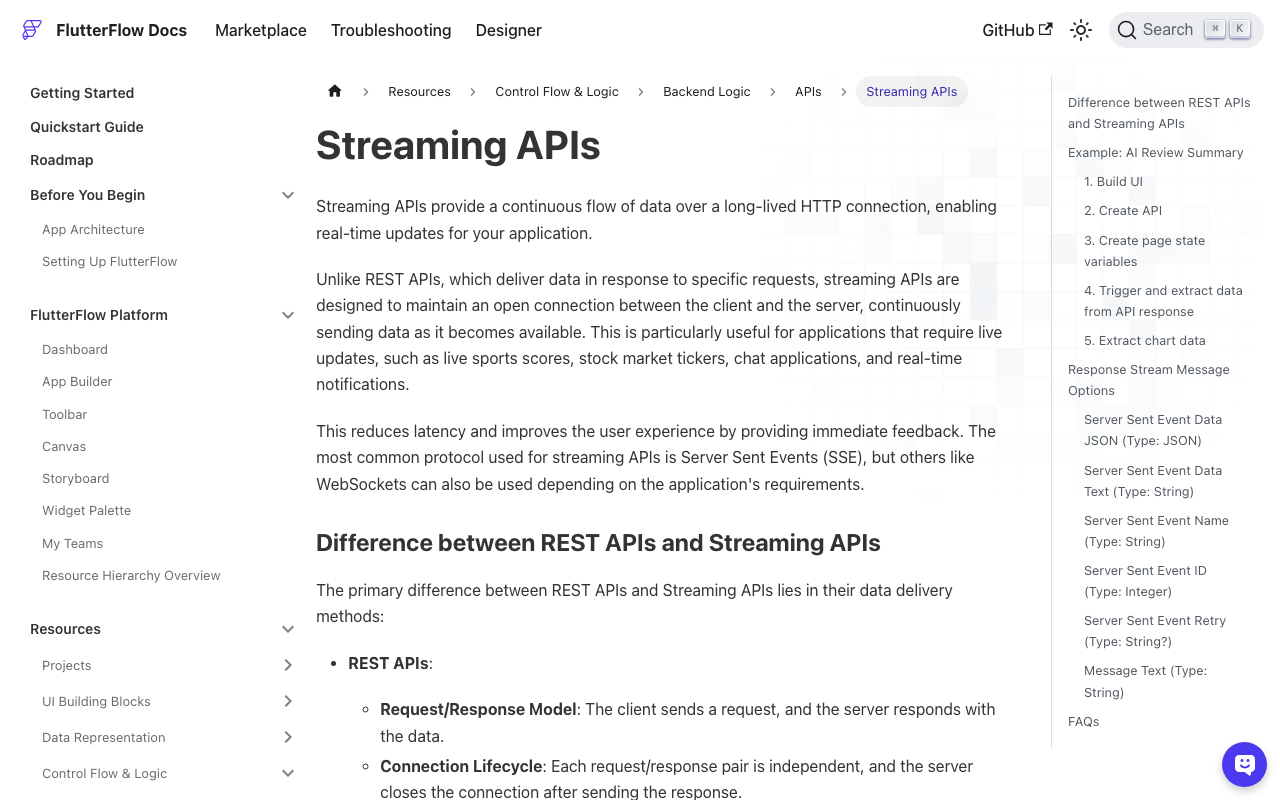
Streaming AI responses ride a single long-lived HTTP connection. In Flutter you typically open it with http.Client().send() and read response.stream token by token. That connection is fragile by design:
- Timeouts — a slow first token or a stalled generation trips your read timeout.
- Dropped connections — cellular handoff, Wi-Fi drop, or a proxy closing an idle socket throws a
ClientExceptionorSocketExceptiondeep inside yourawait forloop. - Non-200 responses — a
429or503from the API never even starts the stream.
Any of these lands as an exception inside the loop that's already painting tokens into a chat bubble. If you don't catch it there, the bubble freezes at whatever it last rendered.
The core: a stream reader that fails gracefully
The trick is to accumulate tokens into a StringBuffer you own, so when the stream throws you still have every token that arrived. Drop this into a FlutterFlow Custom Action (or a shared Dart file under Custom Code).
import 'dart:async';
import 'dart:convert';
import 'package:http/http.dart' as http;

/// Streams one reply. Calls [onToken] with the FULL text so far on every
/// token, and [onDone] once — with failed=true if the stream broke.
Future<String> streamChat({
  required String message,
  required String apiKey,
  required void Function(String partialText) onToken,
  required void Function(String finalText, bool failed) onDone,
}) async {
  final buffer = StringBuffer();
  final client = http.Client();
  try {
    final req = http.Request(
      'POST',
      Uri.parse('https://api.widgetchat.app/v1/chat/stream'),
    );
    req.headers.addAll({
      'Authorization': 'Bearer $apiKey',
      'Content-Type': 'application/json',
      'Accept': 'text/event-stream',
    });
    req.body = jsonEncode({'message': message});

    // 30s covers a slow first token without hanging forever.
    final res = await client.send(req).timeout(const Duration(seconds: 30));
    if (res.statusCode != 200) {
      throw http.ClientException('HTTP ${res.statusCode}');
    }

    await for (final line in res.stream
        .transform(utf8.decoder)
        .transform(const LineSplitter())) {
      if (!line.startsWith('data:')) continue;
      final data = line.substring(5).trim();
      if (data.isEmpty || data == '[DONE]') continue;

      // Be defensive about payload shape: JSON token, else raw text.
      String token;
      try {
        final decoded = jsonDecode(data);
        token = (decoded is Map ? decoded['token'] ?? decoded['text'] : data)
            ?.toString() ?? '';
      } catch (_) {
        token = data;
      }
      buffer.write(token);
      onToken(buffer.toString());
    }
    onDone(buffer.toString(), false);
    return buffer.toString();
  } catch (e) {
    // Stream died mid-reply — keep whatever we already rendered.
    onDone(buffer.toString(), true);
    rethrow;
  } finally {
    client.close();
  }
}
Two details matter. First, LineSplitter — multiple data: events often arrive in one TCP packet, so you must split on newlines rather than assume one packet equals one token. Second, the finally block closes the client on every path, including the failure path, so you don't leak sockets on flaky networks.
Retry with exponential backoff (100 ms → 5 s)
Hammering a struggling endpoint with instant retries makes things worse. Space the attempts out and add jitter so a whole fleet of reconnecting clients doesn't stampede at the same instant.
import 'dart:math';

Duration _backoff(int attempt) {
  // 100ms, 200ms, 400ms, 800ms, 1600ms, ... capped at 5s.
  final base = min(100 * pow(2, attempt).toDouble(), 5000);
  final jitter = Random().nextDouble() * 0.25 * base; // up to +25%
  return Duration(milliseconds: (base + jitter).round());
}

Future<void> sendWithRetry({
  required String message,
  required String apiKey,
  required void Function(String partialText) onToken,
  required void Function(String text, bool failed) onStatus,
}) async {
  const maxAttempts = 6; // ~last delay lands near 5s
  for (var attempt = 0; attempt < maxAttempts; attempt++) {
    try {
      await streamChat(
        message: message,
        apiKey: apiKey,
        onToken: onToken,
        onDone: (text, _) {}, // handled below on success
      );
      onStatus('', false); // success: clear the failed flag
      return;
    } catch (_) {
      final isLast = attempt == maxAttempts - 1;
      if (isLast) {
        onStatus('', true); // give up: leave the Retry bubble in place
        return;
      }
      await Future.delayed(_backoff(attempt));
    }
  }
}
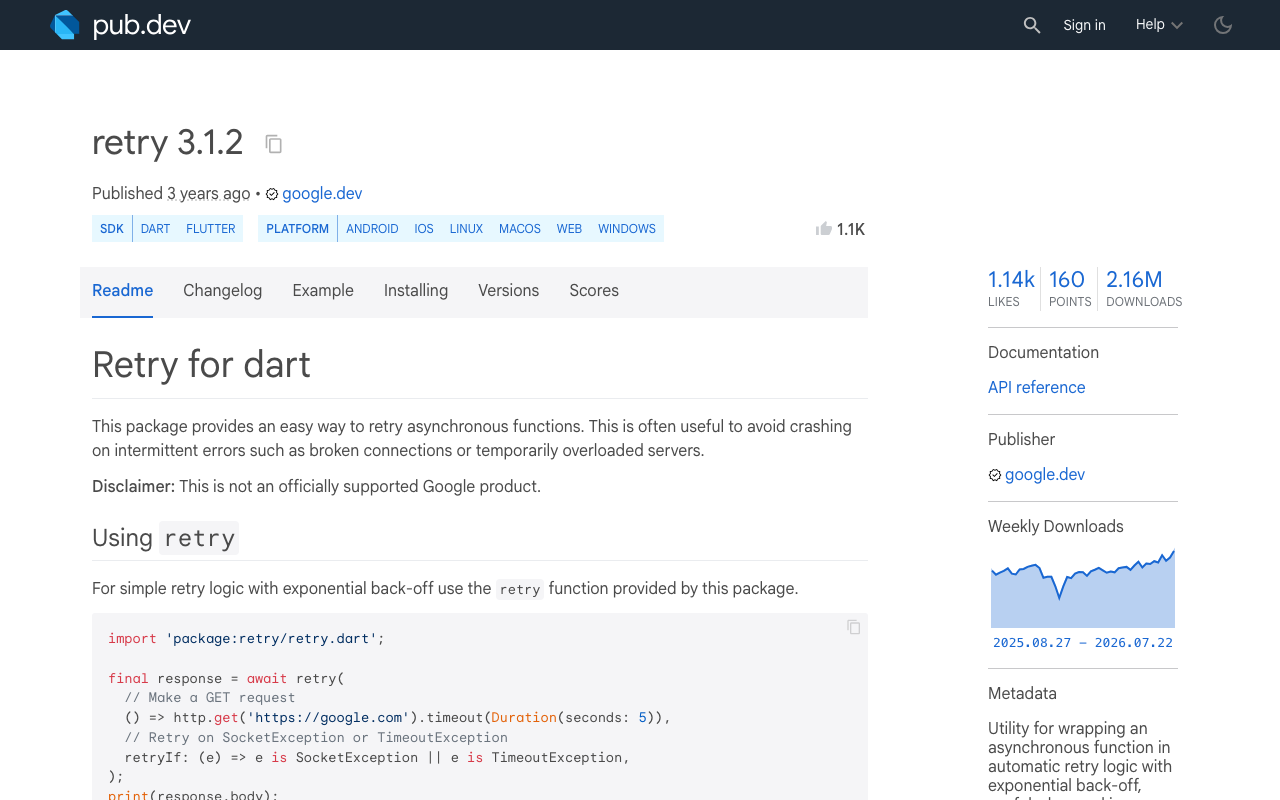
Prefer a battle-tested helper? The retry package wraps this exact pattern — RetryOptions(delayFactor: Duration(milliseconds: 100), maxDelay: Duration(seconds: 5), maxAttempts: 6) plus a retryIf that only retries on network/timeout errors, not on a 400 you'd just repeat.
One correctness gotcha: retries restart the reply
The /v1/chat/stream endpoint has no resume cursor — a fresh POST regenerates the answer from the top. So do not append a retry's tokens onto the partial ones, or you'll get duplicated, garbled text. Keep the partial tokens on screen only as a placeholder so the bubble is never empty while you back off; the moment a retry produces its first token, onToken overwrites the bubble with the fresh full string (that's why streamChat passes buffer.toString() — the whole text — every time, not deltas). Preserve the partial for the user's eyes, not for concatenation.
Wiring the tappable Retry bubble in FlutterFlow
Represent each message with a status field: streaming, done, or failed. Store your messages in an App State list (or a custom data type). Your callbacks map straight onto it:
onToken(partial)→ update the last message'stextand setstatus = streaming.onStatus(_, true)after all retries fail → set the last message'sstatus = failed.
In your chat ListView item, add Conditional Visibility on a small Retry row that shows only when status == failed. Give it a tap-friendly target (a bubble with a refresh icon and "Tap to retry"). Its On Tap action:
- Set that message's
statusback tostreaming. - Call
sendWithRetryagain with the original user message — which you never discarded, because it's a separate message object in your list.
Because the user's turn and the assistant's turn are distinct entries, retrying costs nothing extra to reconstruct: the prompt is right there. That's the whole point of keeping state instead of reloading the page.
// On Tap of the Retry bubble (Custom Action body):
FFAppState().updateMessageStatus(index, 'streaming');
await sendWithRetry(
  message: FFAppState().messages[userIndex].text, // preserved original
  apiKey: FFAppState().wcApiKey,
  onToken: (t) => FFAppState().updateMessageText(index, t),
  onStatus: (_, failed) =>
      FFAppState().updateMessageStatus(index, failed ? 'failed' : 'done'),
);
Test it before you ship
Don't wait for a real dropped connection. Toggle airplane mode mid-reply, throttle to "Edge" in your simulator's network conditioner, or point the endpoint at a local proxy you can kill. You want to see three things: the partial text stays put, the Retry bubble appears after backoff exhausts, and one tap cleanly restarts the stream over the same conversation.
Handled well, a flaky network becomes a one-tap recovery instead of a dead-end. Your users keep their context, their scroll position, and their patience.
Want streaming that's this robust without hand-rolling every edge case? WidgetChat drops a real-time AI support chatbot — token-by-token SSE and all — into your Flutter or FlutterFlow app through a plain custom action, no proprietary SDK. Try WidgetChat free.

Comments
Comments are coming soon. We'd love to hear your thoughts!