

Fix FlutterFlow AI Chat's Blank Reply With No Error
You wire an AI support chatbot into your FlutterFlow app, type a question, and get back a message bubble with nothing in it. No snackbar, no red screen, no log line. Send it again and sometimes it works. That is the single most common shape of flutterflow ai chat not responding, and the reason it is so hard to debug is that FlutterFlow is actively hiding the cause from you.
This post fixes it properly: a typed result from the custom action, a real error state in the UI, and a retry, written against the WidgetChat streaming endpoint POST https://api.widgetchat.app/v1/chat/stream.
Why the bubble is empty and the console is quiet
Two separate mechanisms conspire here.
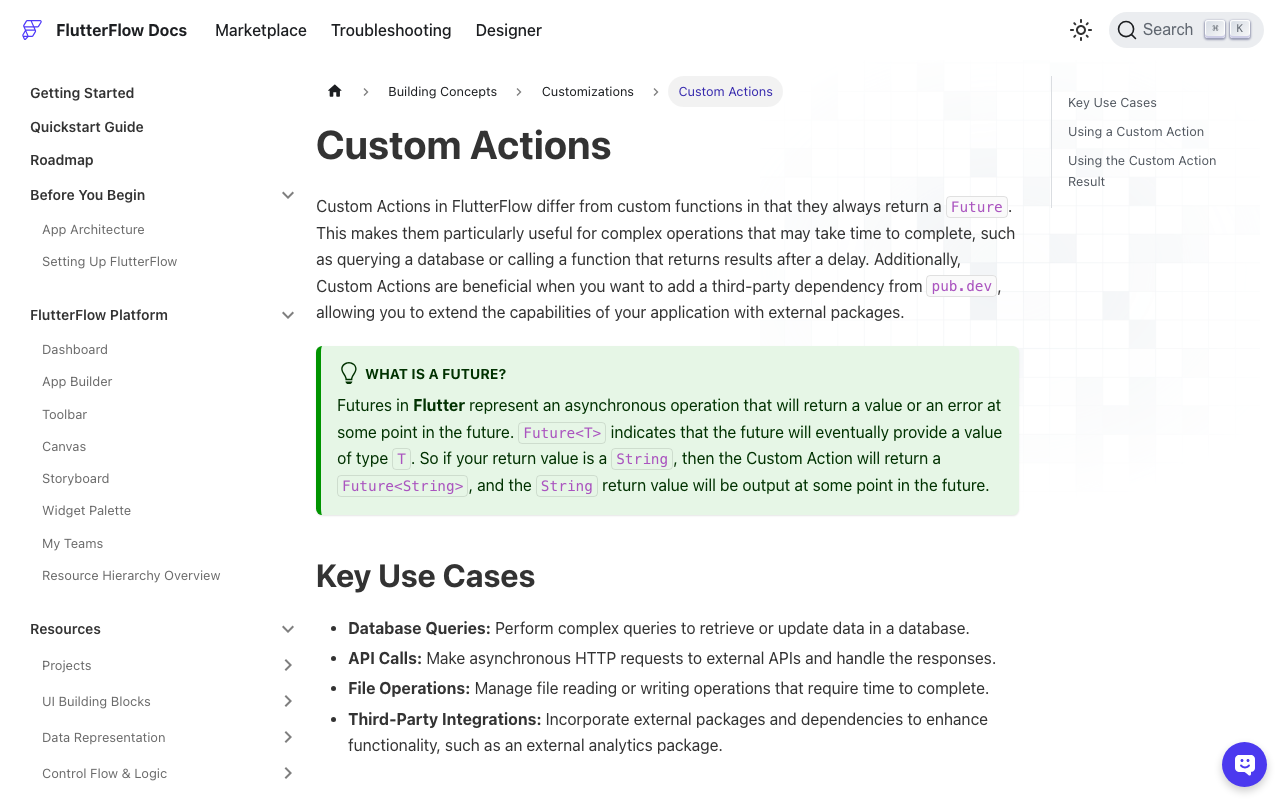
Custom actions always return a Future. That is in FlutterFlow's own docs: declare a return type of String and you get Future<String>. The generated page code awaits your action inside the action chain. If your code throws, the await throws, the chain aborts, and every action after it, including the one that was supposed to show the error snackbar, never runs. You get the half-finished UI state you set up before the call. In Test Mode you might catch it in the browser debug console; in a release build on a user's phone, nothing at all. FlutterFlow's own troubleshooting notes admit that code can be excluded from error checks yet still execute, which is why flutterflow custom action no error message is such a common search.
And if you used an API Call instead of a custom action, you get the mirror image: ApiCallResponse comes back with succeeded == false, but your Text widget is bound to something like $.reply in the JSON body. A 401 body has no reply key, so the binding resolves to null, and null renders as an empty string. That is the flutterflow api call returns blank response case. The failure is right there in the response, you just never looked at it.
So these four very different events produce one identical pixel-for-pixel result:
- 401 / 403 — wrong or missing API key, or the key is scoped to another project.
- 429 or another 4xx — rate limited, or the project has run out of its allowance.
- A dropped SSE connection — the socket closes mid-answer. No error, the stream just ends.
- A 200 that streams zero tokens — connection fine, handshake fine, no text.
Any fix that does not distinguish between them is guesswork.
Rule 1: a custom action must never throw
If your action throws, you lose control of the action chain. So catch everything and encode the failure in the return value instead. That is the whole trick behind workable flutterflow custom action error handling.
Rule 2: return a Data Type, not a String
In FlutterFlow, create a Custom Data Type called ChatResult with these fields:
| Field | Type |
|---|---|
ok |
Boolean |
text |
String |
httpStatus |
Integer |
errorCode |
String |
errorMessage |
String |
retryable |
Boolean |
In generated Dart, a data type named ChatResult becomes ChatResultStruct. Set your custom action's return value to Data Type → ChatResult, single, and uncheck nullable.
The streaming action
Add http: ^1.6.0 to the action's pub dependencies. This streams tokens into App State (create streamingReply as String and isStreaming as Boolean), so the bubble fills in live, and returns a verdict at the end.
// Custom Action: streamChatReply
// Return value: Data Type -> ChatResult (single, non-nullable)
// Arguments: message (String), conversationId (String, nullable), apiKey (String)

import 'dart:async';
import 'dart:convert';
import 'package:http/http.dart' as http;

Future<ChatResultStruct> streamChatReply(
  String message,
  String? conversationId,
  String apiKey,
) async {
  final buffer = StringBuffer();
  final client = http.Client();

  FFAppState().update(() {
    FFAppState().streamingReply = '';
    FFAppState().isStreaming = true;
  });

  try {
    final request = http.Request(
      'POST',
      Uri.parse('https://api.widgetchat.app/v1/chat/stream'),
    )
      ..headers.addAll({
        'Authorization': 'Bearer $apiKey',
        'Content-Type': 'application/json',
        'Accept': 'text/event-stream',
      })
      ..body = jsonEncode({
        'message': message,
        if (conversationId != null) 'conversation_id': conversationId,
      });

    final response =
        await client.send(request).timeout(const Duration(seconds: 15));

    if (response.statusCode != 200) {
      final body = await response.stream.bytesToString();
      return _httpFailure(response.statusCode, body);
    }

    // Stream.timeout fires when the gap BETWEEN events exceeds the duration,
    // which is exactly the 'it went quiet halfway through' case.
    final lines = response.stream
        .transform(utf8.decoder)
        .transform(const LineSplitter())
        .timeout(const Duration(seconds: 20));

    await for (final line in lines) {
      if (!line.startsWith('data:')) continue; // blank lines, comments, keep-alives
      final payload = line.substring(5).trim();
      if (payload.isEmpty || payload == '[DONE]') continue;

      final frame = _decodeFrame(payload);
      if (frame == null) continue;

      final err = frame['error'];
      if (err != null) {
        return ChatResultStruct(
          ok: false,
          text: buffer.toString(),
          httpStatus: 200,
          errorCode: 'stream_error',
          errorMessage: err is Map ? '${err['message'] ?? err}' : '$err',
          retryable: true,
        );
      }

      final token = frame['delta'] ?? frame['text'] ?? frame['content'];
      if (token is String && token.isNotEmpty) {
        buffer.write(token);
        FFAppState().update(() {
          FFAppState().streamingReply = buffer.toString();
        });
      }
    }

    if (buffer.isEmpty) {
      // 200 with no text. This is the one that used to be a blank bubble.
      return ChatResultStruct(
        ok: false,
        text: '',
        httpStatus: 200,
        errorCode: 'empty_stream',
        errorMessage: 'The server closed the stream without sending any text.',
        retryable: true,
      );
    }

    return ChatResultStruct(
      ok: true,
      text: buffer.toString(),
      httpStatus: 200,
      errorCode: '',
      errorMessage: '',
      retryable: false,
    );
  } on TimeoutException {
    return ChatResultStruct(
      ok: false,
      text: buffer.toString(),
      httpStatus: 0,
      errorCode: 'idle_timeout',
      errorMessage: 'The reply stopped partway through.',
      retryable: true,
    );
  } catch (e) {
    // Dropped socket, DNS failure, anything unforeseen. Never rethrow:
    // a throw here kills the rest of the FlutterFlow action chain.
    return ChatResultStruct(
      ok: false,
      text: buffer.toString(),
      httpStatus: 0,
      errorCode: 'transport',
      errorMessage: e.toString(),
      retryable: true,
    );
  } finally {
    client.close();
    FFAppState().update(() {
      FFAppState().isStreaming = false;
    });
  }
}

Map<String, dynamic>? _decodeFrame(String payload) {
  try {
    final decoded = jsonDecode(payload);
    return decoded is Map<String, dynamic> ? decoded : {'text': payload};
  } catch (_) {
    return {'text': payload}; // plain-text token, not JSON
  }
}

ChatResultStruct _httpFailure(int status, String body) {
  final isAuth = status == 401 || status == 403;
  final retryable = status == 429 || status >= 500;
  return ChatResultStruct(
    ok: false,
    text: '',
    httpStatus: status,
    errorCode: isAuth
        ? 'unauthorized'
        : retryable
            ? 'temporary'
            : 'rejected',
    errorMessage: isAuth
        ? 'The chat API rejected the key for this build.'
        : 'Chat request failed with status $status.',
    retryable: retryable,
  );
}
Four things worth calling out:
_httpFailurereads the body before giving up. Even when you do not show it to the user, put it in adebugPrintduring Test Mode. A 4xx body is usually a one-line explanation of exactly what is wrong.- Non-
data:lines are skipped, not treated as errors. SSE streams legitimately contain blank separator lines and:comment keep-alives. _decodeFramenever throws. One malformed chunk should degrade a single token, not nuke the conversation.- Partial text is preserved on failure.
textcarries whatever arrived before the stream died, so you can show it greyed out above the retry.
The Flutter Web trap
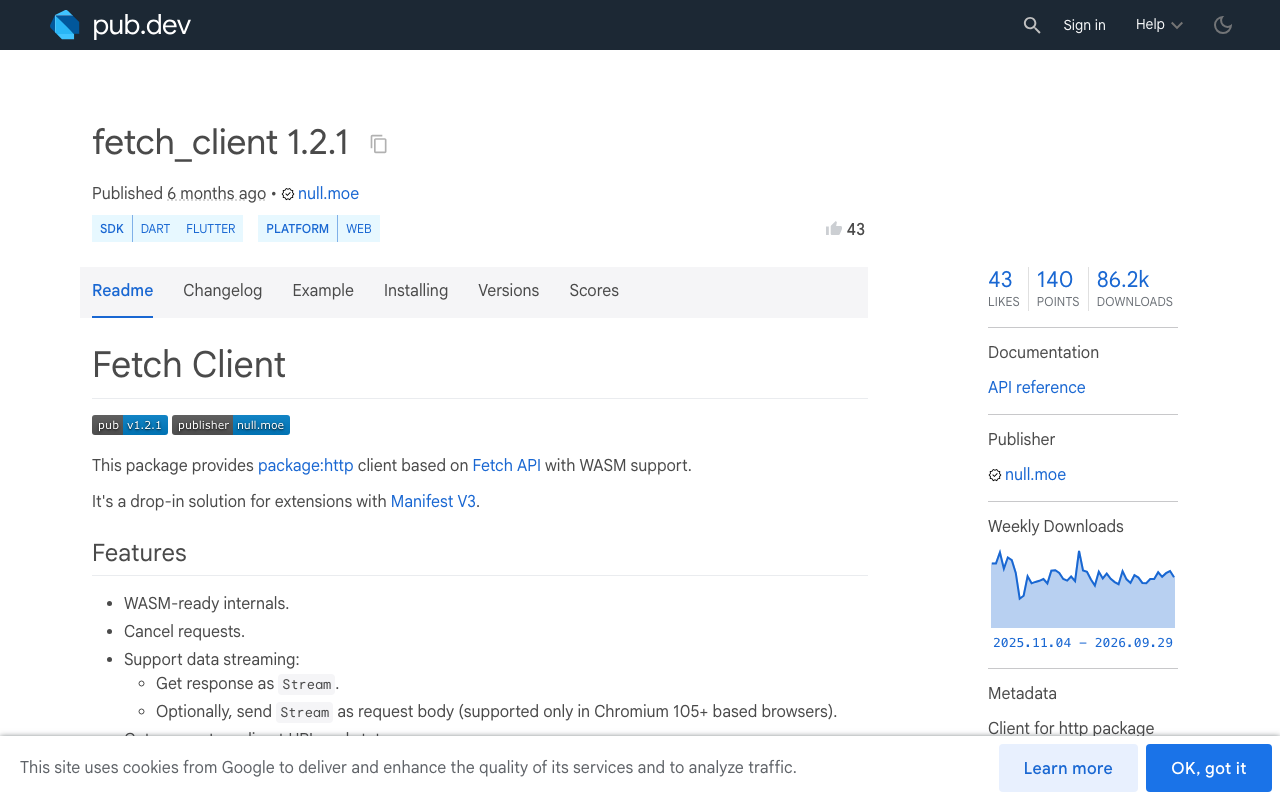
On mobile and desktop, client.send() gives you a real byte stream. On Flutter Web, package:http goes through BrowserClient, which buffers the whole response before handing it over, so your token-by-token loop fires once at the end or not at all. This is a long-standing known issue. If you ship to web, route the web build through fetch_client (1.2.1) and its FetchClient, which exposes streaming via the Fetch API. Note its own constraint: request streaming needs a Chromium 105+ browser over HTTP/2 or HTTP/3. The logic above is unchanged, only the http.Client instance differs.
Render a real error state
Now the action chain can branch, because nothing throws. On your send button:
- Custom Action
streamChatReply, Action Output Variable namechatResult. - Conditional on
chatResult.ok. - True: append
chatResult.textto your messages list, clear the App StatestreamingReply. - False: set a Page State
errorTexttochatResult.errorMessageandcanRetrytochatResult.retryable.
Then in the chat list, render the failed message as an error row: the error text, and a Retry button whose Visible condition is the Page State canRetry. A flutterflow chatbot empty response is now impossible by construction, because the only path that produces an empty bubble also sets ok: false.
For the unauthorized code, do not show the raw message to end users. That one is for you: it means the key in the build is wrong, and no amount of retrying will help.
Retry, carefully
Future<ChatResultStruct> sendWithRetry(
  String message,
  String? conversationId,
  String apiKey,
) async {
  for (var attempt = 0;; attempt++) {
    final r = await streamChatReply(message, conversationId, apiKey);
    // Only auto-retry when nothing was shown yet. Re-running a stream that
    // already printed half an answer would duplicate it on screen.
    final safe = r.retryable && r.text.isEmpty && attempt < 2;
    if (r.ok || !safe) return r;
    await Future.delayed(Duration(milliseconds: 400 * (1 << attempt)));
  }
}
Auto-retry is for the invisible failures: a dead socket, a 503, a stream that never started. Once tokens have reached the screen, hand the decision to the user with a button. Silently replaying a half-delivered answer is its own bug.
The 60-second triage
When a bubble comes back empty, you now have an actual signal instead of a shrug:
httpStatus: 401→ the key in this build is wrong or belongs to another project.httpStatus: 429or5xx→ transient, the backoff above handles it.errorCode: idle_timeout→ the stream stalled; check network conditions and your idle window.errorCode: empty_stream→ a clean 200 with no tokens; inspect the request body you sent.errorCode: transport→ readerrorMessage, it is the raw Dart exception.
Try WidgetChat free
WidgetChat is an AI support chatbot you embed in Flutter and FlutterFlow apps, answering from your own content. It streams token-by-token over Server-Sent Events from POST https://api.widgetchat.app/v1/chat/stream, so a plain custom action and an HTTP client are all you need, no proprietary SDK. And if you want users to talk to it, live voice chat is shipped: tap the mic for a real-time speech-to-speech call in the same widget, with barge-in, live captions, and product cards on screen while it speaks, on iOS, Android and web. Provider keys stay server-side, and you configure voice, session length and captions in the dashboard's Voice section.
Try WidgetChat free and wire up a chat that tells you when something broke.

Comments
Comments are coming soon. We'd love to hear your thoughts!