
Fix Flutter Web SSE Streaming for Your AI Chat
Your chat streams token by token on iOS and Android. Then you run flutter run -d chrome and the reply shows up as one block after a few seconds of nothing. The server hasn't changed and neither has your parser. On web, the HTTP client is the part that behaves differently.
This post covers why a Flutter web HTTP stream gets buffered, how to put a fetch-based client behind a conditional import, and how to check in Chrome DevTools that chunks really arrive one at a time. The endpoint used throughout is WidgetChat's streaming endpoint, POST https://api.widgetchat.app/v1/chat/stream, which sends the reply as Server-Sent Events data: lines.
Why the reply arrives in one lump
There are three common causes. Check them in this order.
1. You called http.post() instead of client.send()
http.post, http.get and similar helpers return a Response whose body is already complete. Internally they wait for the whole stream before handing it to you. That happens on every platform. On mobile you might not notice if you never used the helper for the chat call, but if you did, nothing will stream anywhere.
To stream you need a StreamedRequest or a Request passed to client.send(). That gives you a StreamedResponse whose stream emits bytes as they arrive.
2. Your http package is older than 1.3.0
On web, package:http uses BrowserClient. Until version 1.3.0 that client was built on XMLHttpRequest, and its documentation said plainly that a response is only returned once all the data is available. So even a correct client.send() call gave you one chunk at the end.
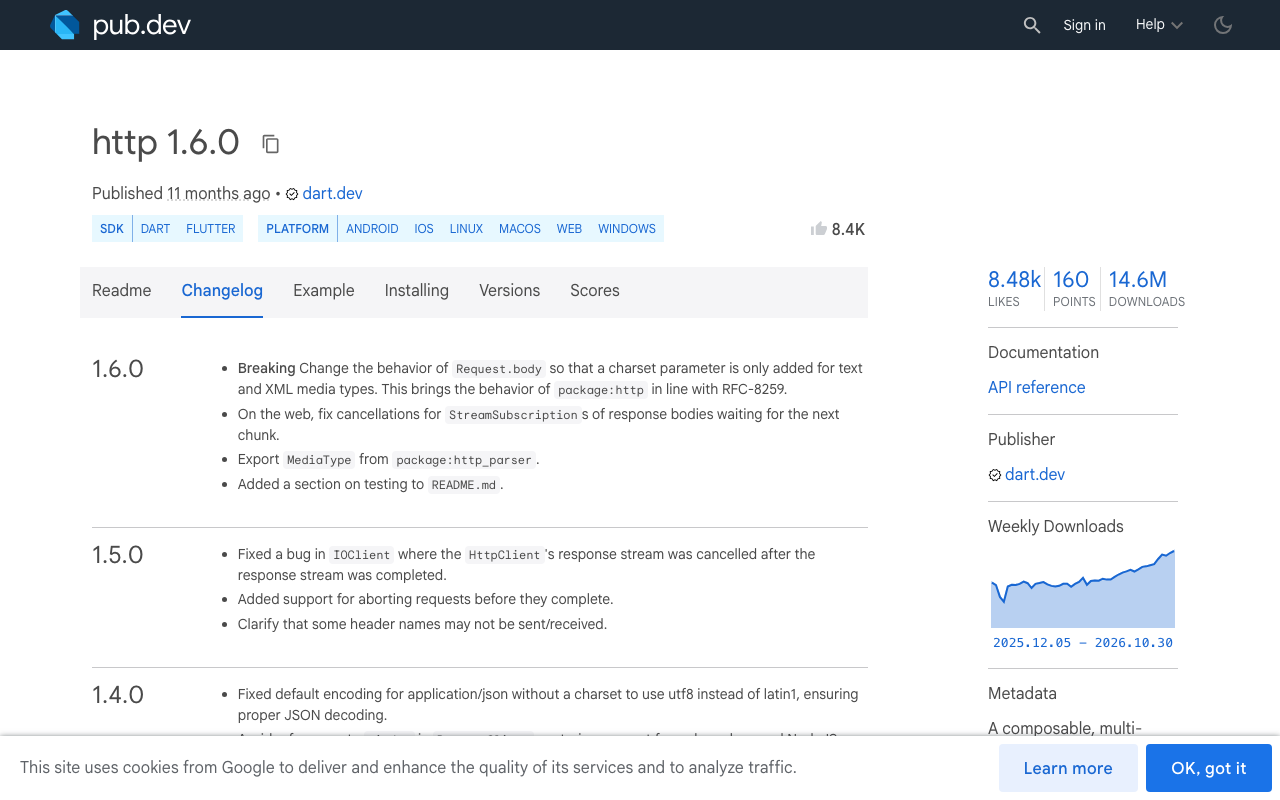
The http changelog for 1.3.0 says BrowserClient switched to the Fetch API, and the current source reads the body with a ReadableStream reader and forwards each chunk. If your pubspec.lock pins http below 1.3.0 (often because another dependency holds it back), you still have the XHR behaviour. Run flutter pub deps | grep http to see what version actually resolved.
3. You use dio
Dio's web adapter (BrowserHttpClientAdapter, now in dio_web_adapter) is based on XHR. In dio issue #2254, a POST with ResponseType.stream on Chrome returns the whole body only after the stream ends, and the maintainers say streamed responses are not available on web with XHR-based implementations. Switching dio settings won't fix this. You need a fetch-based client for the chat call.
The fix: one client per platform
Even if you are on a current http version, it helps to choose the client explicitly. You get full control over fetch options such as CORS mode and credentials, you get the same behaviour whatever version other packages pull in, and the chat code doesn't depend on which package happens to handle web.
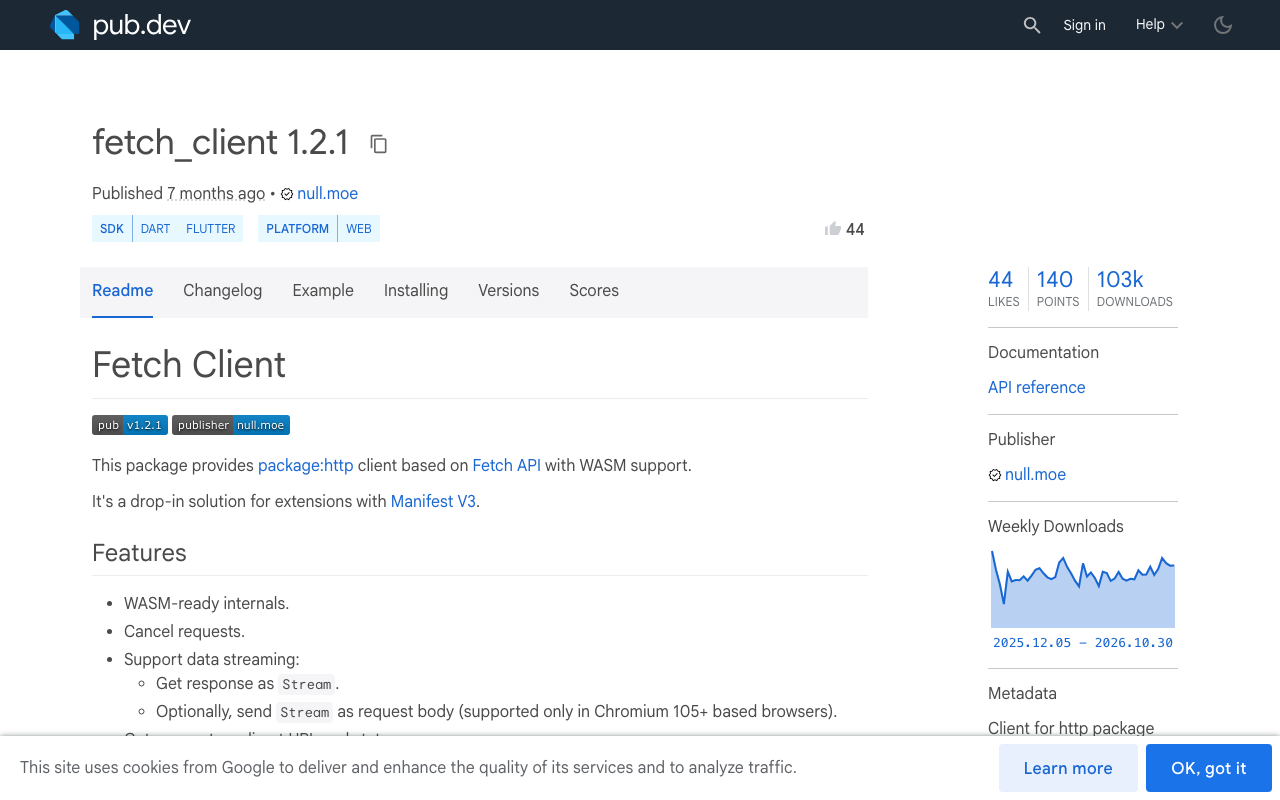
fetch_client is a package:http Client built on the browser Fetch API. It streams responses, supports cancelling requests, and runs on WASM builds. Add it next to http:
dependencies:
  http: ^1.6.0
  fetch_client: ^1.2.1
fetch_client only compiles for web, so keep it behind a conditional import. Create three small files.
// lib/chat/http_client_factory.dart
export 'http_client_stub.dart'
    if (dart.library.js_interop) 'http_client_web.dart';
// lib/chat/http_client_stub.dart
import 'package:http/http.dart' as http;

// iOS, Android, desktop: dart:io based client, already streams.
http.Client createStreamingClient() => http.Client();
// lib/chat/http_client_web.dart
import 'package:fetch_client/fetch_client.dart';
import 'package:http/http.dart' as http;

http.Client createStreamingClient() => FetchClient(mode: RequestMode.cors);
Don't skip mode: RequestMode.cors. FetchClient defaults to RequestMode.noCors. A cross-origin no-cors request returns an opaque response with an empty body, and the browser won't let it send headers like Content-Type: application/json or Authorization. Your chat would fail without a clear error.
One SSE parser for mobile and web
With the client chosen per platform, the parser is plain Dart and works everywhere. It decodes UTF-8, splits on lines, and follows the SSE rules: lines starting with data: collect into one event, and a blank line ends the event.
// lib/chat/chat_stream.dart
import 'dart:async';
import 'dart:convert';

import 'package:http/http.dart' as http;

import 'http_client_factory.dart';

final Uri _streamUri =
    Uri.parse('https://api.widgetchat.app/v1/chat/stream');

/// Yields the `data` payload of each SSE event as soon as it arrives.
Stream<String> streamChat({
  required Map<String, dynamic> payload,
  required Map<String, String> headers,
}) async* {
  final client = createStreamingClient();
  try {
    final request = http.Request('POST', _streamUri)
      ..headers.addAll({
        'Content-Type': 'application/json',
        'Accept': 'text/event-stream',
        ...headers,
      })
      ..body = jsonEncode(payload);

    final response = await client.send(request);
    if (response.statusCode != 200) {
      final body = await response.stream.bytesToString();
      throw http.ClientException(
          'Chat stream failed (${response.statusCode}): $body', _streamUri);
    }

    final dataLines = <String>[];
    await for (final line in response.stream
        .transform(utf8.decoder)
        .transform(const LineSplitter())) {
      if (line.isEmpty) {
        if (dataLines.isNotEmpty) {
          yield dataLines.join('\n');
          dataLines.clear();
        }
      } else if (line.startsWith('data:')) {
        var value = line.substring(5);
        if (value.startsWith(' ')) value = value.substring(1);
        dataLines.add(value);
      }
      // Lines starting with ':' are comments/keep-alives; ignore them.
    }
    if (dataLines.isNotEmpty) yield dataLines.join('\n');
  } finally {
    client.close();
  }
}
Pass in the request body and auth headers your WidgetChat project expects, rather than hardcoding them here. If your events carry JSON, decode each yielded string with jsonDecode before you use it.
utf8.decoder used as a stream transformer handles multi-byte characters split across chunks. That matters for emoji and non-Latin text, which otherwise come out garbled at chunk boundaries.
Wiring it into the chat UI
Append each token to the last message and rebuild. Keep the subscription so the user can cancel:
StreamSubscription<String>? _sub;

void send(String text) {
  setState(() => _messages.add(ChatMessage.assistant('')));
  _sub = streamChat(
    payload: buildPayload(text),
    headers: authHeaders(),
  ).listen(
    (token) => setState(() => _messages.last.text += token),
    onError: (Object e) => setState(() => _messages.last.error = '$e'),
  );
}

@override
void dispose() {
  _sub?.cancel();
  super.dispose();
}
On web, cancelling the subscription stops reading the body. http 1.6.0 also fixed cancelling a web response stream that is waiting for its next chunk, which is one more reason to stay on a current version.
Prove it streams with Chrome DevTools
Don't trust your eyes here: a fast reply can look streamed when it isn't. Check it.
- Run
flutter run -d chromeand open DevTools (F12) on the app tab, not the Flutter DevTools window. - In the Network tab, filter by Fetch/XHR and send a chat message.
- Click the
streamrequest. On the Timing tab, a streamed response shows a long Content Download phase that lasts as long as the reply is being generated. A buffered one ends abruptly. - Look at the Response or EventStream tab while the reply is still coming in. Chrome shows SSE events as they arrive.
Then confirm the Dart side gets the chunks too. Add a temporary timestamp log in the listener:
final sw = Stopwatch()..start();
streamChat(payload: p, headers: h).listen(
  (t) => debugPrint('${sw.elapsedMilliseconds}ms ${t.length} chars'),
);
Streaming looks like dozens of lines spread over the whole reply. Buffering looks like everything printed in the same millisecond at the end. If the network panel shows streaming but the log doesn't, the client is the problem: check the resolved http version and that the web file of your conditional import is the one being used.
Quick checklist
- Use
client.send()with aRequest, neverhttp.post(), for the chat call. - On web, use a Fetch-based client:
fetch_clientwithRequestMode.cors, orhttp1.3.0 or later. - Don't use dio's web adapter for streamed chat.
- Decode with
utf8.decoderand split withLineSplitter, then groupdata:lines until a blank line. - Check in DevTools that Content Download is long and the timestamps are spread out.
Try WidgetChat free
WidgetChat adds an AI support chatbot to Flutter and FlutterFlow apps that answers users from your own content. It streams replies over SSE from POST https://api.widgetchat.app/v1/chat/stream, so the client and parser above are all you need: no proprietary SDK. You can also let users tap the mic and talk to the same assistant in a live voice call, on iOS, Android and web. Try WidgetChat free and get token-by-token replies in your Flutter web build today.

Comments
Comments are coming soon. We'd love to hear your thoughts!