

Flutter Web SSE Arrives All at Once: The Real Fix
Your AI chat streams token by token on iOS and Android. You run the same code with flutter run -d chrome and the typing indicator sits there for six seconds, then the whole reply lands in one go. No error, no exception, the request returns 200.
The SSE parser is usually fine. What changed is the HTTP client underneath it.
Why the reply is buffered on web
package:http picks a client per platform: IOClient on mobile and desktop, BrowserClient on web. For years BrowserClient was built on XMLHttpRequest. Its own docs said it could not stream requests or responses, and that a response is only returned once all the data is available. It waited for the request to finish, then wrapped the full byte array in a one-event stream.
So client.send() still gave you a StreamedResponse, and your await for loop still ran. It just ran once, with every token in a single chunk.
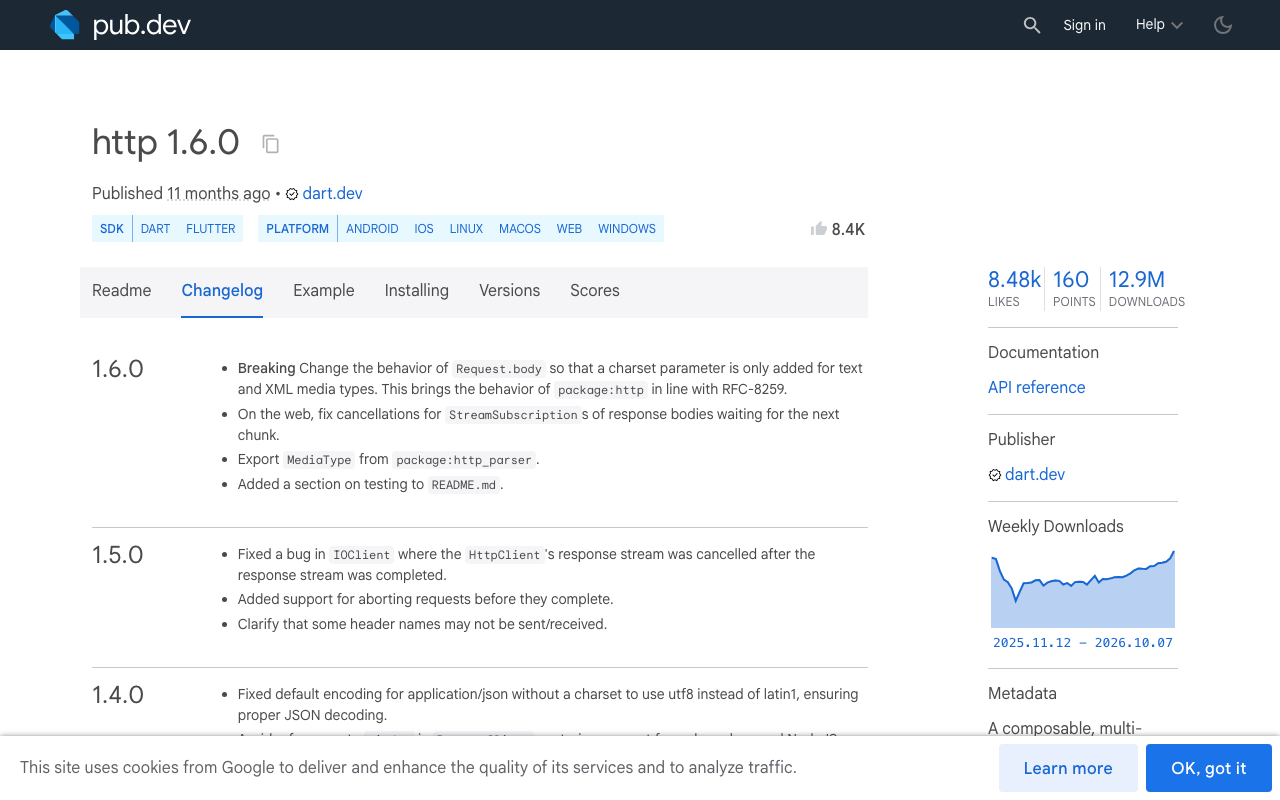
That changed in http 1.3.0, which switched BrowserClient to the Fetch API. The current class docs read: "Responses are streamed but requests are not." It now reads the body through a ReadableStream reader, chunk by chunk.
That gives the bug a precise cause: if your Flutter web HTTP response is buffered, your app is most likely resolving an http older than 1.3.0, usually because another dependency holds it back.
Check which client you are really running
Two quick checks before changing any code.
1. The resolved version.
flutter pub deps | grep " http "
Anything below 1.3.0 means XHR on web. Note that 1.3.0 and later need Dart 3.4 or newer.
2. The browser's Network tab. Open Chrome DevTools, send a chat message and look at the Type column for the stream request. xhr means the old buffered client. fetch means a fetch-based client is in use.
If it already says fetch and you still get one chunk, skip to the last section: something between the server and the browser is buffering.
Fix 1: upgrade http
If nothing pins you, this is the whole fix:
dependencies:
  http: ^1.6.0
Run flutter pub upgrade http, rebuild, and the default client streams on web. Version 1.5.0 also added request aborting, and 1.6.0 fixed cancelling a response body subscription on web while it waits for the next chunk, which matters for a chat screen the user can leave mid-reply.
Fix 2: an explicit fetch-based client with a conditional import
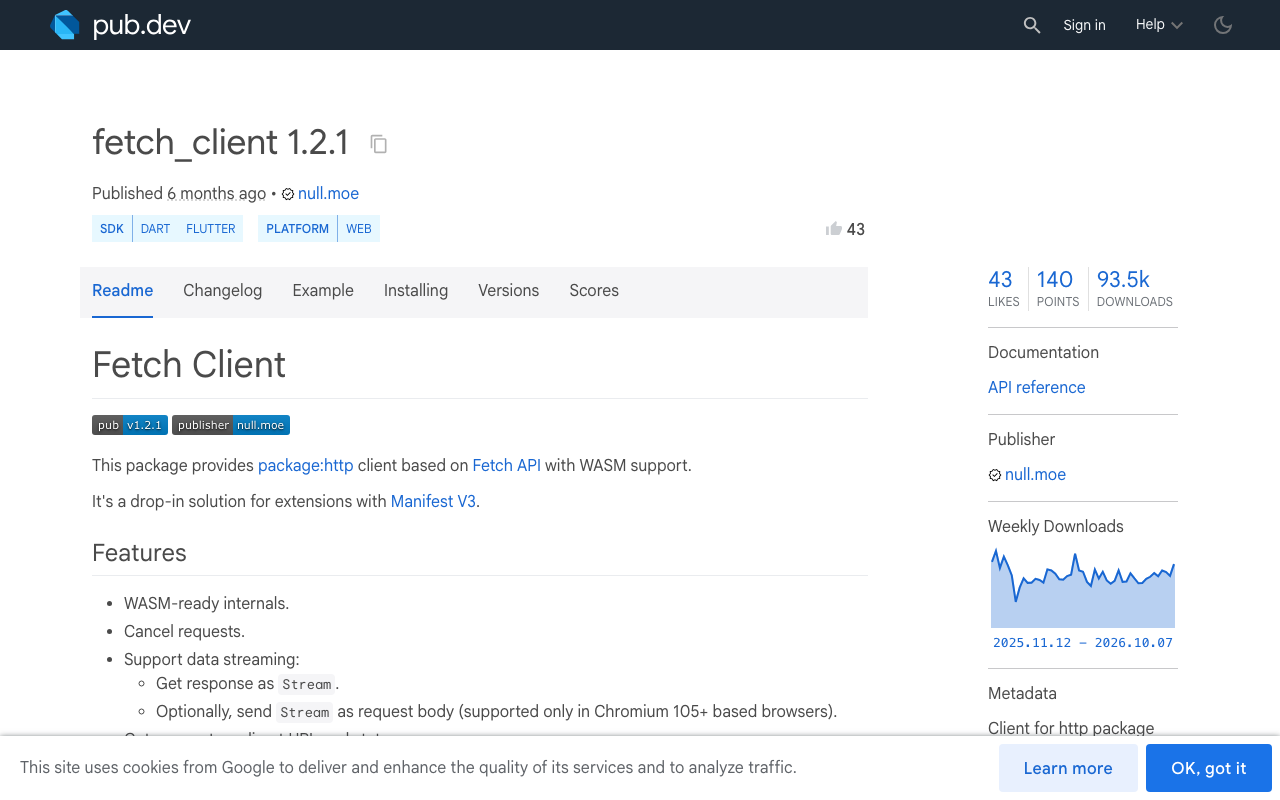
Sometimes you want the web client spelled out: you need to set the CORS mode, credentials or cache behaviour, or you want the streaming path to not depend on whatever http.Client() resolves to. fetch_client (1.2.1 at the time of writing) is a package:http client built on the Fetch API. It supports response streaming and Wasm builds.
It is web only, so it has to sit behind a conditional import or your mobile builds will not compile. Note that fetch_client 1.2.1 depends on http ^1.5.0, so adding it pulls http forward as well.
dependencies:
  http: ^1.6.0
  fetch_client: ^1.2.1
Three small files:
// stream_client_io.dart
import 'package:http/http.dart' as http;

http.Client makeStreamClient() => http.Client();
// stream_client_web.dart
import 'package:fetch_client/fetch_client.dart';
import 'package:http/http.dart' as http;

// FetchClient defaults to RequestMode.noCors, which gives an opaque
// response you cannot read. A cross-origin API needs cors.
http.Client makeStreamClient() => FetchClient(mode: RequestMode.cors);
// stream_client.dart
export 'stream_client_io.dart'
    if (dart.library.js_interop) 'stream_client_web.dart';
dart.library.js_interop is the condition to use here because it is true for both JavaScript and Wasm web builds.
The mode argument is the part people miss. Leave it at the default and a cross-origin call returns an opaque response, which looks like a different bug entirely.
One code path for all three platforms
Now the chat code never mentions a platform. It asks for a client and reads the stream. Here it is against WidgetChat's streaming endpoint, POST https://api.widgetchat.app/v1/chat/stream, which returns token-by-token data: lines.
import 'dart:convert';
import 'package:http/http.dart' as http;
import 'stream_client.dart';

final _endpoint = Uri.parse('https://api.widgetchat.app/v1/chat/stream');

Stream<String> streamChat({
  required http.Client client,
  required Map<String, String> headers,
  required Map<String, Object?> payload,
}) async* {
  final request = http.Request('POST', _endpoint)
    ..headers.addAll({
      'Content-Type': 'application/json',
      'Accept': 'text/event-stream',
      ...headers,
    })
    ..body = jsonEncode(payload);

  final response = await client.send(request);
  if (response.statusCode != 200) {
    throw http.ClientException('HTTP ${response.statusCode}', _endpoint);
  }

  final lines = response.stream
      .transform(utf8.decoder)
      .transform(const LineSplitter());

  await for (final line in lines) {
    if (!line.startsWith('data:')) continue;
    var data = line.substring(5);
    // SSE strips exactly one leading space. Trimming more eats the
    // space at the start of a token.
    if (data.startsWith(' ')) data = data.substring(1);
    yield data;
  }
}

// In your State:
// final client = makeStreamClient();
// streamChat(client: client, headers: yourAuthHeaders, payload: yourBody)
//     .listen((data) => setState(() => reply += data));
Pass in the headers and JSON body your WidgetChat project uses. The function yields the raw data: payload of each event, so decode it however your response format requires.
To confirm the fix, log a timestamp per event:
final sw = Stopwatch()..start();
await for (final data in streamChat(/* ... */)) {
  debugPrint('${sw.elapsedMilliseconds} ms  $data');
}
Buffered output prints every line with nearly the same timestamp. Real Flutter web AI chat streaming prints them spread across the length of the reply.
Two details in that function deserve their own posts:
- Network chunks do not line up with SSE events. A token can be cut in half across two chunks, and so can a multi-byte character.
utf8.decoderplusLineSplitterhandle that here; the full explanation is in Flutter SSE: Fix Missing Tokens When Chunks Split. - A stream that outlives its screen keeps the connection open and calls
setStateon a dead widget. Cancel the subscription and close the client indispose(). Withfetch_client, cancelling the response subscription aborts the underlying fetch. See Flutter AI Chat Memory Leak: Cancel SSE in dispose().
What about EventFlux on Flutter web?
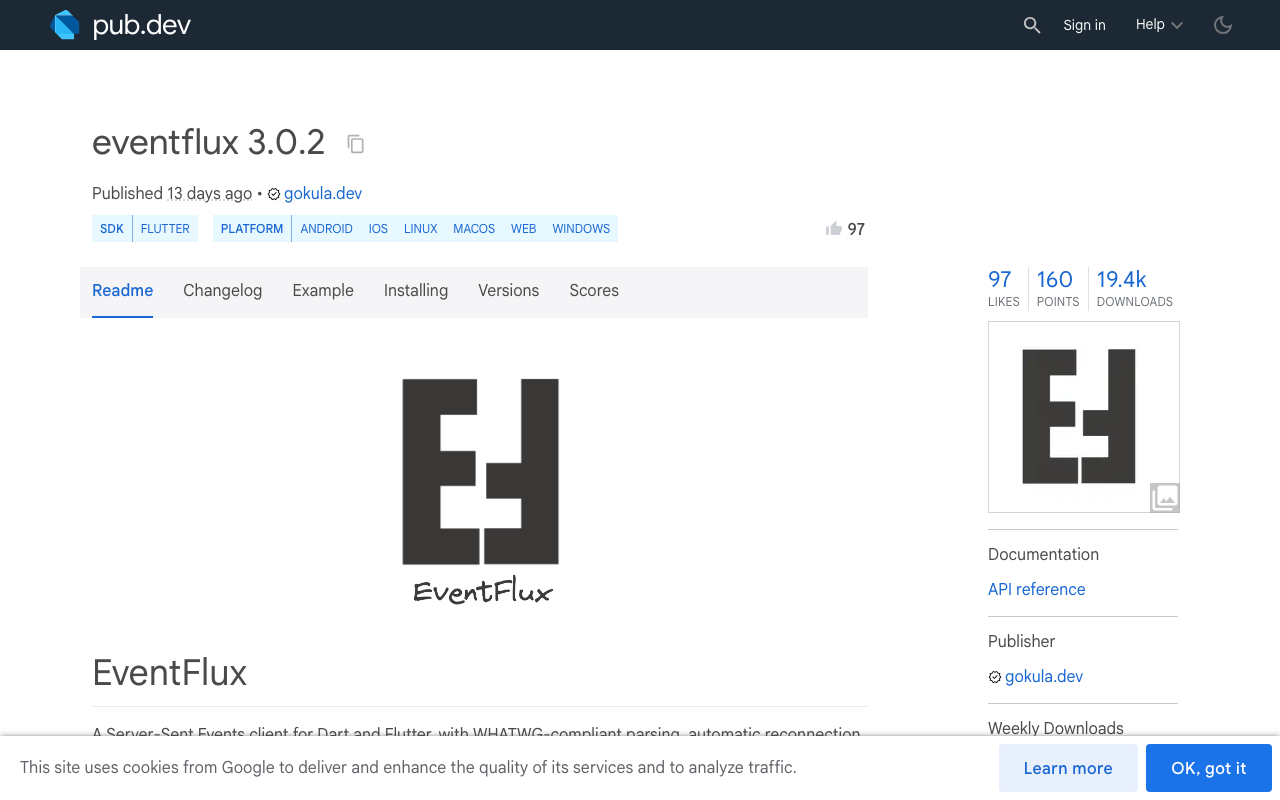
If you would rather use an SSE package than read the stream yourself, EventFlux 3.0.2 supports web and takes the same route: it depends on fetch_client. On web, every connect() call requires a webConfig: WebConfig() argument, which is where CORS mode and credentials are set. Leaving it out is the usual reason EventFlux fails on Flutter web after working on mobile.
Still one chunk with a fetch client?
If the Network tab shows fetch and the reply still lands all at once, the client is no longer the cause. Check these in order:
- A proxy in front of your backend. If you relay the stream through your own server, a reverse proxy or CDN may hold the response until it completes. Test the endpoint with
curl -Nto see whether tokens arrive over time outside the browser. - Compression. A gzip layer on a relay can hold small writes back until its buffer fills.
- Your own code. Anything that awaits the whole body, such as
http.post()orresponse.stream.bytesToString(), defeats streaming on every platform. Useclient.send()and iterate. - A stale build. After changing dependencies, do a full restart. Hot reload does not swap the HTTP client.
Try WidgetChat free
WidgetChat is an AI customer-support chatbot you embed in Flutter and FlutterFlow apps. It answers users from your own content and streams replies over SSE from POST https://api.widgetchat.app/v1/chat/stream, so the client above works with it on iOS, Android and web with no proprietary SDK. There is a free tier to start with.

Comments
Comments are coming soon. We'd love to hear your thoughts!