

Fix Flutter Web Mic NotAllowedError in Voice Chat
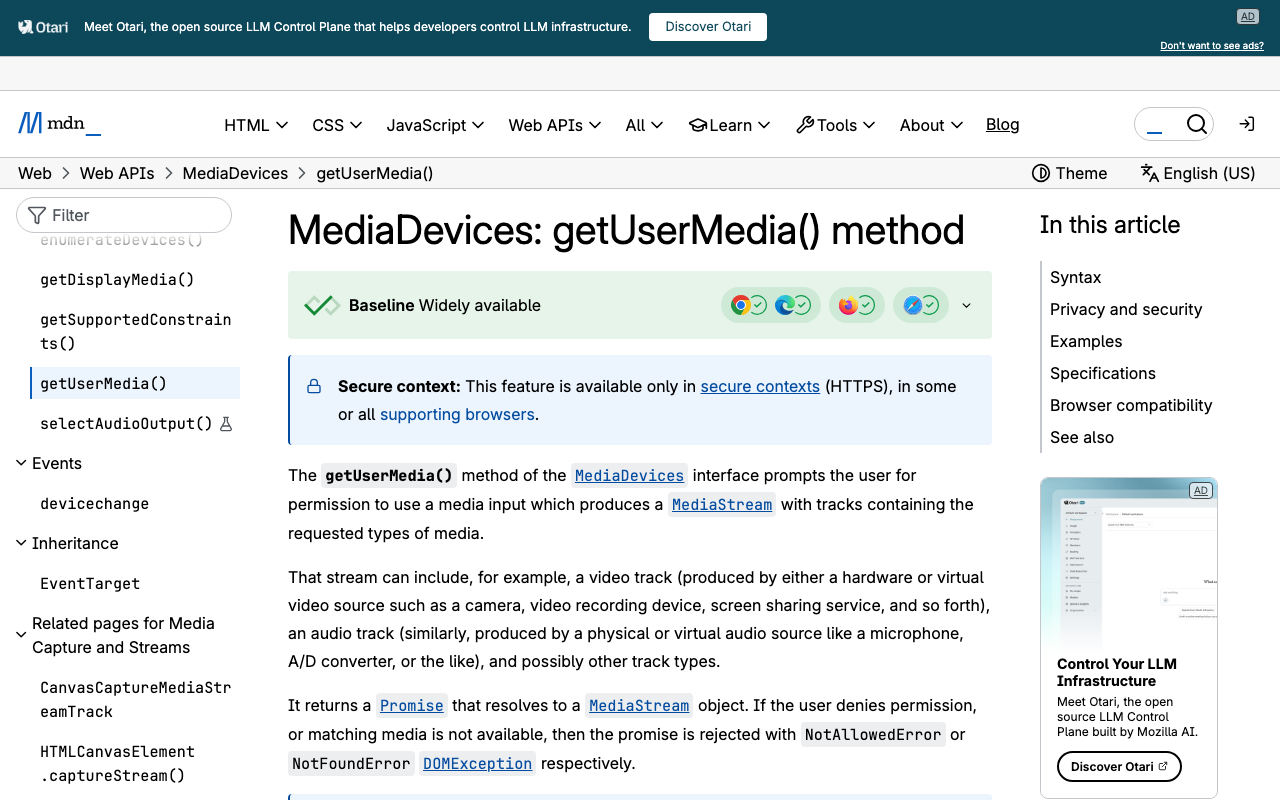
Your voice assistant works on iOS and Android. You run flutter build web, deploy, tap the mic button — and nothing happens. No browser prompt, no error dialog, just a dead button and NotAllowedError in the DevTools console. This is the single most common failure when shipping a voice-enabled AI support assistant to Flutter Web, and it is almost never a bug in your Dart code.
Here is the decision tree, keyed to the exact browser error, plus the three fixes and a real preflight you can paste in.
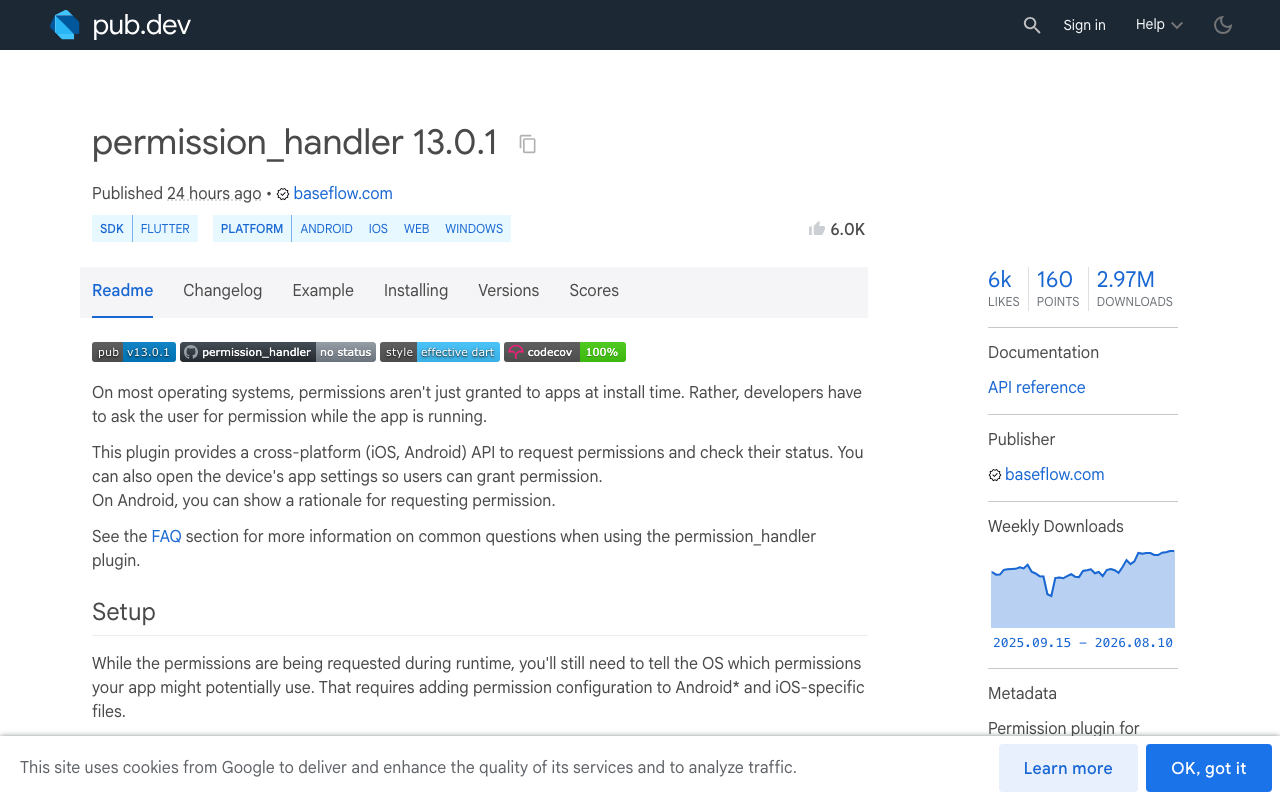
permission_handler isn't lying to you — it just can't tell you what broke
First, kill the myth that you're missing a package. permission_handler does ship a web implementation (permission_handler_html). For Permission.microphone it calls navigator.mediaDevices.getUserMedia({ audio: true }) and immediately stops the returned tracks so the recording indicator doesn't stay lit. It supports exactly four permissions on web — microphone, camera, notification, location — and throws UnsupportedError for anything else.
The problem is what it does with failures. Its state mapping is:
| Browser state | PermissionStatus |
|---|---|
granted |
granted |
denied |
permanentlyDenied |
prompt |
denied |
| any thrown error | permanentlyDenied |
So an insecure origin, a missing allow="microphone" on the iframe, a macOS privacy block, and an actual user click on "Block" all collapse into the same permanentlyDenied. And the recovery you'd reach for on mobile — openAppSettings() — returns false and does nothing on web. That's the dead end. To fix a web mic you need the DOMException name, which means calling getUserMedia yourself.
The decision tree
Open DevTools, tap the mic, and read the console. Then match:
| Symptom | Root cause | Fix |
|---|---|---|
TypeError — navigator.mediaDevices is undefined |
Insecure context (plain http:// on a non-localhost host) |
Fix 1 |
NotAllowedError with no prompt ever shown |
Permissions Policy blocked it (cross-origin iframe) | Fix 2 |
NotAllowedError after a prompt, or on a fresh profile |
User denied, or OS-level block | Fix 3 |
NotFoundError / OverconstrainedError |
No input device matches the constraints | Ask the user to plug one in |
NotReadableError / AbortError |
Device busy or blocked by OS/browser layer | Fix 3 |
SecurityError |
Media capture disabled at the user-agent level | Enterprise policy / browser settings |
The critical tell: NotAllowedError with no prompt is a policy problem, not a user problem. A Permissions Policy block fails identically to a denial, by design.
Fix 1: secure context — why localhost works and the LAN IP doesn't
getUserMedia() is gated behind secure contexts. https://, http://localhost, http://127.0.0.1, and file:// count. Everything else does not, and in an insecure context navigator.mediaDevices isn't merely restricted — it's undefined, so the call throws a plain TypeError before any permission logic runs.
That's why flutter run -d chrome (which serves on http://localhost:PORT) works fine, and testing the same build from your phone at http://192.168.1.24:8080 silently fails.
For real device testing on your LAN, either serve over HTTPS, or whitelist the origin for a dev session:
# Serve on the LAN, then tell Chrome to trust that exact origin
flutter run -d chrome \
  --web-hostname 0.0.0.0 --web-port 8080 \
  --web-browser-flag="--unsafely-treat-insecure-origin-as-secure=http://192.168.1.24:8080" \
  --web-browser-flag="--user-data-dir=/tmp/flutter-mic-profile"
Two things to know about flutter run -d chrome: it launches a fresh temporary Chrome profile, so any mic grant you made in your everyday browser doesn't exist there, and on macOS that new Chrome process may not yet have OS-level mic access (see Fix 3). Never conclude "my code is broken" from that window alone — test a flutter build web output served over real HTTPS before you start rewriting Dart.
Fix 2: the cross-origin iframe (the one that produces no prompt)
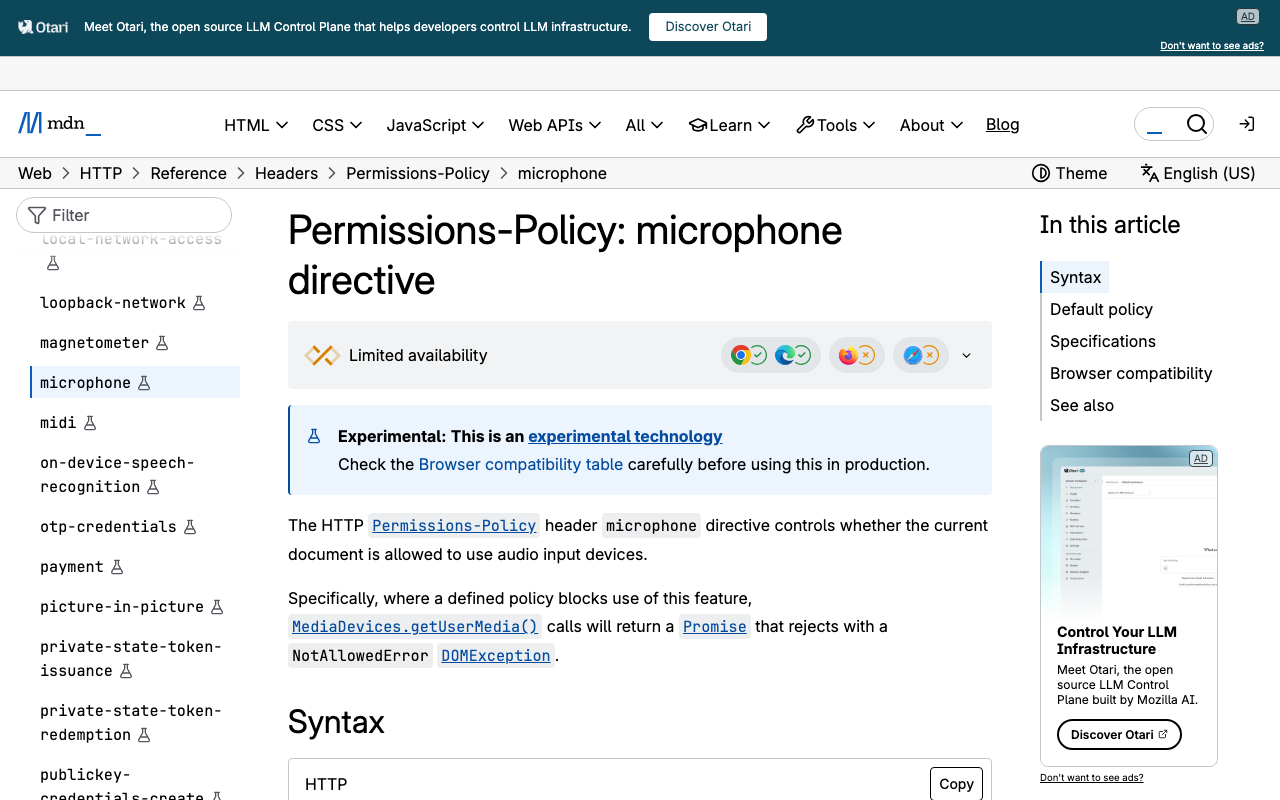
If your Flutter Web build is embedded in a customer portal, a docs site, or a builder preview panel, you're in an iframe — and Chromium has blocked camera/mic in cross-origin iframes by default since Chrome 64. The default allowlist for the microphone feature is self, meaning the top document's origin only.
Both sides must agree. Two changes are required:
1. The host page's embed tag must delegate the feature:
<iframe
  src="https://app.example.com/"
  allow="microphone; autoplay"
  title="Support assistant">
</iframe>
2. The host page's Permissions-Policy header must include the embedded origin. The allow attribute can only narrow what the host already has — it can never widen it. So a host sending Permissions-Policy: microphone=(self) blocks your iframe even with the attribute present:
# On the HOST portal that embeds the Flutter app
add_header Permissions-Policy "microphone=(self \"https://app.example.com\")" always;
And make sure your own Flutter Web host isn't shipping a restrictive header of its own. On Firebase Hosting:
{
  "hosting": {
    "public": "build/web",
    "headers": [
      {
        "source": "**",
        "headers": [
          { "key": "Permissions-Policy", "value": "microphone=(self)" }
        ]
      }
    ]
  }
}
Two gotchas: if the iframe also carries a sandbox attribute, you need the sandbox tokens and allow together, and Safari has historically been far stricter about capture inside cross-origin frames than Chromium — test it explicitly rather than assuming parity.
Fix 3: the OS-level block that looks exactly like a user denial
On macOS, Chrome itself needs microphone access from the system. If System Settings → Privacy & Security → Microphone → Google Chrome is off, getUserMedia rejects with NotAllowedError (often with a "Permission denied by system" message) no matter what the site-level setting says. After toggling it, fully quit and relaunch the browser — a reload is not enough. Windows has the same trap under Settings → Privacy & security → Microphone.
Also: Chrome now offers one-off "Allow this time" grants. Never cache granted in your app state across sessions and skip the preflight — re-check every time the user taps the mic.
A real getUserMedia preflight in Dart
This uses package:web and dart:js_interop (dart:html is deprecated and unsupported for Wasm). Put it in a web-only file behind a conditional export so your mobile builds still compile:
// mic_preflight.dart
export 'mic_preflight_stub.dart'
    if (dart.library.js_interop) 'mic_preflight_web.dart';
// mic_preflight_web.dart
import 'dart:js_interop';
import 'dart:js_interop_unsafe';
import 'package:web/web.dart' as web;

enum MicIssue { ok, insecureContext, noMediaDevices, blockedByPolicy, denied, noDevice, busy, unknown }

class MicResult {
  const MicResult(this.issue, this.rawName);
  final MicIssue issue;
  final String rawName;

  String get message => switch (issue) {
    MicIssue.ok => '',
    MicIssue.insecureContext =>
      'Voice needs a secure connection. Open this page over https:// and try again.',
    MicIssue.noMediaDevices =>
      'This browser isn\u2019t exposing microphone APIs here. Reload over https:// to talk.',
    MicIssue.blockedByPolicy =>
      'The page embedding this app hasn\u2019t granted mic access. Ask the site owner to add '
      'allow="microphone" to the embed.',
    MicIssue.denied =>
      'Microphone is blocked. Click the icon at the left of the address bar, set '
      'Microphone to Allow, then reload.',
    MicIssue.noDevice =>
      'No microphone found. Connect one, then tap the mic again.',
    MicIssue.busy =>
      'Your mic is in use by another app, or blocked in your OS privacy settings.',
    MicIssue.unknown =>
      'The microphone couldn\u2019t start. You can keep typing \u2014 the assistant still answers in text.',
  };
}

Future<MicResult> preflightMic() async {
  if (!web.window.isSecureContext) {
    return const MicResult(MicIssue.insecureContext, 'insecure-context');
  }

  // In an insecure context this getter returns undefined -> null in Dart.
  final devices = (web.window.navigator as JSObject)
      .getProperty<JSObject?>('mediaDevices'.toJS);
  if (devices == null) {
    return const MicResult(MicIssue.noMediaDevices, 'undefined');
  }

  // Chromium exposes the resolved Permissions Policy for this document.
  // Absent in Firefox/Safari, so treat null as "unknown, keep going".
  final policy = (web.document as JSObject).getProperty<JSObject?>('featurePolicy'.toJS);
  final allowed = policy
      ?.callMethod<JSBoolean>('allowsFeature'.toJS, 'microphone'.toJS)
      .toDart;
  if (allowed == false) {
    return const MicResult(MicIssue.blockedByPolicy, 'permissions-policy');
  }

  try {
    final stream = await web.window.navigator.mediaDevices
        .getUserMedia(web.MediaStreamConstraints(audio: true.toJS))
        .toDart;
    // We only wanted the grant \u2014 release the device so the tab indicator clears.
    for (final track in stream.getTracks().toDart) {
      track.stop();
    }
    return const MicResult(MicIssue.ok, '');
  } catch (error) {
    final name = _domExceptionName(error);
    return MicResult(
      switch (name) {
        'NotAllowedError' || 'SecurityError' => MicIssue.denied,
        'NotFoundError' || 'OverconstrainedError' => MicIssue.noDevice,
        'NotReadableError' || 'AbortError' => MicIssue.busy,
        _ => MicIssue.unknown,
      },
      name,
    );
  }
}

String _domExceptionName(Object error) {
  if (error is JSObject) {
    final name = error.getProperty<JSString?>('name'.toJS);
    if (name != null) return name.toDart;
  }
  return error.toString();
}
Call it from the mic button's onPressed, before any other await. Safari is strict about transient activation, and the activation window is short — if you await a config fetch or an analytics call first, the prompt can silently never appear.
IconButton(
  icon: const Icon(Icons.mic),
  onPressed: () async {
    final result = await preflightMic();   // first await, straight off the tap
    if (result.issue != MicIssue.ok) {
      setState(() => _voiceDisabledReason = result.message);
      debugPrint('mic preflight failed: ${result.rawName}');
      return;
    }
    _startVoiceSession();
  },
)
Degrade gracefully: "mic unavailable — keep typing"
A blocked mic should never dead-end the conversation. WidgetChat's voice chat and text chat are the same widget, the same conversation, and the same dashboard — so when the preflight fails, hide the mic affordance, surface the specific fix, and keep the SSE text stream running:
import 'dart:convert';
import 'package:http/http.dart' as http;

Stream<String> streamReply(http.Client client, String message, String sessionId) async* {
  final request = http.Request(
    'POST',
    Uri.parse('https://api.widgetchat.app/v1/chat/stream'),
  )
    ..headers.addAll({
      'Authorization': 'Bearer $widgetChatApiKey',
      'Content-Type': 'application/json',
      'Accept': 'text/event-stream',
    })
    // Copy the exact field names from your project's install snippet.
    ..body = jsonEncode({'message': message, 'session_id': sessionId});

  final response = await client.send(request);
  final lines = response.stream
      .transform(utf8.decoder)
      .transform(const LineSplitter());

  await for (final line in lines) {
    if (!line.startsWith('data:')) continue;
    final chunk = line.substring(5).trim();
    if (chunk.isEmpty || chunk == '[DONE]') continue;
    yield chunk;
  }
}
One Flutter Web trap here too: package:http's default BrowserClient buffers the entire response, so your token-by-token stream arrives as one lump. Inject FetchClient from package:fetch_client (a drop-in http.Client built on the Fetch API, with Wasm support) behind a conditional import to get genuinely incremental SSE on web.
Ship checklist
- Served over
https://in production — not an IP, not plainhttp:// - If embedded:
allow="microphone"on the iframe and the host'sPermissions-Policynaming your origin - Your own host's
Permissions-Policyisn't blockingmicrophone getUserMediacalled directly in the tap handler, before other awaits- DOMException names mapped to specific copy, not one generic "permission denied"
- Text stream still reachable when the mic isn't
- Voice enabled for the project in the dashboard's Voice section, and voice minutes remaining on your plan
Once the browser side is clean, the rest is already handled: tap the mic and users get a real-time, speech-to-speech call inside the same widget — it replies out loud in a natural voice, supports barge-in so users can interrupt mid-sentence, shows live captions, and can put product cards on screen while it speaks. Provider API keys stay server-side, never in your web bundle. Voice name, max session length, and captions default are all configurable per project under Voice in the dashboard.
Try WidgetChat free and get a voice-and-text AI support assistant running in your Flutter or FlutterFlow app today.

Comments
Comments are coming soon. We'd love to hear your thoughts!