

Fix Flutter Voice AI Mic Crash on Android 14+
You ship an in-app voice assistant. In debug on your Pixel it works. Then a tester locks the screen mid-sentence and one of two things happens: the app dies with a SecurityException, or the call stays "connected" while the assistant hears nothing but silence until it times out.
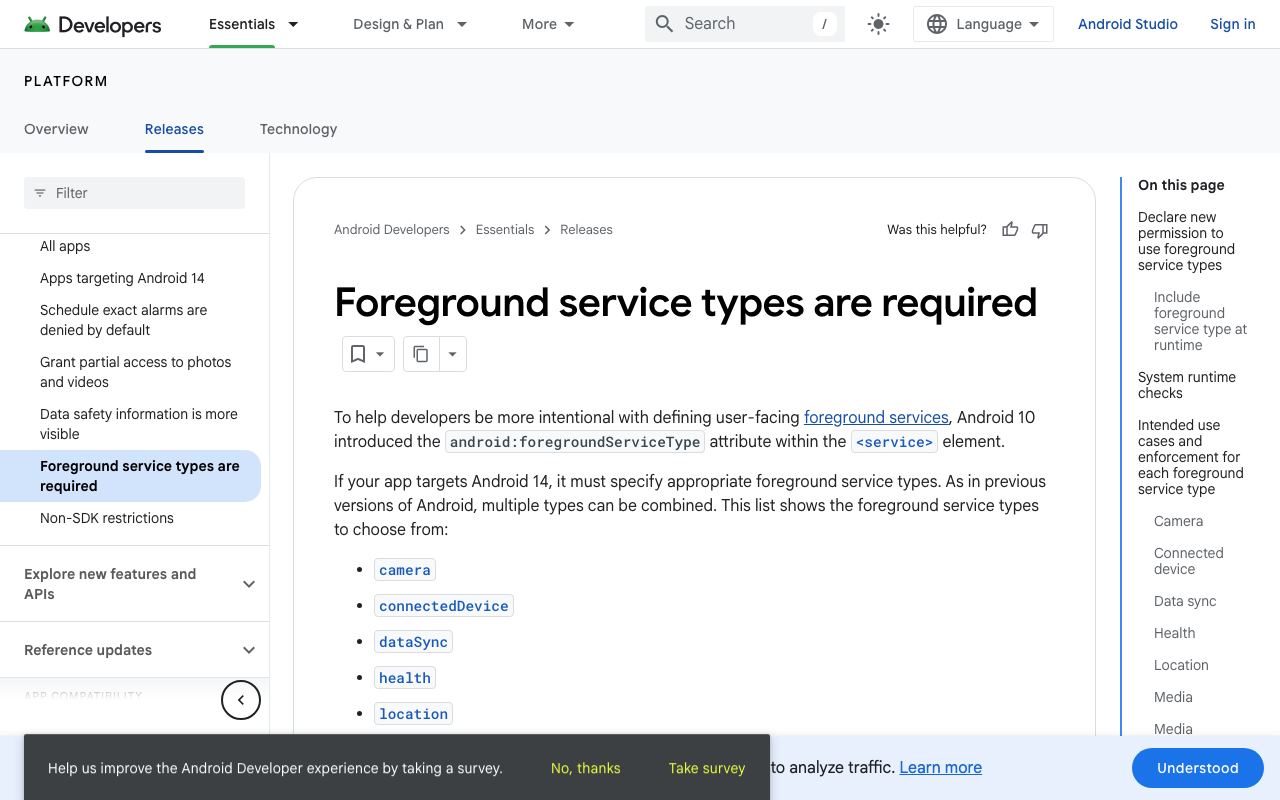
Both come from the same place, and RECORD_AUDIO is not it. Android 14 (API 34) made foreground service types mandatory and started checking permissions per type, and the microphone type carries a rule most tutorials never mention: you cannot create a microphone foreground service while your app is in the background.
This post walks through the fix for a Flutter or FlutterFlow app running a WidgetChat live voice call: the exact manifest, the start-on-tap Dart, and a lifecycle handler that ends the call instead of leaking a mic session.
Why it breaks: two different failures
The crash. If your app targets Android 14+ and calls startForeground() without a type declared in the manifest, the system throws MissingForegroundServiceTypeException. If you do declare microphone but the app is missing FOREGROUND_SERVICE_MICROPHONE, or RECORD_AUDIO is not currently granted, you get a SecurityException at service start. This is release-only for a lot of teams because they test on an older emulator or with a lower targetSdk.
The silence. If you never start a foreground service at all, nothing crashes. Android just stops feeding your process real audio once it is no longer visible, so the mic stream keeps producing frames of nothing. The user sees "listening", the assistant never responds, and there is no log line to grep for. This is the one that gets reported as "voice chat stops in background on Android".
The rule that catches everyone
RECORD_AUDIO is a while-in-use permission. On Android 14 and higher, a microphone foreground service must be created while your app is visible. The usual background-start exemptions (high priority FCM, exact alarms, BOOT_COMPLETED) do not buy you a mic. Android 15 tightened it further by explicitly banning mic foreground services launched from a BOOT_COMPLETED receiver.
Practical consequence: start the service on the same user tap that starts the voice call, before the user has any chance to leave. Do not start it lazily when you detect the app going to background. By then it is too late and you get the SecurityException.
Step 1: the manifest
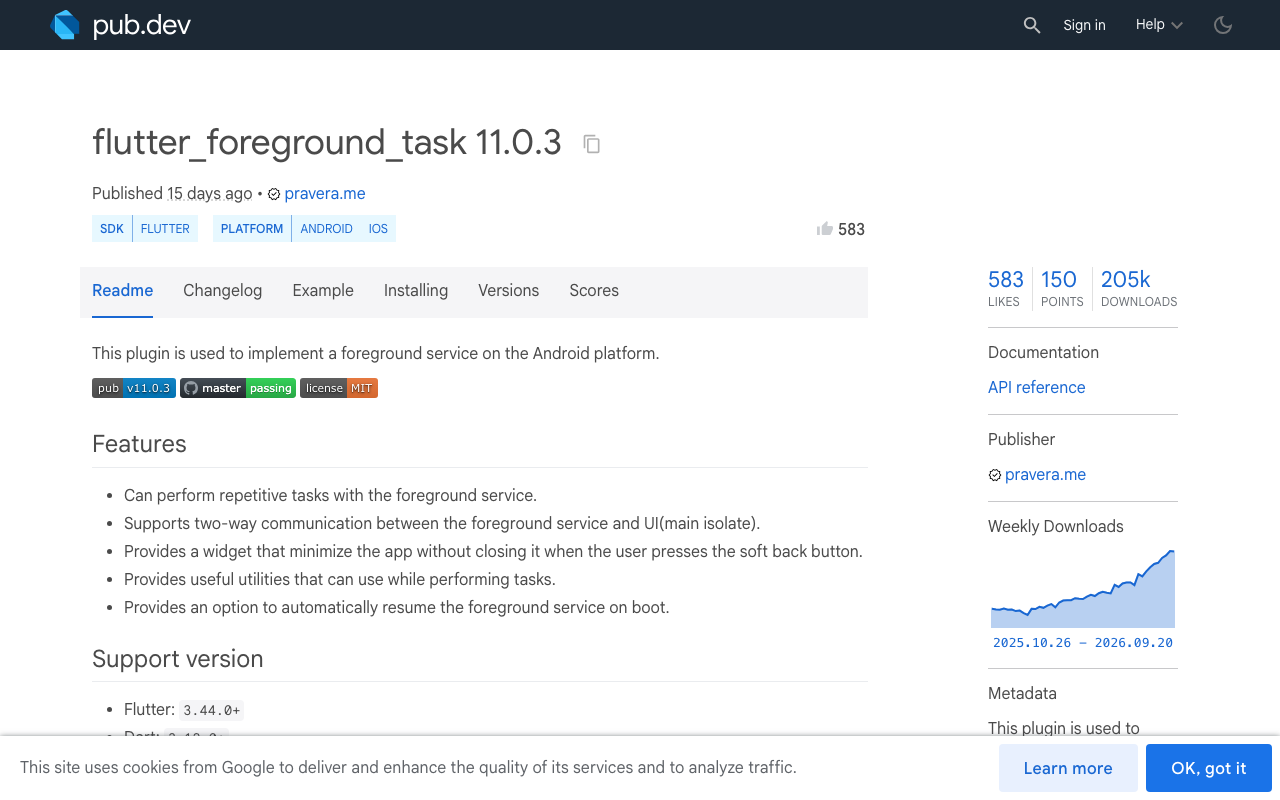
flutter_foreground_task (11.0.3 at the time of writing) does not declare the service for you, so you declare it in android/app/src/main/AndroidManifest.xml with the exact class name:
<manifest xmlns:android="http://schemas.android.com/apk/res/android">

    <uses-permission android:name="android.permission.RECORD_AUDIO" />
    <uses-permission android:name="android.permission.FOREGROUND_SERVICE" />
    <uses-permission android:name="android.permission.FOREGROUND_SERVICE_MICROPHONE" />
    <!-- Android 13+: the FGS notification needs this -->
    <uses-permission android:name="android.permission.POST_NOTIFICATIONS" />

    <application ...>
        <!-- Do not rename: the plugin looks for this exact class -->
        <service
            android:name="com.pravera.flutter_foreground_task.service.ForegroundService"
            android:foregroundServiceType="microphone"
            android:exported="false" />
    </application>
</manifest>
Three things people get wrong here:
FOREGROUND_SERVICE_MICROPHONEis a separate permission fromFOREGROUND_SERVICE. Missing it is a straightSecurityException.- If you also run a data sync service, the attribute takes a pipe list:
android:foregroundServiceType="microphone|dataSync". Every type in that list needs its ownFOREGROUND_SERVICE_*permission and its own runtime prerequisites. - Check your merged manifest, not the one you edited. Run
./gradlew :app:processReleaseManifestand openapp/build/outputs/logs/, or use Android Studio's Merged Manifest tab. A plugin can inject a service declaration you did not expect.
Step 2: start it on the tap, not later
Request the mic permission, start the service, then open the voice UI. Order matters: the permission must already be granted when the service starts.
import 'package:flutter_foreground_task/flutter_foreground_task.dart';
import 'package:permission_handler/permission_handler.dart';

void initVoiceService() {
  FlutterForegroundTask.init(
    androidNotificationOptions: AndroidNotificationOptions(
      channelId: 'voice_call',
      channelName: 'Voice assistant',
      channelDescription: 'Keeps the microphone alive during a voice call',
    ),
    iosNotificationOptions: const IOSNotificationOptions(showNotification: false),
    foregroundTaskOptions: ForegroundTaskOptions(
      eventAction: ForegroundTaskEventAction.nothing(),
      // Android 15+ forbids starting a mic FGS from BOOT_COMPLETED.
      autoRunOnBoot: false,
      autoRunOnMyPackageReplaced: false,
      allowWakeLock: true,
    ),
  );
}

@pragma('vm:entry-point')
void startVoiceTask() => FlutterForegroundTask.setTaskHandler(VoiceTaskHandler());

Future<bool> startMicService() async {
  if (!await Permission.microphone.request().isGranted) return false;
  if (await FlutterForegroundTask.checkNotificationPermission()
      != NotificationPermission.granted) {
    await FlutterForegroundTask.requestNotificationPermission();
  }
  if (await FlutterForegroundTask.isRunningService) return true;

  final result = await FlutterForegroundTask.startService(
    serviceId: 4201,
    serviceTypes: [ForegroundServiceTypes.microphone],
    notificationTitle: 'Voice assistant',
    notificationText: 'Call in progress. Tap to return.',
    callback: startVoiceTask,
  );
  return result is ServiceRequestSuccess;
}
The handler itself can be almost empty. Its job is to exist, not to do work:
class VoiceTaskHandler extends TaskHandler {
  @override
  Future<void> onStart(DateTime timestamp, TaskStarter starter) async {}

  @override
  void onRepeatEvent(DateTime timestamp) {}

  @override
  Future<void> onDestroy(DateTime timestamp, bool isTimeout) async {}

  @override
  void onNotificationPressed() => FlutterForegroundTask.launchApp();
}
Wire it to the button in your app that opens the WidgetChat widget in voice mode:
Future<void> onVoiceButtonTap() async {
  if (!await startMicService()) {
    if (mounted) _showMicDeniedSheet();
    return;
  }
  // Now show the WidgetChat widget so the user can tap the mic and talk.
  await showModalBottomSheet(
    context: context,
    isScrollControlled: true,
    builder: (_) => const WidgetChatPanel(),
  );
  // Sheet dismissed: the call is over.
  await stopMicService();
}
If the mic button lives inside the chat widget rather than in your own chrome, tie the service to the widget's visibility instead: start it on the tap that opens the panel, stop it when the panel is dismissed. That still satisfies the "started while visible" rule and it keeps the service scoped to a session the user actually asked for.
Step 3: tear it down, every path out
A leaked mic service is worse than a crash. The notification sits there, the mic indicator stays lit, and users uninstall. Stop it on hangup, on dispose, and on detached.
Future<void> stopMicService() async {
  if (await FlutterForegroundTask.isRunningService) {
    await FlutterForegroundTask.stopService();
  }
}

class _VoiceScreenState extends State<VoiceScreen> with WidgetsBindingObserver {
  @override
  void initState() {
    super.initState();
    WidgetsBinding.instance.addObserver(this);
  }

  @override
  void didChangeAppLifecycleState(AppLifecycleState state) {
    // paused/hidden are FINE: that is exactly what the service is for.
    // detached means the process is going away, so release the mic.
    if (state == AppLifecycleState.detached) {
      stopMicService();
    }
  }

  @override
  void dispose() {
    WidgetsBinding.instance.removeObserver(this);
    stopMicService();
    super.dispose();
  }
}
Note what is not there: no stop on paused. Killing the service when the user switches apps recreates the exact bug you are fixing, and restarting it when they come back is allowed but jarring, because the mic gap is audible mid-sentence.
A WidgetChat voice call also has a max session length you set per project in the dashboard's Voice section. Mirror it client side with a timer that calls your hangup path, so the service always dies with the call rather than outliving it.
FlutterFlow
Same work, different packaging. Add flutter_foreground_task and permission_handler under Custom Code > Dependencies, then create two custom actions, startMicService and stopMicService, with the bodies above. Call the first in the On Tap action chain of your voice button, before the action that opens the chat widget, and the second on the widget's dismiss action and on the page's dispose. The manifest lines go in the Android manifest via project settings, since FlutterFlow will not add a microphone service type for you.
Android 15, 16 and 17
- Android 15: no mic foreground service from a
BOOT_COMPLETEDreceiver. LeaveautoRunOnBoot: false. - Android 16 (API 36): enforcement is stricter across the board, and jobs running alongside a foreground service now count against their normal runtime quotas. Mic FGS itself is unchanged, so if you got 14 right you are fine.
- Android 17 (API 37): background audio hardening. Playback, audio focus and volume APIs require a visible activity or a non-
shortServiceforeground service, and they fail silently rather than throwing. Your assistant speaking out loud while backgrounded depends on this, which is another reason the service has to bemicrophoneand started from the foreground.
Quick checklist
RECORD_AUDIO,FOREGROUND_SERVICE,FOREGROUND_SERVICE_MICROPHONE,POST_NOTIFICATIONSin the manifest.android:foregroundServiceType="microphone"on the service, verified in the merged manifest.- Permission granted before
startService. - Service started on the user tap, while the app is visible.
- Service stopped on hangup, dispose, and
detached. - Test on a real device with
targetSdk35 or 36, in release, and actually lock the screen.
Try WidgetChat free
WidgetChat drops an AI support chatbot into your Flutter or FlutterFlow app: streaming text answers over SSE from POST https://api.widgetchat.app/v1/chat/stream, and live voice chat in the same widget, where users tap the mic and talk to a speech-to-speech assistant that replies out loud, supports barge-in, shows live captions, and can put product cards on screen while it speaks. Provider API keys stay server side, and you configure voice, captions and max session length per project in the dashboard. Works on iOS, Android and web. Try WidgetChat free.


Comments
Comments are coming soon. We'd love to hear your thoughts!