

Flutter Voice AI: Duck Spotify, Don't Kill It
You shipped a talking AI assistant in your Flutter app. Then the reviews arrive: "Opening the chat killed my music and I had to restart Spotify." "Podcast never came back after I used the voice bot."
Every team I've seen hit this starts by blaming the microphone plugin and swapping recorders. That's the wrong layer. The mic plugin is doing exactly what you told the OS to do — you asked for an exclusive, permanent audio session, and you never gave it back. This is an audio session lifecycle bug, and it has a copy-paste fix on both platforms.
Below is the exact configuration to wrap around a WidgetChat live voice call (the tap-to-talk mic in the same widget you already embed), plus a FlutterFlow custom action pair so music fades back up on hang-up instead of staying dead until app restart.
What actually happens when you tap the mic
Two independent systems decide the fate of the user's music.
On iOS, activating an AVAudioSession with category playAndRecord and no mixing options is an exclusive request. iOS interrupts Spotify. When your session goes away, Spotify gets an interruption-ended notification only if you deactivate with notifyOthersOnDeactivation — and even then, several third-party players choose not to auto-resume. If you never call setActive(false) at all (very common: the widget closes, the recorder stops, nobody touches the session), the interruption never ends and the music stays dead for the life of the process.
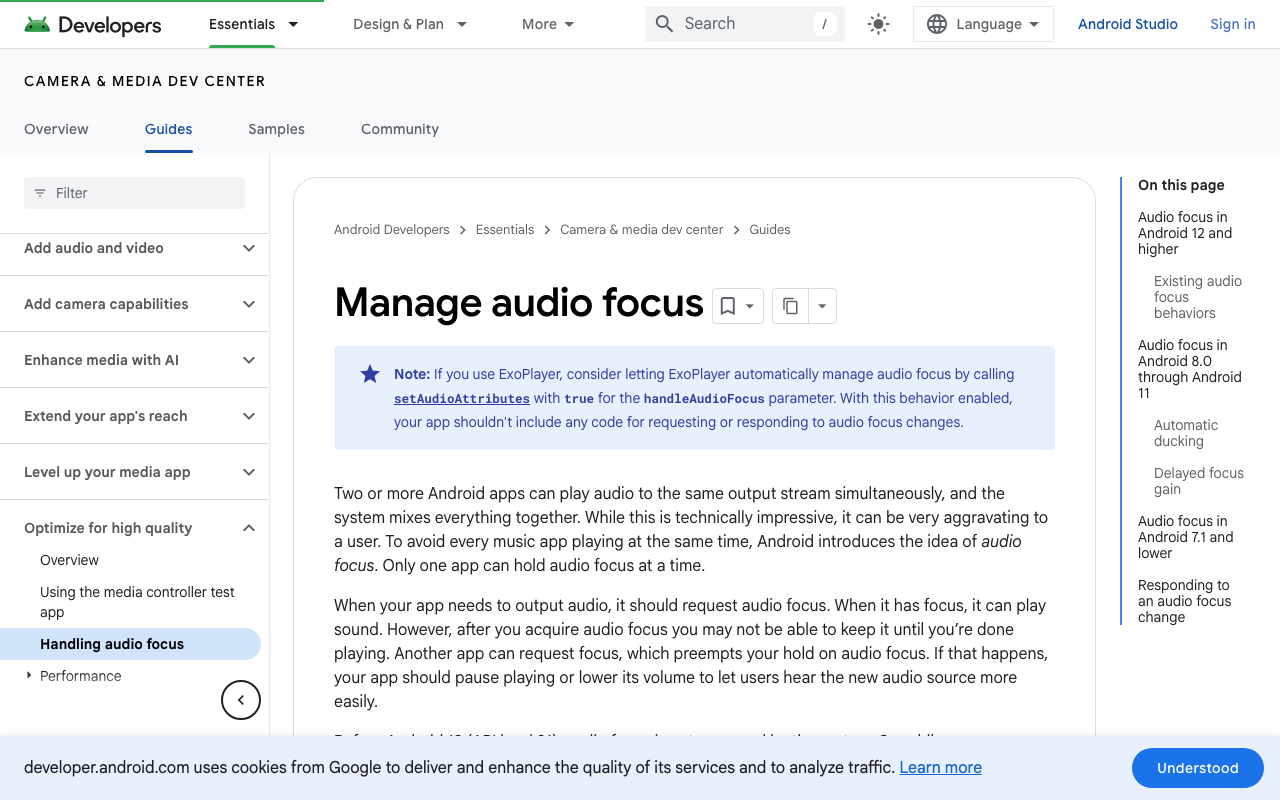
On Android, the deciding factor is which focus type you requested. AUDIOFOCUS_GAIN is a permanent request. Android's own docs are blunt about what the other app must do: pause immediately, because "it won't ever receive an AUDIOFOCUS_GAIN callback. To restart playback, the user must take an explicit action." That single enum value is your one-star review. What you want is AUDIOFOCUS_GAIN_TRANSIENT_MAY_DUCK — a short-lived request where the previous owner keeps playing at reduced volume, the same behaviour Google Maps uses for turn-by-turn directions.
So: duck, don't interrupt; transient, not permanent; and always deactivate.
The configuration
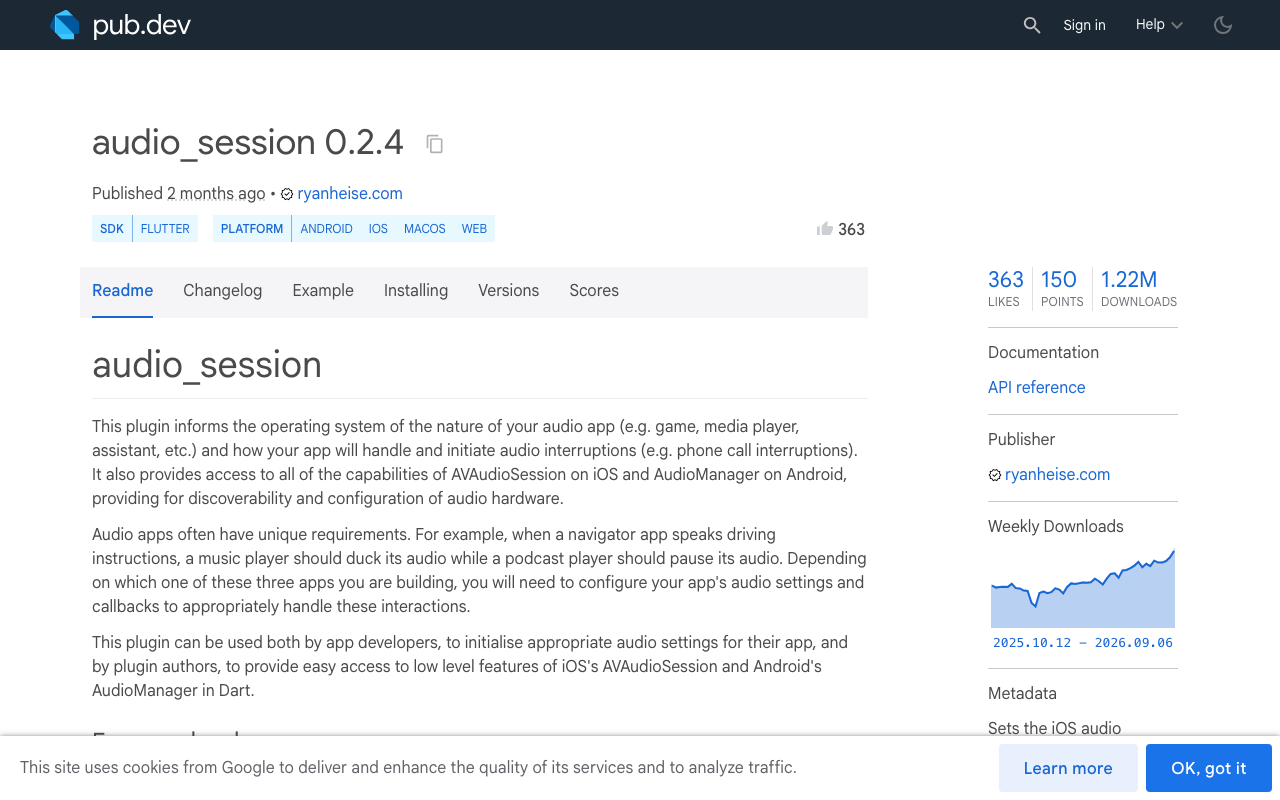
Use audio_session (0.2.4 at time of writing, MIT, by Ryan Heise). It's the same package just_audio and audio_service sit on, so it composes cleanly with whatever else in your app plays sound.
dependencies:
  audio_session: ^0.2.4
import 'package:audio_session/audio_session.dart';

/// Call this immediately before starting a WidgetChat voice call.
Future<void> beginVoiceCallAudio() async {
  final session = await AudioSession.instance;

  await session.configure(AudioSessionConfiguration(
    // iOS: record + speak back, but explicitly share the output.
    avAudioSessionCategory: AVAudioSessionCategory.playAndRecord,
    avAudioSessionCategoryOptions:
        AVAudioSessionCategoryOptions.duckOthers |
        AVAudioSessionCategoryOptions.defaultToSpeaker |
        AVAudioSessionCategoryOptions.allowBluetooth,
    avAudioSessionMode: AVAudioSessionMode.voiceChat,
    avAudioSessionRouteSharingPolicy:
        AVAudioSessionRouteSharingPolicy.defaultPolicy,
    // Belt and braces: applied on the implicit deactivation path too.
    avAudioSessionSetActiveOptions:
        AVAudioSessionSetActiveOptions.notifyOthersOnDeactivation,

    // Android: describe the audio, then ask for *transient* focus.
    androidAudioAttributes: const AndroidAudioAttributes(
      contentType: AndroidAudioContentType.speech,
      usage: AndroidAudioUsage.voiceCommunication,
      flags: AndroidAudioFlags.none,
    ),
    androidAudioFocusGainType:
        AndroidAudioFocusGainType.gainTransientMayDuck,
    androidWillPauseWhenDucked: false,
  ));

  final granted = await session.setActive(true);
  if (!granted) {
    // A phone call or another exclusive owner holds the route.
    throw StateError('Audio focus denied — do not start the voice call.');
  }
}
Two details worth knowing:
duckOthersis only settable onplayAndRecord,playbackormultiRoute, and Apple documents that setting it implicitly setsmixWithOthers. You don't need to pass both.androidWillPauseWhenDucked: falsematters. Since API 26, Android performs automatic ducking itself — but only if the other app didn't ask to be notified instead. That flag is about your app's behaviour when you get ducked; leaving it false keeps you on the automatic path.
The half of the fix everyone forgets
Ducking without a matching release is just a slower bug. The hang-up path must run, on every exit route — the call ending, the user closing the widget, a route pop, an error.
/// Call this when the WidgetChat voice call ends — hang-up button,
/// widget dismissal, page dispose, or a failed session.
Future<void> endVoiceCallAudio() async {
  final session = await AudioSession.instance;
  await session.setActive(
    false,
    avAudioSessionSetActiveOptions:
        AVAudioSessionSetActiveOptions.notifyOthersOnDeactivation,
  );
}
On iOS that flag is only meaningful when the first argument is false — it's the signal that tells Music, Podcasts and friends the interruption is over. On Android, setActive(false) abandons audio focus, which per Google's docs "will notify an app that paused or ducked that it may continue playing or restore its volume." One line, both platforms, music fades back up.
Wrap it so it can't be skipped:
Future<void> runVoiceCall(Future<void> Function() call) async {
  await beginVoiceCallAudio();
  try {
    await call(); // WidgetChat live voice session runs here
  } finally {
    await endVoiceCallAudio(); // runs on error, cancel, and normal hang-up
  }
}
FlutterFlow: two custom actions
FlutterFlow has no audio-session UI, but this is a clean pair of custom actions.
- Settings → App Settings → Custom Pub Dependencies → add
audio_session: ^0.2.4. - Create a custom action
startVoiceCallAudiowith the body ofbeginVoiceCallAudio()above, andendVoiceCallAudiowith the deactivation body. Both take no arguments and return nothing. - Wire them:
startVoiceCallAudio→ On Tap of your mic button, before the action that opens the WidgetChat voice call.endVoiceCallAudio→ the hang-up / close action, and the page's On Page Dispose (Actions → Lifecycle) as a safety net for back-swipes and route pops.
The dispose hook is the one people leave out, and it's exactly the path that produces "music never came back" — the user swipes back mid-call instead of tapping hang up.
Caveats that will bite you
Podcasts and audiobooks won't duck — they'll pause. Android skips automatic ducking when the current owner is playing speech content, on the reasoning that half-volume speech under other speech is useless. That's correct behaviour, not a bug: a paused podcast resumes when you abandon focus. Your fix still works; the transition just looks different.
voiceChat mode is opinionated on iOS. Developers integrating VoIP stacks consistently report that .voiceChat (and the related VoIP modes) force ducking on regardless of the options you pass — Apple's view is that a call should always duck. That's fine here, since ducking is what you want. If you ever need true full-volume mixing during recording, voiceChat is the wrong mode.
Configure after any native voice stack initialises. WebRTC-style engines set their own AVAudioSession category and Android audio mode when a call starts. If ducking works in isolation but not during a real call, your configuration is being overwritten — reapply after the session connects, or hook AudioSession.instance.interruptionEventStream and reconcile.
Test the interruption stream too. A real phone call arriving mid-voice-chat produces AudioInterruptionType.pause; a nav prompt produces duck. Listening to interruptionEventStream lets you pause the assistant and resume cleanly rather than talking into a dead mic.
Verifying it in 90 seconds
Play Spotify. Open the WidgetChat widget, tap the mic, and speak. Expected: music drops to roughly a third of its volume, the assistant's replies play over it, live captions keep up, and product cards still render while it speaks. Tap hang up. Expected: music rises back to full within a second, no touch of Spotify required. Repeat with the back-swipe instead of the hang-up button — that's the regression test that catches the missing dispose hook.
On Android you can confirm the focus type directly:
adb shell dumpsys audio | grep -A4 "Audio Focus stack"
You want to see your package holding GAIN_TRANSIENT_MAY_DUCK during the call, and gone from the stack after hang-up. If it's still there, your deactivation path isn't running.
Try WidgetChat free
WidgetChat is an AI support chatbot you embed in Flutter and FlutterFlow apps — token-by-token streaming answers over SSE from POST https://api.widgetchat.app/v1/chat/stream, no proprietary SDK required. Live voice chat is shipped: real speech-to-speech in the same widget, barge-in so users can interrupt mid-sentence, live captions, and rich product cards on screen while it speaks, across iOS, Android and web. Provider keys stay server-side, and you enable voice, pick the voice name, set max session length and captions default in the dashboard's Voice section (voice minutes are plan-gated by a monthly pool).
Get the audio session right and the voice assistant stops being the feature that killed someone's playlist. Try WidgetChat free.

Comments
Comments are coming soon. We'd love to hear your thoughts!