

Flutter Voice AI Talks to Itself? Fix the Echo Loop
The symptom is easy to spot. The user asks one question on speakerphone, the assistant answers, and then it keeps going: it replies to its own reply, apologises for interrupting itself, or cuts its own sentence short every two seconds. On headphones everything works.
That is an acoustic echo loop. It is a platform audio configuration problem, and a better prompt or a higher VAD threshold will not fix it.
Trace the loop end to end
A speech-to-speech assistant with an open mic has five hops:
- Speaker. TTS audio leaves the loudspeaker, a few centimetres from the mic.
- Mic. The mic captures that audio, often louder than the user's own voice.
- STT. The recogniser transcribes it. This is the
flutter speech to text picks up ttsbug people search for. - LLM. The transcript arrives as a new user turn, so the model answers it.
- TTS. The answer is spoken, and the loop starts again.
If you run barge-in, there is a second failure on top. The assistant's own voice trips the voice activity detector, so playback is cancelled mid-sentence. The result is either a flutter voice ai talks to itself loop or an assistant that stutters and never finishes a thought.
The fix belongs at hop 2. The mic signal has to have the speaker signal subtracted before anything downstream sees it. That is what acoustic echo cancellation (AEC) does, and both iOS and Android ship a hardware-tuned one. You have to ask for it.
Echo loop or false barge-in?
They look similar and need different fixes.
- Echo loop: the transcript contains the assistant's own words. It happens on speaker, and goes away on headphones.
- False barge-in: playback stops, but the transcript is empty or junk. A door slam, keyboard noise or a cough triggered the VAD. It happens on headphones too.
Log the transcript that caused each interruption and you will know which one you have. If it is noise, read Fix False Barge-In in Flutter Voice AI instead. The rest of this post is about echo.
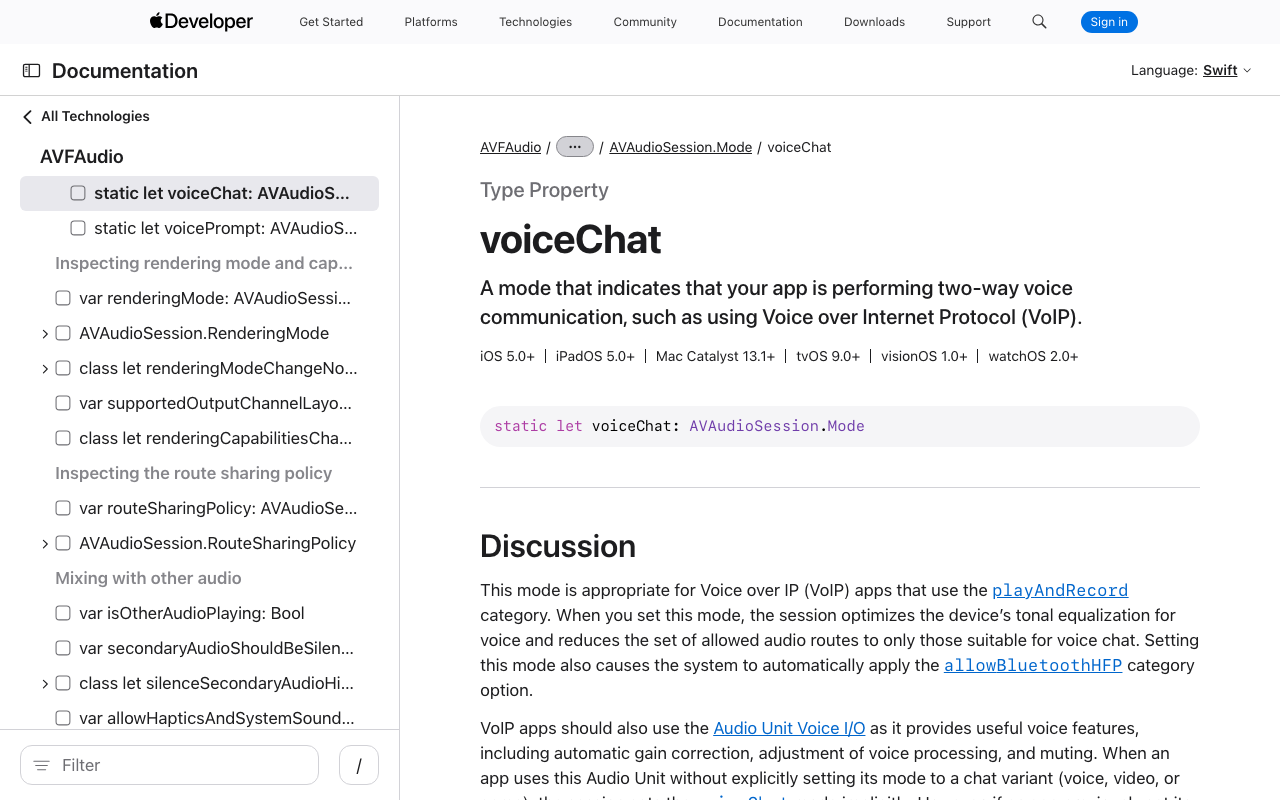
iOS: playAndRecord with voiceChat mode
On iOS, AEC comes with the voice-chat audio path. With the audio_session package (0.2.x), configure it once before you start the mic or any player:
import 'package:audio_session/audio_session.dart';

Future<void> configureVoiceSession() async {
  final session = await AudioSession.instance;
  await session.configure(const AudioSessionConfiguration(
    avAudioSessionCategory: AVAudioSessionCategory.playAndRecord,
    avAudioSessionMode: AVAudioSessionMode.voiceChat,
    avAudioSessionCategoryOptions:
        AVAudioSessionCategoryOptions.defaultToSpeaker |
        AVAudioSessionCategoryOptions.allowBluetooth,
    androidAudioAttributes: AndroidAudioAttributes(
      contentType: AndroidAudioContentType.speech,
      usage: AndroidAudioUsage.voiceCommunication,
    ),
    androidAudioFocusGainType: AndroidAudioFocusGainType.gain,
  ));
  await session.setActive(true);
}
defaultToSpeaker matters because playAndRecord routes to the earpiece by default. If your assistant is whispering from the top of the phone, that is a routing issue covered in Flutter Voice AI Plays Through the iPhone Earpiece.
The catch most tutorials miss
Setting the flutter ios audio session voiceChat mode is necessary, but Apple's documentation is explicit that it is not sufficient. For apps that set a chat mode without using the Voice-Processing I/O audio unit, or AVAudioEngine with setVoiceProcessingEnabled(_:), the system does not apply voice-specific processing such as echo cancellation and automatic gain correction.
So the capture side has to run through voice processing as well. If you own a native capture path, that is one call on the engine's input node (iOS 13+):
let engine = AVAudioEngine()
try engine.inputNode.setVoiceProcessingEnabled(true)
From Dart, pick a recorder that exposes echo cancellation rather than one that only writes raw mic audio. Also keep playback inside the same app audio session, and do not let a TTS or player plugin reset the category to playback behind your back. If echo comes back after the first reply, a plugin changing the session is the first thing to check.
Android: MODE_IN_COMMUNICATION plus AcousticEchoCanceler
Android needs three things to line up:
AudioManagermode set toMODE_IN_COMMUNICATION.- Capture from
MediaRecorder.AudioSource.VOICE_COMMUNICATION. Since Android 10, the platform guidance is that devices should provide an AEC on this capture path. - Playback tagged as voice communication (the
androidAudioAttributesabove), so the canceller has the right reference signal.
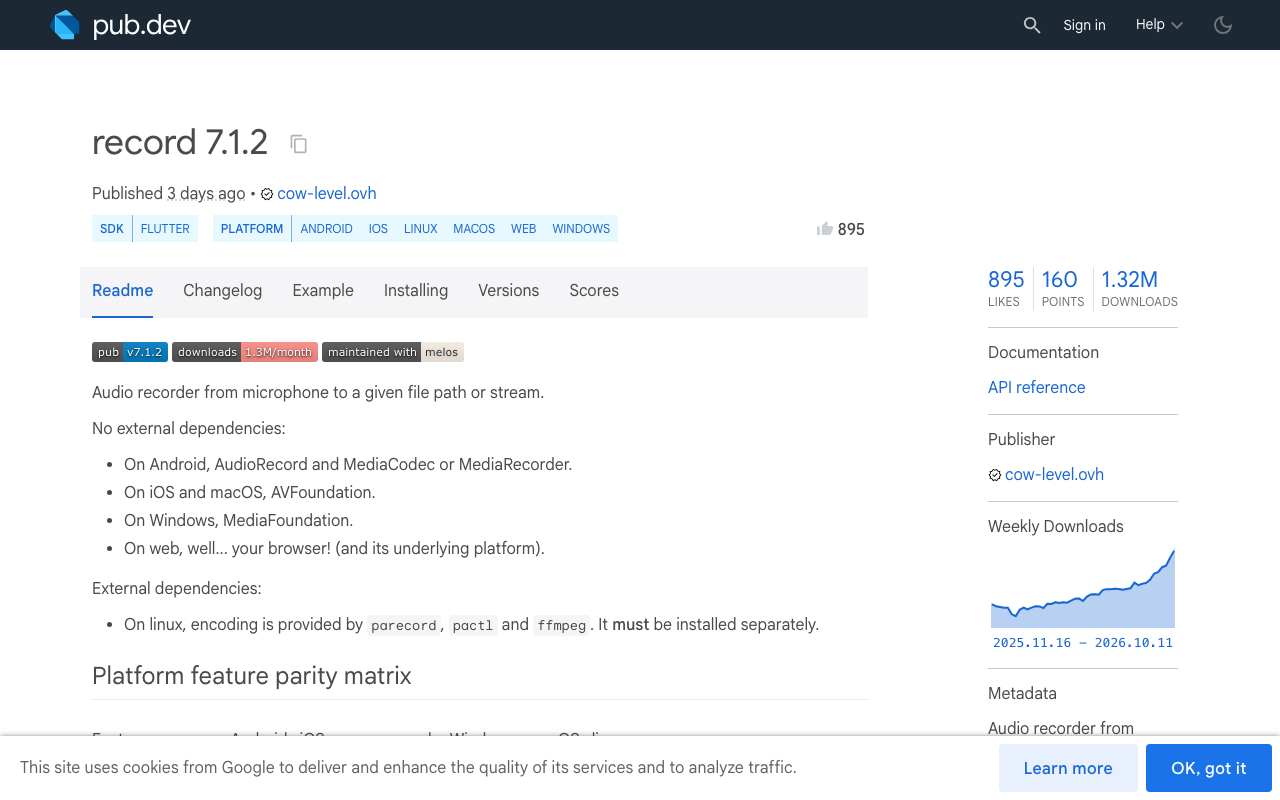
The record package (7.x) exposes all of that from Dart:
import 'package:record/record.dart';

final recorder = AudioRecorder();

Future<Stream<List<int>>> startEchoCancelledMic() async {
  if (!await recorder.hasPermission()) {
    throw StateError('Microphone permission denied');
  }
  return recorder.startStream(const RecordConfig(
    encoder: AudioEncoder.pcm16bits,
    sampleRate: 16000,
    numChannels: 1,
    echoCancel: true,
    noiseSuppress: true,
    autoGain: true,
    androidConfig: AndroidRecordConfig(
      audioSource: AndroidAudioSource.voiceCommunication,
      audioManagerMode: AudioManagerMode.modeInCommunication,
      speakerphone: true,
    ),
  ));
}
The package describes echoCancel as a best effort (the recorder will try to reduce echo), and notes that effects can be unavailable on a given device and can lower the capture volume. Test on real hardware, including at least one budget Android phone.
If you write your own platform channel, this is the native equivalent of what people mean by flutter AcousticEchoCanceler:
val am = context.getSystemService(AudioManager::class.java)
am.mode = AudioManager.MODE_IN_COMMUNICATION

val sampleRate = 16000
val bufferSize = AudioRecord.getMinBufferSize(
    sampleRate, AudioFormat.CHANNEL_IN_MONO, AudioFormat.ENCODING_PCM_16BIT)

// Needs the RECORD_AUDIO runtime permission
val audioRecord = AudioRecord(
    MediaRecorder.AudioSource.VOICE_COMMUNICATION,
    sampleRate, AudioFormat.CHANNEL_IN_MONO,
    AudioFormat.ENCODING_PCM_16BIT, bufferSize)

if (AcousticEchoCanceler.isAvailable()) {
    val aec = AcousticEchoCanceler.create(audioRecord.audioSessionId)
    if (aec != null && !aec.enabled) aec.enabled = true
}
AcousticEchoCanceler.create() attaches to the AudioRecord session id. Some devices already insert an AEC for the VOICE_COMMUNICATION source, which is why the code checks enabled before setting it. Reset the mode to MODE_NORMAL when the call ends, or the rest of the phone's audio stays in call mode.
Why on-device STT plugins make this harder
Many Flutter voice assistants start with an on-device recogniser such as speech_to_text. Those plugins hand the mic to the platform speech service, which owns its own capture. You do not get to choose the audio source or attach an echo canceller to it.
For real flutter full duplex audio, capture PCM yourself through the echo-cancelled path above and stream it to your recogniser. If you are staying with the on-device recogniser for now, Flutter Continuous Speech Recognition That Actually Works covers keeping it alive between turns.
Why muting the mic is a bad shortcut
The tempting fix is half-duplex: stop listening while TTS plays, start again when it finishes. The loop disappears in ten lines of code.
So does barge-in. The user can no longer say 'stop' or 'no, the other order' while the assistant is talking, and has to sit through every long answer. You also clip the first syllable of fast replies, because the mic reopens a beat after playback ends. Speaker tail and room reverb can still leak into that reopened mic.
Use half-duplex as a fallback for devices where AcousticEchoCanceler.isAvailable() returns false. Do not ship it as the main design.
Checklist for flutter voice assistant echo cancellation
- Configure the session before starting the mic or any player.
- iOS:
playAndRecord,voiceChat,defaultToSpeaker, and a capture path that uses voice processing. - Android:
MODE_IN_COMMUNICATION,VOICE_COMMUNICATIONsource, voice communication playback usage, AEC enabled when available. - Log the transcript behind every barge-in so you can tell echo from noise.
- Test on speaker at full volume, on a real device. Simulators and emulators tell you nothing about echo.
Or skip the audio plumbing
If the voice assistant is for customer support inside your app, you may not need to build this layer. WidgetChat is an AI support chatbot you embed in Flutter and FlutterFlow apps, and it includes live voice chat in the same widget. The user taps the mic for a real-time voice call: speech-to-speech replies in a natural voice, barge-in so they can interrupt, and live captions during the call. It works across iOS, Android and web Flutter apps, and provider API keys stay server-side.
Voice is configured per project in the dashboard's Voice section (enable or disable, voice name, max session length, captions default) and draws on a monthly voice-minute pool on your plan.
Try WidgetChat free
Add the widget to your Flutter or FlutterFlow app, turn on voice in the dashboard, and talk to it on speakerphone. Try WidgetChat free.

Comments
Comments are coming soon. We'd love to hear your thoughts!